- 対象年齢4+
- カテゴリ仕事効率化
- 開発元Ka Ming Ho
- 言語英語ほか2言語
- サイズ2.8 MB
App Storeの公式ページにリンクしています
Download.orgはMicBridgeのファイルを一切ホストしていません。ボタンを押すと、Ka Ming Hoが公開しているApp Storeのアプリページが開きます。ページの最終確認:2026/11/12。
スクリーンショット


概要
開発元はこのテキストをお使いの言語で提供していません。
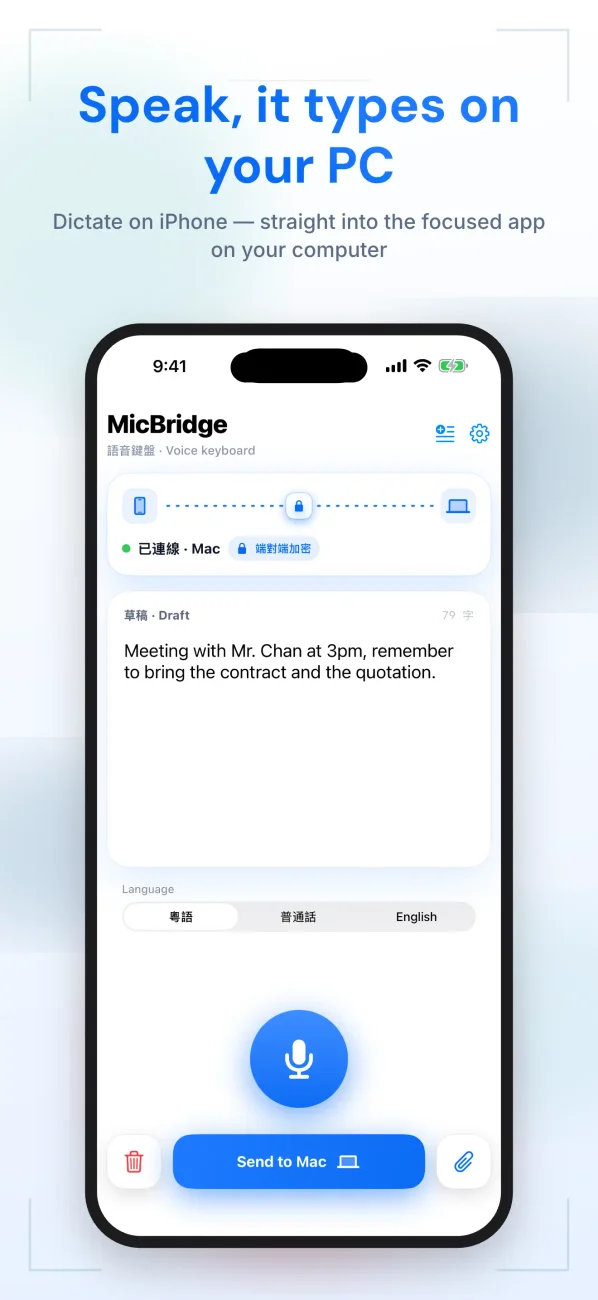
Dictate on your iPhone and the text is typed into whatever app is focused on your Mac or Windows PC — Word, a browser, a chat box, anything. Send images and files both ways too. It all runs on-device and over your own local network: no cloud, no account, no sign-up.
WHAT IT DOES
- Voice straight into the computer. Speech is recognised on your iPhone, shown as an editable draft, then typed as real keystrokes into the focused app the moment you tap Send.
- Two-way file & photo transfer. Phone to computer and back. Images land on the computer clipboard ready to paste; send a file to the phone and it opens a Save/Share sheet. Large files stream without eating memory.
- Cantonese, Mandarin and English dictation, switchable in one tap.
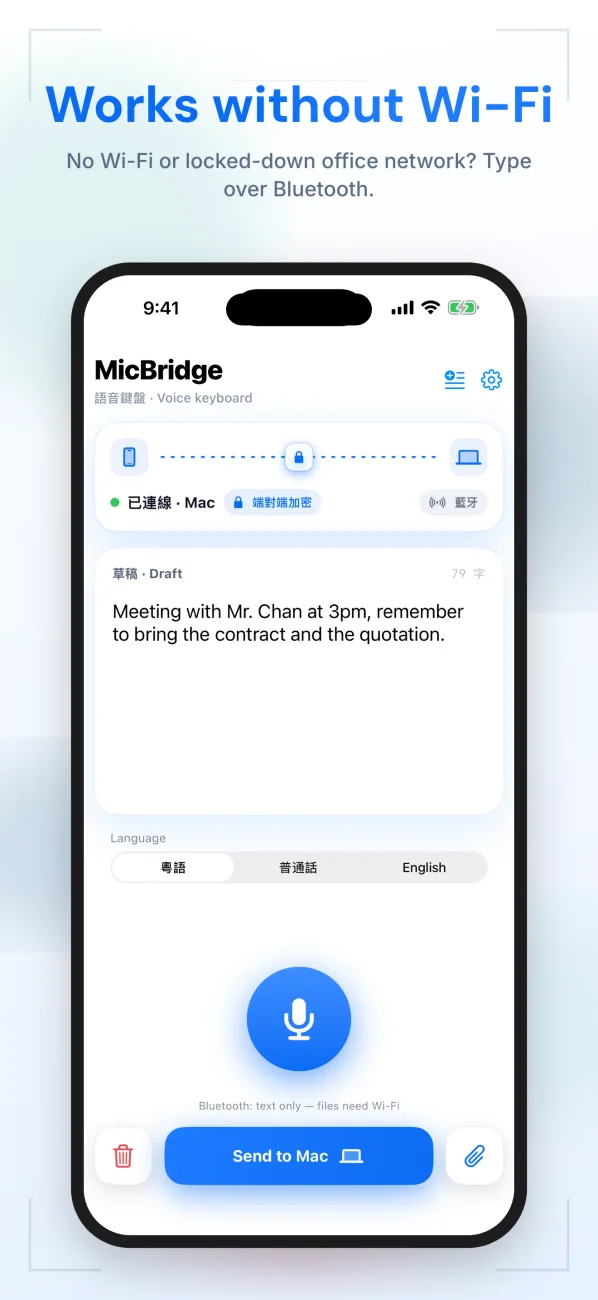
WORKS WITHOUT WI-FI
Corporate Wi-Fi that locks devices apart, a public hotspot with client isolation, or no network at all — turn on Bluetooth on both devices, scan the same QR, and you are connected. MicBridge types over Bluetooth when there is no usable Wi-Fi, so it keeps working in offices, hotels and on the road. (Bluetooth carries text; photos and files still need Wi-Fi.)
PRIVATE BY DESIGN
- Speech is processed entirely on-device and is never uploaded.
- Text, images and files travel only over your local network, end-to-end encrypted with AES-GCM, to the computer you paired with.
- No accounts, no cloud, no servers, no analytics.
- Pairing keys stay on the device — Keychain on iOS, DPAPI on Windows.
SET UP IN THREE STEPS
1. Open the free MicBridge companion on your Mac or Windows PC and choose Pair new device — a QR code appears.
2. On iPhone, tap Scan to pair and scan the QR.
3. Speak, review the draft, tap Send. The text types into your focused app. Tap the paperclip to send a photo or file.
The desktop companion for macOS and Windows is a free download from the MicBridge site.
MICBRIDGE PRO (OPTIONAL)
- Monthly subscription: auto-renewable, cancel anytime in Settings.
- Lifetime: one-time purchase, unlock forever.
Prices are shown on the in-app purchase page.
Terms of Use (EULA): https://micbridge.online/terms
Privacy Policy: https://micbridge.online/privacy
新機能
バージョン 1.0.0 · 2026/7/9
First release of MicBridge.
アプリのプライバシー
このアプリのデータの取り扱いについて、Ka Ming HoがApp Storeで申告している内容です。
-
データの収集なし
開発元はこのアプリからデータを収集しません。
プライバシーの取り扱いは、ご利用の機能やお客様の年齢などに応じて異なる場合があります。
情報
- 販売元
- Ka Ming Ho
- カテゴリ
- 仕事効率化
- バージョン
- 1.0.0
- 更新日
- 2026/7/9
- リリース
- 2026/7/9
- サイズ
- 2.8 MB
- 必要条件
- iOS 17.0以降
- 対象年齢
- 4+
- 価格
- 無料
- アプリ内課金
- あり
- 言語
- 英語, 簡体字中国語, 繁体字中国語
- 著作権
- © 2026 Ka Ming Ho