- 対象年齢4+
- カテゴリユーティリティ
- 開発元Socheat Rath
- 言語英語
- サイズ15.8 MB
App Storeの公式ページにリンクしています
Download.orgはPadLink Remoteのファイルを一切ホストしていません。ボタンを押すと、Socheat Rathが公開しているApp Storeのアプリページが開きます。ページの最終確認:2026/11/12。
スクリーンショット



概要
開発元はこのテキストをお使いの言語で提供していません。
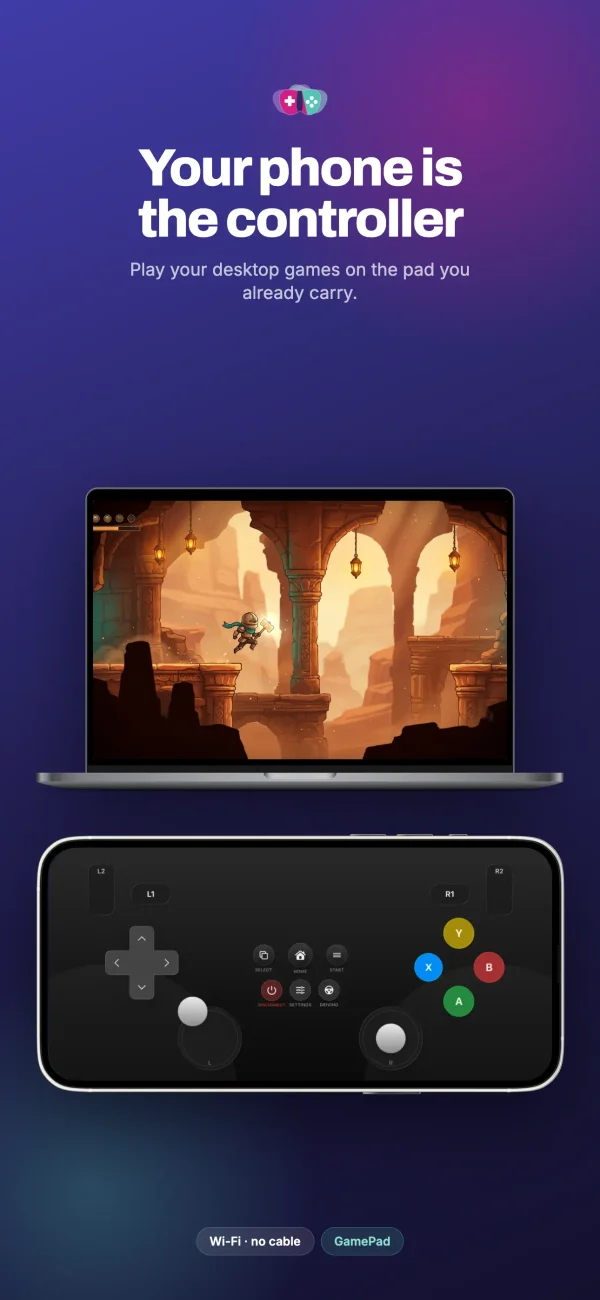
PadLink Remote turns your phone into a wireless game controller for your computer. Play with an on-screen gamepad, a full racing cockpit, or a touchpad mouse — over your local Wi-Fi, with no cables and no account.
HOW IT WORKS
1. Install the free PadLink desktop app on your computer.
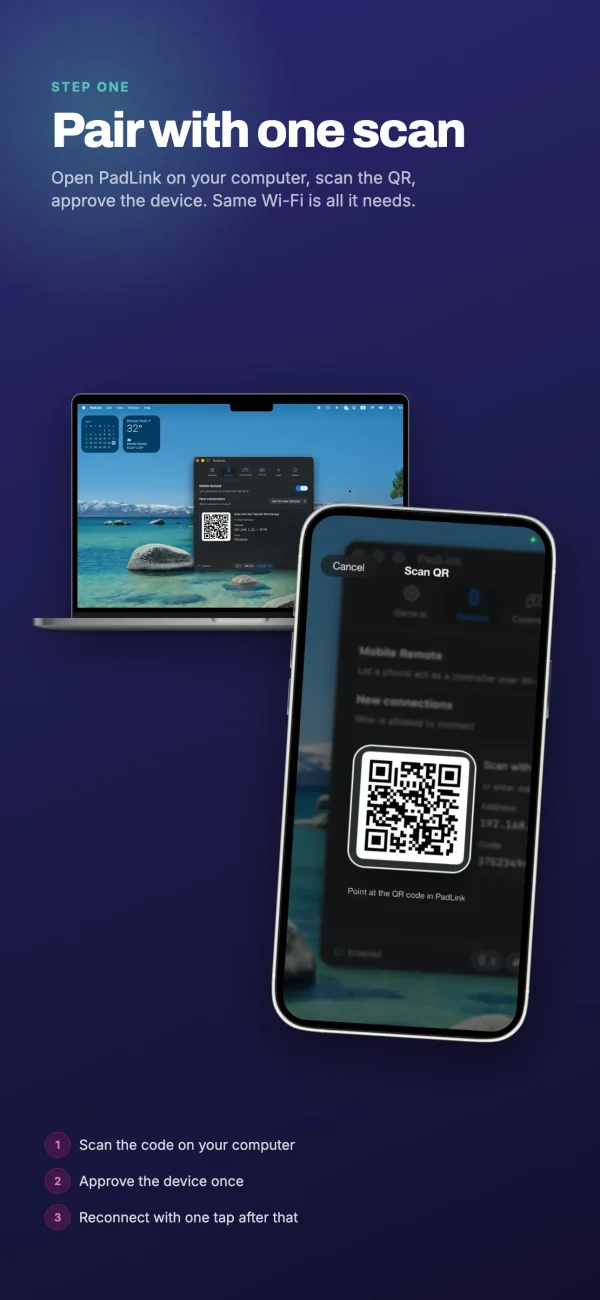
2. Open PadLink Remote and pair in seconds — scan the QR code or type the pairing code.
3. Start playing. PadLink presents your phone as a standard gamepad your games already recognize (or as keyboard & mouse).
CONTROL SURFACES
• Gamepad — dual thumbsticks, D-pad, face buttons, shoulder buttons, analog triggers, and menu buttons, laid out like a real controller.
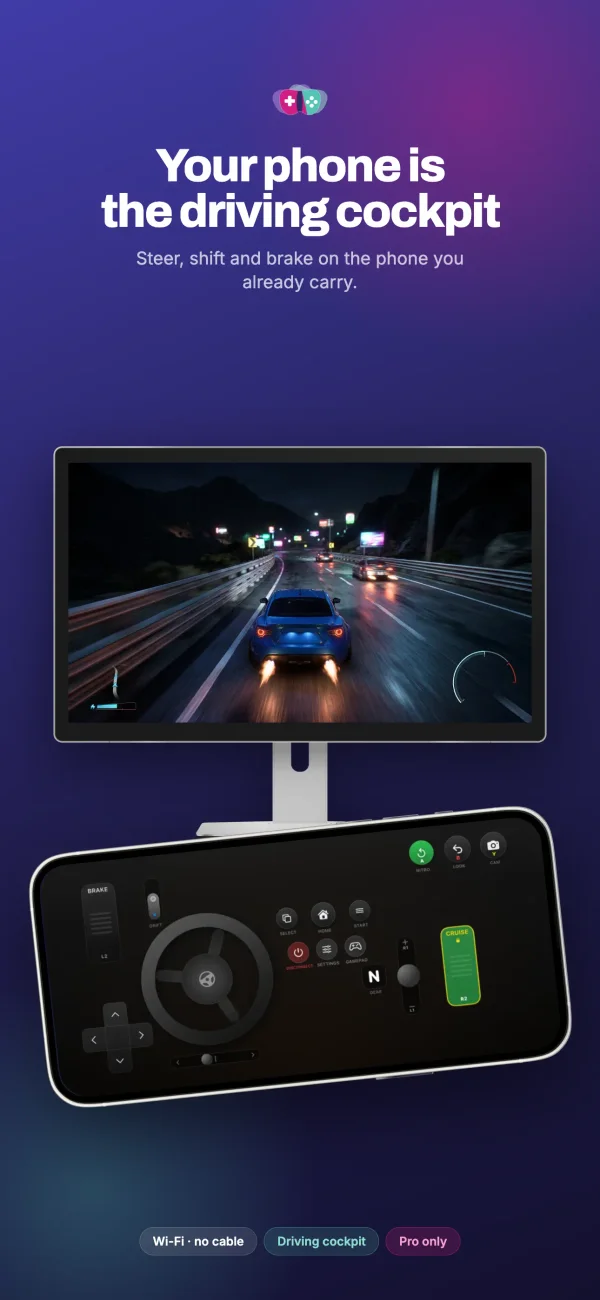
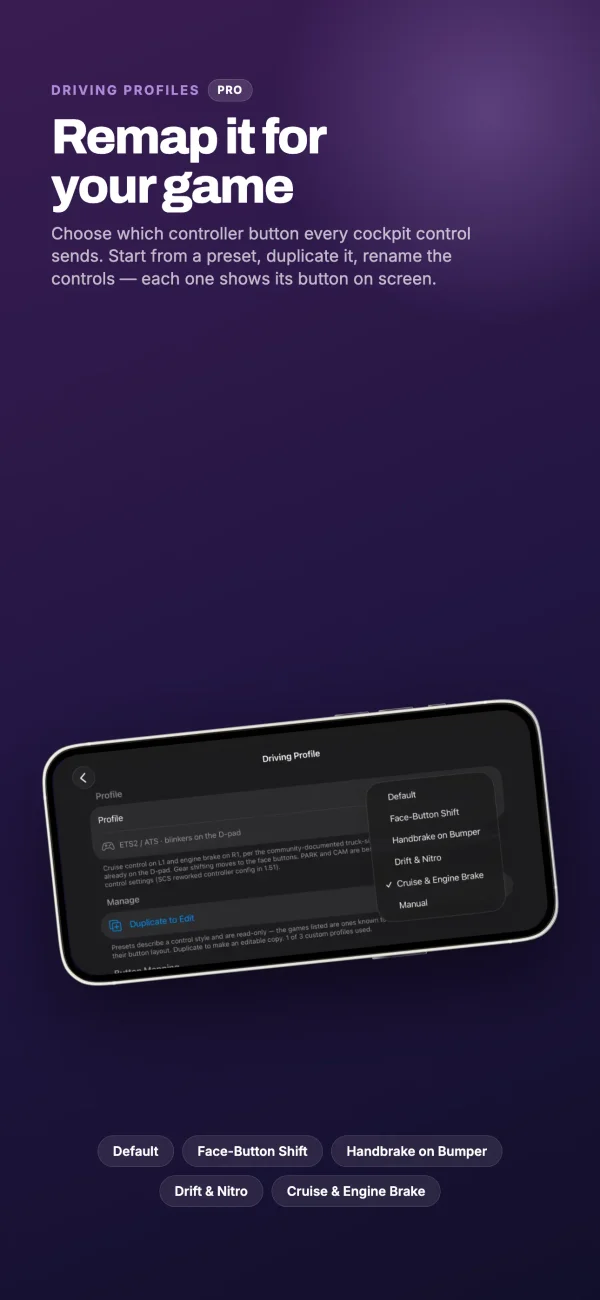
• Car Driving cockpit — a steering wheel with tilt (gyro) steering, gas and brake pedals with cruise-lock, a sequential gear shifter, and a handbrake. Built for racing games.
• Touchpad mouse — use your phone as a trackpad whenever you need a pointer.
FEATURES
• Low-latency input over your local network — no internet connection needed for gameplay.
• Easy pairing by QR code, manual code, or one-tap reconnect to a known computer.
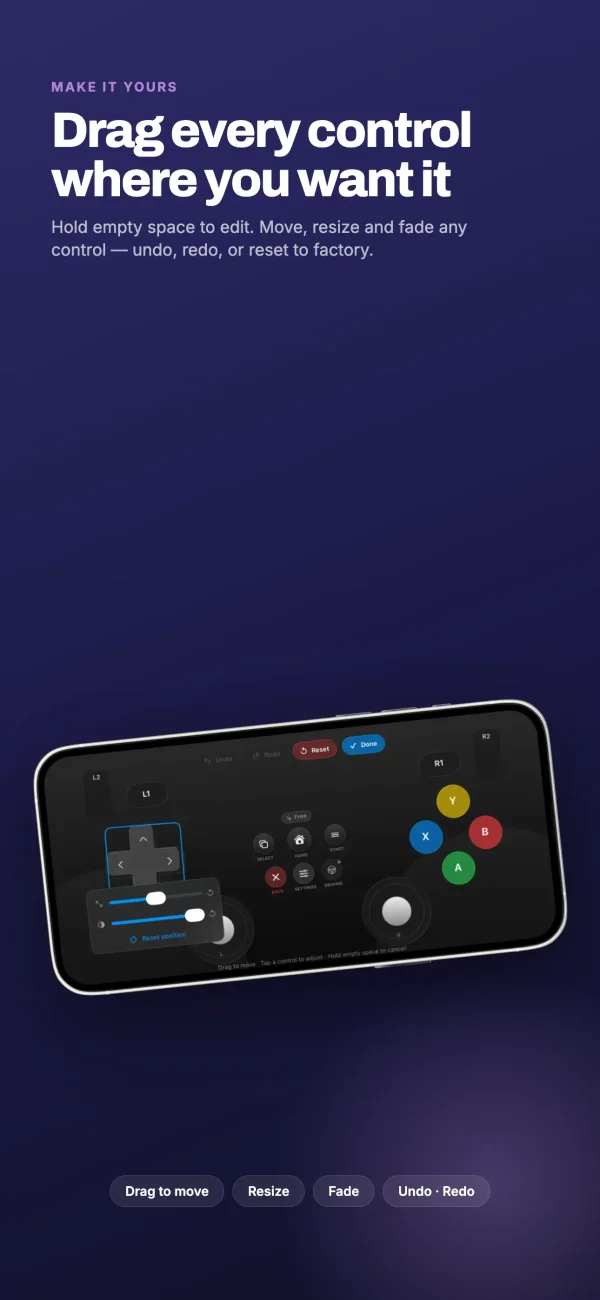
• Customizable layout — move, resize, and set the opacity of every control to fit your hands and your screen. Free for everyone.
• Haptic feedback on button presses and triggers.
• Automatic reconnect if your Wi-Fi drops mid-session.
• Designed for landscape play.
REQUIREMENTS
• The free PadLink desktop app, available for Windows and macOS.
• Your phone and computer on the same Wi-Fi / local network.
• No sign-in and no account — your controller input goes only to your own computer.
FREE & PRO
PadLink Remote is free to download and play. The Car Driving cockpit becomes available when the computer you connect to is running PadLink Pro or its free trial — it is a capability of the desktop app. While connected to a computer on the free plan, a small banner ad appears during play.
PRIVACY
Your controller input is sent only to your own computer over your local network. The camera is used solely to scan the pairing QR code, on your device.
Turn the phone in your pocket into the controller your games have been waiting for.
新機能
バージョン 1.0.0 · 2026/9/22
• Fixed the app rotating back to portrait when the connection stuttered.
• Steadier reconnection after a brief Wi-Fi drop.
アプリのプライバシー
このアプリのデータの取り扱いについて、Socheat RathがApp Storeで申告している内容です。
-
ユーザーのトラッキングに使用されるデータ
他社のアプリやウェブサイトを横断してユーザーをトラッキングする目的で使用される場合があります。
- ID
- 使用状況データ
- 診断
-
ユーザーに関連付けられたデータ
収集され、ユーザーの識別情報に関連付けられる場合があります。
- ID
- 使用状況データ
- 診断
プライバシーの取り扱いは、ご利用の機能やお客様の年齢などに応じて異なる場合があります。
情報
- 販売元
- Socheat Rath
- カテゴリ
- ユーティリティ
- バージョン
- 1.0.0
- 更新日
- 2026/9/22
- リリース
- 2026/9/4
- サイズ
- 15.8 MB
- 必要条件
- iOS 16.0以降
- 対象年齢
- 4+
- 価格
- 無料
- 言語
- 英語
- 著作権
- © 2026 Nimets Technology