
PadLink Remote
Turn your phone into a gamepad
iPhone için tasarlandı
Ücretsiz
- Yaş sınırı4+
- KategoriYardımcılar
- GeliştiriciSocheat Rath
- Dillerİngilizce
- Boyut15,8 MB
Resmi App Store sayfasına bağlanır
Download.org, PadLink Remote için hiçbir dosya barındırmaz. Düğme, uygulamanın App Store üzerindeki sayfasını açar; uygulamayı orada Socheat Rath yayınlar. Sayfanın son kontrolü: 12.11.2026.
Ekran görüntüleri



Hakkında
Geliştirici bu metni dilinizde sunmamış.
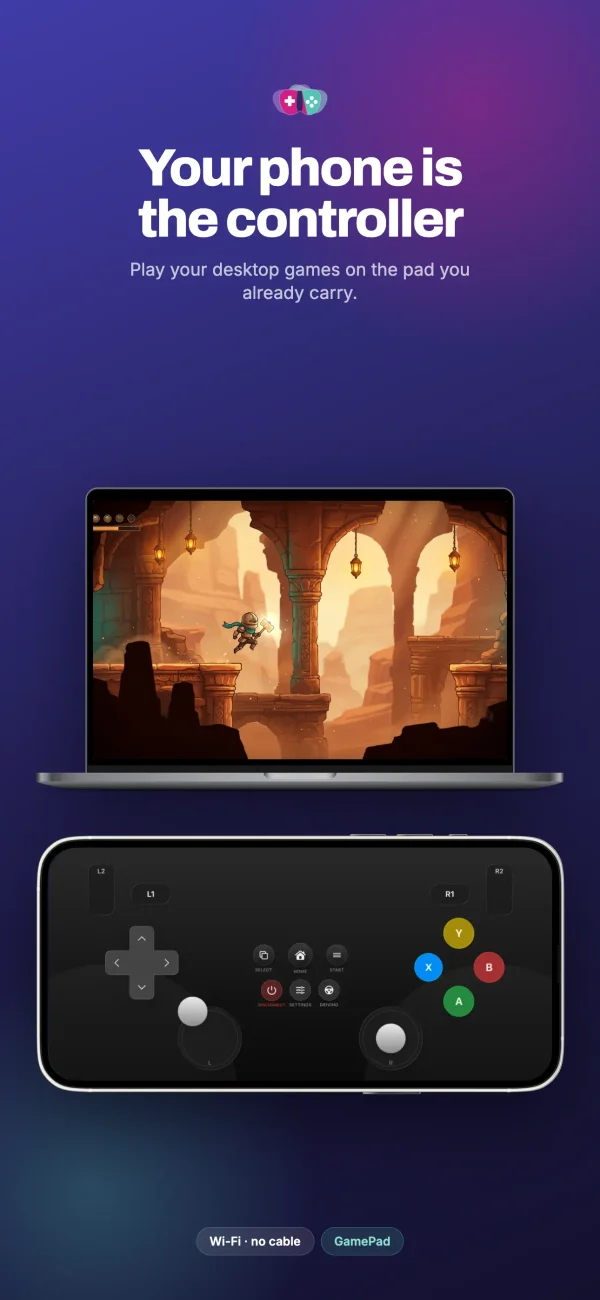
PadLink Remote turns your phone into a wireless game controller for your computer. Play with an on-screen gamepad, a full racing cockpit, or a touchpad mouse — over your local Wi-Fi, with no cables and no account.
HOW IT WORKS
1. Install the free PadLink desktop app on your computer.
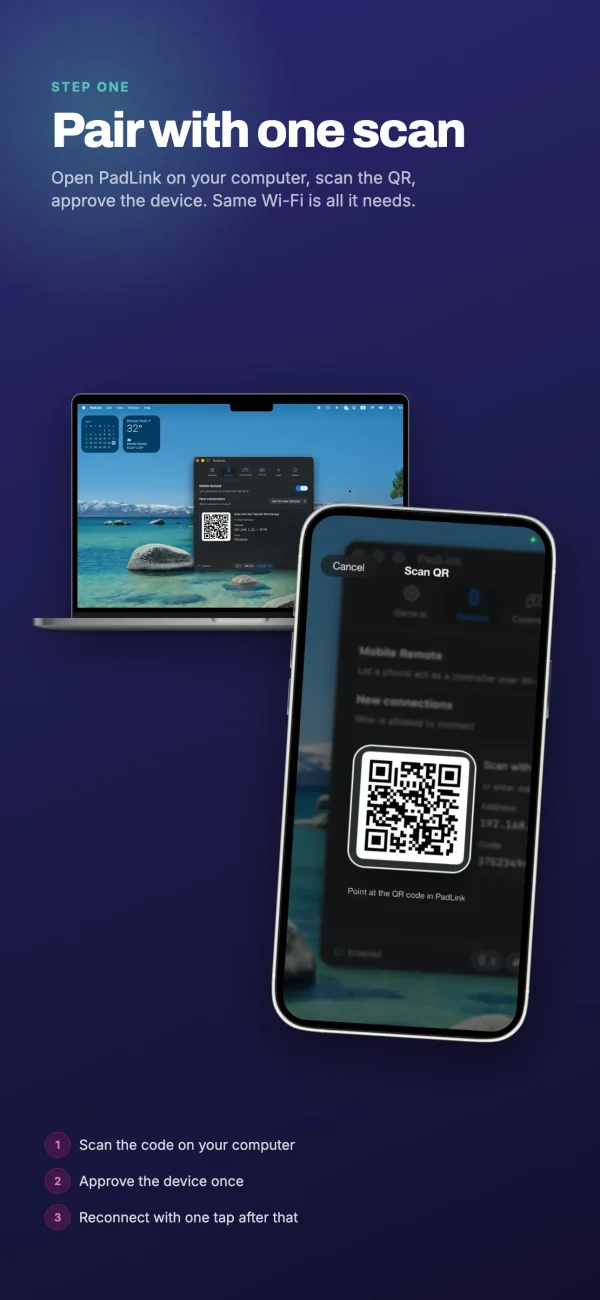
2. Open PadLink Remote and pair in seconds — scan the QR code or type the pairing code.
3. Start playing. PadLink presents your phone as a standard gamepad your games already recognize (or as keyboard & mouse).
CONTROL SURFACES
• Gamepad — dual thumbsticks, D-pad, face buttons, shoulder buttons, analog triggers, and menu buttons, laid out like a real controller.
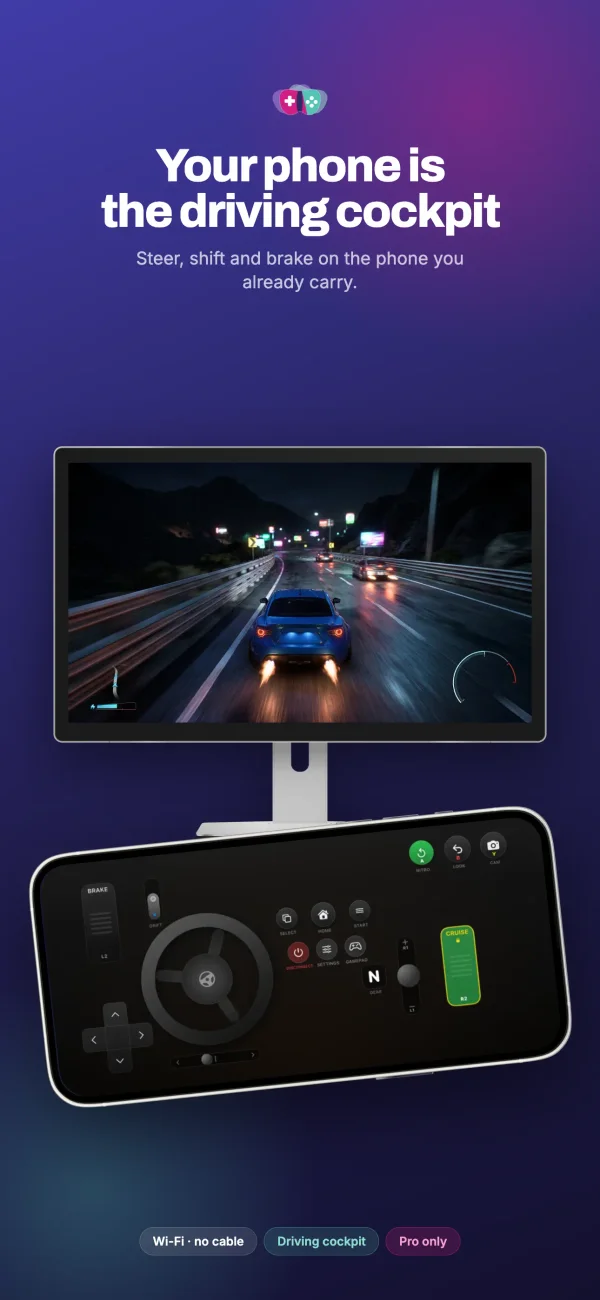
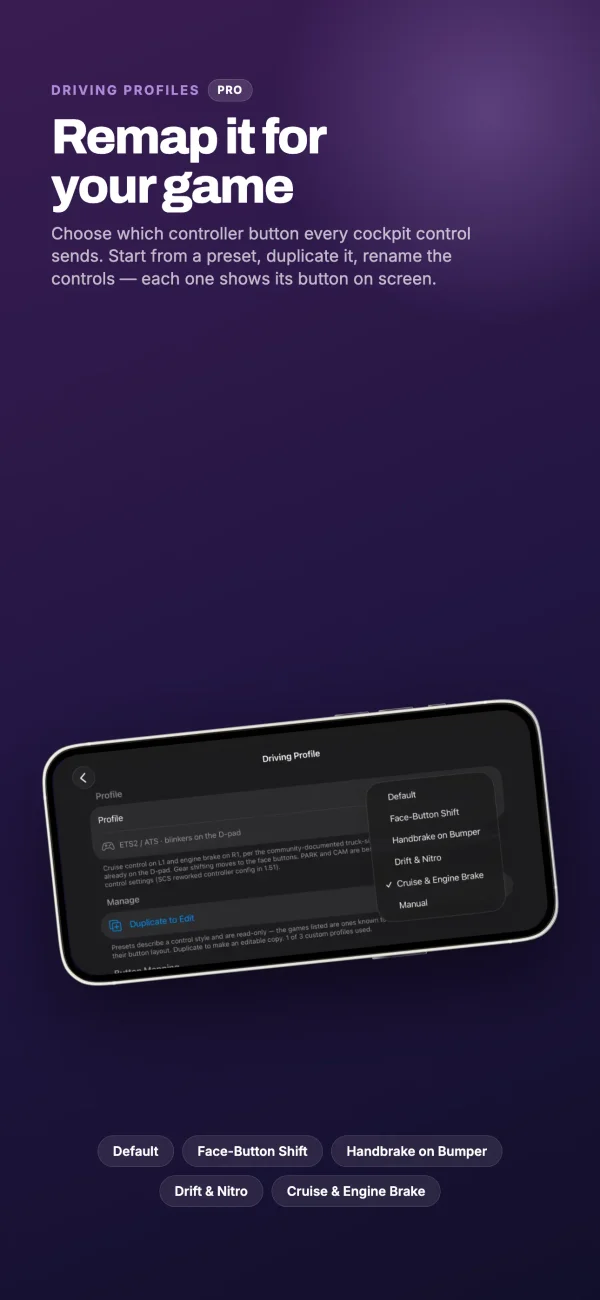
• Car Driving cockpit — a steering wheel with tilt (gyro) steering, gas and brake pedals with cruise-lock, a sequential gear shifter, and a handbrake. Built for racing games.
• Touchpad mouse — use your phone as a trackpad whenever you need a pointer.
FEATURES
• Low-latency input over your local network — no internet connection needed for gameplay.
• Easy pairing by QR code, manual code, or one-tap reconnect to a known computer.
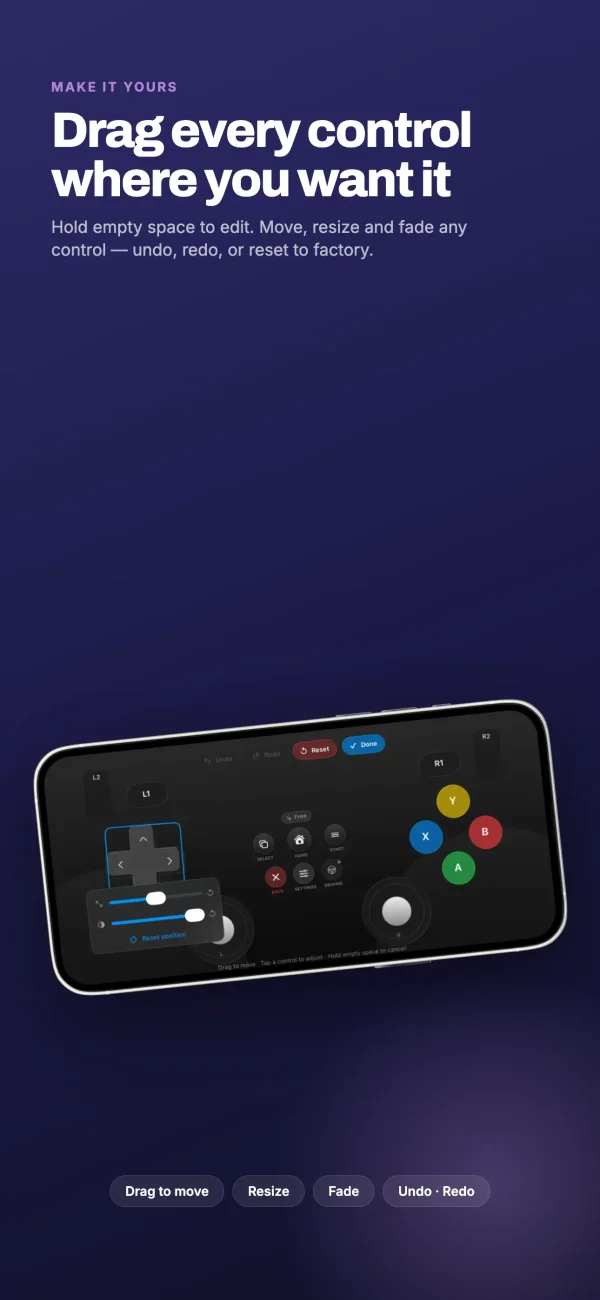
• Customizable layout — move, resize, and set the opacity of every control to fit your hands and your screen. Free for everyone.
• Haptic feedback on button presses and triggers.
• Automatic reconnect if your Wi-Fi drops mid-session.
• Designed for landscape play.
REQUIREMENTS
• The free PadLink desktop app, available for Windows and macOS.
• Your phone and computer on the same Wi-Fi / local network.
• No sign-in and no account — your controller input goes only to your own computer.
FREE & PRO
PadLink Remote is free to download and play. The Car Driving cockpit becomes available when the computer you connect to is running PadLink Pro or its free trial — it is a capability of the desktop app. While connected to a computer on the free plan, a small banner ad appears during play.
PRIVACY
Your controller input is sent only to your own computer over your local network. The camera is used solely to scan the pairing QR code, on your device.
Turn the phone in your pocket into the controller your games have been waiting for.
Yenilikler
Sürüm 1.0.0 · 22.09.2026
• Fixed the app rotating back to portrait when the connection stuttered.
• Steadier reconnection after a brief Wi-Fi drop.
Uygulama gizliliği
Bu uygulamanın verileri nasıl işlediği hakkında Socheat Rath tarafından App Store üzerinde yapılan beyan.
-
Sizi izlemek için kullanılan veriler
Başka şirketlere ait uygulamalarda ve web sitelerinde sizi izlemek için kullanılabilir.
- Tanımlayıcılar
- Kullanım verileri
- Tanılama
-
Sizinle ilişkilendirilen veriler
Toplanabilir ve kimliğinizle ilişkilendirilebilir.
- Tanımlayıcılar
- Kullanım verileri
- Tanılama
Gizlilik uygulamaları, örneğin kullandığınız özelliklere veya yaşınıza göre değişiklik gösterebilir.
Bilgiler
- Satıcı
- Socheat Rath
- Kategori
- Yardımcılar
- Sürüm
- 1.0.0
- Güncellendi
- 22.09.2026
- Yayın tarihi
- 04.09.2026
- Boyut
- 15,8 MB
- Gereksinim
- iOS 16.0 veya sonrası
- Yaş sınırı
- 4+
- Fiyat
- Ücretsiz
- Diller
- İngilizce
- Telif hakkı
- © 2026 Nimets Technology
Bunları da beğenebilirsiniz
-
 Gamepad Pro – Remote for PCYardımcılar
-
 Phone ControllerYardımcılar
-
 TouchNow RemoteYardımcılar
-
 V-Pad: Sanal GamepadTelefonun artık gamepad
-
 TabletHIDYardımcılar
-
 Lose Control: PC ControllerYardımcılar
-
 RojX: PC Gaming ControllerYardımcılar
-
 Virtual Steering ControllerYardımcılar
-
 iKontrollerYardımcılar
-
 BLE JoystickYardımcılar