PDF Scanner & Doc Editor
Scan, OCR & Merge PDF Files
iPhone, iPad için tasarlandı
Ücretsiz · Uygulama içi satın alma
- Yaş sınırı4+
- KategoriÜretkenlik
- GeliştiriciOleh Antoniuk
- Dillerİngilizce+ 19 dil daha
- Boyut8,0 MB
Resmi App Store sayfasına bağlanır
Download.org, PDF Scanner & Doc Editor için hiçbir dosya barındırmaz. Düğme, uygulamanın App Store üzerindeki sayfasını açar; uygulamayı orada Oleh Antoniuk yayınlar. Sayfanın son kontrolü: 17.11.2026.
Ekran görüntüleri
Hakkında
Geliştirici bu metni dilinizde sunmamış.
PDF Scanner — Scan, Sign, and Edit Documents in Seconds
Turn your iPhone into a powerful document scanner. Capture paper documents with your camera, clean them up automatically, edit the recognized text right on the page, add your signature, and turn everything into a polished PDF — all without leaving the app.
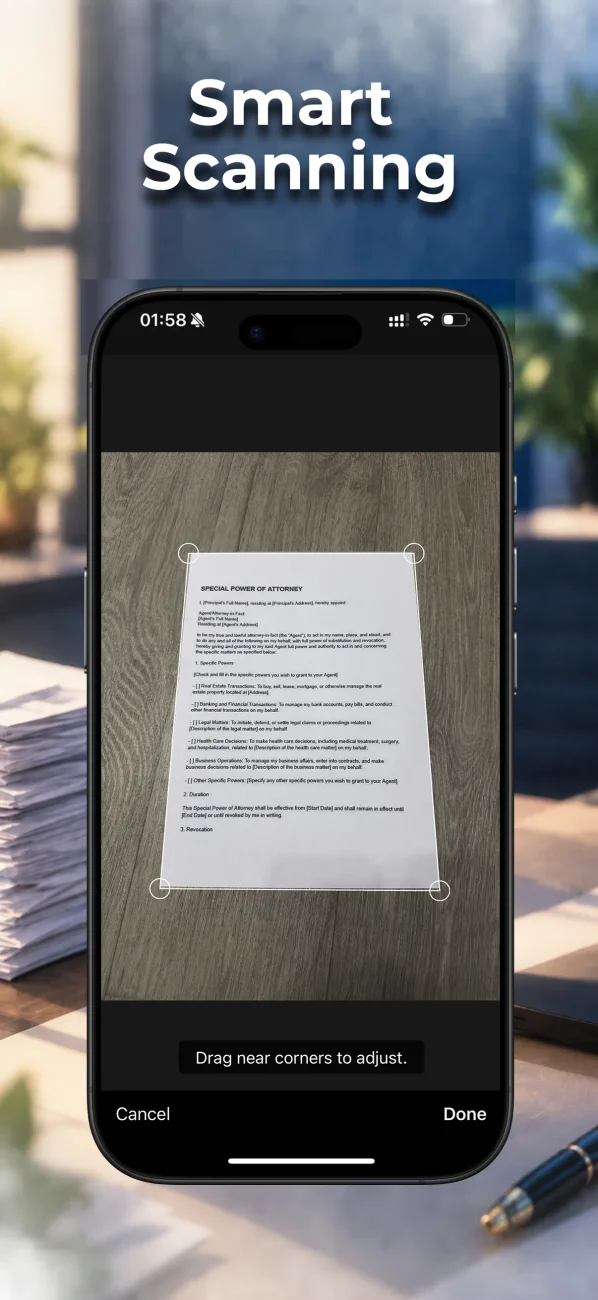
SMART SCANNING
Point your camera at any document and PDF Scanner automatically detects the edges, corrects perspective, and crops it perfectly. Import photos from your gallery just as easily — auto-crop works there too.
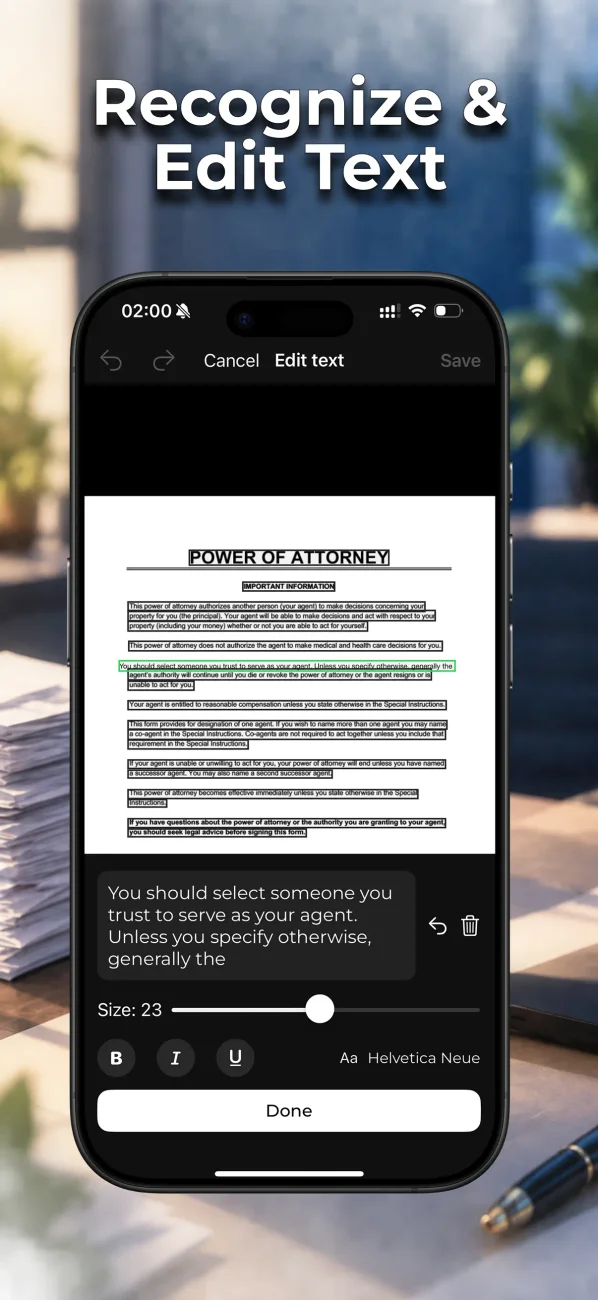
EDIT TEXT — NOT JUST SCAN IT
This isn't just OCR that copies text out. Tap any line of recognized text directly on the scanned page to retype it, change the font, resize it, or move it — the edit is patched right into the document, in place.
REAL SIGNATURES
Draw your signature with your finger, save it for reuse, and place it anywhere on the page. Resize, rotate, and adjust it precisely — or swap it out any time.
MERGE, SPLIT, AND ORGANIZE
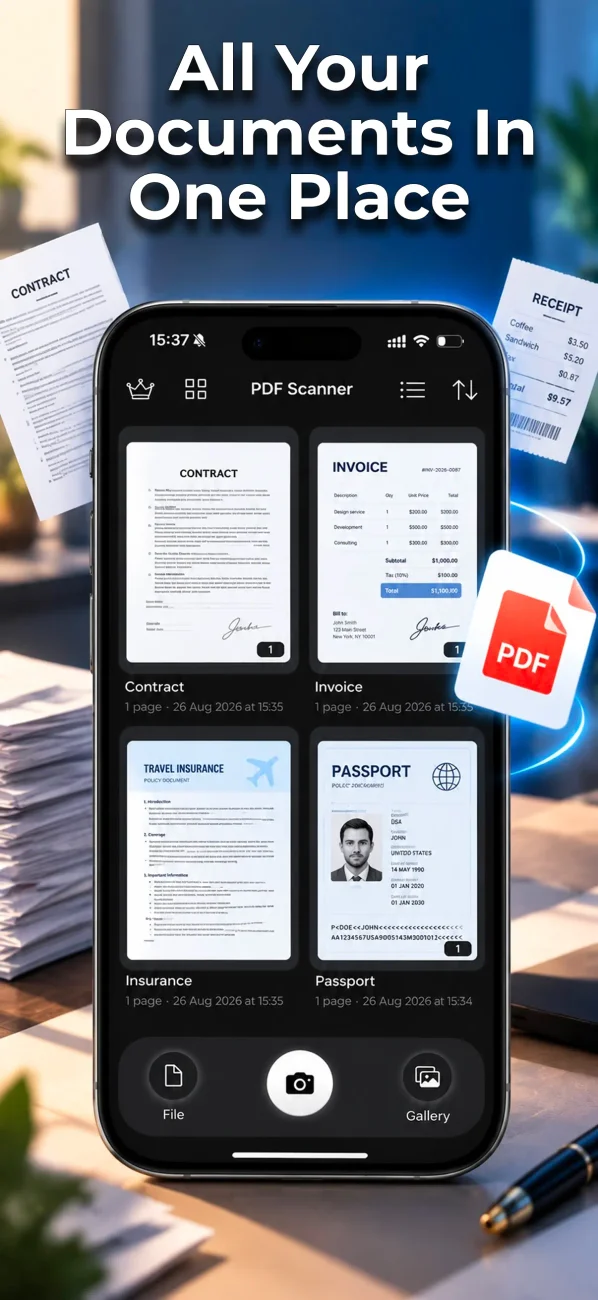
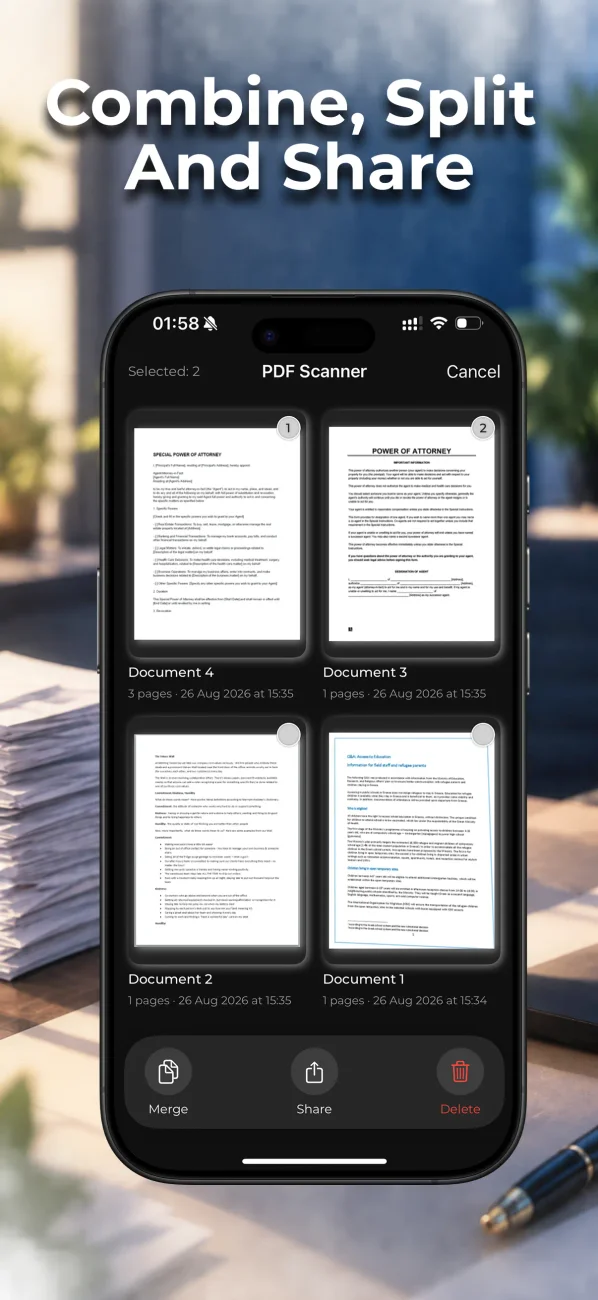
Combine multiple scans into a single PDF, split a document into separate files, reorder pages, and keep everything organized with sorting and a clean list or grid view.
SHARE INSTANTLY
Export and share your finished PDF anywhere — Mail, Messages, cloud storage, or any app on your phone.
WHY PDF SCANNER
• No clunky menus — everything happens right on the page
• Clean, distraction-free design
• Your documents stay on your device
• Fast enough to scan a whole stack of papers in minutes
Whether it's a contract to sign, a receipt to save, or a stack of paperwork to digitize, PDF Scanner gets it done without the hassle of a physical scanner.
Privacy Policy: https://sites.google.com/view/pdfscanner-2026/privacy-policy
Terms of Use: https://sites.google.com/view/pdfscanner-2026/terms
Support: suppapp24@gmail.com
Yenilikler
Sürüm 1.3.1 · 17.10.2026
• Fixed an issue where exported PDFs were too large
• New app icon
Uygulama gizliliği
Bu uygulamanın verileri nasıl işlediği hakkında Oleh Antoniuk tarafından App Store üzerinde yapılan beyan.
-
Sizinle ilişkilendirilen veriler
Toplanabilir ve kimliğinizle ilişkilendirilebilir.
- Satın alımlar
-
Sizinle ilişkilendirilmeyen veriler
Toplanabilir ancak kimliğinizle ilişkilendirilmez.
- Tanımlayıcılar
- Kullanım verileri
Gizlilik uygulamaları, örneğin kullandığınız özelliklere veya yaşınıza göre değişiklik gösterebilir.
Bilgiler
- Satıcı
- Oleh Antoniuk
- Kategori
- Üretkenlik
- Sürüm
- 1.3.1
- Güncellendi
- 17.10.2026
- Yayın tarihi
- 19.08.2026
- Boyut
- 8,0 MB
- Gereksinim
- iOS 16.0 veya sonrası
- Yaş sınırı
- 4+
- Fiyat
- Ücretsiz
- Uygulama içi satın alma
- Evet
- Diller
- İngilizce, Arapça, Hollandaca, Fransızca, Almanca, Hindi, Endonezce, İtalyanca, Japonca, Korece, Lehçe, Portekizce + 8 dil daha
- Telif hakkı
- © Oleh Antoniuk
Bunları da beğenebilirsiniz
-
 iPhone için PDF DüzenleyiciPDF Dosyalarını Düzenle
-
 PDF Scanner & Editor: LemonÜretkenlik
-
 14 Days: Habit & Goal TrackerÜretkenlik
-
 VARAK PDF Düzenleme ve TaramaMetin düzenle, imzala, doldur
-
 PDF Toolkit: PDF Editor & ScanÜretkenlik
-
 BossPDF: PDF Editor & ScannerÜretkenlik
-
 PDF'den Metne ve OCRTaranmış PDF'den Metin Çıkarın
-
 OCR, Read & Convert DocumentsÜretkenlik
-
 Word Editor: Edit Docx & PDFYaz, düzenle ve gözden geçir
-
 PDFX: PDF Düzenleyici & İmzaDönüştür, Form Doldur, Not Al