
- 対象年齢4+
- カテゴリユーティリティ
- 開発元Ingenieurbüro Edelmann
- 言語ドイツ語ほか1言語
- サイズ2.9 MB
App Storeの公式ページにリンクしています
Download.orgはUbiStage Timerのファイルを一切ホストしていません。ボタンを押すと、Ingenieurbüro Edelmannが公開しているApp Storeのアプリページが開きます。ページの最終確認:2026/11/25。
スクリーンショット
概要
開発元はこのテキストをお使いの言語で提供していません。
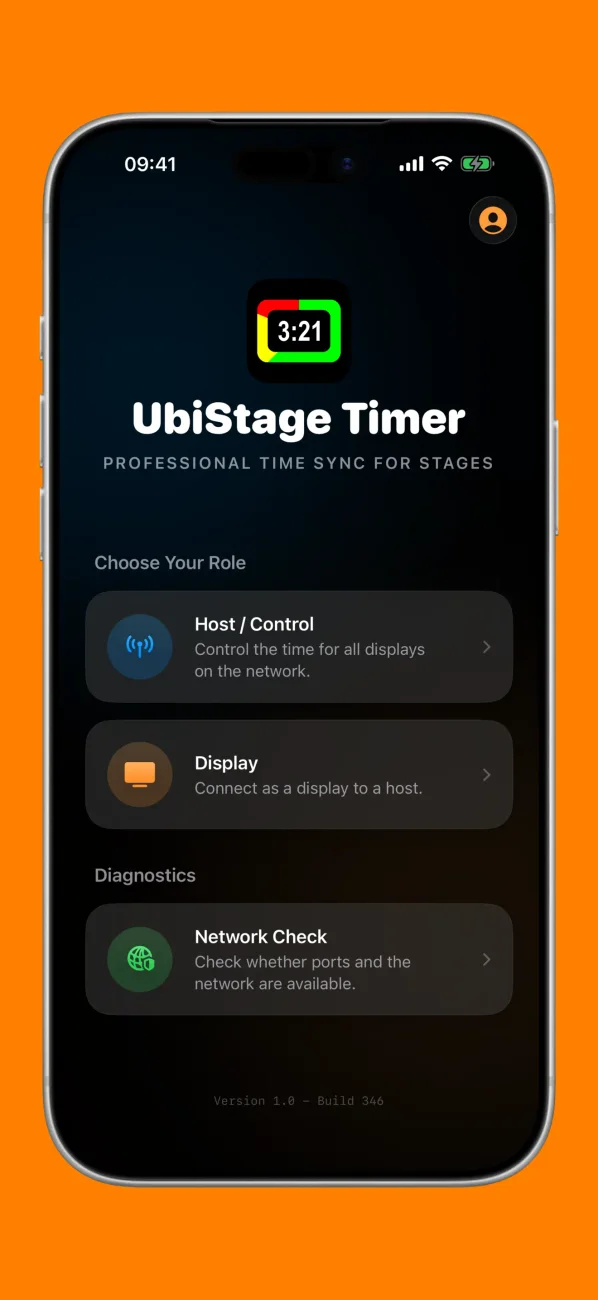
A stage clock for iPhone, iPad, and Apple TV – synced across every display.
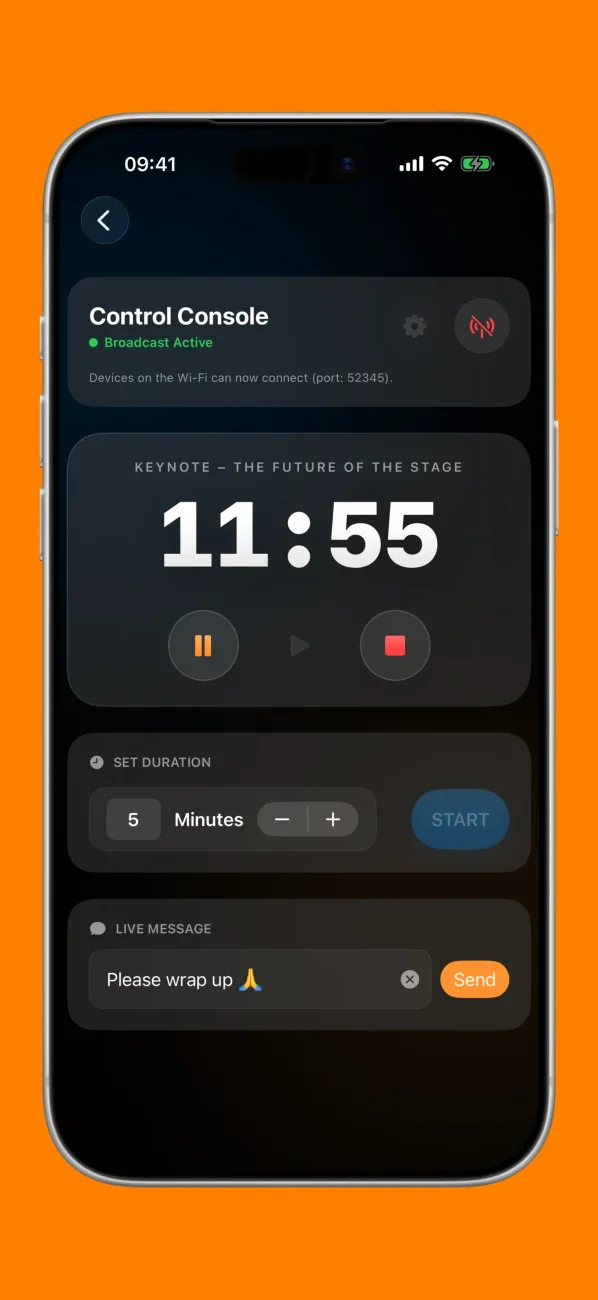
Many teams start timer apps manually on multiple devices. The result: clocks drift apart. UbiStage Timer solves this. One device becomes the Control Console, all others sync automatically – virtually lag-free.
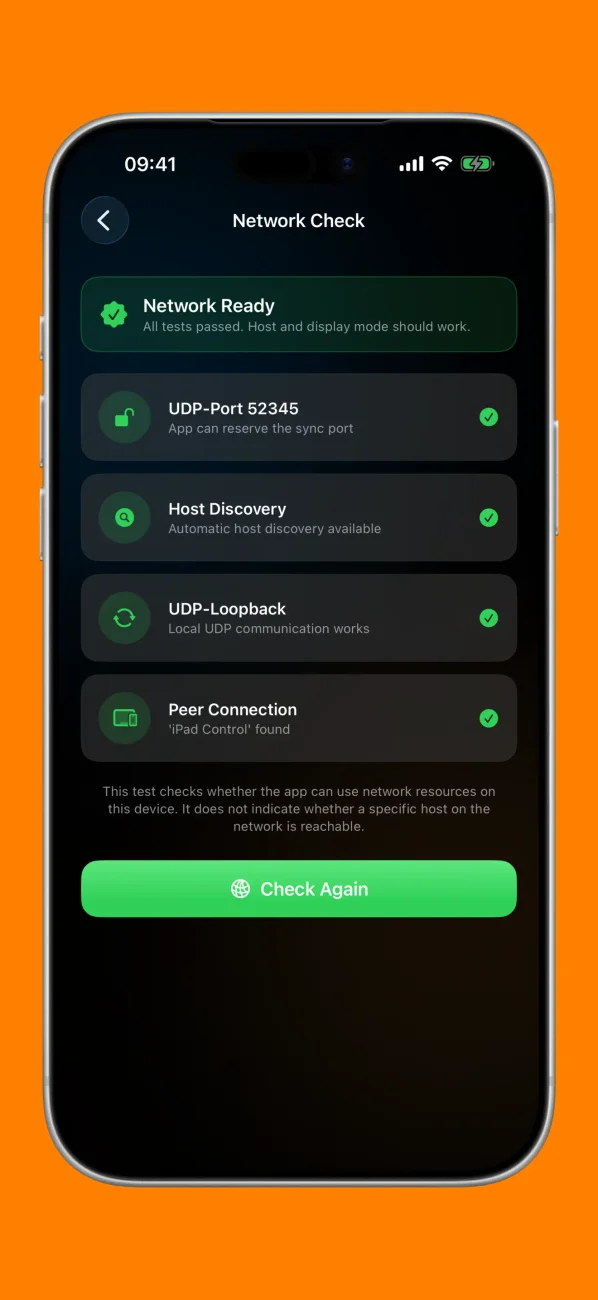
Devices find each other automatically over local Wi-Fi. No setup, no pairing. Sign in once with a free account, then just open and go.
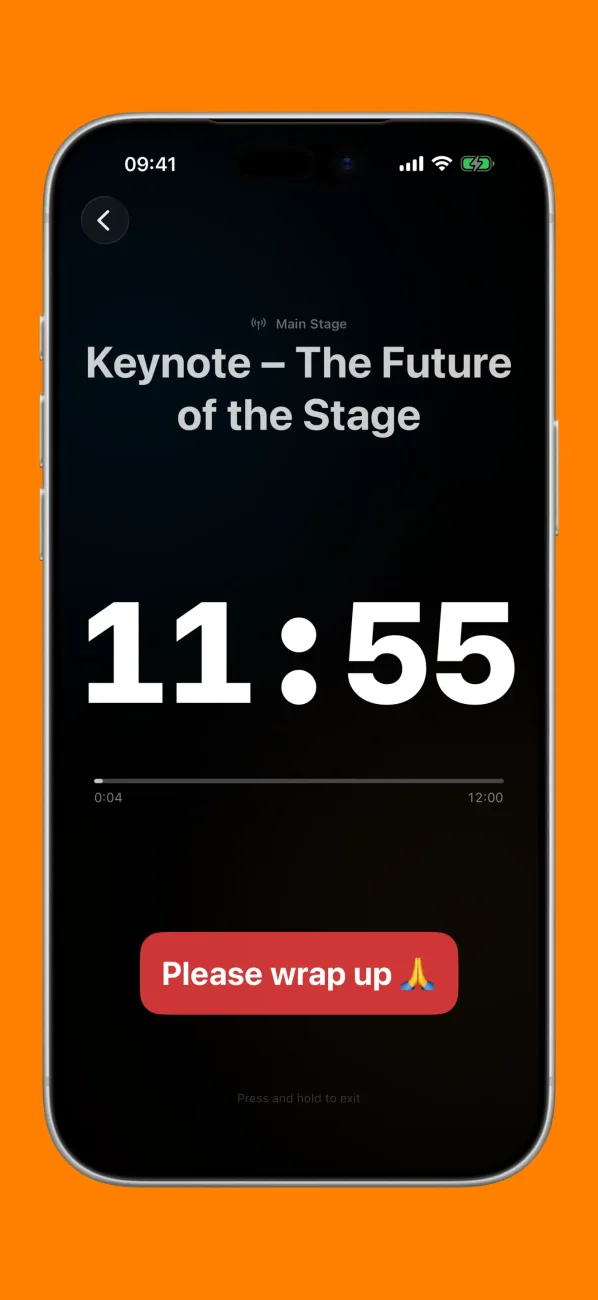
One Control Console, multiple screens. Use iPhones and iPads simultaneously as stage clocks – all showing the same time. Syncing is fully local, no internet needed during the event.
On the big screen, too: with UbiStage Timer on Apple TV, any large display or projector becomes a stage clock. Apple TV signs in without typing on the remote – it shows a code that you confirm here in the app under Profile → Sign in Apple TV.
No app needed, either: if you like, any browser on the same Wi-Fi can show the timer, such as a smart TV, a laptop, or an Android tablet. Turn on the browser display in the Control Console's settings and open the address or QR code shown. A browser counts as a display.
The automatic color change tells speakers how much time is left: the digits turn orange in the last minute and red when time is up. No need to read numbers – speakers can tell at a glance.
The Control Console can also send short text messages directly to all displays – perfect for spontaneous corrections during the event.
The connection holds up under pressure: if the Control Console briefly switches to another app, displays simply keep counting and find it again on their own.
Ideal for conferences, stage productions, trade shows, and live events.
Control Console free, unlock displays:
• The Control Console on its own is free, with all features.
• Basic: 1 display, monthly subscription.
• Pro: up to 5 displays at once, monthly subscription.
• Event Pass: up to 5 displays for 7 days, one-time purchase, no subscription.
• Try Basic and Pro free for 7 days. The app only offers a subscription once you connect your first display; the 7 days start when you subscribe.
• The Control Console is unlocked; displays themselves don't need a purchase. Your purchase applies to your UbiStage account, on your other devices too.
• If a subscription or Event Pass expires during an event, connected displays finish the current timer. They show the next timer only after you unlock again.
Subscriptions renew automatically for the selected period unless cancelled at least 24 hours before the end of the current period. Payment is charged to your Apple ID. You can manage and cancel subscriptions in your Apple ID settings. Cancel during the trial and you pay nothing.
Terms of Use: https://www.apple.com/legal/internet-services/itunes/dev/stdeula/
Privacy Policy: https://ubistage.de/en/privacy/
新機能
バージョン 1.4.4 · 2026/11/24
• Control Console in the background: displays keep counting and show "Waiting for the control console …". As soon as the Control Console is open again, they reconnect automatically.
• If a display doesn't find the Control Console right away, it searches again automatically. There is also a "Search Again" button.
• The Control Console reminds you to keep the app open during the event and tells you when displays were disconnected.
• The Control Console's Live Activity shows that displays keep counting while the app is in the background, and is now fully in English.
• Your profile now shows the time, not just the date, when your plan ends.
• Minor improvements and bug fixes.
アプリのプライバシー
このアプリのデータの取り扱いについて、Ingenieurbüro EdelmannがApp Storeで申告している内容です。
-
ユーザーに関連付けられたデータ
収集され、ユーザーの識別情報に関連付けられる場合があります。
- 購入
- ID
- 使用状況データ
- 診断
プライバシーの取り扱いは、ご利用の機能やお客様の年齢などに応じて異なる場合があります。
情報
- 販売元
- Thomas Edelmann
- カテゴリ
- ユーティリティ
- バージョン
- 1.4.4
- 更新日
- 2026/11/24
- リリース
- 2026/6/17
- サイズ
- 2.9 MB
- 必要条件
- iOS 17.6以降
- 対象年齢
- 4+
- 価格
- 無料
- アプリ内課金
- あり
- 言語
- ドイツ語, 英語
- 著作権
- © (2026) Ingenieurbüro Edelmann
こちらもおすすめ
-
 Pulpit Timerステージタイマー&リモコン
-
 Remote Stage Timerユーティリティ
-
 Binary Display: Clock Widgetユーティリティ
-
 Countdown LCD: Stage Timerユーティリティ
-
 CuePilot: Remote Stage Timerユーティリティ
-
 BinaryClockWatch13の記数法で時刻を表示
-
 ClockAPX — Dynamic Clockユーティリティ
-
 RemoteTimer:リモートストップウォッチApple Watchからタイマー操作
-
 ZoneSync - 世界時計ウィジェットタイムゾーン変換 & 会議計画
-
 Show Timer Proユーティリティ