
UbiStage Timer
Stage clock for any display
Được thiết kế cho iPhone, iPad
Miễn phí · Mua hàng trong ứng dụng
- Độ tuổi4+
- Danh mụcTiện Ích
- Nhà phát triểnIngenieurbüro Edelmann
- Ngôn ngữTiếng Đức+ 1 ngôn ngữ khác
- Kích thước2,9 MB
Liên kết đến trang App Store chính thức
Download.org không lưu trữ tệp nào của UbiStage Timer. Nút này mở trang ứng dụng trên App Store, nơi Ingenieurbüro Edelmann phát hành ứng dụng. Trang được kiểm tra lần cuối: 25/11/2026.
Ảnh chụp màn hình
Giới thiệu
Nhà phát triển chưa cung cấp nội dung này bằng ngôn ngữ của bạn.
A stage clock for iPhone, iPad, and Apple TV – synced across every display.
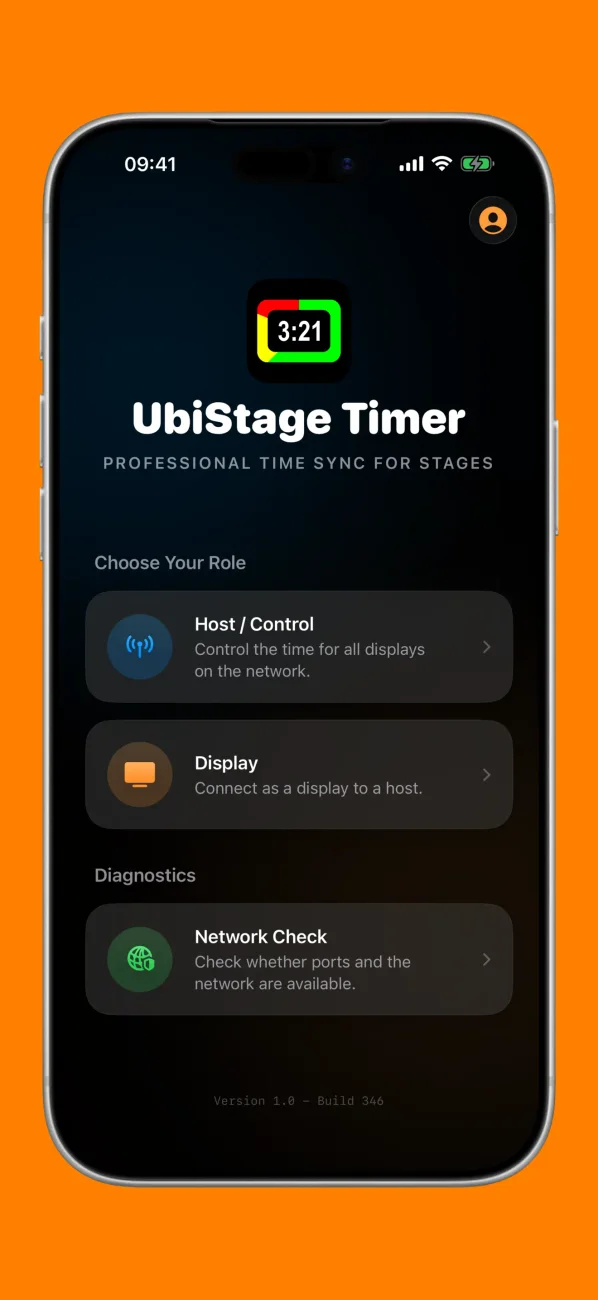
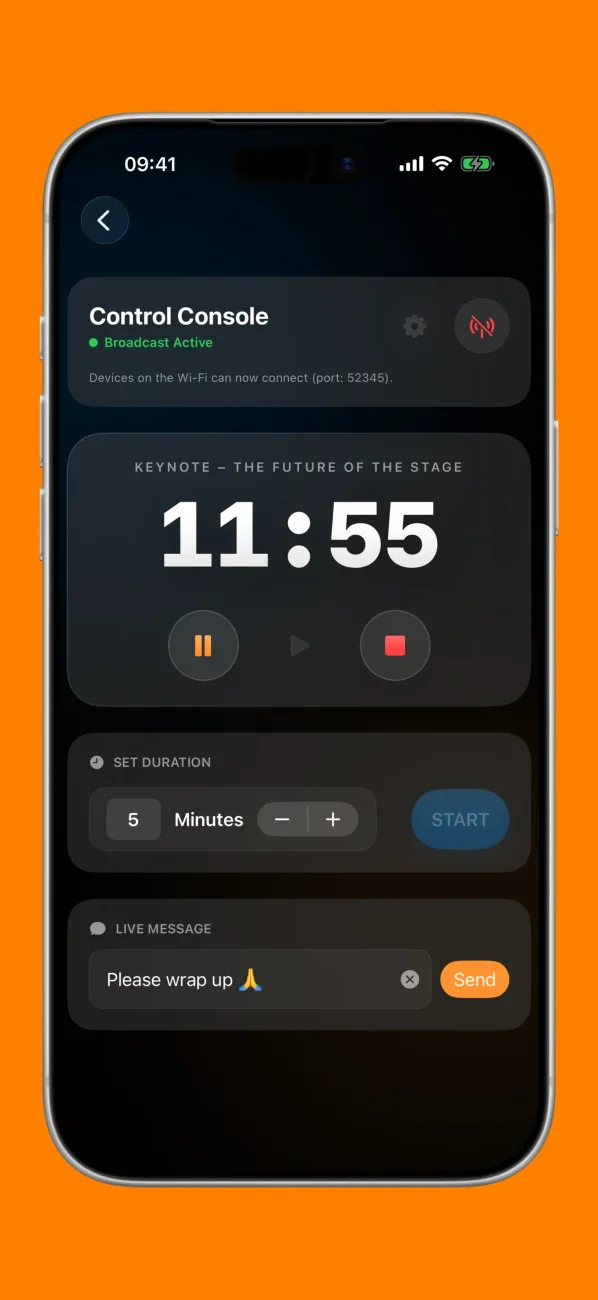
Many teams start timer apps manually on multiple devices. The result: clocks drift apart. UbiStage Timer solves this. One device becomes the Control Console, all others sync automatically – virtually lag-free.
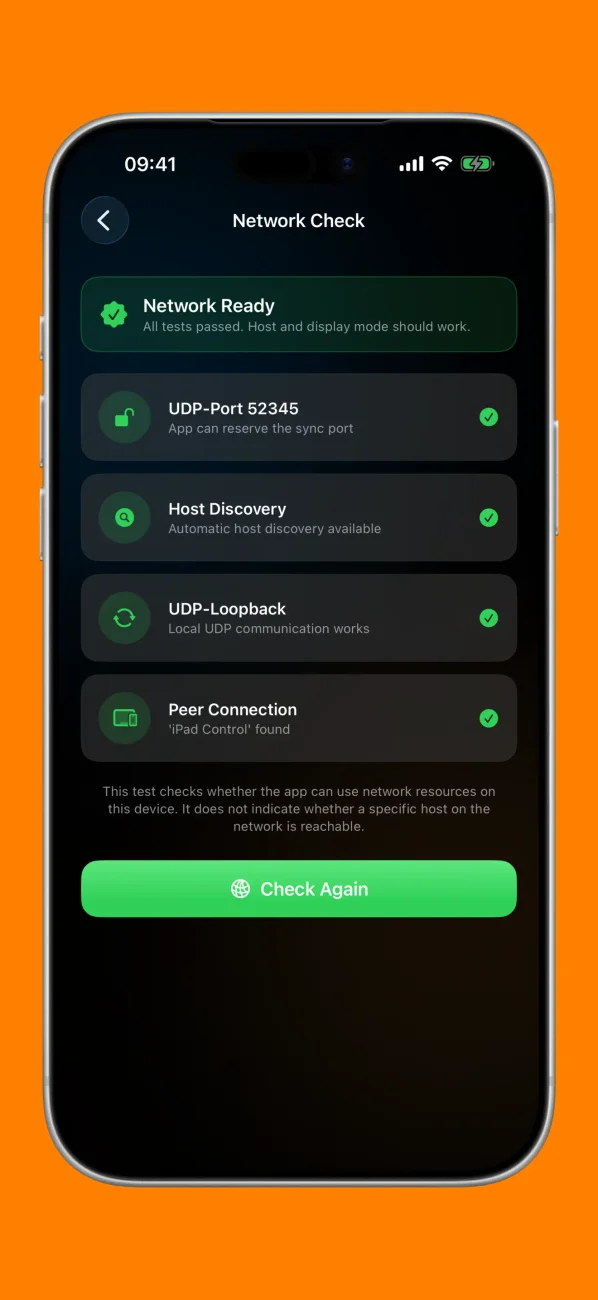
Devices find each other automatically over local Wi-Fi. No setup, no pairing. Sign in once with a free account, then just open and go.
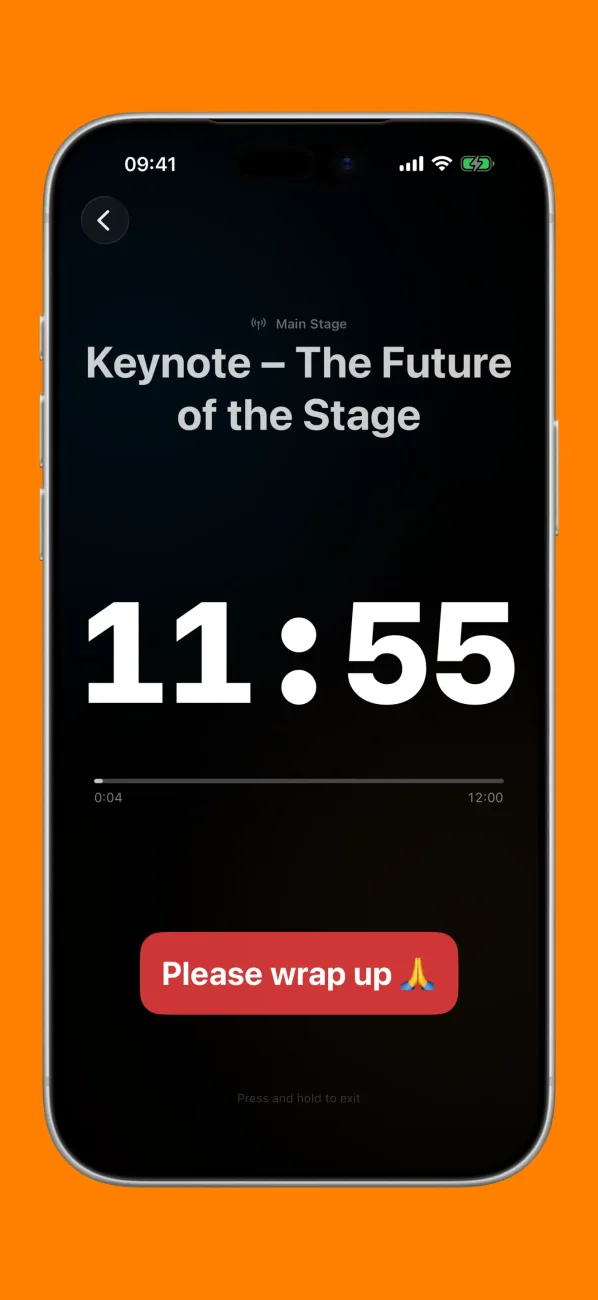
One Control Console, multiple screens. Use iPhones and iPads simultaneously as stage clocks – all showing the same time. Syncing is fully local, no internet needed during the event.
On the big screen, too: with UbiStage Timer on Apple TV, any large display or projector becomes a stage clock. Apple TV signs in without typing on the remote – it shows a code that you confirm here in the app under Profile → Sign in Apple TV.
No app needed, either: if you like, any browser on the same Wi-Fi can show the timer, such as a smart TV, a laptop, or an Android tablet. Turn on the browser display in the Control Console's settings and open the address or QR code shown. A browser counts as a display.
The automatic color change tells speakers how much time is left: the digits turn orange in the last minute and red when time is up. No need to read numbers – speakers can tell at a glance.
The Control Console can also send short text messages directly to all displays – perfect for spontaneous corrections during the event.
The connection holds up under pressure: if the Control Console briefly switches to another app, displays simply keep counting and find it again on their own.
Ideal for conferences, stage productions, trade shows, and live events.
Control Console free, unlock displays:
• The Control Console on its own is free, with all features.
• Basic: 1 display, monthly subscription.
• Pro: up to 5 displays at once, monthly subscription.
• Event Pass: up to 5 displays for 7 days, one-time purchase, no subscription.
• Try Basic and Pro free for 7 days. The app only offers a subscription once you connect your first display; the 7 days start when you subscribe.
• The Control Console is unlocked; displays themselves don't need a purchase. Your purchase applies to your UbiStage account, on your other devices too.
• If a subscription or Event Pass expires during an event, connected displays finish the current timer. They show the next timer only after you unlock again.
Subscriptions renew automatically for the selected period unless cancelled at least 24 hours before the end of the current period. Payment is charged to your Apple ID. You can manage and cancel subscriptions in your Apple ID settings. Cancel during the trial and you pay nothing.
Terms of Use: https://www.apple.com/legal/internet-services/itunes/dev/stdeula/
Privacy Policy: https://ubistage.de/en/privacy/
Có gì mới
Phiên bản 1.4.4 · 24/11/2026
• Control Console in the background: displays keep counting and show "Waiting for the control console …". As soon as the Control Console is open again, they reconnect automatically.
• If a display doesn't find the Control Console right away, it searches again automatically. There is also a "Search Again" button.
• The Control Console reminds you to keep the app open during the event and tells you when displays were disconnected.
• The Control Console's Live Activity shows that displays keep counting while the app is in the background, and is now fully in English.
• Your profile now shows the time, not just the date, when your plan ends.
• Minor improvements and bug fixes.
Quyền riêng tư của ứng dụng
Những gì Ingenieurbüro Edelmann khai báo trên App Store về cách ứng dụng này xử lý dữ liệu.
-
Dữ liệu liên kết với bạn
Có thể được thu thập và liên kết với danh tính của bạn.
- Mục mua
- Mã định danh
- Dữ liệu sử dụng
- Chẩn đoán
Phương thức đảm bảo quyền riêng tư có thể khác nhau, chẳng hạn như tuỳ theo các tính năng bạn sử dụng hoặc độ tuổi của bạn.
Thông tin
- Người bán
- Thomas Edelmann
- Danh mục
- Tiện Ích
- Phiên bản
- 1.4.4
- Cập nhật
- 24/11/2026
- Phát hành
- 17/06/2026
- Kích thước
- 2,9 MB
- Yêu cầu
- iOS 17.6 trở lên
- Độ tuổi
- 4+
- Giá
- Miễn phí
- Mua hàng trong ứng dụng
- Có
- Ngôn ngữ
- Tiếng Đức, Tiếng Anh
- Bản quyền
- © (2026) Ingenieurbüro Edelmann
Có thể bạn cũng thích
-
 Pulpit TimerTiện Ích
-
 Remote Stage TimerTiện Ích
-
 Binary Display: Clock WidgetTiện Ích
-
 Countdown LCD: Stage TimerTiện Ích
-
 CuePilot: Remote Stage TimerTiện Ích
-
 BinaryClockWatchTiện Ích
-
 ClockAPX — Dynamic ClockTiện Ích
-
 RemoteTimer: Remote StopwatchTiện Ích
-
 ZoneSync - World Clock WidgetTiện Ích
-
 Show Timer ProTiện Ích