
UbiStage Timer
Stage clock for any display
Projetado para iPhone, iPad
Grátis · Compras no app
- Classificação etária4+
- CategoriaUtilidades
- DesenvolvedorIngenieurbüro Edelmann
- IdiomasAlemãoe mais 1
- Tamanho2,9 MB
Leva à página oficial na App Store
O Download.org não hospeda nenhum arquivo de UbiStage Timer. O botão abre a página do app na App Store, onde Ingenieurbüro Edelmann o publica. Página verificada pela última vez em 25/11/2026.
Capturas de tela
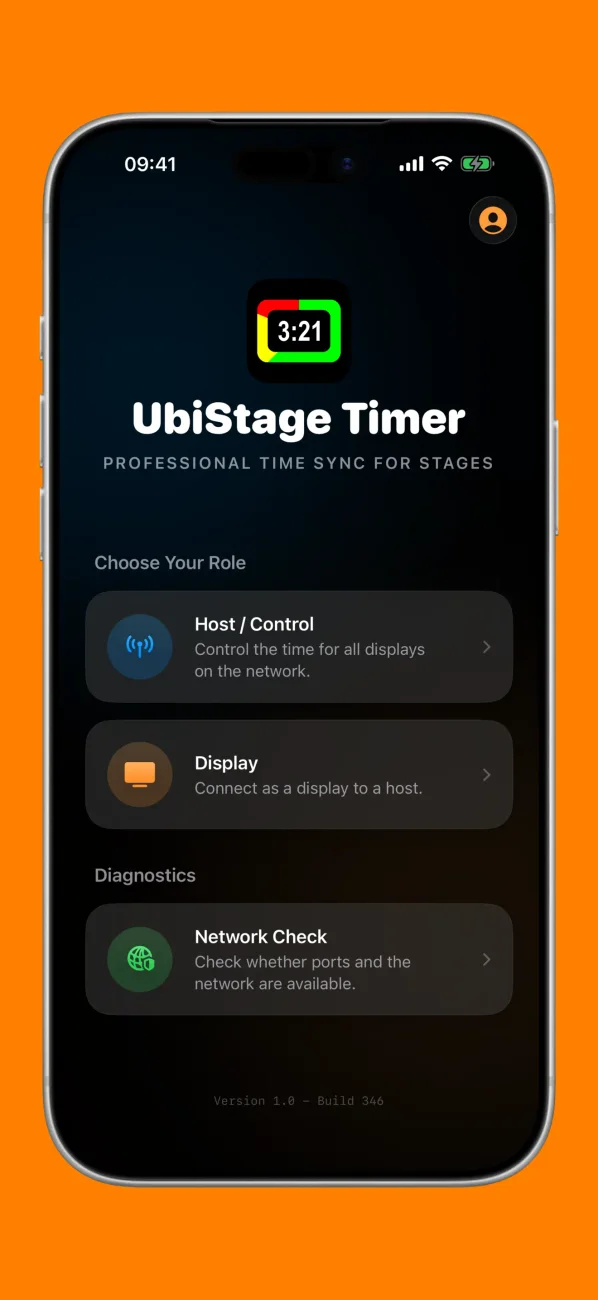
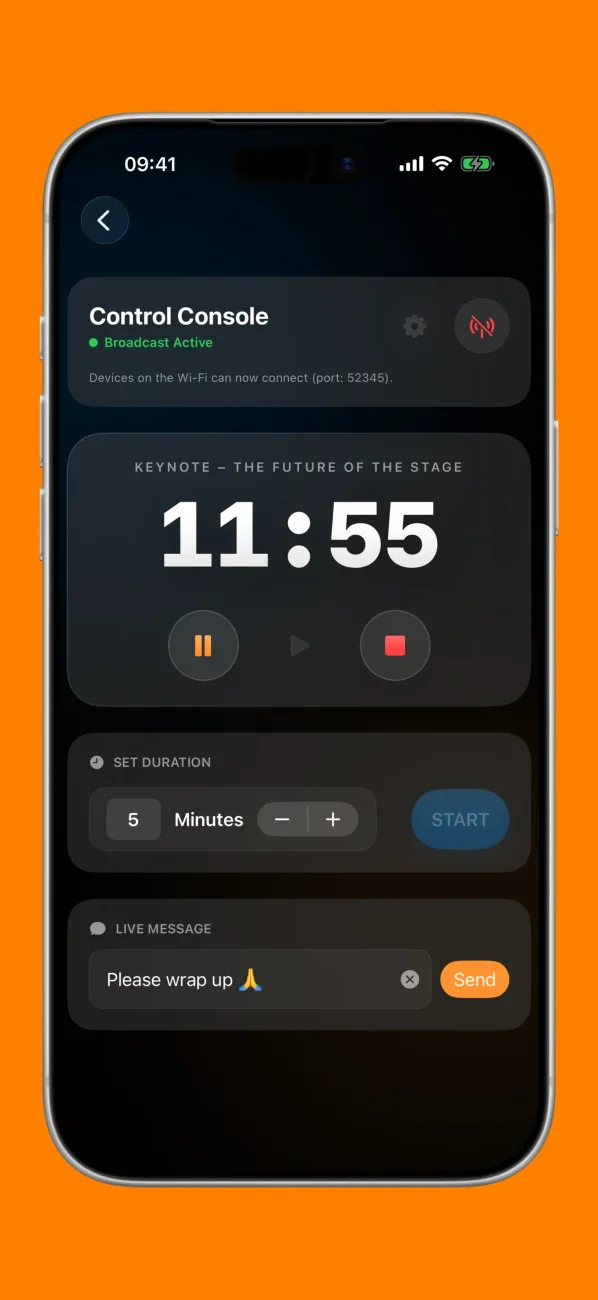
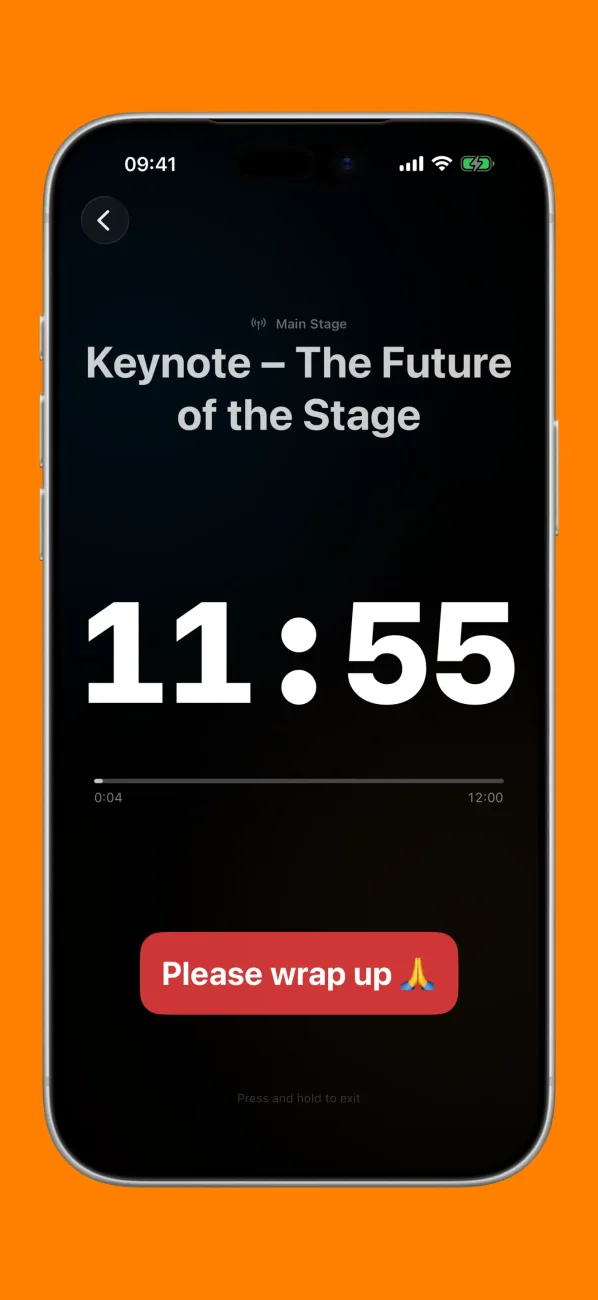
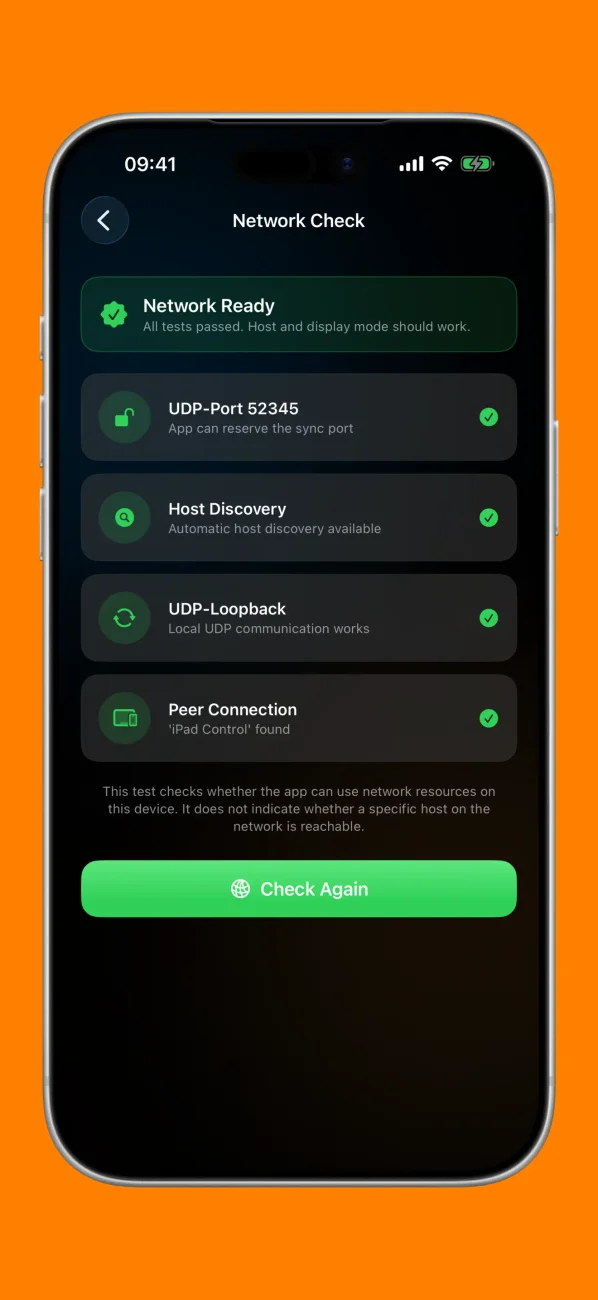
Sobre
O desenvolvedor não forneceu este texto no seu idioma.
A stage clock for iPhone, iPad, and Apple TV – synced across every display.
Many teams start timer apps manually on multiple devices. The result: clocks drift apart. UbiStage Timer solves this. One device becomes the Control Console, all others sync automatically – virtually lag-free.
Devices find each other automatically over local Wi-Fi. No setup, no pairing. Sign in once with a free account, then just open and go.
One Control Console, multiple screens. Use iPhones and iPads simultaneously as stage clocks – all showing the same time. Syncing is fully local, no internet needed during the event.
On the big screen, too: with UbiStage Timer on Apple TV, any large display or projector becomes a stage clock. Apple TV signs in without typing on the remote – it shows a code that you confirm here in the app under Profile → Sign in Apple TV.
No app needed, either: if you like, any browser on the same Wi-Fi can show the timer, such as a smart TV, a laptop, or an Android tablet. Turn on the browser display in the Control Console's settings and open the address or QR code shown. A browser counts as a display.
The automatic color change tells speakers how much time is left: the digits turn orange in the last minute and red when time is up. No need to read numbers – speakers can tell at a glance.
The Control Console can also send short text messages directly to all displays – perfect for spontaneous corrections during the event.
The connection holds up under pressure: if the Control Console briefly switches to another app, displays simply keep counting and find it again on their own.
Ideal for conferences, stage productions, trade shows, and live events.
Control Console free, unlock displays:
• The Control Console on its own is free, with all features.
• Basic: 1 display, monthly subscription.
• Pro: up to 5 displays at once, monthly subscription.
• Event Pass: up to 5 displays for 7 days, one-time purchase, no subscription.
• Try Basic and Pro free for 7 days. The app only offers a subscription once you connect your first display; the 7 days start when you subscribe.
• The Control Console is unlocked; displays themselves don't need a purchase. Your purchase applies to your UbiStage account, on your other devices too.
• If a subscription or Event Pass expires during an event, connected displays finish the current timer. They show the next timer only after you unlock again.
Subscriptions renew automatically for the selected period unless cancelled at least 24 hours before the end of the current period. Payment is charged to your Apple ID. You can manage and cancel subscriptions in your Apple ID settings. Cancel during the trial and you pay nothing.
Terms of Use: https://www.apple.com/legal/internet-services/itunes/dev/stdeula/
Privacy Policy: https://ubistage.de/en/privacy/
Novidades
Versão 1.4.4 · 24/11/2026
• Control Console in the background: displays keep counting and show "Waiting for the control console …". As soon as the Control Console is open again, they reconnect automatically.
• If a display doesn't find the Control Console right away, it searches again automatically. There is also a "Search Again" button.
• The Control Console reminds you to keep the app open during the event and tells you when displays were disconnected.
• The Control Console's Live Activity shows that displays keep counting while the app is in the background, and is now fully in English.
• Your profile now shows the time, not just the date, when your plan ends.
• Minor improvements and bug fixes.
Privacidade do app
O que Ingenieurbüro Edelmann declara na App Store sobre como este app lida com os dados.
-
Dados vinculados a você
Podem ser coletados e vinculados à sua identidade.
- Compras
- Identificadores
- Dados de uso
- Diagnóstico
As práticas de privacidade podem variar, por exemplo, com base nos recursos que você usa ou na sua idade.
Informações
- Vendedor
- Thomas Edelmann
- Categoria
- Utilidades
- Versão
- 1.4.4
- Atualizado
- 24/11/2026
- Lançamento
- 17/06/2026
- Tamanho
- 2,9 MB
- Requer
- iOS 17.6 ou posterior
- Classificação etária
- 4+
- Preço
- Grátis
- Compras no app
- Sim
- Idiomas
- Alemão, Inglês
- Copyright
- © (2026) Ingenieurbüro Edelmann
Você também pode gostar
-
 Pulpit TimerTimer de palco com controle
-
 Remote Stage TimerUtilidades
-
 Binary Display: Clock WidgetUtilidades
-
 Countdown LCD: Stage TimerUtilidades
-
 CuePilot: Remote Stage TimerUtilidades
-
 BinaryClockWatchA hora em 13 sistemas
-
 ClockAPX — Dynamic ClockUtilidades
-
 RemoteTimer: Cronômetro remotoControle pelo Apple Watch
-
 ZoneSync: Relógio MundialConversor Fuso Horário Widget
-
 Show Timer ProUtilidades