PDF Gear - PDF Editor & Reader
PDF Converter, Sign Documents
iPhone, iPad, iPod touch için tasarlandı
Ücretsiz
- Yaş sınırı4+
- Kategoriİş
- GeliştiriciPDF GEAR TECH PTE. LTD.
- Dillerİngilizce+ 10 dil daha
- Boyut45,3 MB
Resmi App Store sayfasına bağlanır
Download.org, PDF Gear - PDF Editor & Reader için hiçbir dosya barındırmaz. Düğme, uygulamanın App Store üzerindeki sayfasını açar; uygulamayı orada PDF GEAR TECH PTE. LTD. yayınlar. Sayfanın son kontrolü: 29.11.2026.
Ekran görüntüleri
Hakkında
Geliştirici bu metni dilinizde sunmamış.
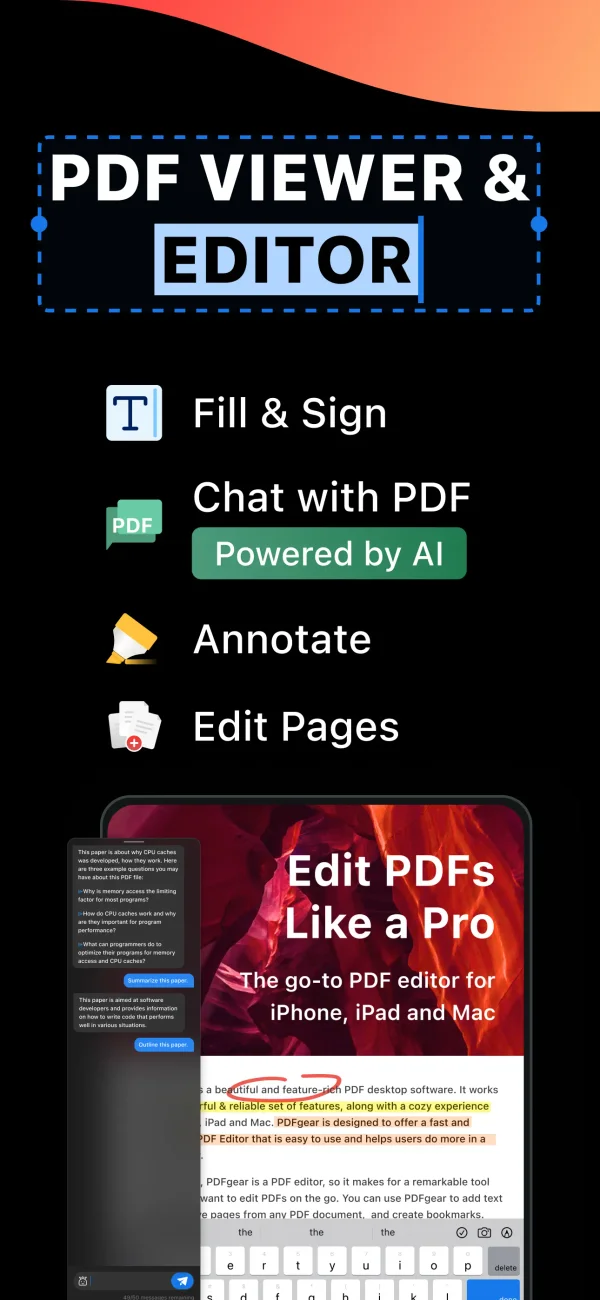
Want a well-featured and easy-to-access PDF solution for mobile use? PDFgear for iOS could achieve this! With PDFgear for iOS, users could handle their PDFs with ease, including viewing, printing, annotating, page editing, signing, etc. The abundant features will let you fill out forms, sign contracts, finish works, review documents, and make more possibilities in PDF!
PDFgear for iOS provides free use for all functions without any limits like trial watermark, page count, etc. The concise design brings users a satisfying experience, and the powerful performance makes the perfect document.
PDFgear will make your study and work easier to carry out PDFs! Try it on your own!
View and Print PDF
• Open and view PDFs with easy touch
• Zoom in or out for better details
• Jump to the appointed page directly
• Print PDF from your phone
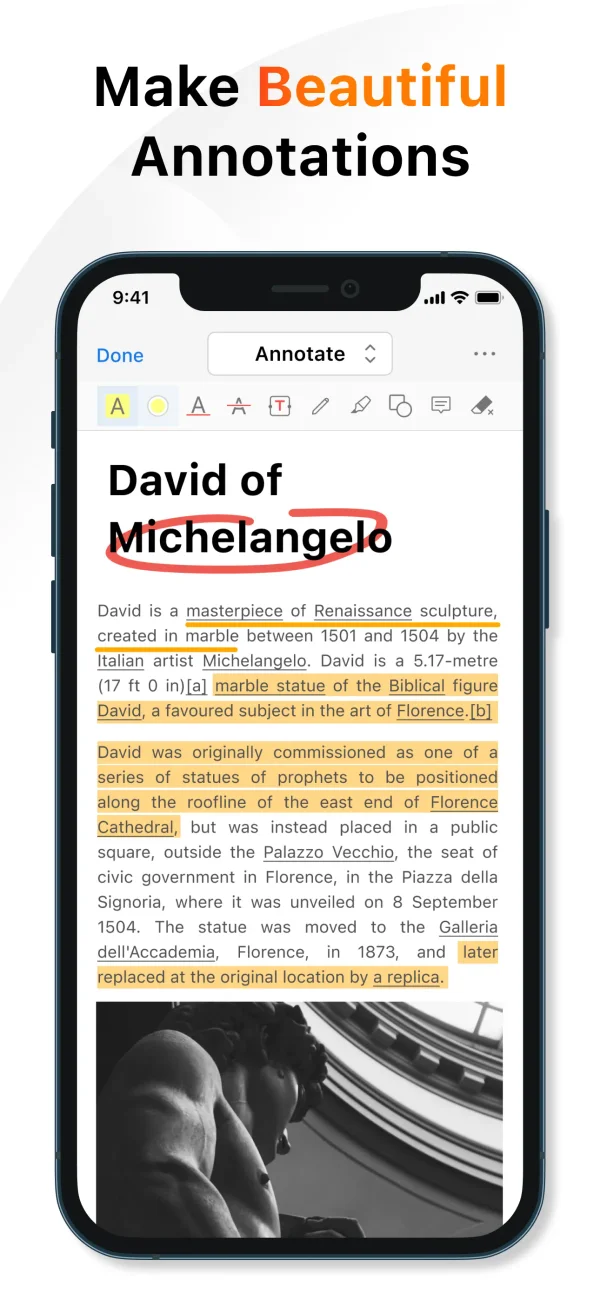
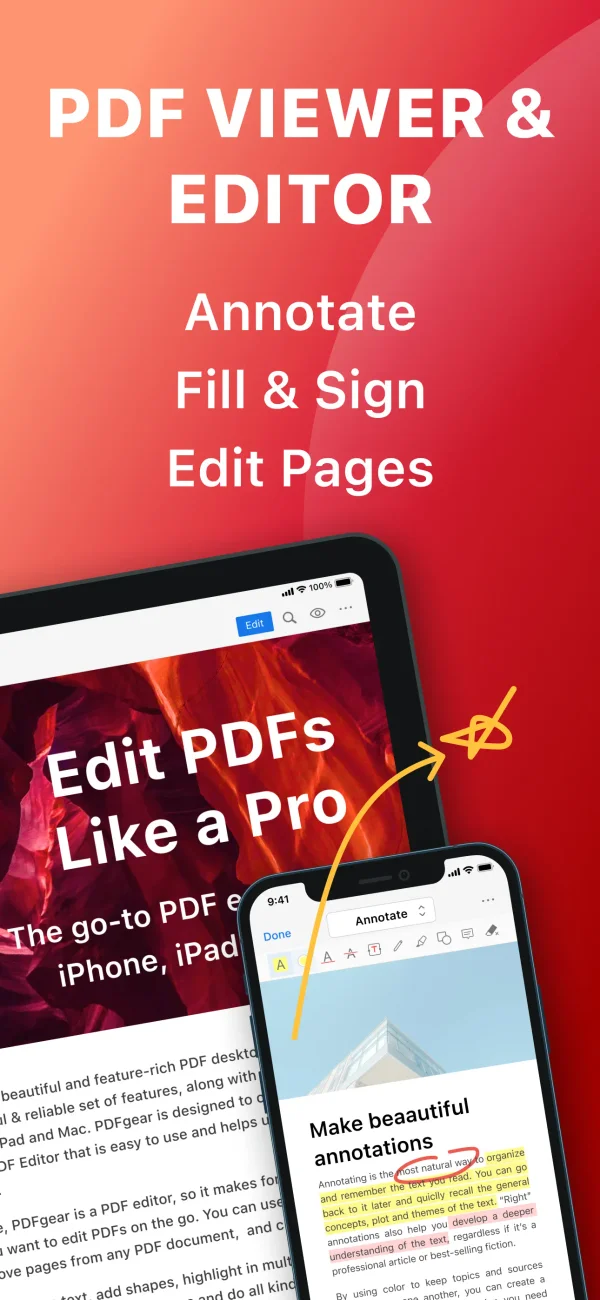
Annotate PDF
• Markup texts in PDF with highlight, underline and strike-through
• Input texts with the color and font size you need
• Draw shapes like rectangles, circles, lines, and arrows easily
• Write on PDFs with the Ink tool, and erase the ink freely
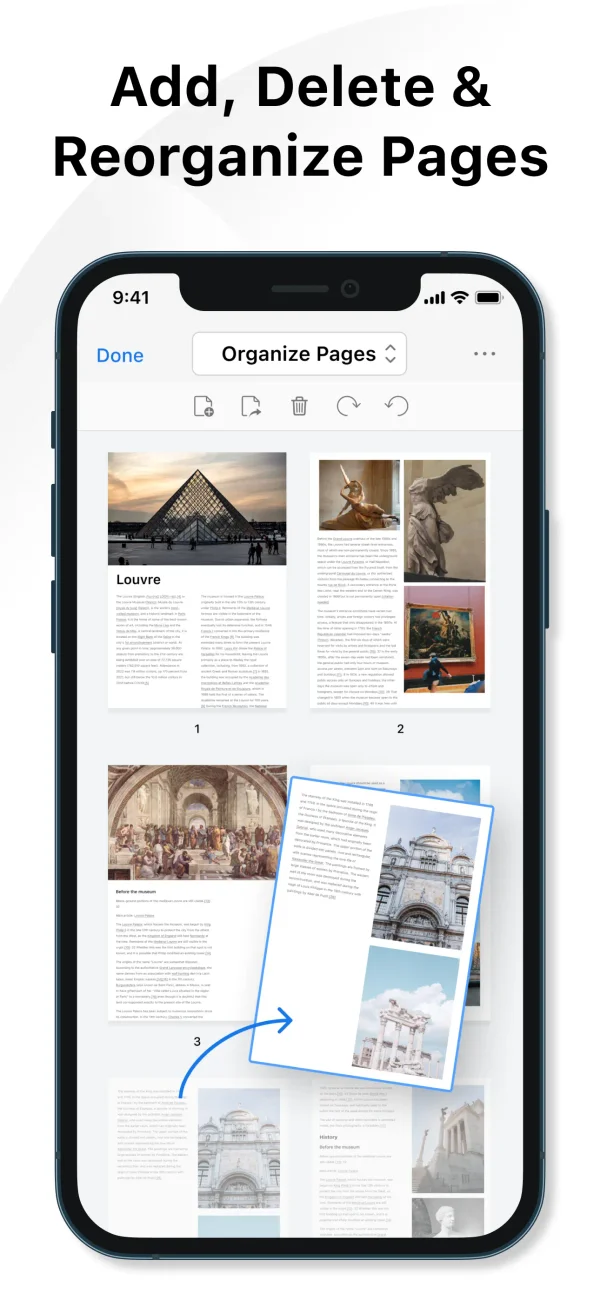
Organize Pages
• Add, delete, and rotate pages supported
• Extract pages from the PDF file with the aimed page range
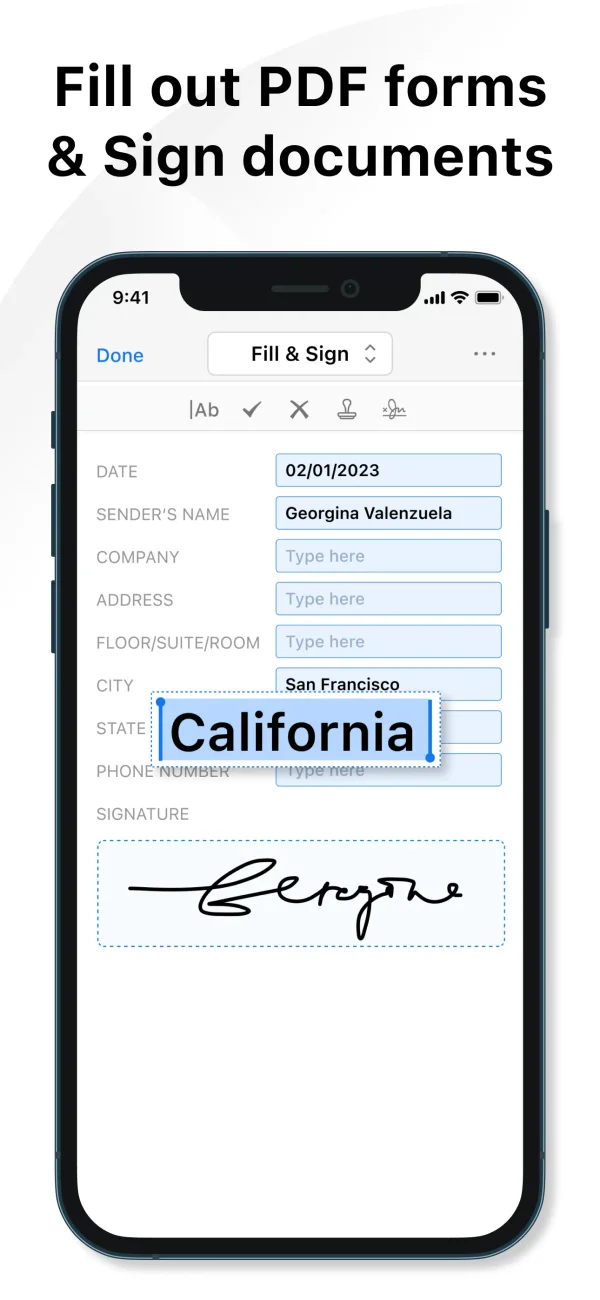
Fill out Forms & Sign PDFs
• Insert text to the form at the place you need
• Put common symbols like checkmarks and crossmarks in the document
• Add built-in or customized stamps to the form
• Sign the PDF with the signature created from image, keyboard, or drawing
Manage PDFs
• Manage PDF files with duplicate, rename, copy, move, share, etc.
• Open and save PDFs in the device & iCloud
Yenilikler
Sürüm 2.30 · 23.11.2026
Fix minor bugs
Uygulama gizliliği
Bu uygulamanın verileri nasıl işlediği hakkında PDF GEAR TECH PTE. LTD. tarafından App Store üzerinde yapılan beyan.
-
Sizinle ilişkilendirilmeyen veriler
Toplanabilir ancak kimliğinizle ilişkilendirilmez.
- Kullanım verileri
Gizlilik uygulamaları, örneğin kullandığınız özelliklere veya yaşınıza göre değişiklik gösterebilir.
Bilgiler
- Satıcı
- PDF GEAR TECH PTE. LTD.
- Kategori
- İş
- Sürüm
- 2.30
- Güncellendi
- 23.11.2026
- Yayın tarihi
- 17.10.2023
- Boyut
- 45,3 MB
- Gereksinim
- iOS 15.0 veya sonrası
- Yaş sınırı
- 4+
- Fiyat
- Ücretsiz
- Diller
- İngilizce, Hollandaca, Fransızca, Almanca, İtalyanca, Japonca, Korece, Portekizce, Rusça, Basitleştirilmiş Çince, İspanyolca
- Telif hakkı
- © 2026 PDFgear. All rights reserved.
Bunları da beğenebilirsiniz
-
 PDFelement: PDF Editor & ScanÜretkenlik
-
 PDF Reader & Editor | Xodoİş
-
 PDF Expert: Editor & ReaderÜretkenlik
-
 Foxit PDF EditorÜretkenlik
-
 MobiPDF・PDF Text Editor・ReaderÜretkenlik
-
 Free PDF Editor, Converter AppÜretkenlik
-
 PDF Editor: Read, Scan & Signİş
-
 UPDF - AI-Powered PDF EditorÜretkenlik
-
 PDF Hero - PDF OkuyucuPDF oluşturma ve düzenleme
-
 Smallpdf: Tarayıcı&PDF EditörüSıkıştır,dönüştür,OCR,imzala