
- Độ tuổi17+
- Danh mụcHiệu Suất
- Nhà phát triểnCASIO COMPUTER CO., LTD.
- Ngôn ngữTiếng Anh+ 1 ngôn ngữ khác
- Kích thước33,1 MB
Liên kết đến trang App Store chính thức
Download.org không lưu trữ tệp nào của C-Mirroring. Nút này mở trang ứng dụng trên App Store, nơi CASIO COMPUTER CO., LTD. phát hành ứng dụng. Trang được kiểm tra lần cuối: 14/11/2026.
Ảnh chụp màn hình

Giới thiệu
Nhà phát triển chưa cung cấp nội dung này bằng ngôn ngữ của bạn.
Wireless operation for smooth meetings and presentations.
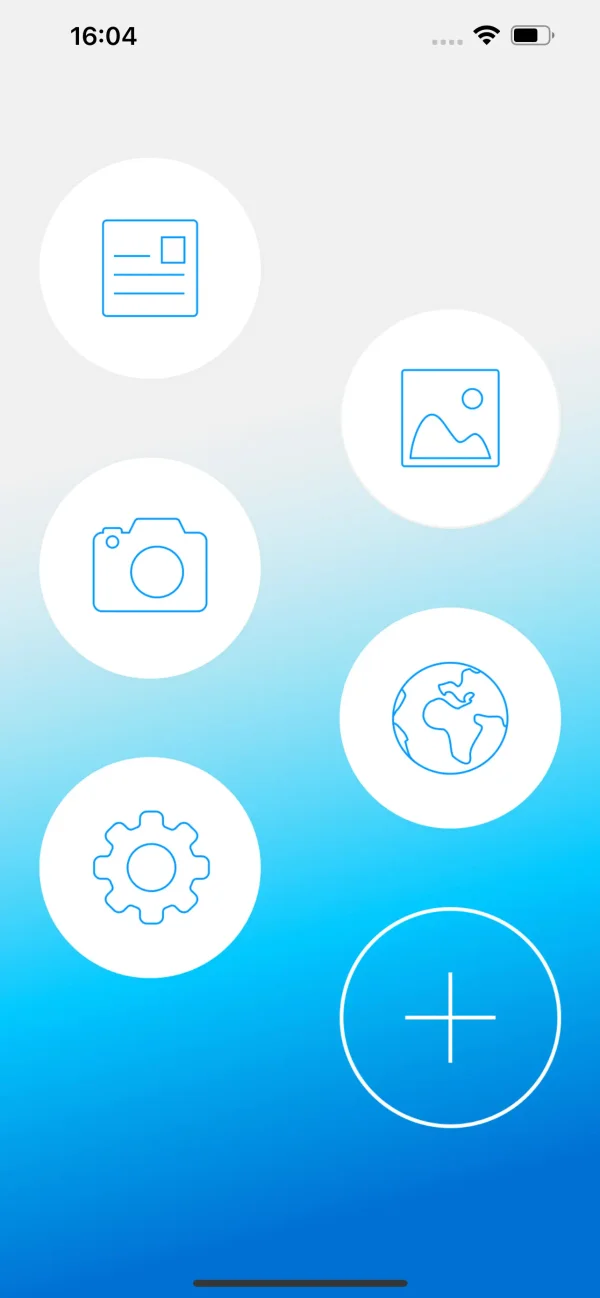
CASIO C-Mirroring is an iOS app that makes it possible to establish a network connection between an iPad, iPhone device and network-compatible CASIO Projector *1, and then project documents and images stored in the device's memory, real-time images picked up by the device's built-in camera, and browser screen images.
*1 Applicable Projector Models:
XJ-S400UN/S400WN
XJ-UT352WN
XJ-F211WN/XJ-F21XN
(Some models covered by this app may not be available in certain geographic areas.)
・File Viewer:
Projects documents and images *2 registered with CASIO C-Mirroring.
・Wireless Camera:
Projects real-time images picked up by the device's built-in camera.
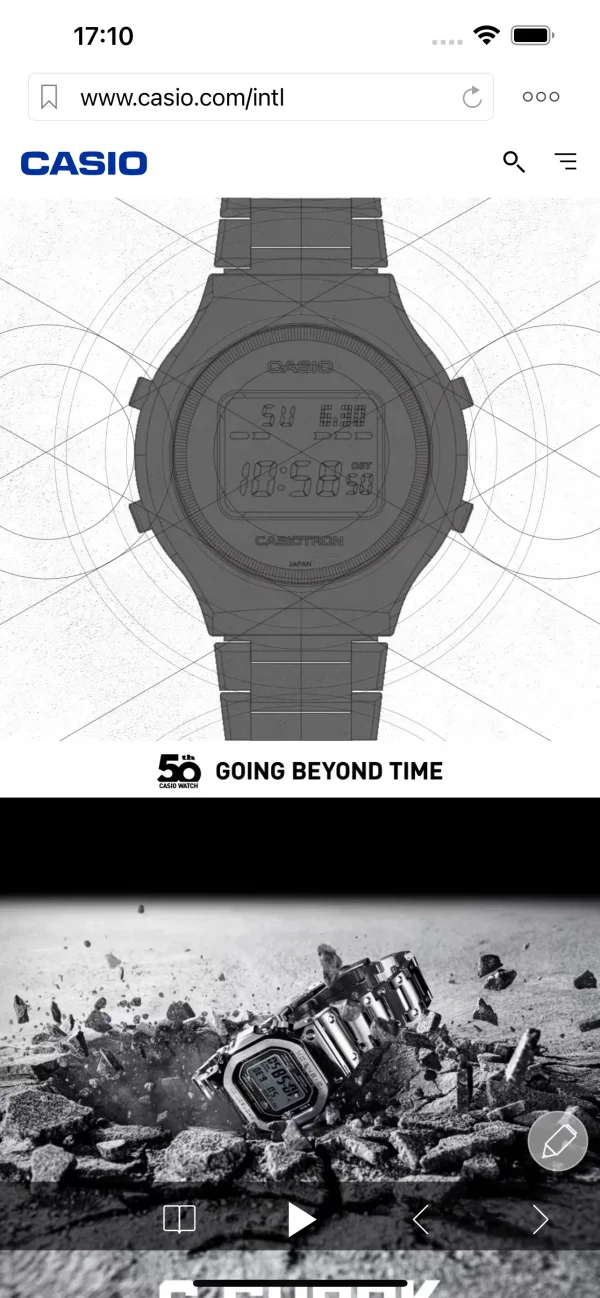
・Browser:
Uses the application's built-in web browser to project web pages with the projector.
*2 Projectable Document and Image Files
Microsoft Word (doc, docx)
Microsoft Excel (xls, xlsx)
Microsoft PowerPoint (ppt, pptx)
PDF
JPEG, PNG
Using CASIO C-Mirroring
Use the steps below to establish a connection between a smart device and projector with this app.
If you are already connected via a wireless LAN access point, refer to your projector's Network Function Guide.
(1) Configure projector network settings.
(2) Select "Network" as the projectors input source. This projects the standby screen, which shows network information.
(3) On the smart device, select the desired access point with "Settings" - "Wi-Fi" and establish a connection.
(4) Start up CASIO C-Mirroring.
(5) On the home screen, select the function you want and execute it.
(6) When you want to project with the projector, tap the Play button. When a connectable projector is found, select it. If a connectable projector isn't found, input IP address of the projector then connect to it.
Có gì mới
Phiên bản 1.0.0 · 11/03/2024
Improved behavior
Quyền riêng tư của ứng dụng
Những gì CASIO COMPUTER CO., LTD. khai báo trên App Store về cách ứng dụng này xử lý dữ liệu.
-
Dữ liệu không được thu thập
Nhà phát triển không thu thập bất kỳ dữ liệu nào từ ứng dụng này.
Phương thức đảm bảo quyền riêng tư có thể khác nhau, chẳng hạn như tuỳ theo các tính năng bạn sử dụng hoặc độ tuổi của bạn.
Thông tin
- Người bán
- CASIO COMPUTER CO., LTD.
- Danh mục
- Hiệu Suất
- Phiên bản
- 1.0.0
- Cập nhật
- 11/03/2024
- Phát hành
- 10/03/2024
- Kích thước
- 33,1 MB
- Yêu cầu
- iOS 15.0 trở lên
- Độ tuổi
- 17+
- Giá
- Miễn phí
- Ngôn ngữ
- Tiếng Anh, Tiếng Nhật
- Bản quyền
- © 2024 CASIO Computer Co.Ltd,
Có thể bạn cũng thích
-
 Epson Projector Config ToolHiệu Suất
-
 Epson Setting AssistantHiệu Suất
-
 Epson iProjectionHiệu Suất
-
 iHP48Hiệu Suất
-
 Smart Projector ControlHiệu Suất
-
 Mapify: AI Mind Map SummarizerHiệu Suất
-
 Duet DisplayBe Twice As Productive
-
 Mind Mapping - MindMeisterHiệu Suất
-
 spacedesk - USB Display for PCHiệu Suất
-
 Google CloudHiệu Suất