AirDroid Business Daemon
SAND STUDIO- EveryoneAge rating
- BusinessCategory
- Nov 6, 2026Updated
- FreePrice
Links to the official Google Play listing of com.sand.airdroidbiz. Last checked on Nov 24, 2026.

Screenshots
About this app
AirDroid Business is an Android Mobile Device Management solution.
AirDroid Business is an Android Mobile Device Management solution. It offers powerful capabilities of remote access and control, one-stop device and app management, data protection, device lockdown, device monitoring, location tracking, file management, user management, etc.
This app is not for standalone use and is a supporting application for AirDroid Business. You will need AirDroid Business Daemon installed on the device being managed.
More about AirDroid Business key features:
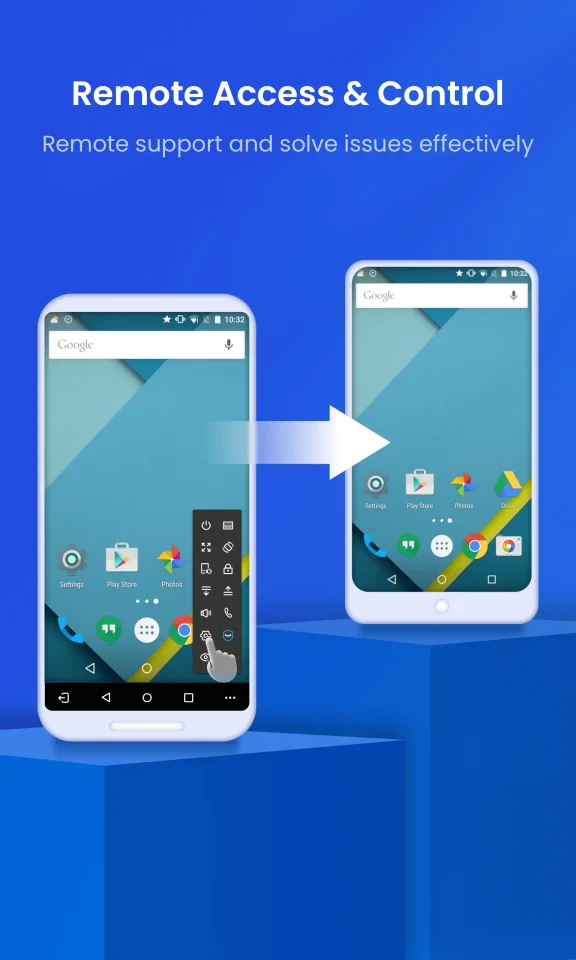
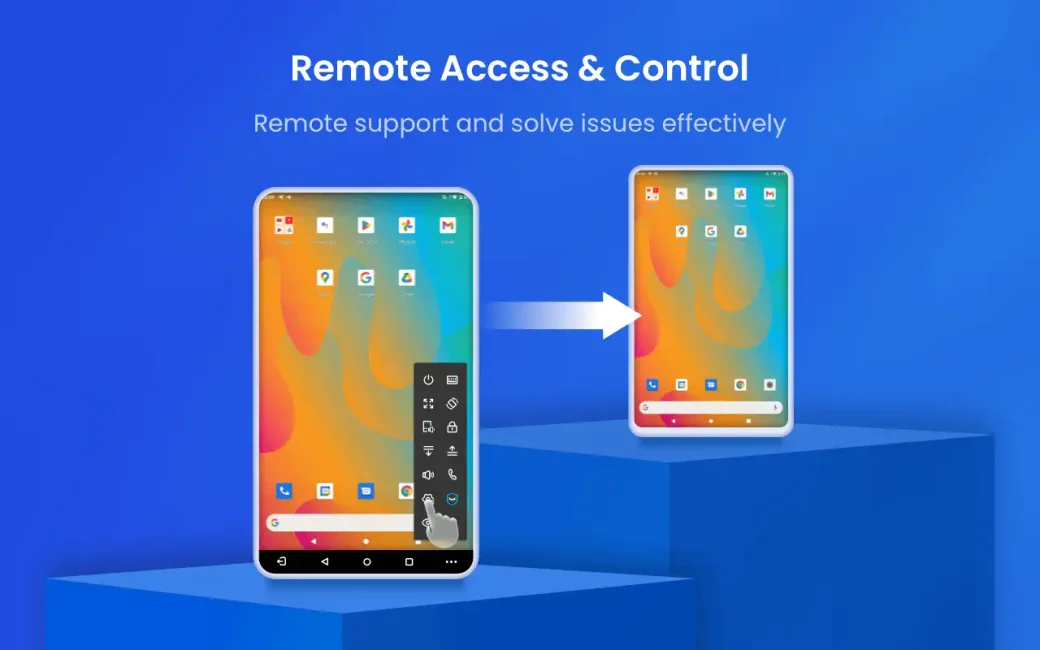
1. Encrypted Remote Access & Black Screen Mode
Securely remote access to attended and unattended devices and remotely control them. Simplify maintenance and allow using Black Screen Mode (a feature to make remote operation invisible and show a customized screen).
2. Centralized Management for Devices & Users
- Device group management
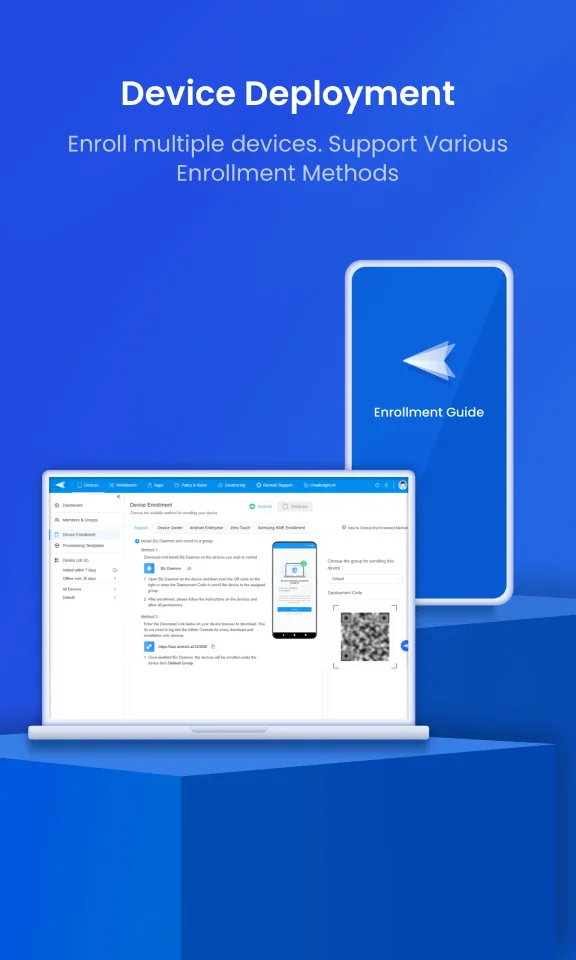
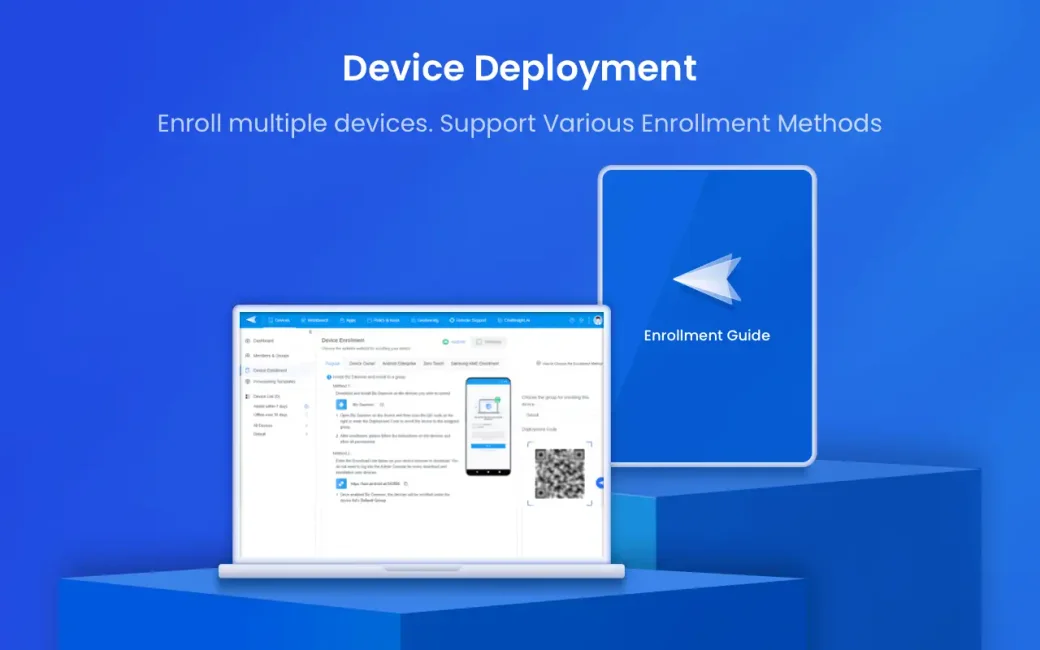
● Various options to deploy devices, such as Android Enterprise, auto-enrollment and KME.
● Enforce policies for batch configuration of devices.
- File management
- User management
- Reports for devices, data usage, apps, and user activities
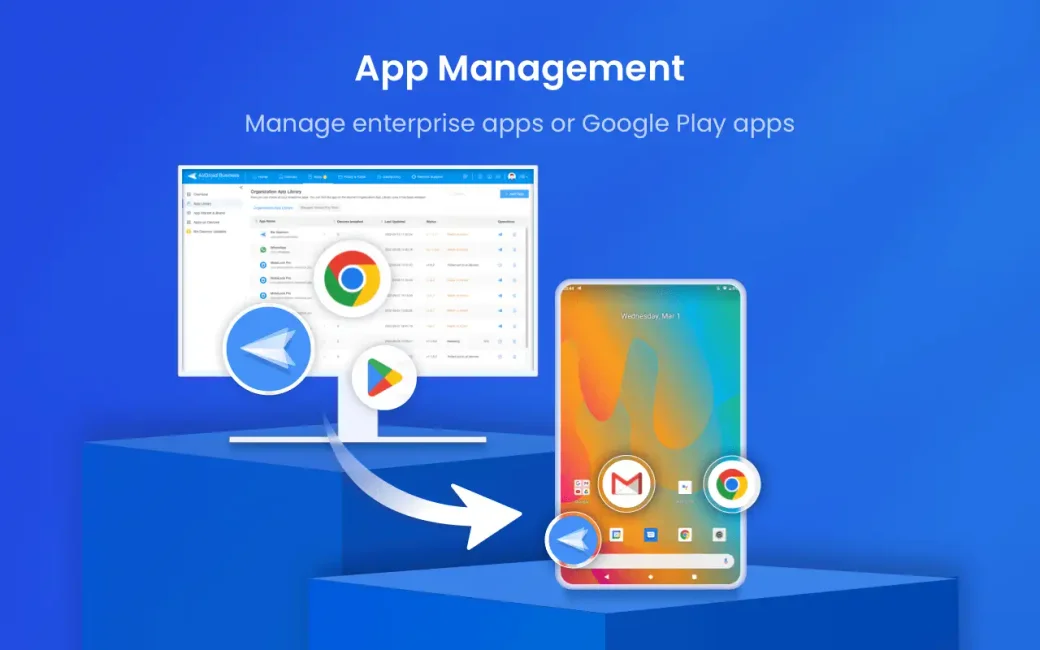
3. Comprehensive App Management Services
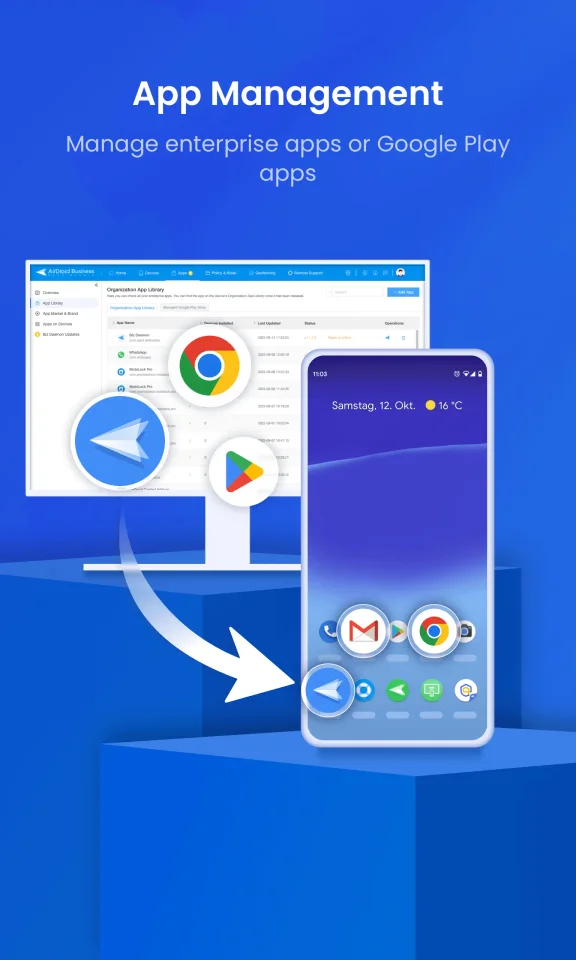
Publish enterprise-owned apps handily based on the device group, type, location, and percentage. Directly managing and configuring apps from Google Play in the console is also available. More:
- Install/uninstall apps
- Auto/defer update
- Remote erase data and cache
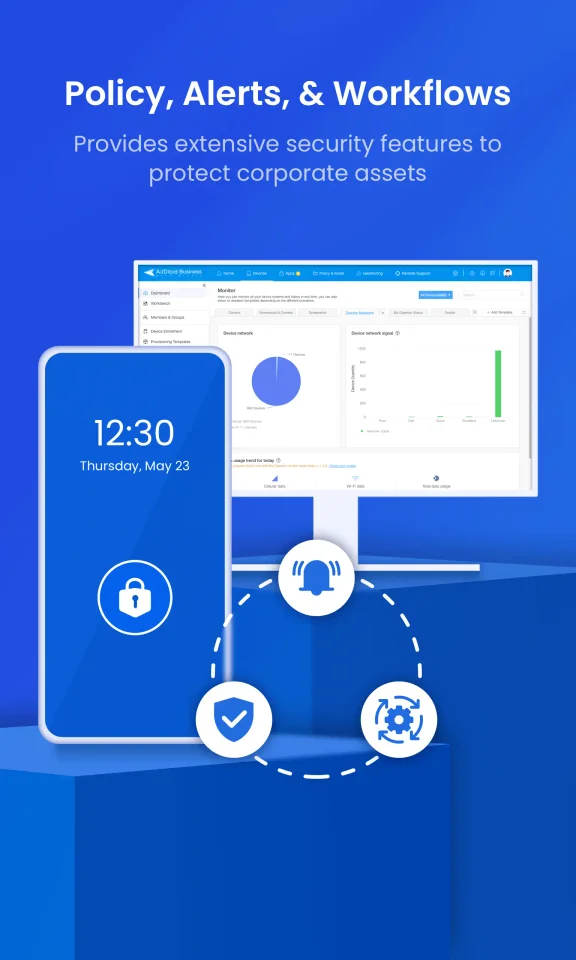
4. Monitoring, Alerting & Automated Workflows
Monitor device conditions and receive in-time alerts. Set up self-running workflows to increase efficiency.
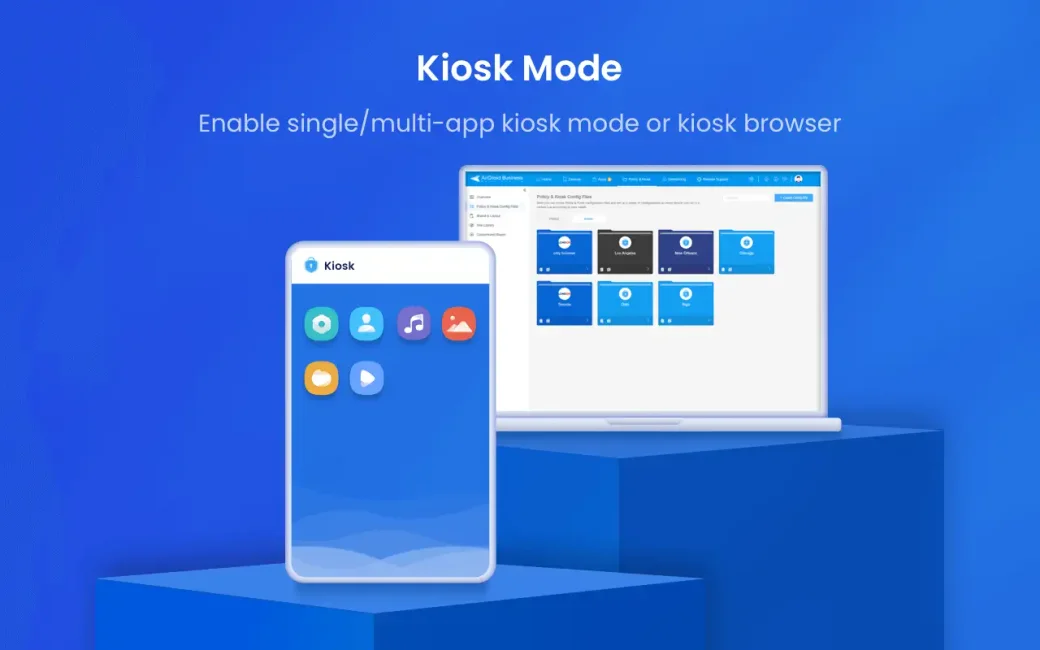
5. Kiosk Mode with Customizable Screen
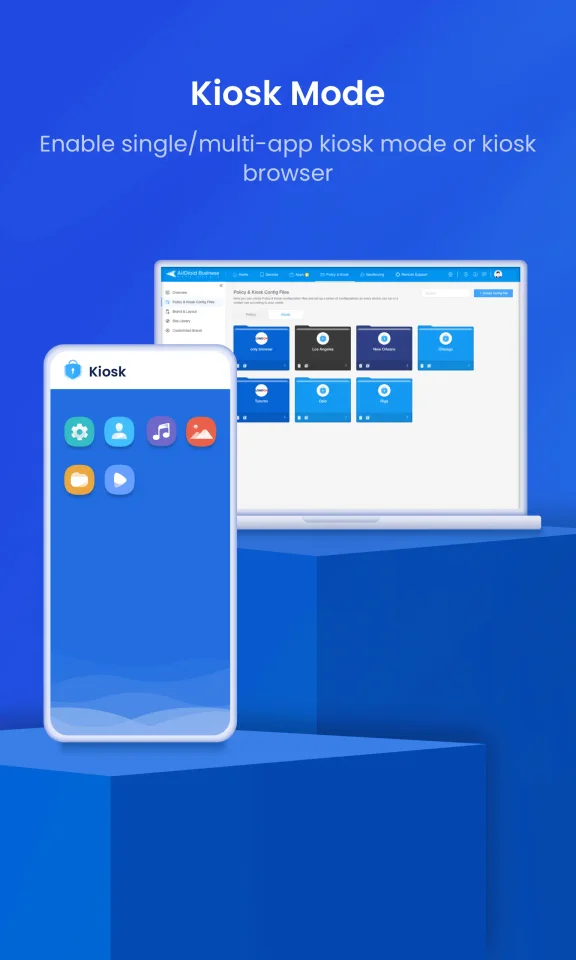
Lockdown devices as kiosk-like machines. Limit user access to apps and websites with a branded layout.
- Single-app Kiosk Mode
- Multi-app Kiosk mode
- Kiosk Browser
6. Security
- Remote lock
- Remote wipe
- Policies for passwords, networks, external devices, and others
- Geo-tracking and alerts
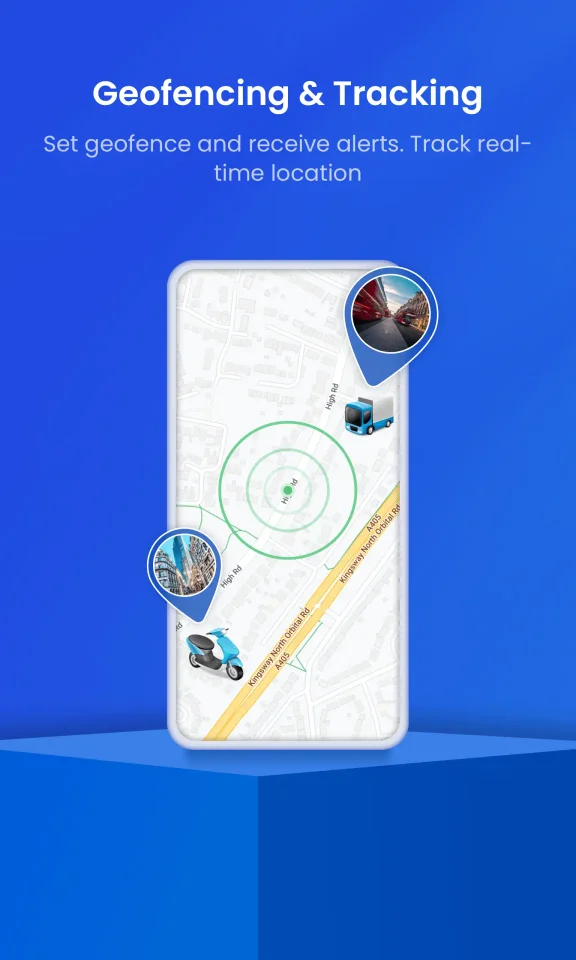
7. Geofencing & Tracking
Monitor and keep tracking device location. Set boundaries and get alert notifications.
How to use:
Using AirDroid Business for devices provisioned with Daemon, you need to log in to the admin console first. Please sign up for AirDroid Business to start.
1. Download AirDroid Business Daemon on managed devices.
2. Use AirDroid Business admin console to connect managed devices to your organization.
Installing this AirDroid Biz Daemon ,you will need to enable it through the Accessibility settings of your device.
By enabling this AirDroid Biz Daemon in the Accessibility settings, the following actions will be available:
- Enable the enterprise to remotely control your device
- Publish enterprise-owned apps to your device
You can visit the official website (https://www.airdroid.com/business/) and start a free trial.
Supported Devices: smartphones, tablets, smart TVs, kiosks, digital signage, POS, rugged devices, custom devices, and other devices that run Android OS.
Should you have any queries, please do not hesitate to contact AirDroid Business Team (biz-support@airdroid.com) or visit: https://www.airdroid.com/contact-us/.
Data safety
What SAND STUDIO declares on Google Play about the data this app collects and shares.
- No data shared with third partiesLearn more about how developers declare sharing
- This app may collect these data typesLocation, Personal info and 7 others
- Data is encrypted in transit
- Data can’t be deleted
What’s new
Version 1.5.6.0 · Nov 6, 2026
1. Other minor improvements and bug fixes.
Developer contact
- Websiteairdroid.com
- Emailbiz@airdroid.com
- Privacy policyairdroid.com
- AddressRm 29 5/F SILVERCORD CTR TWR 2 30 CANTON RD 尖沙咀 九龍 Hong Kong
Information
- Offered by
- SAND STUDIO
- Category
- Business
- Version
- 1.5.6.0
- Updated
- Nov 6, 2026
- Released
- Jan 5, 2018
- Requires
- Android 7.0 or later
- Age rating
- Everyone
- Price
- Free
- Package name
- com.sand.airdroidbiz
Similar apps
-
 TeamViewer Remote Control
Business
-
 DeskIn Remote Desktop
Productivity
-
 ScreenStream
Tools
-
 RealVNC Viewer: Remote Desktop
Productivity
-
 Deye Cloud
Tools
-
 Automate
Tools
-
 AirMirror: Remote control
Tools
-
 spacedesk - Display for PC+Mac
Productivity
-
 AppDash: App Manager & Backup
Tools
-
 Sunsational Swim Instructor
Productivity
-
 Taskbar
Tools
-
 Dokobit
Productivity