MIMIX Bubble Digital Watchface
MIMIX- EveryoneAge rating
- PersonalizationCategory
- Nov 7, 2026Updated
- $0.99Price
Links to the official Google Play listing of com.watchfacestudio.mimix_round_digital. Last checked on Nov 19, 2026.
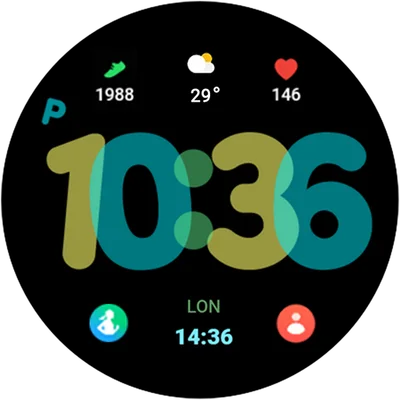
Screenshots
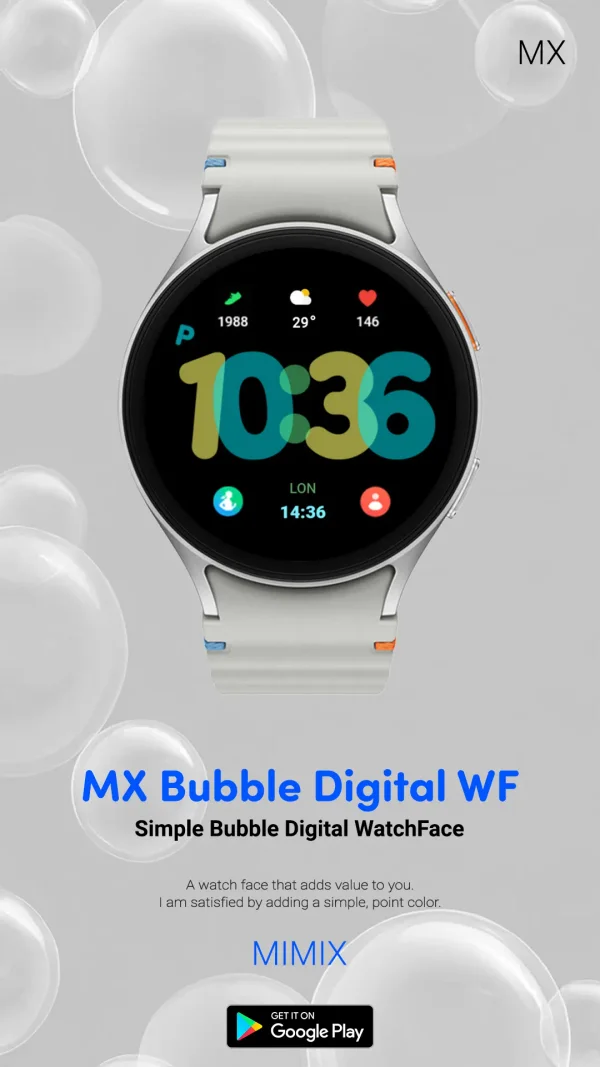

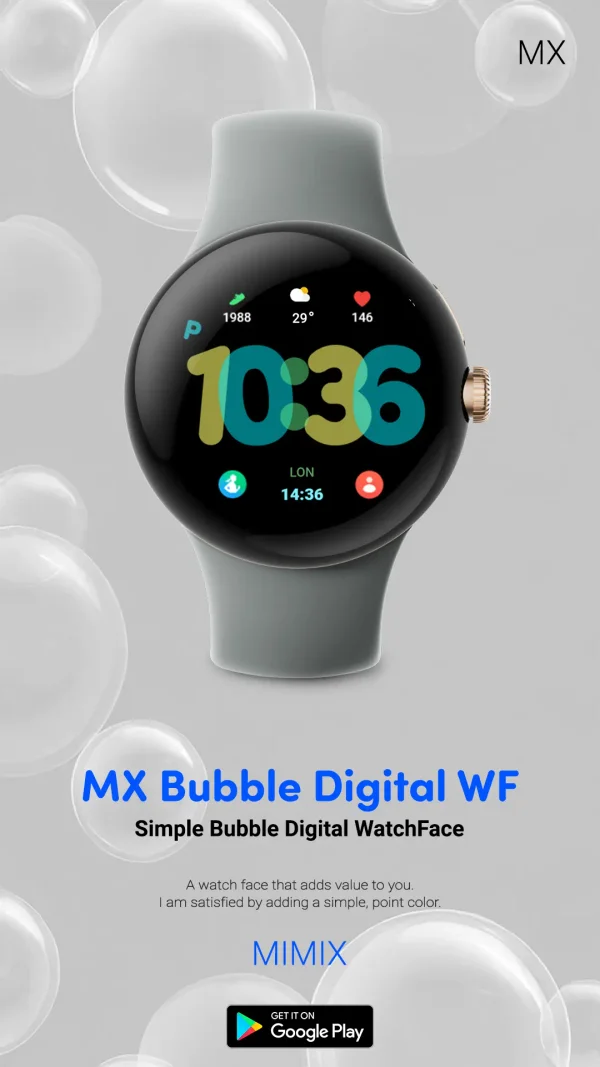

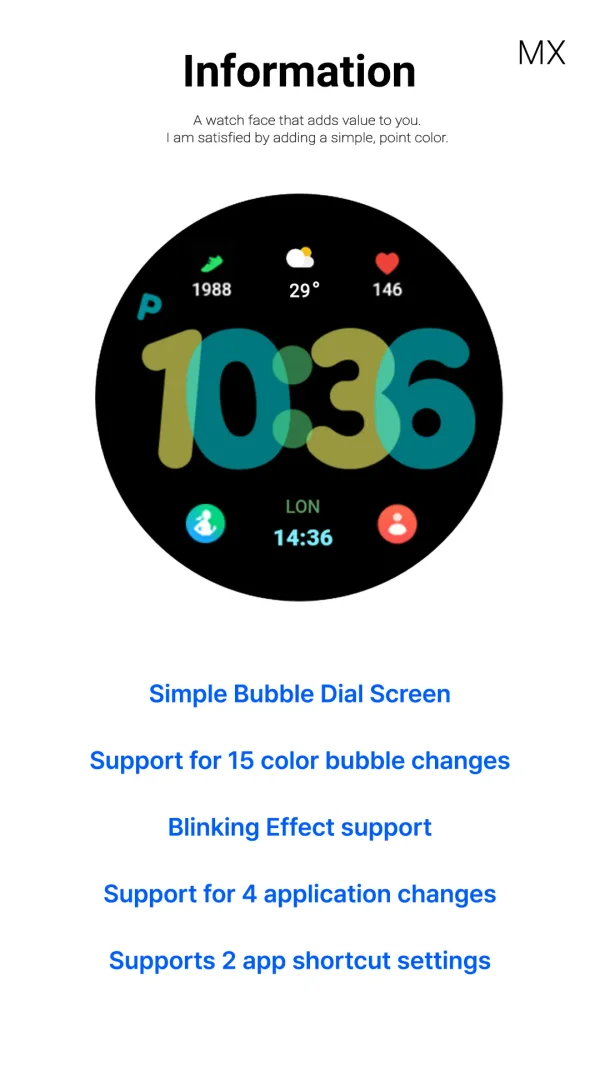

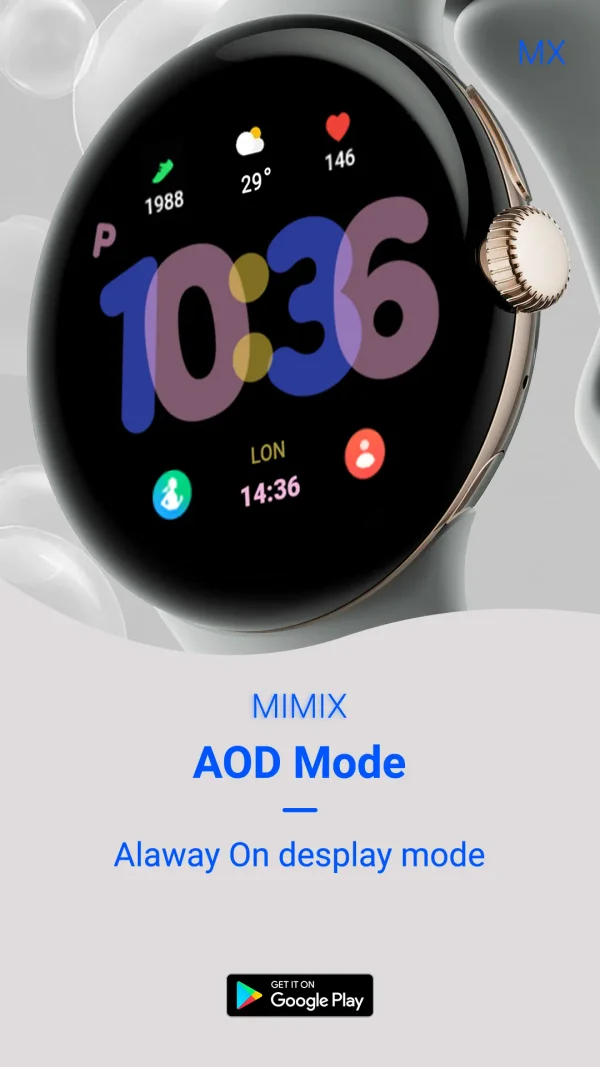
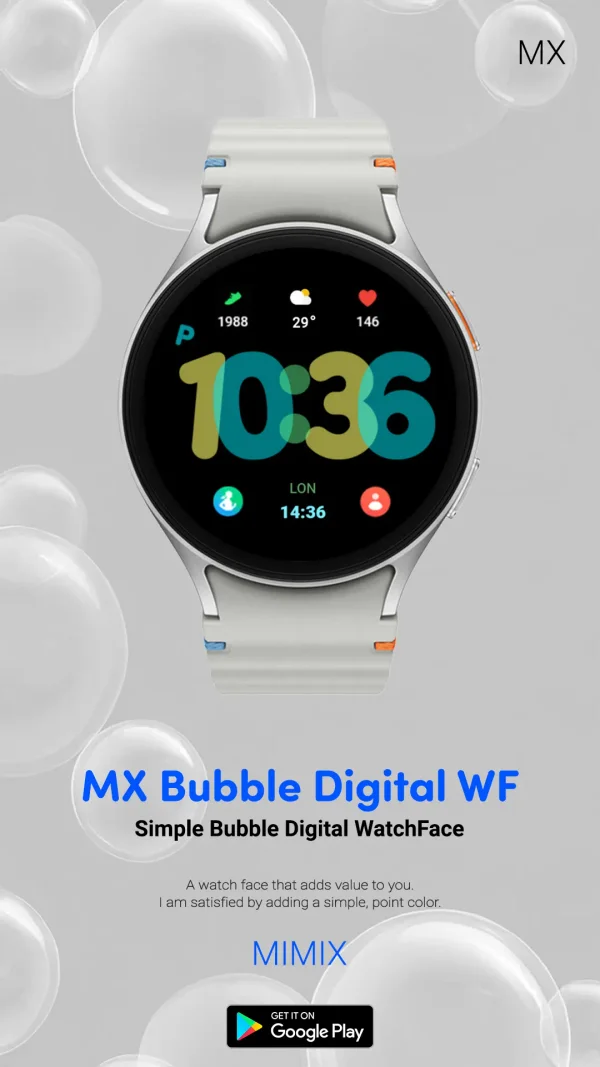
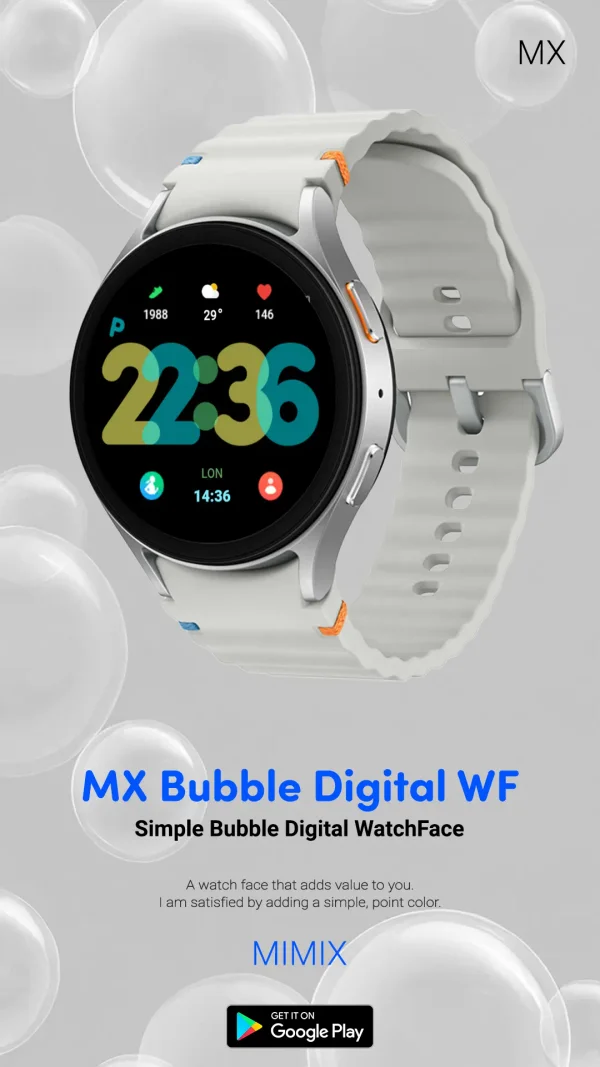
About this app
Watch Face with Wear os 3.0 and later support
*How to install
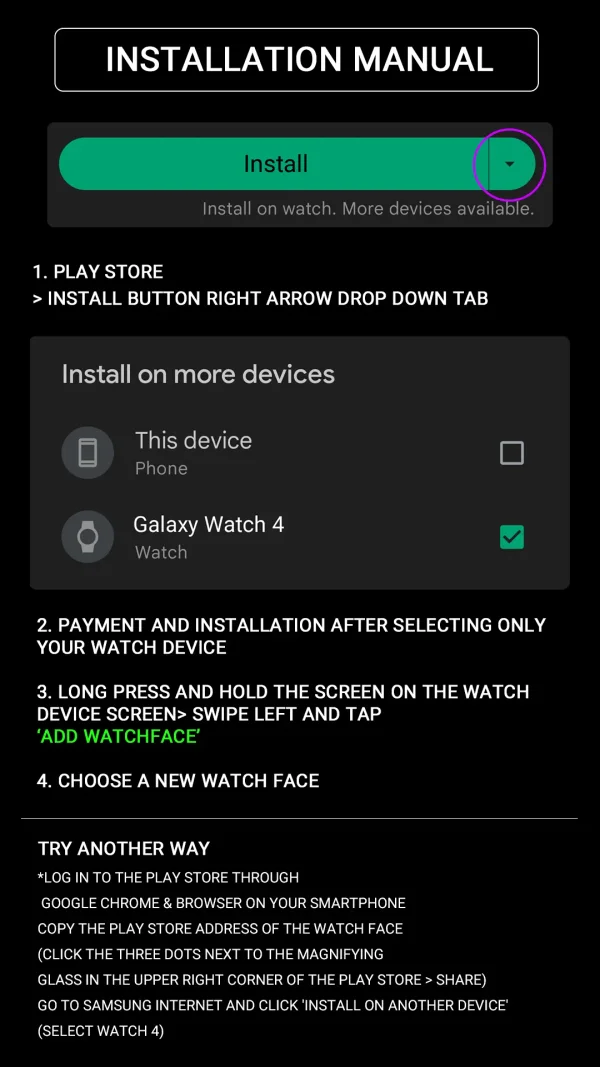
Payment and installation of the Play Store app on the smartphone (touch the right arrow and install the smart watch)
**Caution ** Need to check the connection between watch device and mobile phone
Find installed watchfaces
Press and hold the watch face > 2. Click the Decorate button > 3. Click ‘Add watch face’ on the last right > Confirm the purchased watch face
Installing as a Web browser
Copy the play store address of the watch face (click the three dots next to the magnifying glass in the upper right corner of the play store > share)
Go to the Samsung Internet on your PC or mobile phone and click 'Install on another device' (select a watch device)
How to set up Customize
Press and hold the watch face > 2. Click the Decorate button > 3. Tap each complication area to set the corresponding information > 4. Click OK
* In order to use all functions, consent to use the sensor is required.
*If the Play Store app is shown as incompatible, please install it using a web web browser on your PC/laptop in addition to the app on your phone.
*Supports Wear OS devices.
For new watch face news, please visit the link below
https://play.google.com/store/apps/dev?id=5105465284863988309
For inquiries about the app, please contact us at the email below.
mimixjh@gmail.com
Data safety
What MIMIX declares on Google Play about the data this app collects and shares.
- No data shared with third partiesLearn more about how developers declare sharing
- No data collectedLearn more about how developers declare collection
Developer contact
- Emailmimixjh@gmail.com
- Privacy policyblog.naver.com
- Address팔거천동로34길 11-14 101호 북구, 대구광역시 41427 South Korea
Information
- Offered by
- MIMIX
- Category
- Personalization
- Version
- 1.1.1
- Updated
- Nov 7, 2026
- Released
- Feb 1, 2025
- Age rating
- Everyone
- Price
- $0.99
- Package name
- com.watchfacestudio.mimix_round_digital
Similar apps
-
 Minimal Basic 2 Wear OS 5+
Personalization
-
 OMG 98 Digital Watch Face
Personalization
-
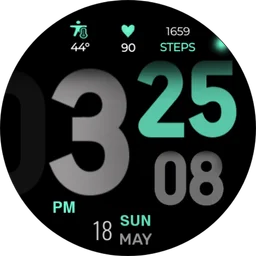 Digital Basic 4 Wear OS 5+
Personalization
-
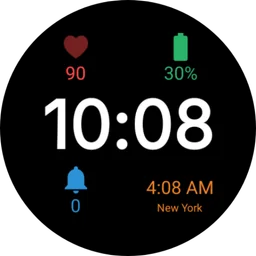 CELEST5582 Minimalist Watch
Personalization
-
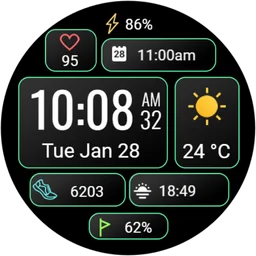 Digital Blocks
Personalization
-
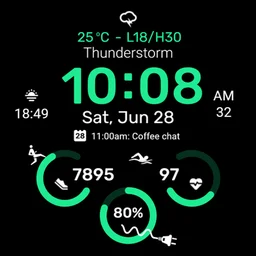 Watch face CNW-36
Personalization
-
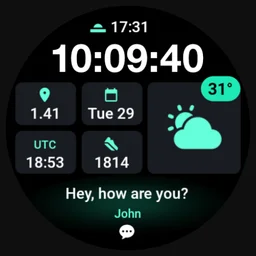 MDS457 Blocks Watch Face
Personalization
-
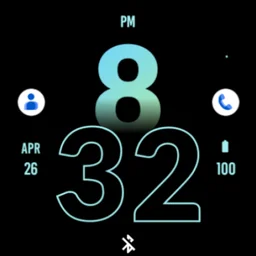 Active Daylight Watch Face
Personalization
-
 Big Snow Watch Face
Personalization
-
 Qumoo Watch Face
Personalization
-
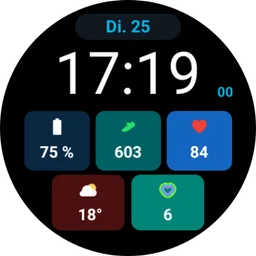 MCOM 2 Smart Panel Watch Face
Personalization
-
 Big Blue Watch Face
Personalization