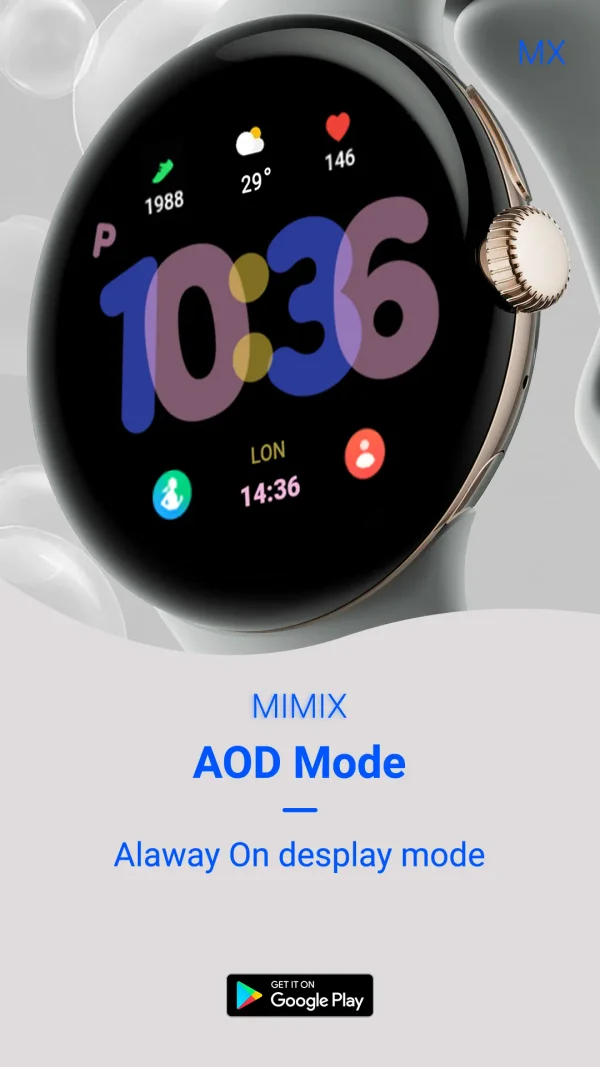
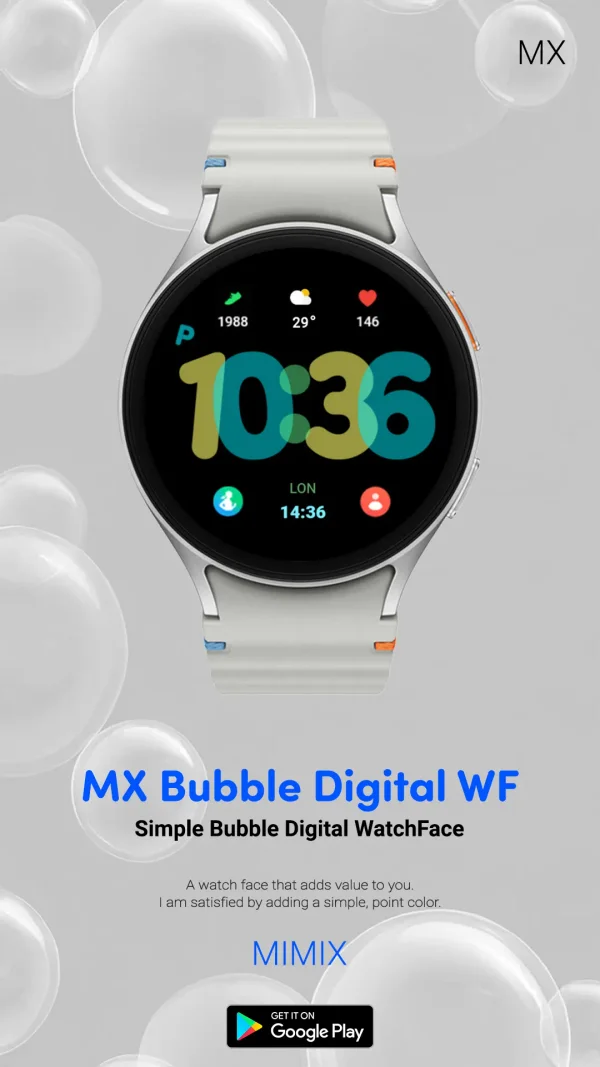
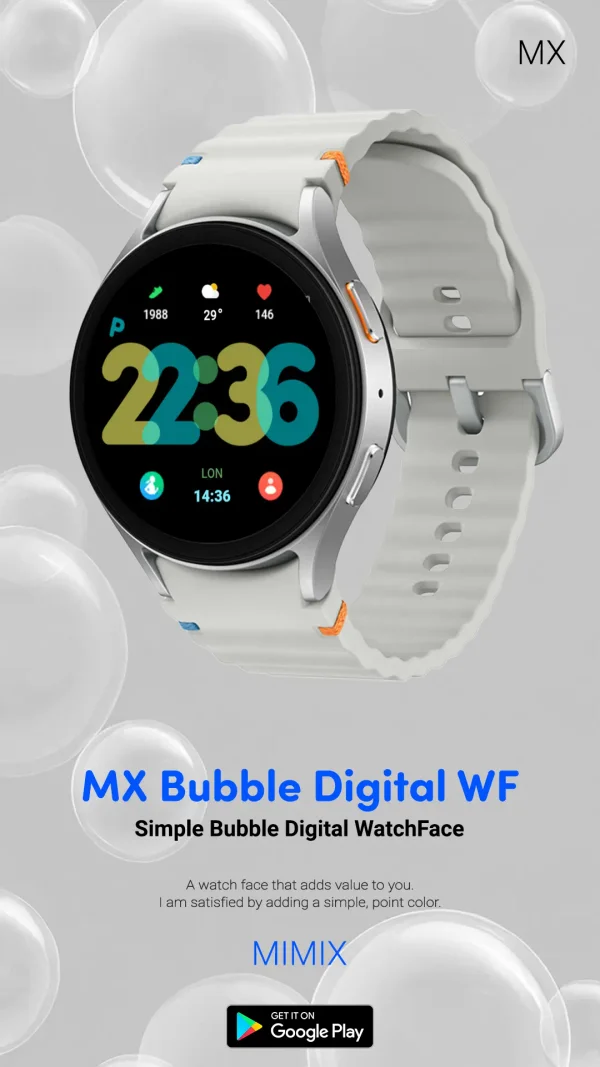
MIMIX Bubble Digital Watchface
MIMIX- PEGI 3Yaş sınırı
- KişiselleştirmeKategori
- 07.11.2026Güncellendi
- ₺52,99Fiyat
com.watchfacestudio.mimix_round_digital için resmi Google Play sayfasına bağlanır. Son kontrol: 19.11.2026.
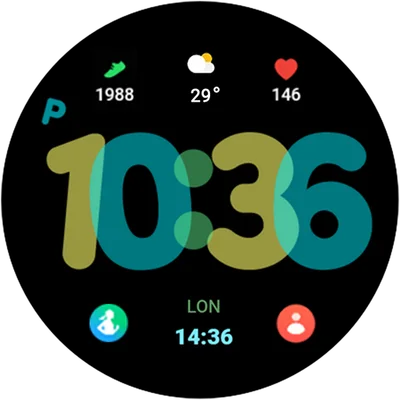
Ekran görüntüleri
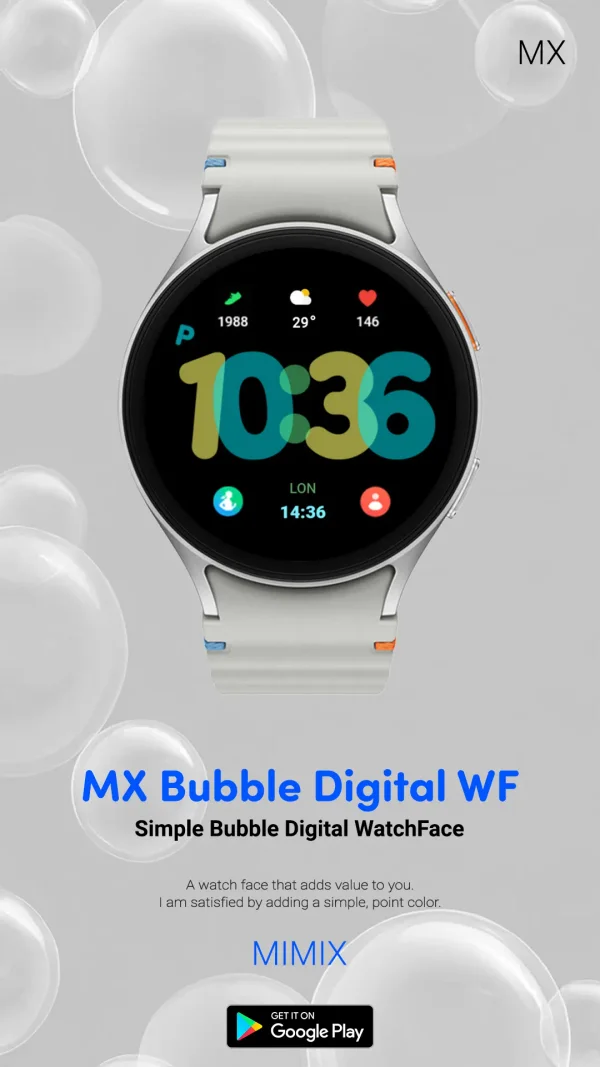

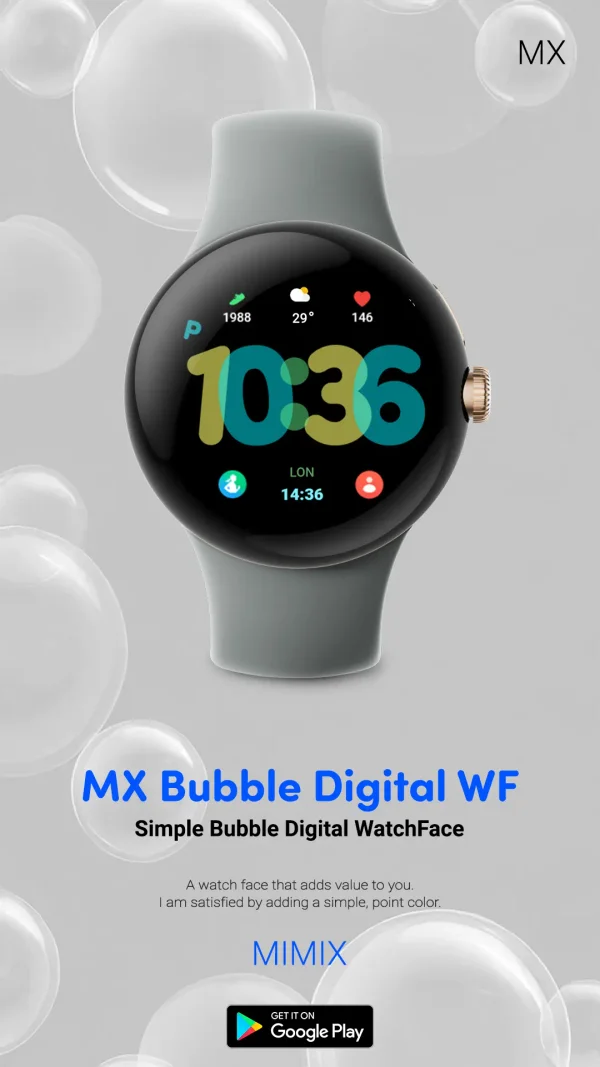

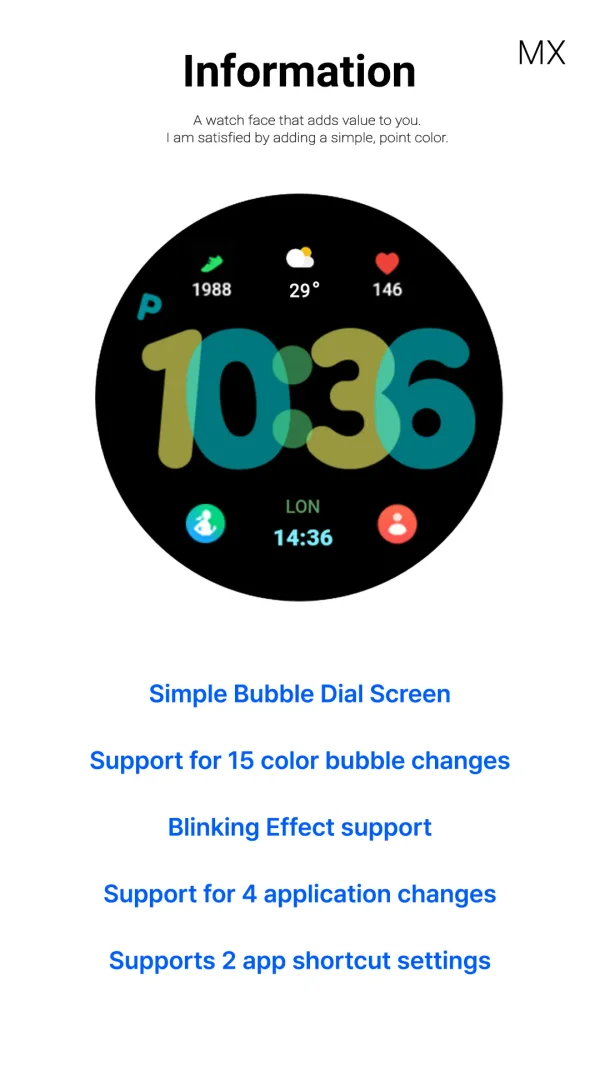

Bu uygulama hakkında
Google tarafından otomatik çeviri. Orijinal dil: İngilizce (Amerika Birleşik Devletleri).
Wear os 3.0 ve sonraki sürümleri destekleyen Watch Face
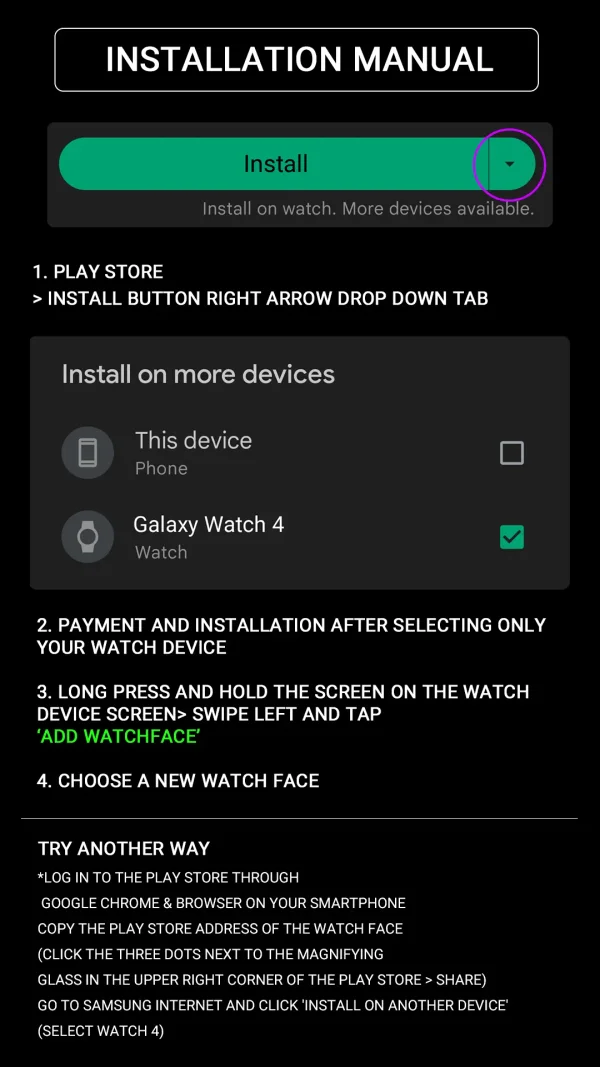
*Nasıl kurulur
Play Store uygulamasının akıllı telefona ödenmesi ve kurulumu (sağ oka dokunun ve akıllı saati yükleyin)
**Dikkat ** Saat cihazı ile cep telefonu arasındaki bağlantıyı kontrol etmeniz gerekiyor
Yüklü izleme yüzeylerini bulun
Saat görünümünü basılı tutun > 2. Dekore Et düğmesine tıklayın > 3. Sağ sondaki 'Saat görünümü ekle'ye tıklayın > Satın alınan saat görünümünü onaylayın
Web tarayıcısı olarak yükleme
Saat yüzünün Play Store adresini kopyalayın (Play Store'un sağ üst köşesindeki büyütecin yanındaki üç noktaya tıklayın > Paylaş)
PC'nizde veya cep telefonunuzdan Samsung Internet'e gidin ve 'Başka bir cihaza yükle'ye tıklayın (bir saat cihazı seçin)
Özelleştirme nasıl kurulur
Saat görünümünü basılı tutun > 2. Dekore Et düğmesine tıklayın > 3. İlgili bilgileri ayarlamak için her bir komplikasyon alanına dokunun > 4. Tamam'a tıklayın
* Tüm fonksiyonların kullanılabilmesi için sensörün kullanımına izin verilmesi gerekmektedir.
*Play Store uygulaması uyumsuz olarak gösteriliyorsa, lütfen telefonunuzdaki uygulamaya ek olarak PC/dizüstü bilgisayarınıza bir web web tarayıcısı kullanarak yükleyin.
*Wear OS cihazlarını destekler.
Yeni saat yüzü haberleri için lütfen aşağıdaki bağlantıyı ziyaret edin
https://play.google.com/store/apps/dev?id=5105465284863988309
Uygulamayla ilgili sorularınız için lütfen aşağıdaki e-posta adresinden bizimle iletişime geçin.
mimixjh@gmail.com
Orijinal metni göster
*How to install
Payment and installation of the Play Store app on the smartphone (touch the right arrow and install the smart watch)
**Caution ** Need to check the connection between watch device and mobile phone
Find installed watchfaces
Press and hold the watch face > 2. Click the Decorate button > 3. Click ‘Add watch face’ on the last right > Confirm the purchased watch face
Installing as a Web browser
Copy the play store address of the watch face (click the three dots next to the magnifying glass in the upper right corner of the play store > share)
Go to the Samsung Internet on your PC or mobile phone and click 'Install on another device' (select a watch device)
How to set up Customize
Press and hold the watch face > 2. Click the Decorate button > 3. Tap each complication area to set the corresponding information > 4. Click OK
* In order to use all functions, consent to use the sensor is required.
*If the Play Store app is shown as incompatible, please install it using a web web browser on your PC/laptop in addition to the app on your phone.
*Supports Wear OS devices.
For new watch face news, please visit the link below
https://play.google.com/store/apps/dev?id=5105465284863988309
For inquiries about the app, please contact us at the email below.
mimixjh@gmail.com
Veri güvenliği
Bu uygulamanın topladığı ve paylaştığı veriler hakkında MIMIX tarafından Google Play üzerinde yapılan beyan.
- Üçüncü taraflarla veri paylaşımı yokGeliştiricilerin, veri paylaşımını nasıl beyan ettikleri hakkında daha fazla bilgi edinin
- Veri toplanamadıGeliştiricilerin, veri toplamayı nasıl beyan ettikleri hakkında daha fazla bilgi edinin
Geliştirici iletişim bilgileri
- E-postamimixjh@gmail.com
- Gizlilik politikasıblog.naver.com
- Adres팔거천동로34길 11-14 101호 북구, 대구광역시 41427 South Korea
Bilgiler
- Sunan
- MIMIX
- Kategori
- Kişiselleştirme
- Sürüm
- 1.1.1
- Güncellendi
- 07.11.2026
- Yayın tarihi
- 01.02.2025
- Yaş sınırı
- PEGI 3
- Fiyat
- ₺52,99
- Paket adı
- com.watchfacestudio.mimix_round_digital
Benzer uygulamalar
-
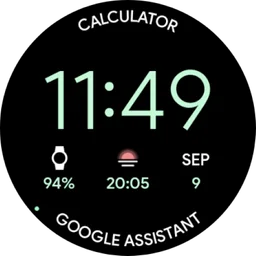 Digital Pixel Plus: Watch face
Kişiselleştirme
-
 Minimal Basic 2 Wear OS 5+
Kişiselleştirme
-
 OMG 98 Digital Watch Face
Kişiselleştirme
-
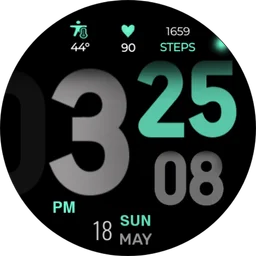 Digital Basic 4 Wear OS 5+
Kişiselleştirme
-
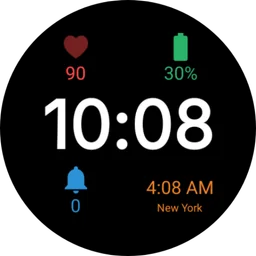 CELEST5582 Minimalist Watch
Kişiselleştirme
-
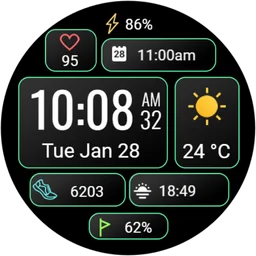 Digital Blocks
Kişiselleştirme
-
 Watch face CNW-36
Kişiselleştirme
-
 MDS457 Blocks Watch Face
Kişiselleştirme
-
 Active Daylight Watch Face
Kişiselleştirme
-
 Big Snow Watch Face
Kişiselleştirme
-
 Qumoo Watch Face
Kişiselleştirme
-
 MCOM 2 Smart Panel Watch Face
Kişiselleştirme