MIMIX Bubble Digital Watchface
MIMIX- PEGI 3Clasificación por edad
- PersonalizaciónCategoría
- 7/11/2026Actualizado
- 1,09 €Precio
Enlaza a la ficha oficial de com.watchfacestudio.mimix_round_digital en Google Play. Última comprobación el 19/11/2026.
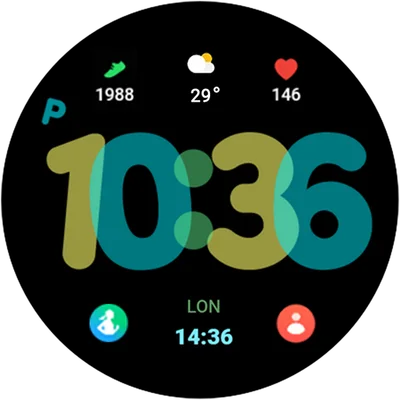
Capturas de pantalla
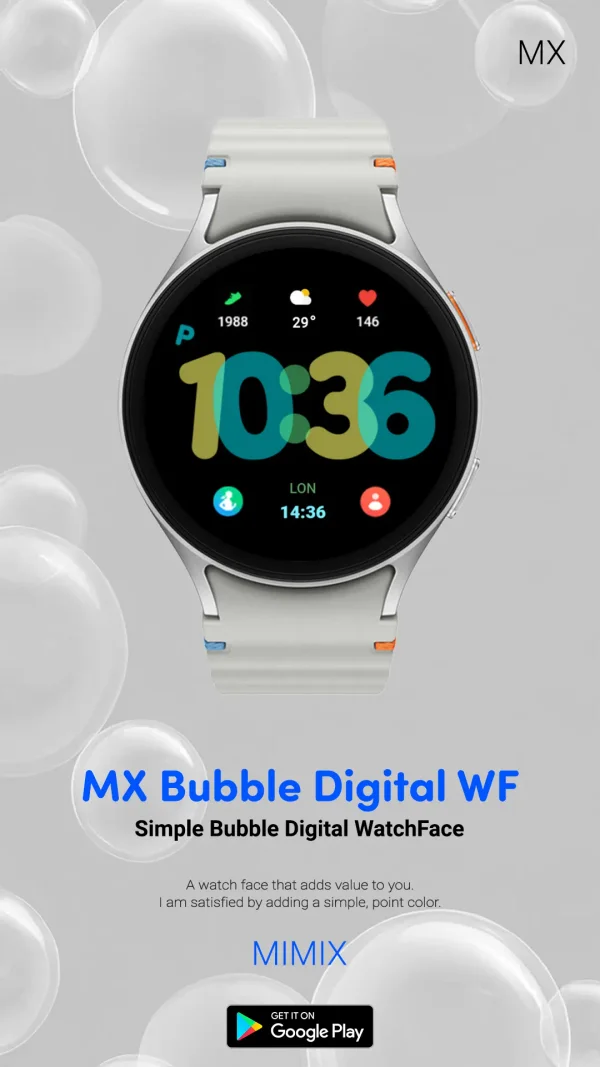

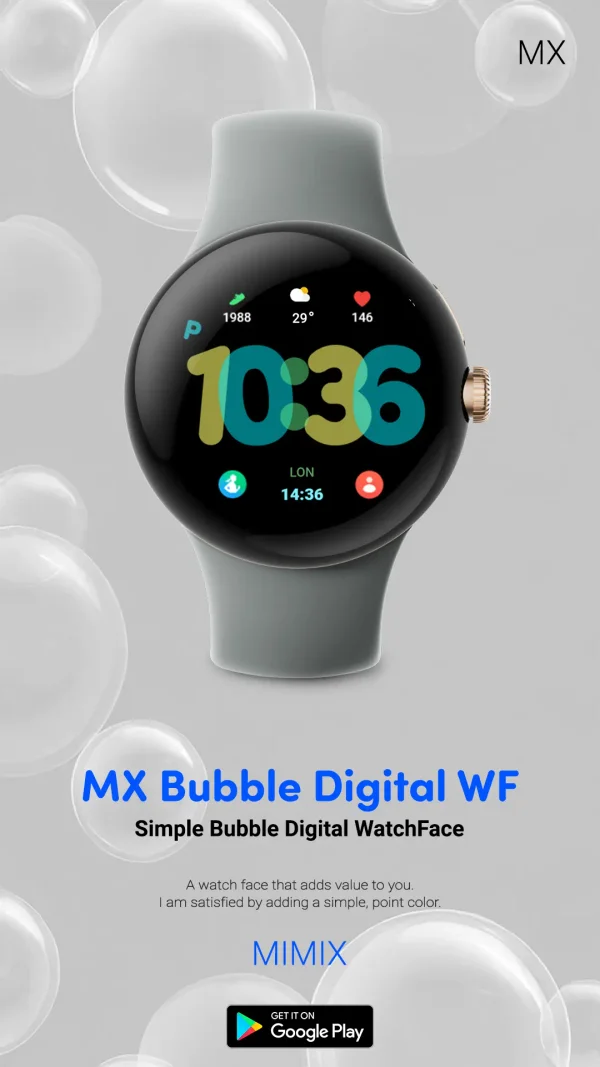

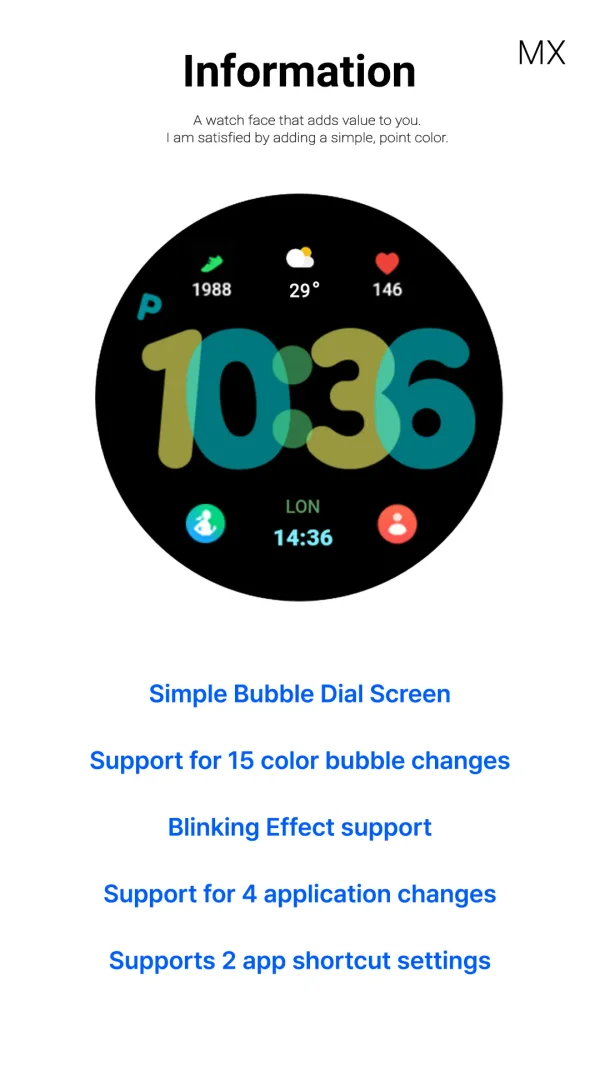

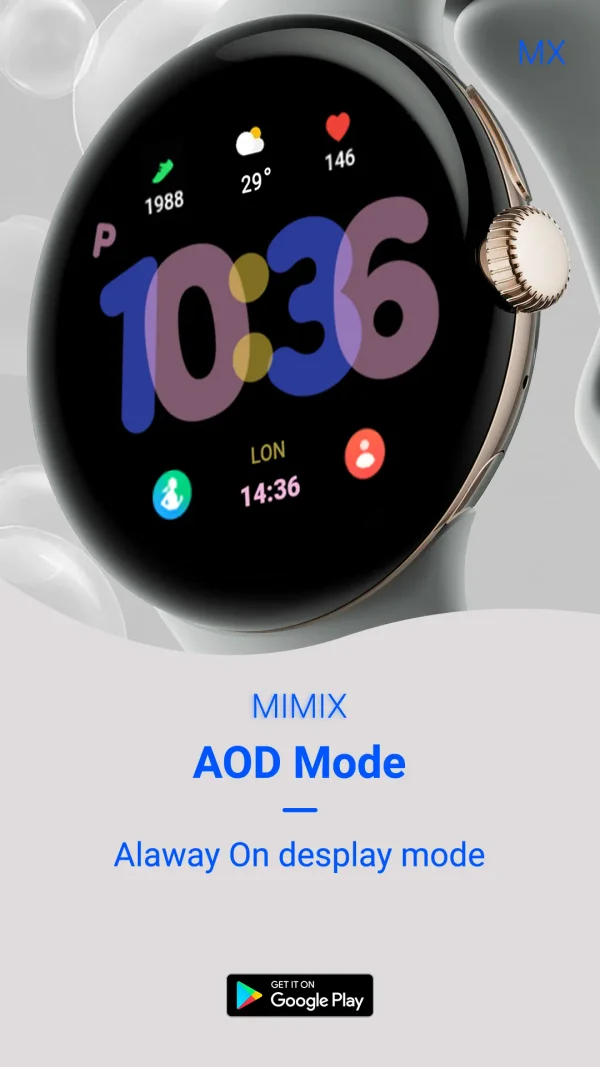
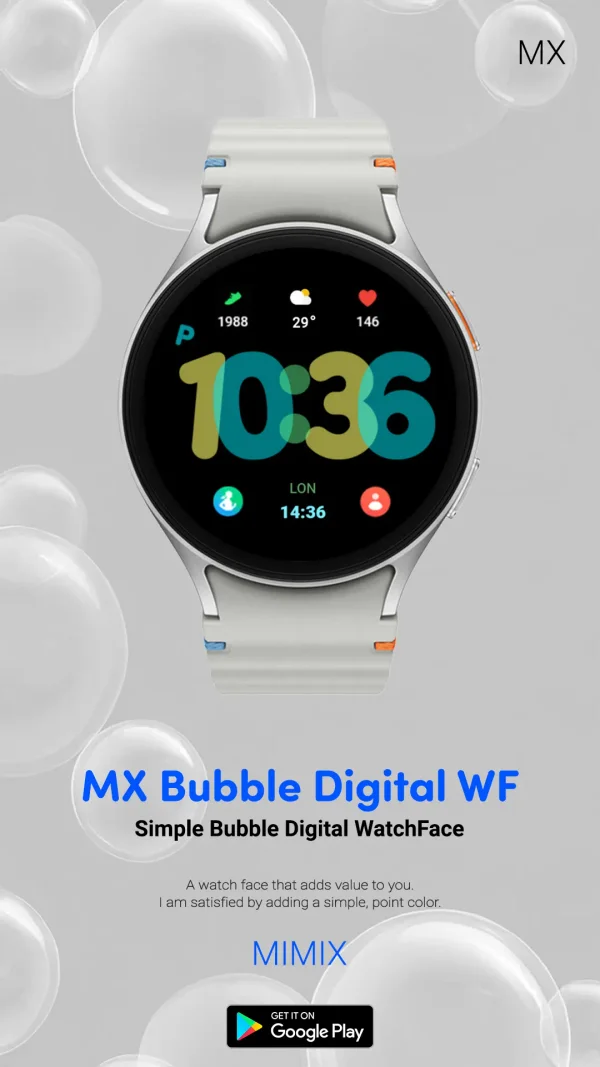
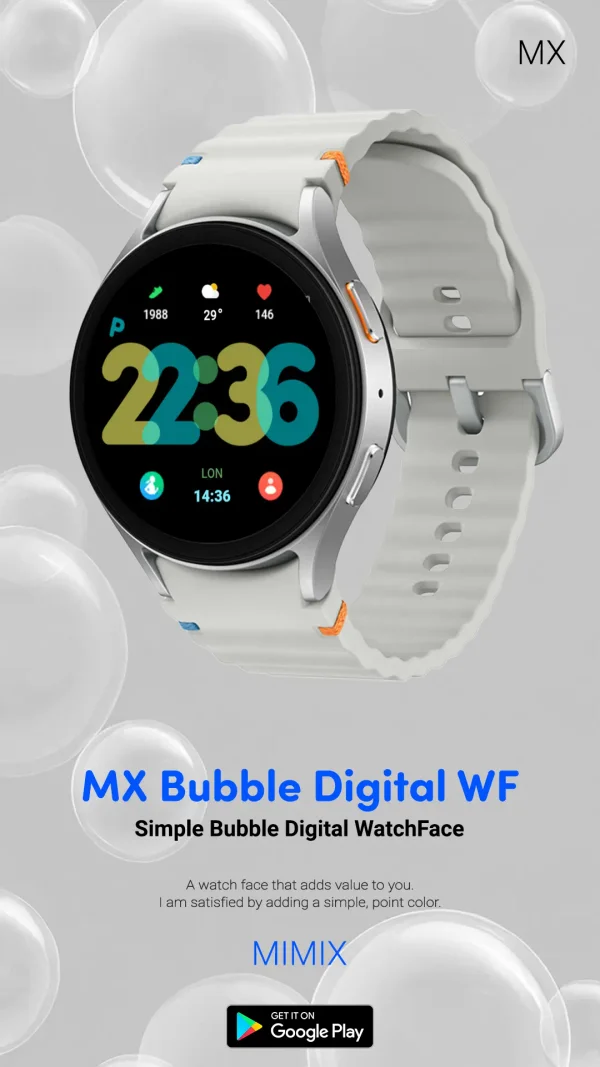
Acerca de esta aplicación
Traducción automática de Google. Idioma original: Inglés (Estados Unidos).
Watch Face compatible con Wear os 3.0 y versiones posteriores
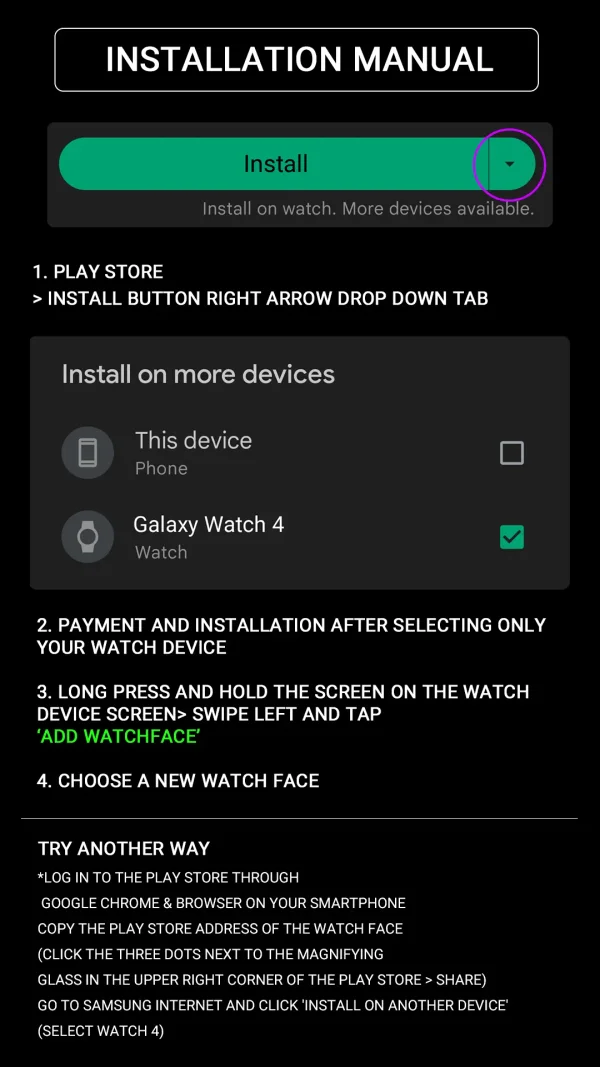
*Cómo instalar
Pago e instalación de la aplicación Play Store en el smartphone (toca la flecha derecha e instala el reloj inteligente)
**Precaución ** Es necesario comprobar la conexión entre el dispositivo reloj y el teléfono móvil.
Encuentra esferas de reloj instaladas
Mantenga presionada la esfera del reloj > 2. Haga clic en el botón Decorar > 3. Haga clic en "Agregar esfera del reloj" en el último lado derecho > Confirme la esfera del reloj comprada.
Instalación como navegador web
Copie la dirección de Play Store de la esfera del reloj (haga clic en los tres puntos junto a la lupa en la esquina superior derecha de Play Store > compartir)
Vaya a Samsung Internet en su PC o teléfono móvil y haga clic en 'Instalar en otro dispositivo' (seleccione un dispositivo de reloj)
Cómo configurar Personalizar
Mantenga presionada la esfera del reloj > 2. Haga clic en el botón Decorar > 3. Toque cada área de complicación para configurar la información correspondiente > 4. Haga clic en Aceptar
* Para utilizar todas las funciones, se requiere consentimiento para utilizar el sensor.
*Si la aplicación Play Store se muestra como incompatible, instálela usando un navegador web en su PC/portátil además de la aplicación en su teléfono.
*Admite dispositivos Wear OS.
Para obtener noticias sobre nuevas esferas del reloj, visite el siguiente enlace
https://play.google.com/store/apps/dev?id=5105465284863988309
Para consultas sobre la aplicación, contáctenos al correo electrónico a continuación.
mimixjh@gmail.com
Mostrar el texto original
*How to install
Payment and installation of the Play Store app on the smartphone (touch the right arrow and install the smart watch)
**Caution ** Need to check the connection between watch device and mobile phone
Find installed watchfaces
Press and hold the watch face > 2. Click the Decorate button > 3. Click ‘Add watch face’ on the last right > Confirm the purchased watch face
Installing as a Web browser
Copy the play store address of the watch face (click the three dots next to the magnifying glass in the upper right corner of the play store > share)
Go to the Samsung Internet on your PC or mobile phone and click 'Install on another device' (select a watch device)
How to set up Customize
Press and hold the watch face > 2. Click the Decorate button > 3. Tap each complication area to set the corresponding information > 4. Click OK
* In order to use all functions, consent to use the sensor is required.
*If the Play Store app is shown as incompatible, please install it using a web web browser on your PC/laptop in addition to the app on your phone.
*Supports Wear OS devices.
For new watch face news, please visit the link below
https://play.google.com/store/apps/dev?id=5105465284863988309
For inquiries about the app, please contact us at the email below.
mimixjh@gmail.com
Seguridad de los datos
Lo que MIMIX declara en Google Play sobre los datos que esta aplicación recopila y comparte.
- No se comparten datos con tercerosMás información sobre cómo los desarrolladores declaran lo que comparten
- No se recogen datosMás información sobre cómo los desarrolladores declaran lo que recogen
Contacto del desarrollador
- Correo electrónicomimixjh@gmail.com
- Política de privacidadblog.naver.com
- Dirección팔거천동로34길 11-14 101호 북구, 대구광역시 41427 South Korea
Información
- Ofrecida por
- MIMIX
- Categoría
- Personalización
- Versión
- 1.1.1
- Actualizado
- 7/11/2026
- Publicado
- 1/2/2025
- Clasificación por edad
- PEGI 3
- Precio
- 1,09 €
- Nombre del paquete
- com.watchfacestudio.mimix_round_digital
Aplicaciones similares
-
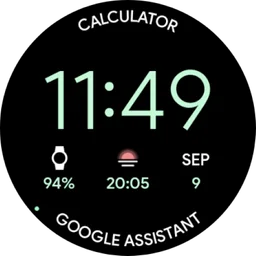 Digital Pixel Plus: Watch face
Personalización
-
 Minimal Basic 2 Wear OS 5+
Personalización
-
 OMG 98 Digital Watch Face
Personalización
-
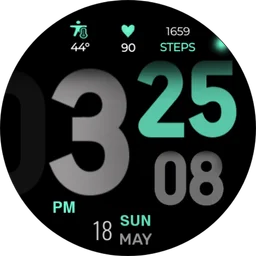 Digital Basic 4 Wear OS 5+
Personalización
-
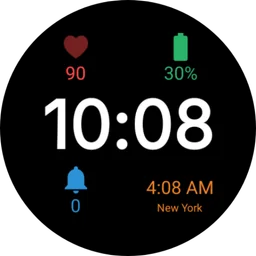 CELEST5582 Minimalist Watch
Personalización
-
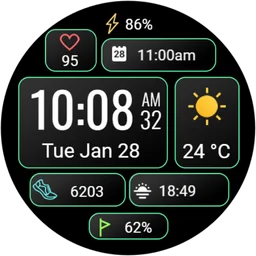 Digital Blocks
Personalización
-
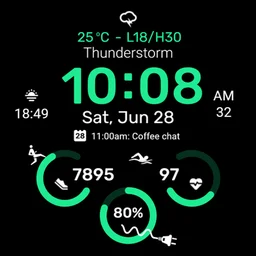 Watch face CNW-36
Personalización
-
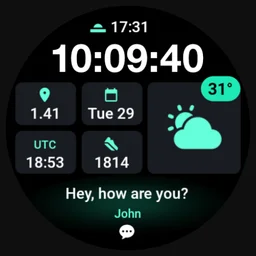 MDS457 Blocks Watch Face
Personalización
-
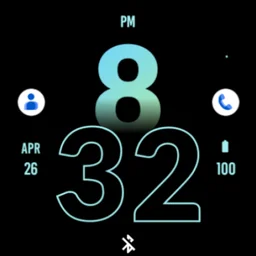 Active Daylight Watch Face
Personalización
-
 Big Snow Watch Face
Personalización
-
 Qumoo Watch Face
Personalización
-
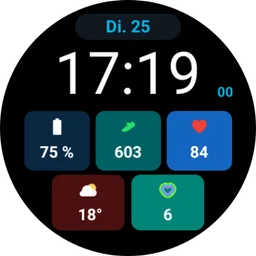 MCOM 2 Smart Panel Watch Face
Personalización