MIMIX Bubble Digital Watchface
MIMIX- USK ab 0 JahrenAltersfreigabe
- PersonalisierungKategorie
- 07.11.2026Aktualisiert
- 1,09 €Preis
Verlinkt auf den offiziellen Google Play-Eintrag von com.watchfacestudio.mimix_round_digital. Zuletzt geprüft am 19.11.2026.
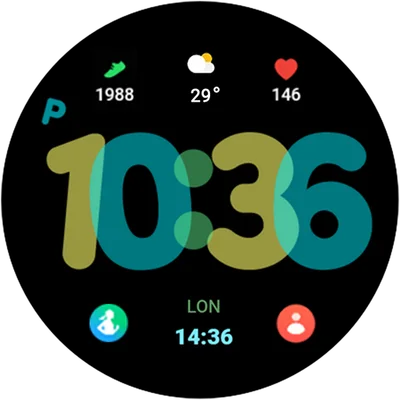
Screenshots
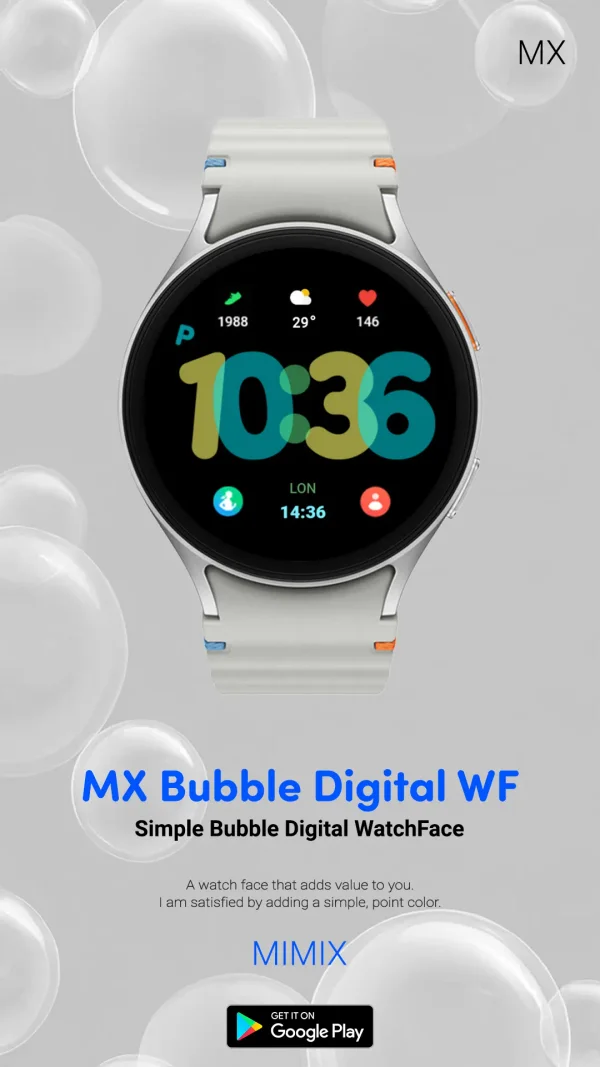

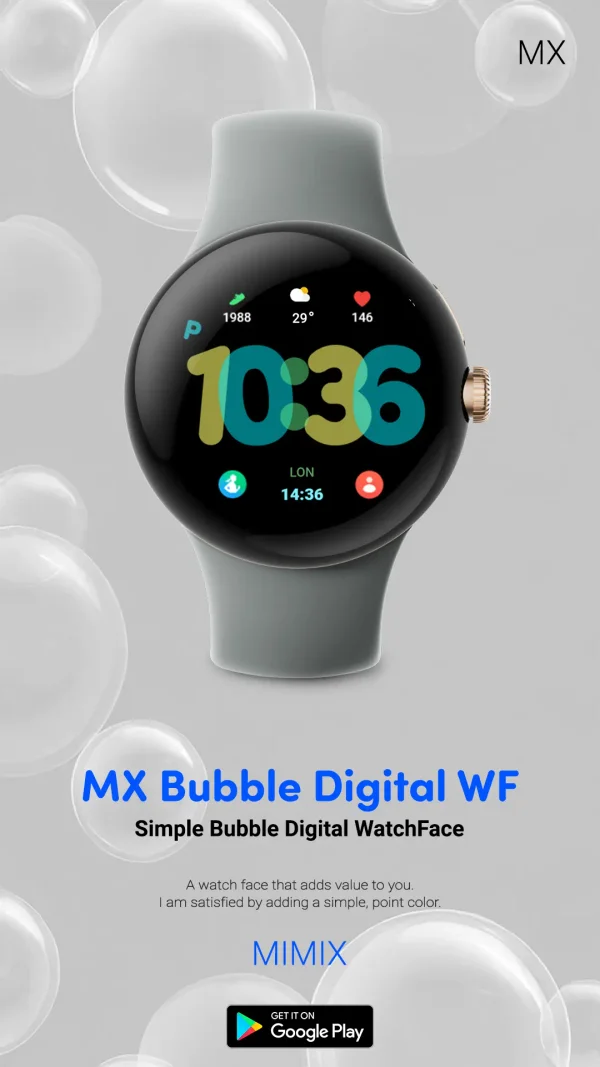

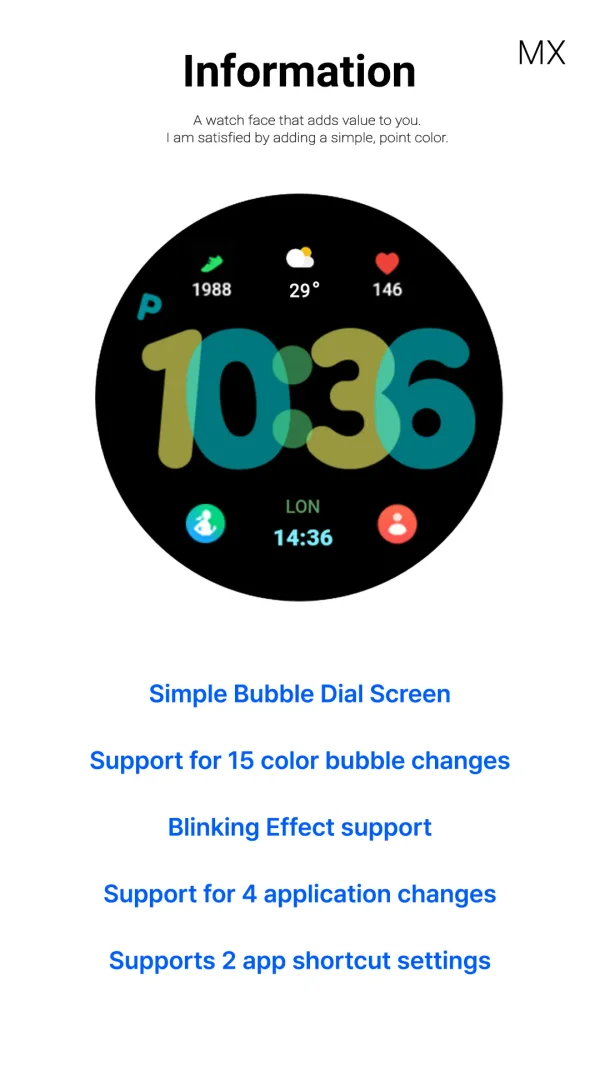

Über diese App
Automatische Übersetzung von Google. Originalsprache: Englisch (Vereinigte Staaten).
Zifferblatt mit Unterstützung für Wear OS 3.0 und höher
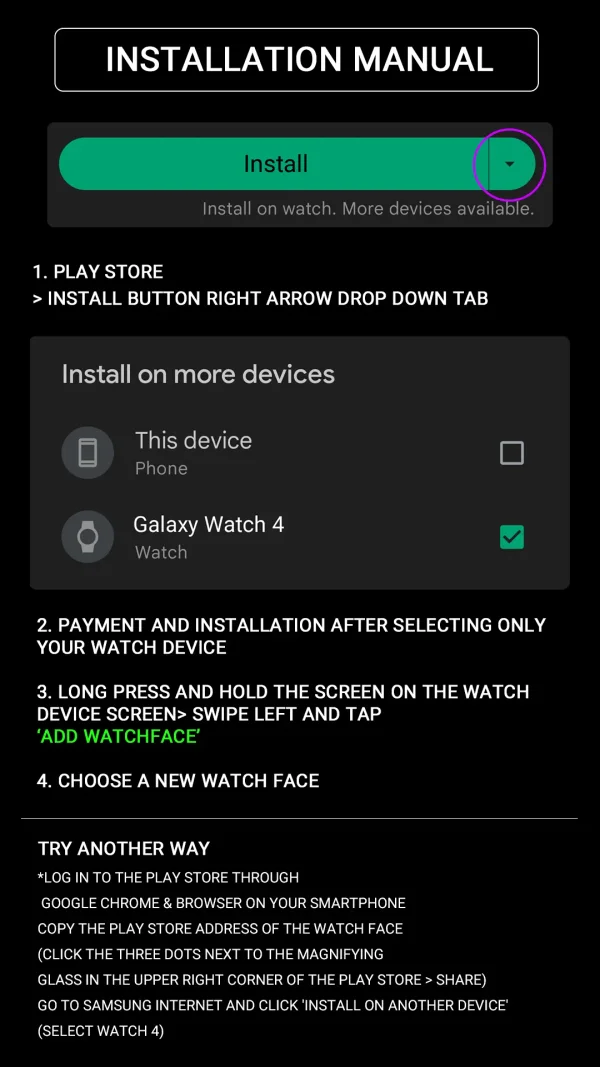
*Anleitung zur Installation
Bezahlung und Installation der Play Store App auf dem Smartphone (rechtspfeil antippen und Smartwatch installieren)
**Vorsicht ** Die Verbindung zwischen der Uhr und dem Mobiltelefon muss überprüft werden
Finden Sie installierte Watchfaces
Halten Sie das Zifferblatt gedrückt > 2. Klicken Sie auf die Schaltfläche „Dekorieren“ > 3. Klicken Sie ganz rechts auf „Zifferblatt hinzufügen“ > Bestätigen Sie das gekaufte Zifferblatt
Installation als Webbrowser
Kopieren Sie die Play-Store-Adresse des Zifferblatts (klicken Sie auf die drei Punkte neben der Lupe in der oberen rechten Ecke des Play-Stores > Teilen).
Gehen Sie auf Ihrem PC oder Mobiltelefon zum Samsung-Internet und klicken Sie auf „Auf einem anderen Gerät installieren“ (wählen Sie ein Uhrengerät aus).
So richten Sie „Anpassen“ ein
Halten Sie das Zifferblatt gedrückt > 2. Klicken Sie auf die Schaltfläche „Dekorieren“ > 3. Tippen Sie auf jeden Komplikationsbereich, um die entsprechenden Informationen festzulegen > 4. Klicken Sie auf „OK“.
* Um alle Funktionen nutzen zu können, ist eine Einwilligung zur Nutzung des Sensors erforderlich.
*Wenn die Play Store-App als inkompatibel angezeigt wird, installieren Sie sie bitte zusätzlich zur App auf Ihrem Telefon über einen Webbrowser auf Ihrem PC/Laptop.
*Unterstützt Wear OS-Geräte.
Für Neuigkeiten zu neuen Zifferblättern klicken Sie bitte auf den Link unten
https://play.google.com/store/apps/dev?id=5105465284863988309
Bei Fragen zur App kontaktieren Sie uns bitte unter der untenstehenden E-Mail.
mimixjh@gmail.com
Originaltext anzeigen
*How to install
Payment and installation of the Play Store app on the smartphone (touch the right arrow and install the smart watch)
**Caution ** Need to check the connection between watch device and mobile phone
Find installed watchfaces
Press and hold the watch face > 2. Click the Decorate button > 3. Click ‘Add watch face’ on the last right > Confirm the purchased watch face
Installing as a Web browser
Copy the play store address of the watch face (click the three dots next to the magnifying glass in the upper right corner of the play store > share)
Go to the Samsung Internet on your PC or mobile phone and click 'Install on another device' (select a watch device)
How to set up Customize
Press and hold the watch face > 2. Click the Decorate button > 3. Tap each complication area to set the corresponding information > 4. Click OK
* In order to use all functions, consent to use the sensor is required.
*If the Play Store app is shown as incompatible, please install it using a web web browser on your PC/laptop in addition to the app on your phone.
*Supports Wear OS devices.
For new watch face news, please visit the link below
https://play.google.com/store/apps/dev?id=5105465284863988309
For inquiries about the app, please contact us at the email below.
mimixjh@gmail.com
Datensicherheit
Was MIMIX bei Google Play zu den Daten angibt, die diese App erfasst und weitergibt.
- Keine Daten werden mit Drittunternehmen oder -organisationen geteiltWeitere Informationen dazu, wie Entwickler Angaben zur Weitergabe von Daten machen
- Keine Daten erhobenWeitere Informationen dazu, wie Entwickler Angaben zur Datenerhebung machen
Kontakt zum Entwickler
- E-Mailmimixjh@gmail.com
- Datenschutzerklärungblog.naver.com
- Adresse팔거천동로34길 11-14 101호 북구, 대구광역시 41427 South Korea
Informationen
- Angeboten von
- MIMIX
- Kategorie
- Personalisierung
- Version
- 1.1.1
- Aktualisiert
- 07.11.2026
- Veröffentlicht
- 01.02.2025
- Altersfreigabe
- USK ab 0 Jahren
- Preis
- 1,09 €
- Paketname
- com.watchfacestudio.mimix_round_digital
Ähnliche Apps
-
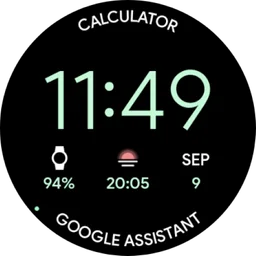 Digital Pixel Plus: Watch face
Personalisierung
-
 Minimal Basic 2 Wear OS 5+
Personalisierung
-
 OMG 98 Digital Watch Face
Personalisierung
-
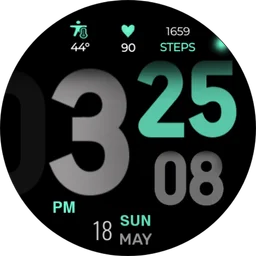 Digital Basic 4 Wear OS 5+
Personalisierung
-
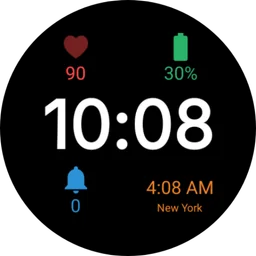 CELEST5582 Minimalist Watch
Personalisierung
-
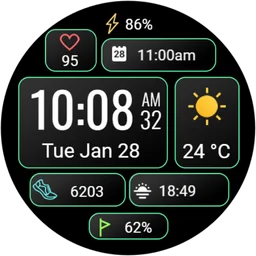 Digital Blocks
Personalisierung
-
 Watch face CNW-36
Personalisierung
-
 MDS457 Blocks Watch Face
Personalisierung
-
 Active Daylight Watch Face
Personalisierung
-
 Big Snow Watch Face
Personalisierung
-
 Qumoo Watch Face
Personalisierung
-
 MCOM 2 Smart Panel Watch Face
Personalisierung