MIMIX Bubble Digital Watchface
MIMIX- Rating 3+Batasan usia
- PersonalisasiKategori
- 7/11/2026Diperbarui
- Rp 17.000Harga
Tertaut ke halaman resmi com.watchfacestudio.mimix_round_digital di Google Play. Terakhir diperiksa pada 19/11/2026.
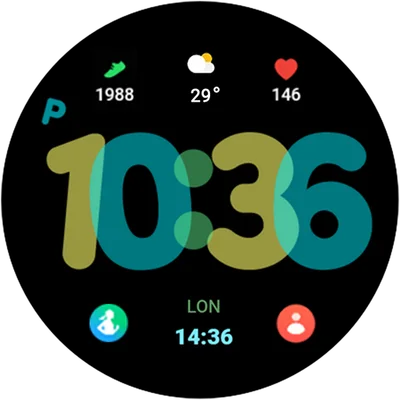
Tangkapan layar
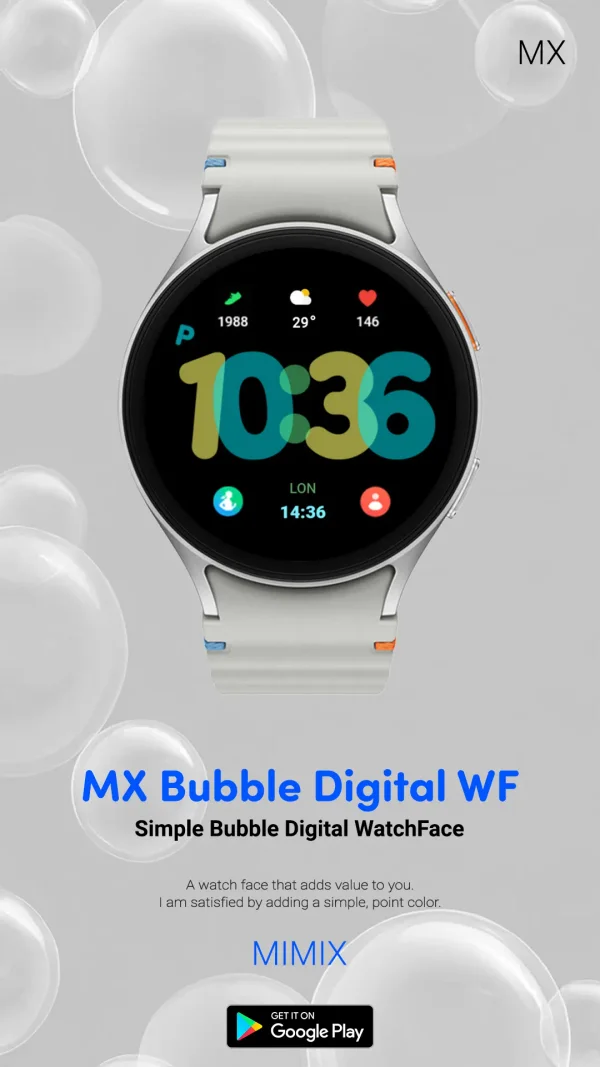

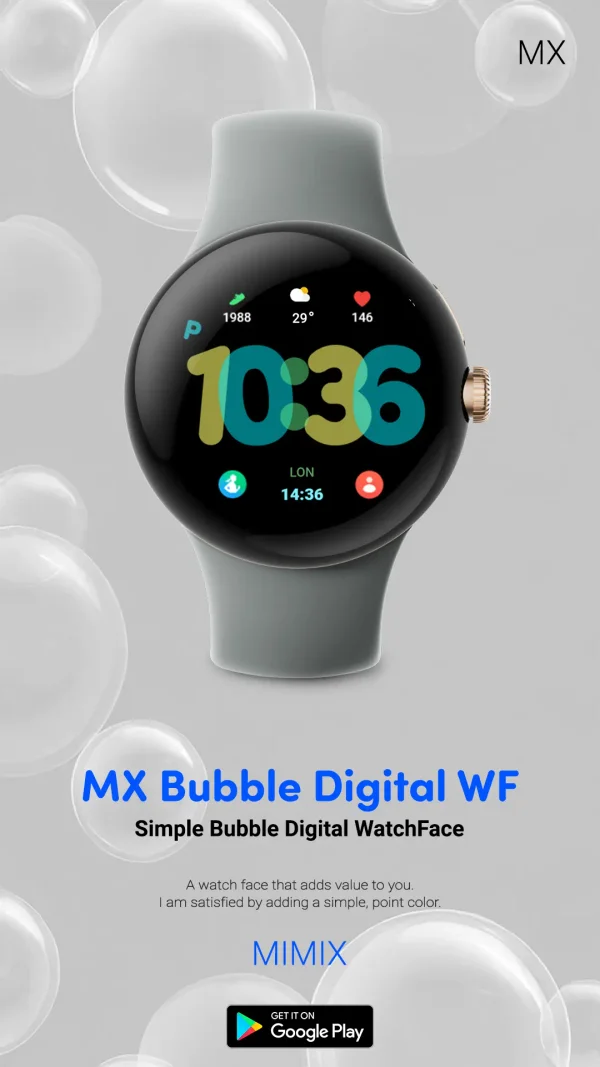

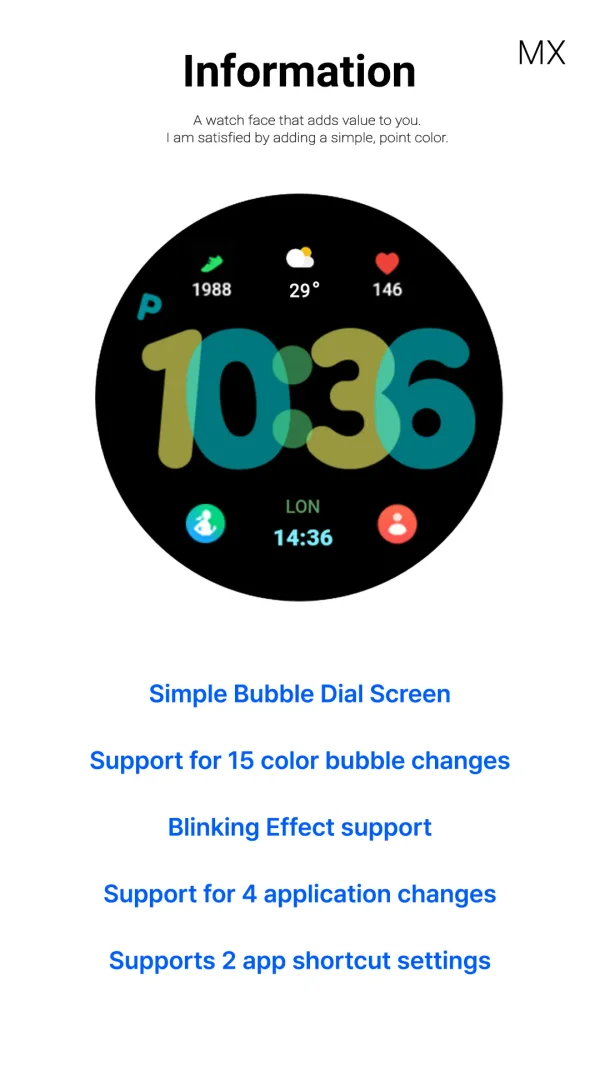

Tentang aplikasi ini
Terjemahan otomatis oleh Google. Bahasa asli: Inggris (Amerika Serikat).
Tonton Wajah dengan dukungan Wear os 3.0 dan yang lebih baru
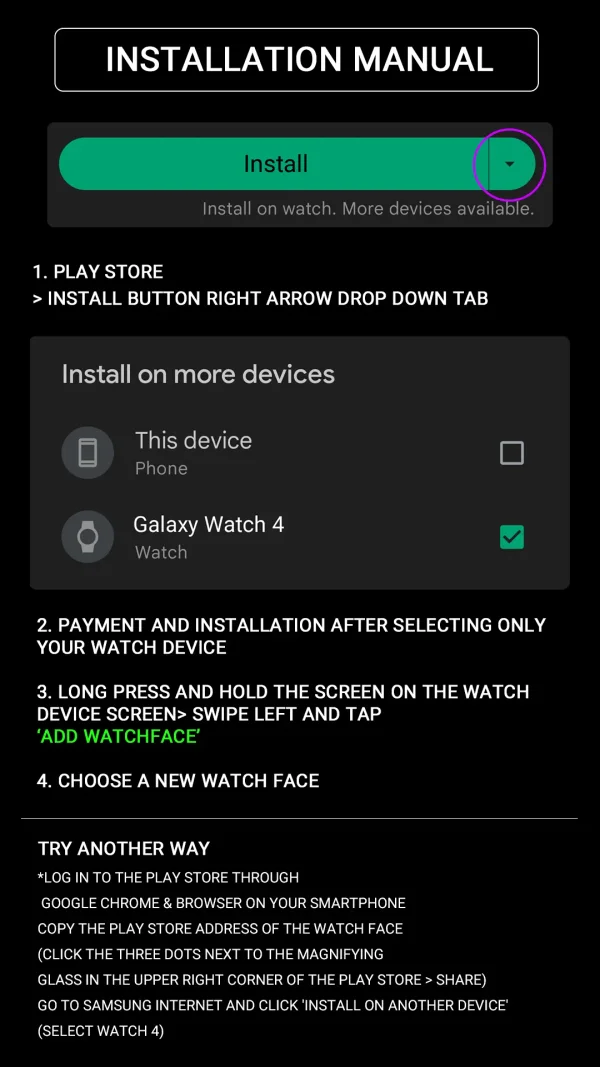
*Cara menginstal
Pembayaran dan pemasangan aplikasi Play Store di smartphone (sentuh panah kanan dan pasang jam tangan pintar)
**Perhatian ** Perlu memeriksa koneksi antara perangkat jam tangan dan ponsel
Temukan tampilan jam yang terpasang
Tekan dan tahan tampilan jam > 2. Klik tombol Hiasi > 3. Klik ‘Tambahkan tampilan jam’ di kanan terakhir > Konfirmasi tampilan jam yang dibeli
Menginstal sebagai browser Web
Salin alamat play store tampilan jam (klik tiga titik di sebelah kaca pembesar di sudut kanan atas play store > bagikan)
Buka Samsung Internet di PC atau ponsel Anda dan klik 'Instal di perangkat lain' (pilih perangkat jam tangan)
Cara mengatur Kustomisasi
Tekan dan tahan tampilan jam > 2. Klik tombol Hiasi > 3. Ketuk setiap area komplikasi untuk mengatur informasi terkait > 4. Klik OK
* Untuk menggunakan semua fungsi, diperlukan persetujuan untuk menggunakan sensor.
*Jika aplikasi Play Store ditampilkan tidak kompatibel, silakan instal menggunakan browser web di PC/laptop Anda selain aplikasi di ponsel Anda.
*Mendukung perangkat Wear OS.
Untuk berita tampilan jam baru, silakan kunjungi tautan di bawah
https://play.google.com/store/apps/dev?id=5105465284863988309
Untuk pertanyaan tentang aplikasi, silakan hubungi kami di email di bawah.
mimixjh@gmail.com
Tampilkan teks asli
*How to install
Payment and installation of the Play Store app on the smartphone (touch the right arrow and install the smart watch)
**Caution ** Need to check the connection between watch device and mobile phone
Find installed watchfaces
Press and hold the watch face > 2. Click the Decorate button > 3. Click ‘Add watch face’ on the last right > Confirm the purchased watch face
Installing as a Web browser
Copy the play store address of the watch face (click the three dots next to the magnifying glass in the upper right corner of the play store > share)
Go to the Samsung Internet on your PC or mobile phone and click 'Install on another device' (select a watch device)
How to set up Customize
Press and hold the watch face > 2. Click the Decorate button > 3. Tap each complication area to set the corresponding information > 4. Click OK
* In order to use all functions, consent to use the sensor is required.
*If the Play Store app is shown as incompatible, please install it using a web web browser on your PC/laptop in addition to the app on your phone.
*Supports Wear OS devices.
For new watch face news, please visit the link below
https://play.google.com/store/apps/dev?id=5105465284863988309
For inquiries about the app, please contact us at the email below.
mimixjh@gmail.com
Keamanan data
Yang dinyatakan MIMIX di Google Play tentang data yang dikumpulkan dan dibagikan aplikasi ini.
- Tidak ada data yang dibagikan kepada pihak ketigaPelajari lebih lanjut cara developer menyatakan pembagian data
- Tidak ada data yang dikumpulkanPelajari lebih lanjut cara developer menyatakan pengumpulan data
Kontak pengembang
- Emailmimixjh@gmail.com
- Kebijakan Privasiblog.naver.com
- Alamat팔거천동로34길 11-14 101호 북구, 대구광역시 41427 South Korea
Informasi
- Ditawarkan oleh
- MIMIX
- Kategori
- Personalisasi
- Versi
- 1.1.1
- Diperbarui
- 7/11/2026
- Dirilis
- 1/2/2025
- Batasan usia
- Rating 3+
- Harga
- Rp 17.000
- Nama paket
- com.watchfacestudio.mimix_round_digital
Aplikasi serupa
-
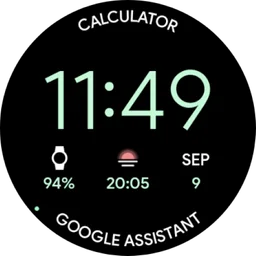 Digital Pixel Plus: Watch face
Personalisasi
-
 Minimal Basic 2 Wear OS 5+
Personalisasi
-
 OMG 98 Digital Watch Face
Personalisasi
-
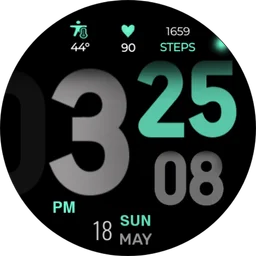 Digital Basic 4 Wear OS 5+
Personalisasi
-
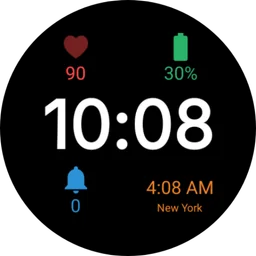 CELEST5582 Minimalist Watch
Personalisasi
-
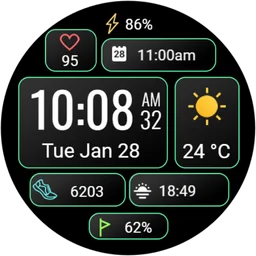 Digital Blocks
Personalisasi
-
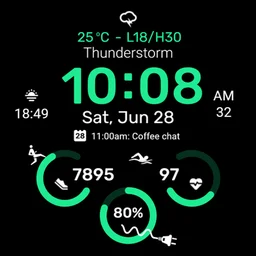 Watch face CNW-36
Personalisasi
-
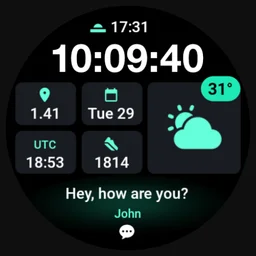 MDS457 Blocks Watch Face
Personalisasi
-
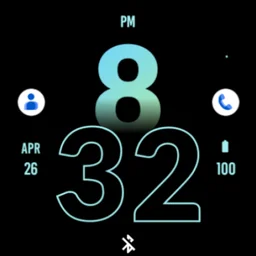 Active Daylight Watch Face
Personalisasi
-
 Big Snow Watch Face
Personalisasi
-
 Qumoo Watch Face
Personalisasi
-
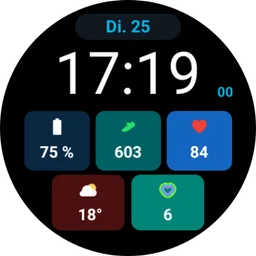 MCOM 2 Smart Panel Watch Face
Personalisasi