MIMIX Bubble Digital Watchface
MIMIX- 3 歳以上対象年齢
- カスタマイズカテゴリ
- 2026/11/7更新日
- ¥180価格
com.watchfacestudio.mimix_round_digitalのGoogle Play公式ページにリンクしています。最終確認:2026/11/19。
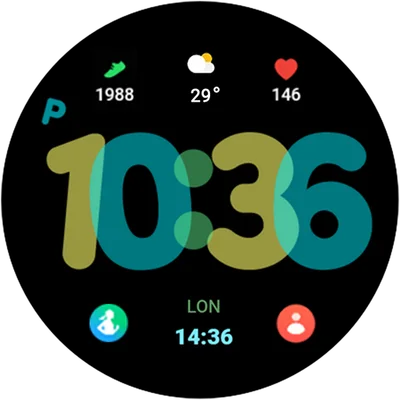
スクリーンショット
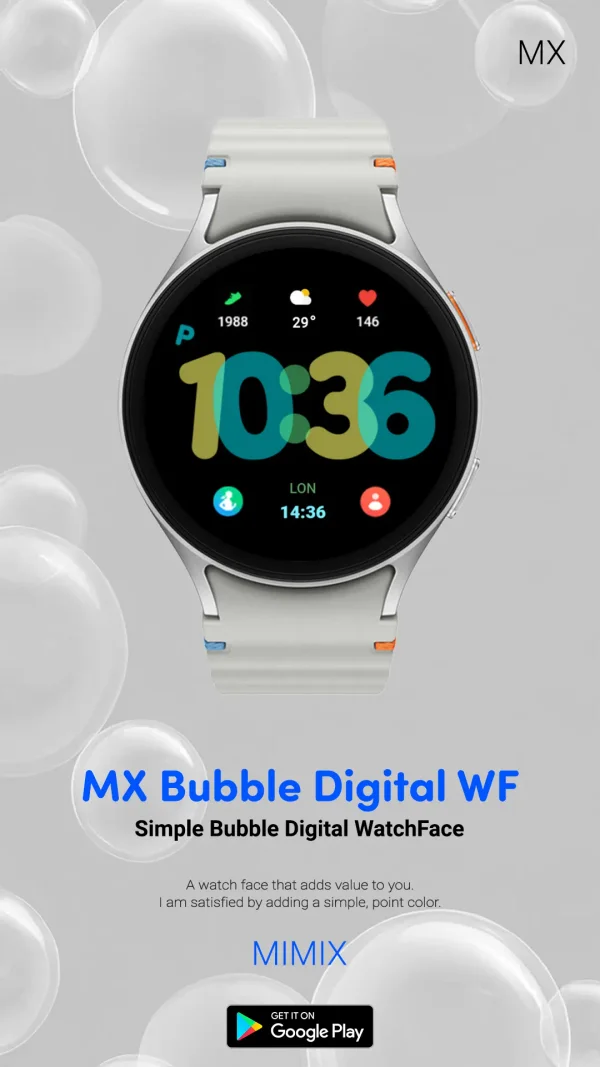

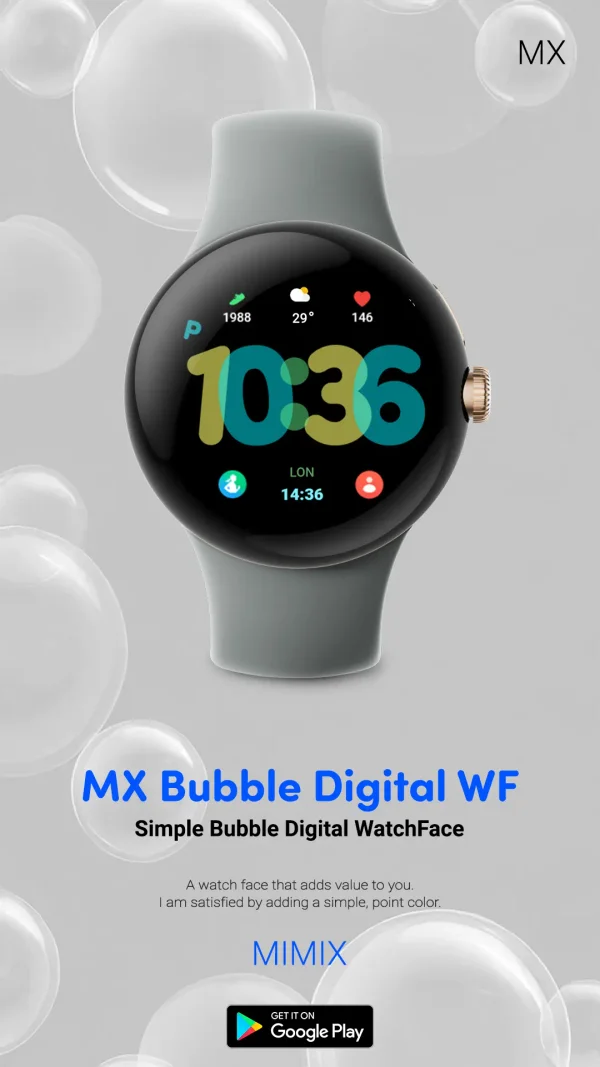

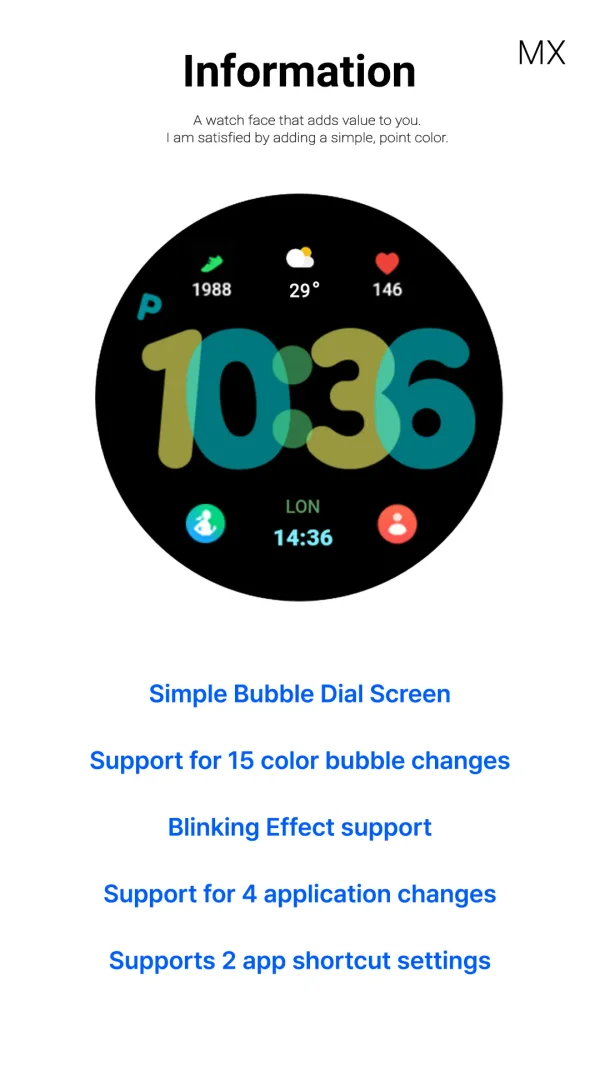

このアプリについて
Googleによる英語 (アメリカ合衆国)からの自動翻訳です。
Wear os 3.0 以降をサポートする Watch Face
※取り付け方法
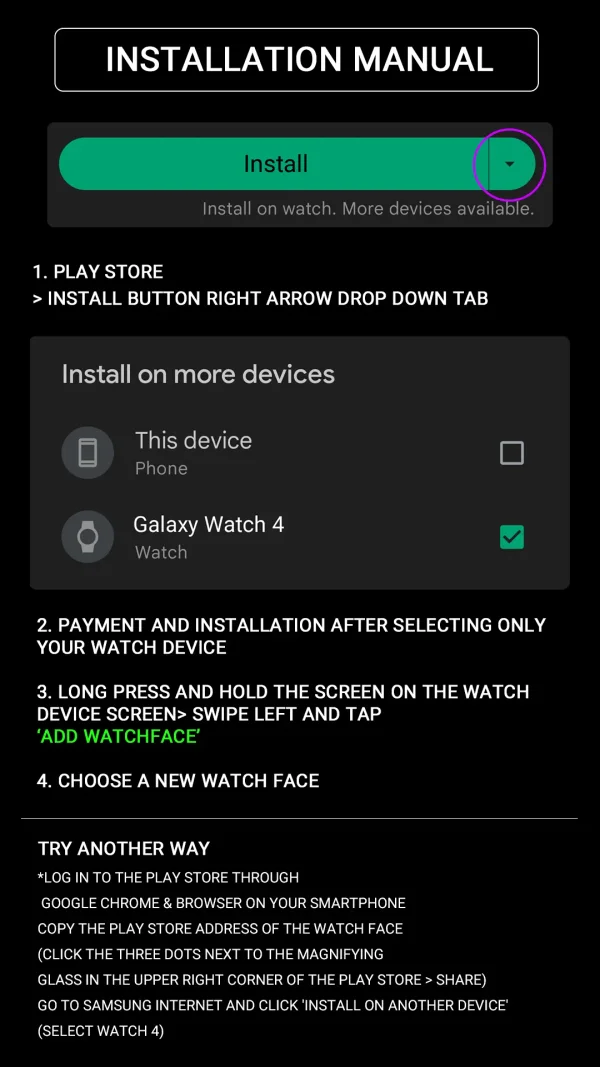
スマートフォンへのPlayストアアプリの支払いとインストール(右矢印をタッチしてスマートウォッチをインストール)
**注意** 時計デバイスと携帯電話の間の接続を確認する必要があります
インストールされているウォッチフェイスを検索する
ウォッチフェイスを長押し > 2. 装飾ボタンをクリック > 3. 最後右の「ウォッチフェイスを追加」をクリック > 購入したウォッチフェイスを確認
Webブラウザとしてインストールする
ウォッチフェイスの Play ストア アドレスをコピーします (Play ストアの右上隅にある虫眼鏡の横にある 3 つの点をクリックし、[共有] をクリックします)。
PC または携帯電話で Samsung インターネットにアクセスし、[別のデバイスにインストール] をクリックします (ウォッチ デバイスを選択します)。
カスタマイズの設定方法
文字盤を長押し > 2. [装飾] ボタンをクリック > 3. 各合併症領域をタップして対応する情報を設定 > 4. [OK] をクリック
※全ての機能を利用するにはセンサーの使用への同意が必要です。
* Play ストア アプリに互換性がないことが表示される場合は、携帯電話のアプリに加えて、PC/ラップトップの Web ブラウザーを使用してアプリをインストールしてください。
*Wear OS デバイスをサポートします。
新しいウォッチフェイスのニュースについては、以下のリンクをご覧ください。
https://play.google.com/store/apps/dev?id=5105465284863988309
アプリに関するお問い合わせは下記メールまでお願いいたします。
mimixjh@gmail.com
原文を表示
*How to install
Payment and installation of the Play Store app on the smartphone (touch the right arrow and install the smart watch)
**Caution ** Need to check the connection between watch device and mobile phone
Find installed watchfaces
Press and hold the watch face > 2. Click the Decorate button > 3. Click ‘Add watch face’ on the last right > Confirm the purchased watch face
Installing as a Web browser
Copy the play store address of the watch face (click the three dots next to the magnifying glass in the upper right corner of the play store > share)
Go to the Samsung Internet on your PC or mobile phone and click 'Install on another device' (select a watch device)
How to set up Customize
Press and hold the watch face > 2. Click the Decorate button > 3. Tap each complication area to set the corresponding information > 4. Click OK
* In order to use all functions, consent to use the sensor is required.
*If the Play Store app is shown as incompatible, please install it using a web web browser on your PC/laptop in addition to the app on your phone.
*Supports Wear OS devices.
For new watch face news, please visit the link below
https://play.google.com/store/apps/dev?id=5105465284863988309
For inquiries about the app, please contact us at the email below.
mimixjh@gmail.com
データ セーフティ
このアプリが収集・共有するデータについて、MIMIXがGoogle Playで申告している内容です。
- 第三者と共有されるデータはありません詳しくは、デベロッパーが共有を申告する方法についての説明をご覧ください
- データは収集されません詳しくは、デベロッパーが収集を申告する方法についての説明をご覧ください
開発元の連絡先
- メールmimixjh@gmail.com
- プライバシーポリシーblog.naver.com
- 住所팔거천동로34길 11-14 101호 북구, 대구광역시 41427 South Korea
情報
- 提供元
- MIMIX
- カテゴリ
- カスタマイズ
- バージョン
- 1.1.1
- 更新日
- 2026/11/7
- リリース
- 2025/2/1
- 対象年齢
- 3 歳以上
- 価格
- ¥180
- パッケージ名
- com.watchfacestudio.mimix_round_digital
類似のアプリ
-
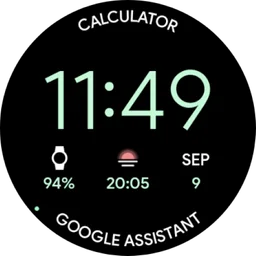 Digital Pixel Plus: Watch face
カスタマイズ
-
 Minimal Basic 2 Wear OS 5+
カスタマイズ
-
 OMG 98 Digital Watch Face
カスタマイズ
-
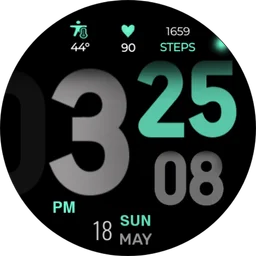 Digital Basic 4 Wear OS 5+
カスタマイズ
-
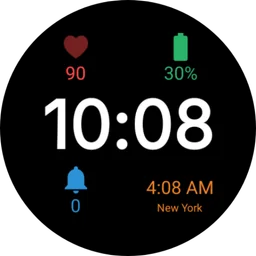 CELEST5582 Minimalist Watch
カスタマイズ
-
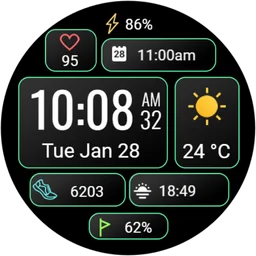 Digital Blocks
カスタマイズ
-
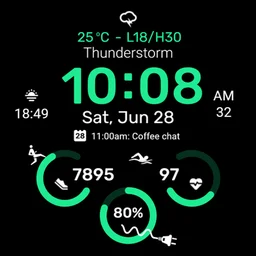 Watch face CNW-36
カスタマイズ
-
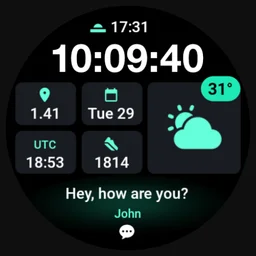 MDS457 Blocks Watch Face
カスタマイズ
-
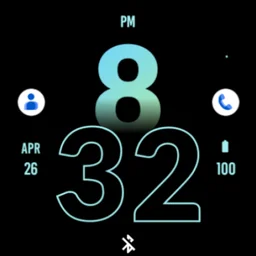 Active Daylight Watch Face
カスタマイズ
-
 Big Snow Watch Face
カスタマイズ
-
 Qumoo Watch Face
カスタマイズ
-
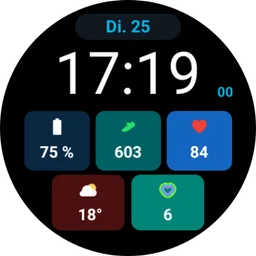 MCOM 2 Smart Panel Watch Face
カスタマイズ