Samsung Level
Samsung Electronics Co., Ltd.- USK ab 0 JahrenAltersfreigabe
- UnterhaltungKategorie
- 13.09.2021Aktualisiert
- KostenlosPreis
Verlinkt auf den offiziellen Google Play-Eintrag von com.sec.samsungsoundphone. Zuletzt geprüft am 26.11.2026.
Screenshots

Über diese App
Automatische Übersetzung von Google. Originalsprache: Englisch (Australien).
Level U / U Pro / U Pro ANC, Box / Mini / Pro / Schlank, Ein / On Pro, Over, Aktiv, Flex
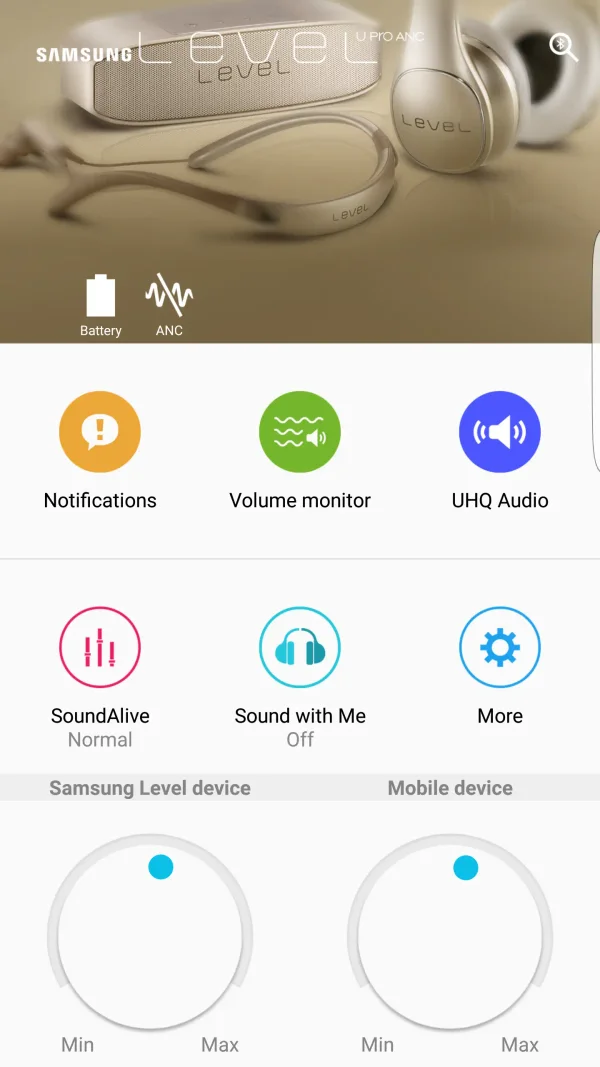
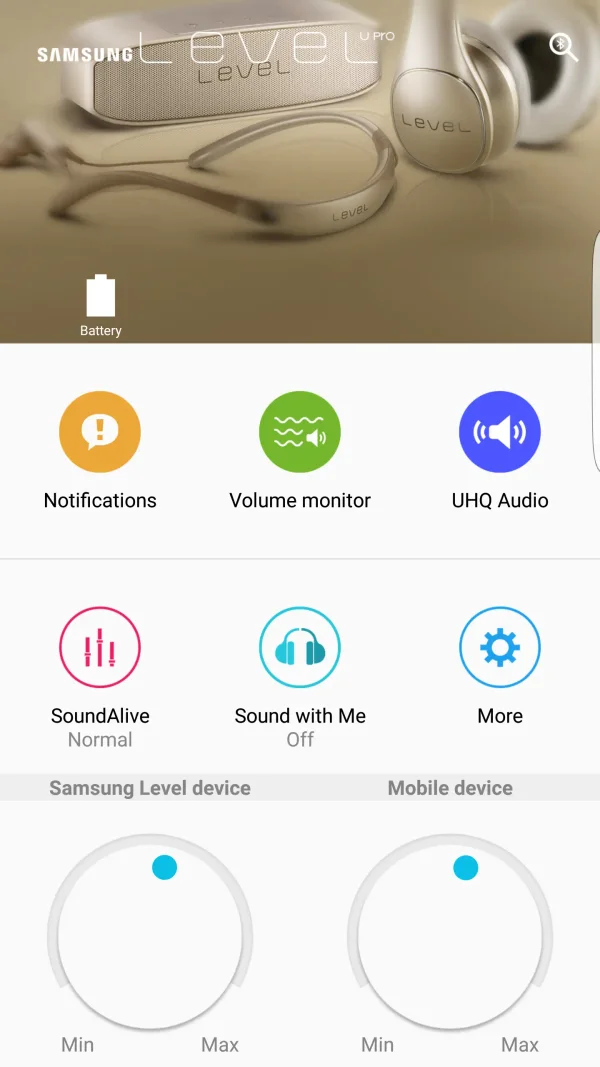
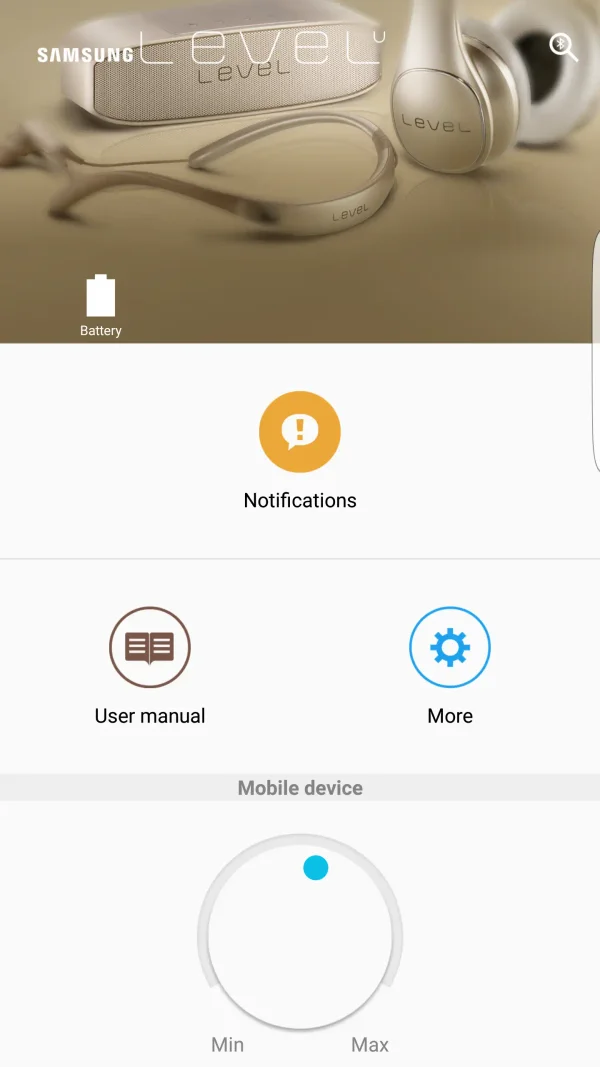
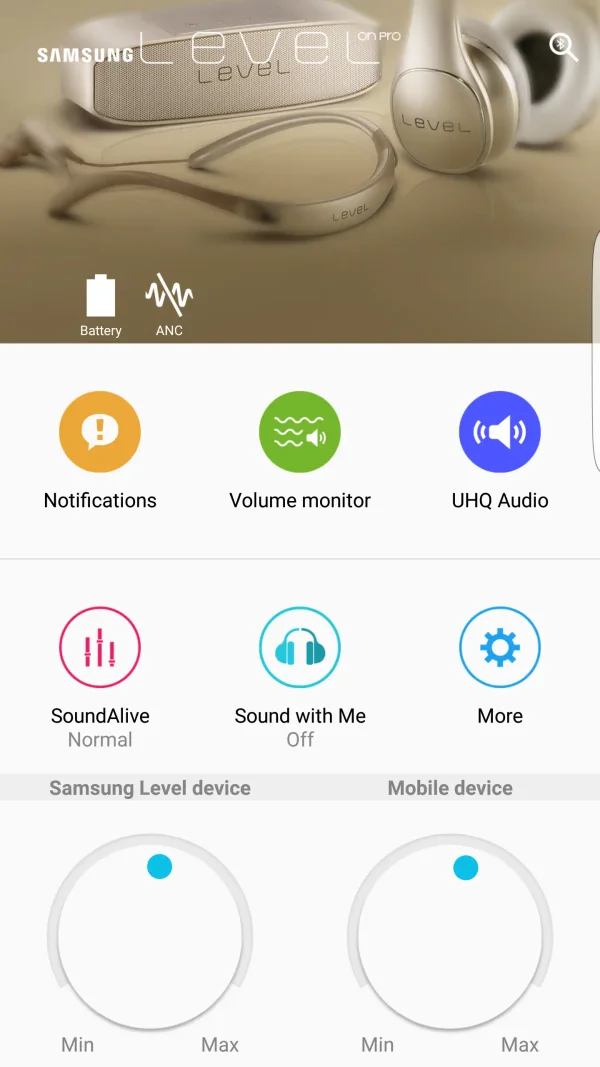
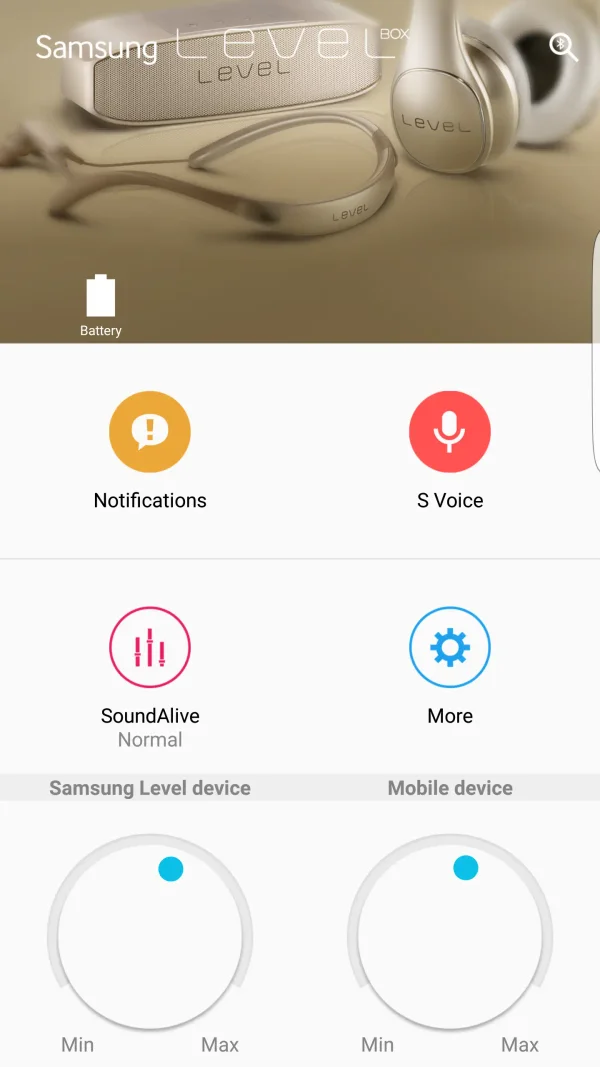
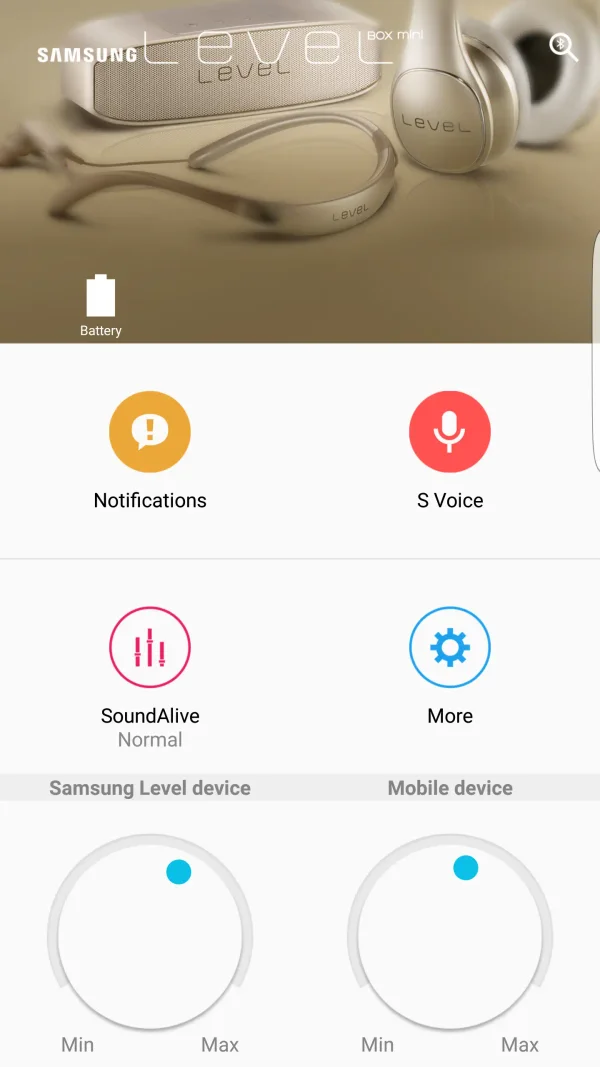
Samsung Level ist eine exklusive Anwendung für Samsung Level-Produkte, die Bluetooth unterstützen.
SoundAlive (Schallfeldeffekte), Lautstärkemonitor, Sprachbenachrichtigung und andere zusätzliche Funktionen sind verfügbar.
Die unterstützten Funktionen können je nach Smartphone-Modell oder angeschlossenem Level-Produkt variieren. Anrufbenachrichtigungen und Benachrichtigungsfunktionen für verpasste Anrufe sind nur für Samsung-Smartphones verfügbar.
Anrufbenachrichtigungen: Verfügbar für Galaxy Note 4 und höher
UHQA Bluetooth: Verfügbar für Galaxy S6 und höher
Wenn Sie nach dem Modellwechsel keine Verbindung herstellen können, versuchen Sie es erneut, nachdem Sie die unten stehende Pairing-Modus-Methode überprüft haben.
1. Stufe U / Aktiv / Box Pro / Slim: Halten Sie die Wiedergabe- / Pause-Taste des Produkts etwa 3 Sekunden lang gedrückt.
2. Level U Pro / On Pro / Flex: Halten Sie den Schalter auf der rechten Seite des Produkts (das Bluetooth-Symbol) etwa 3 Sekunden lang gedrückt.
3. Level Box / Box Mini: Halten Sie die Bluetooth-Taste auf der Rückseite des Produkts etwa 3 Sekunden lang gedrückt.
4. Level Over: Halten Sie die Bluetooth-Taste auf der rechten Seite des Produkts etwa 3 Sekunden lang gedrückt.
Leitfaden für Zugriffsberechtigungen
Die folgenden Zugriffsrechte sind für die Bereitstellung von Diensten erforderlich.
Für optionale Zugriffsberechtigungen ist die Standardfunktionalität des Dienstes aktiviert, jedoch nicht zulässig
[Obligatorische Zugangsbehörde]
- Telefon: Der Zweck zum Überprüfen des Status des Telefons auf Sprachanrufbenachrichtigungen oder zur Lautstärkeregelung
- Standort: Der Zweck für die Suche nach verbindbaren Geräten nach Bluetooth-Verbindung
- Anrufprotokoll: Der Zweck, um den Benutzer über einen verpassten Anruf zu informieren
[Optionale Zugriffsbehörde]
- SMS: Der Zweck zum Überprüfen des Absenders und des Inhalts von SMS, wenn die Sprachbenachrichtigungsfunktion in Betrieb ist
- Kalender: Der Zweck zum Überprüfen der Kalenderinformationen, wenn die Sprachbenachrichtigungsfunktion aktiviert ist
- Kontakte: Der Zweck zum Überprüfen eingehender Anrufinformationen, wenn die Sprachbenachrichtigungsfunktion in Betrieb ist
Wenn Ihre Systemsoftwareversion niedriger als Android 6.0 ist, aktualisieren Sie die Software, um die App-Berechtigungen zu konfigurieren.
Zuvor zulässige Berechtigungen können nach dem Software-Update im Apps-Menü in den Geräteeinstellungen zurückgesetzt werden.
Eingabehilfen können in dieser App aktiviert werden.
Die Sprachbenachrichtigung in der Samsung Level App ist eine Funktion, die die benachrichtigte Nachricht im Mobiltelefon ausspricht.
Um die Benachrichtigung des Mobiltelefons abzuhören, sollte der Eingabehilfedienst in der Samsung Level App aktiviert sein.
Unterstützt Audiogeräte: Level U, Level U Pro, Level U Pro ANC, Level Actvie, Level Box, Level Box Pro, Level Box Mini, Level Box Slim, Level On, Level On Pro, Level Over, Samsung U, Samsung U Flex
Originaltext anzeigen
Samsung Level is an exclusive application for Samsung Level products that support Bluetooth.
SoundAlive (sound field effects), volume monitor, voice notification, and other extra features are available.
Features supported may vary depending on the smartphone model or connected Level product. Call notifications and missed call notification features are only available for Samsung smartphones.
Call notifications : Available for Galaxy Note 4 and above
UHQA Bluetooth : Available for Galaxy S6 and above
If you fail to connect after switching models, please try again after checking the pairing mode method below.
1. Level U/Active/Box Pro/Slim : Hold down the product Play/Pause button for about 3 sec.
2. Level U Pro/On Pro/Flex : Hold down the switch on the right hand side of the product (the Bluetooth icon) for about 3 seconds.
3. Level Box/Box Mini : Hold down the Bluetooth button on the back of the product for about 3 seconds.
4. Level Over : Hold down the Bluetooth button on the right hand side of the product for about 3 seconds.
Access authority guide
The following access rights are required for service provisioning.
For optional access permissions, the default functionality of the service is enabled, although not allowed
[Mandatory Access Authority]
- Phone : The purpose for checking the status of the phone for voice call notifications or for volume control
- Location : The purpose for searching connectable devices for Bluetooth connection
- Call log : The purpose for giving the notification of missed call to user
[Optional Access Authority]
- SMS : The purpose for checking the sender and contents of SMS when voice notification function is in operation
- Calendar : The purpose for checking calendar information when voice notification function is in operation
- Contacts : The purpose for checking incoming call information when voice notification function is in operation
If your system software version is lower than Android 6.0, please update the software to configure App permissions.
Previously allowed permissions can be reset on Apps menu in device settings after software update.
Accessibility services can be turned on in this app.
Voice Notification in Samsung Level app is a feature that speaks out the notified message in mobile phone.
To listen to the notified message of mobile phone, accessibility service in Samsung Level app should be enabled.
Support audio device : Level U, Level U Pro, Level U Pro ANC, Level Actvie, Level Box, Level Box Pro, Level Box Mini, Level Box Slim, Level On, Level On Pro, Level Over, Samsung U, Samsung U Flex
Datensicherheit
Was Samsung Electronics Co., Ltd. bei Google Play zu den Daten angibt, die diese App erfasst und weitergibt.
- Keine Daten werden mit Drittunternehmen oder -organisationen geteiltWeitere Informationen dazu, wie Entwickler Angaben zur Weitergabe von Daten machen
- Keine Daten erhobenWeitere Informationen dazu, wie Entwickler Angaben zur Datenerhebung machen
Neue Funktionen
Version 5.2.25 · 13.09.2021
Fix issue
Kontakt zum Entwickler
- E-Mailnoreply.sec@samsung.com
- Datenschutzerklärungaccount.samsung.com
- Adresse대한민국 16677 경기도 수원시 영통구 삼성로 129 (매탄동)
Informationen
- Angeboten von
- Samsung Electronics Co., Ltd.
- Kategorie
- Unterhaltung
- Version
- 5.2.25
- Aktualisiert
- 13.09.2021
- Veröffentlicht
- 28.04.2014
- Erfordert
- Android 4.2 oder höher
- Altersfreigabe
- USK ab 0 Jahren
- Preis
- Kostenlos
- Paketname
- com.sec.samsungsoundphone