Samsung Level
Samsung Electronics Co., Ltd.- Rating 3+Batasan usia
- HiburanKategori
- 13/9/2021Diperbarui
- GratisHarga
Tertaut ke halaman resmi com.sec.samsungsoundphone di Google Play. Terakhir diperiksa pada 26/11/2026.
Tangkapan layar

Tentang aplikasi ini
Terjemahan otomatis oleh Google. Bahasa asli: Inggris (Australia).
Tingkat U / U Pro / U Pro ANC, Box / Mini / Pro / Slim, On / On Pro, Over, Aktif, Flex
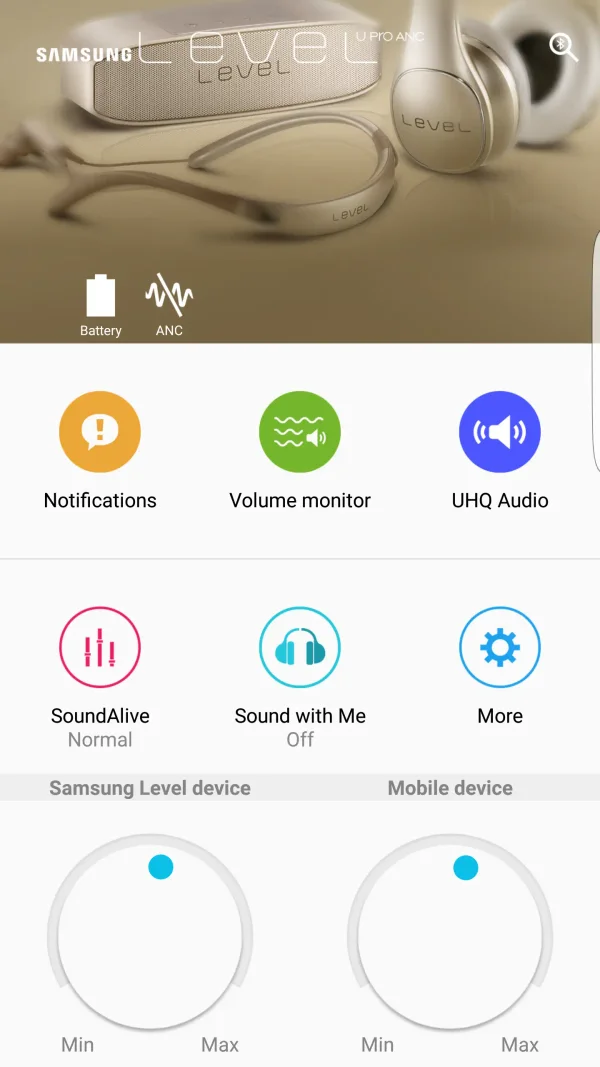
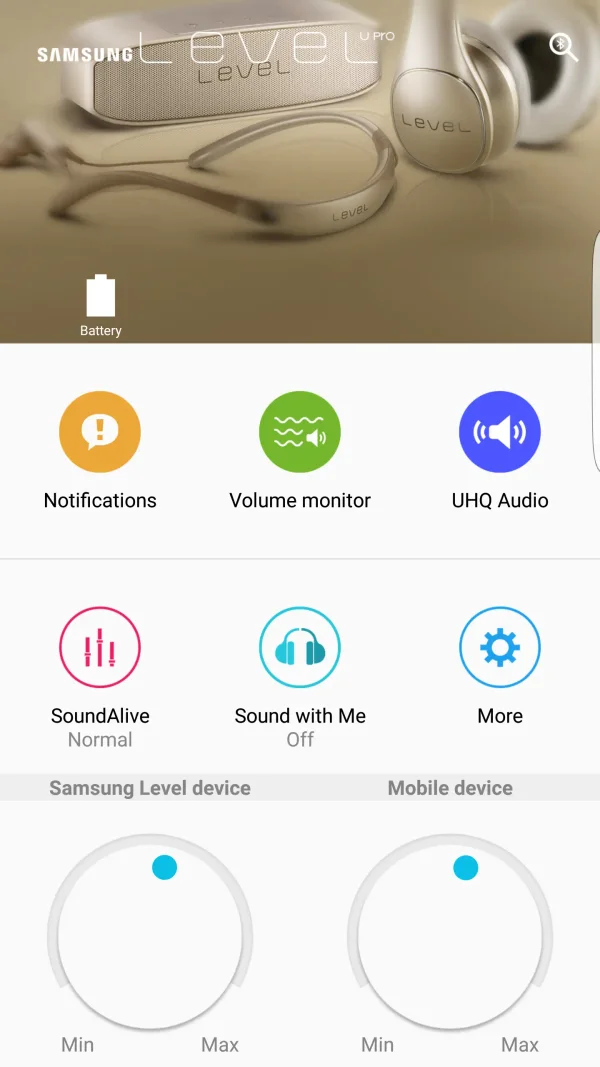
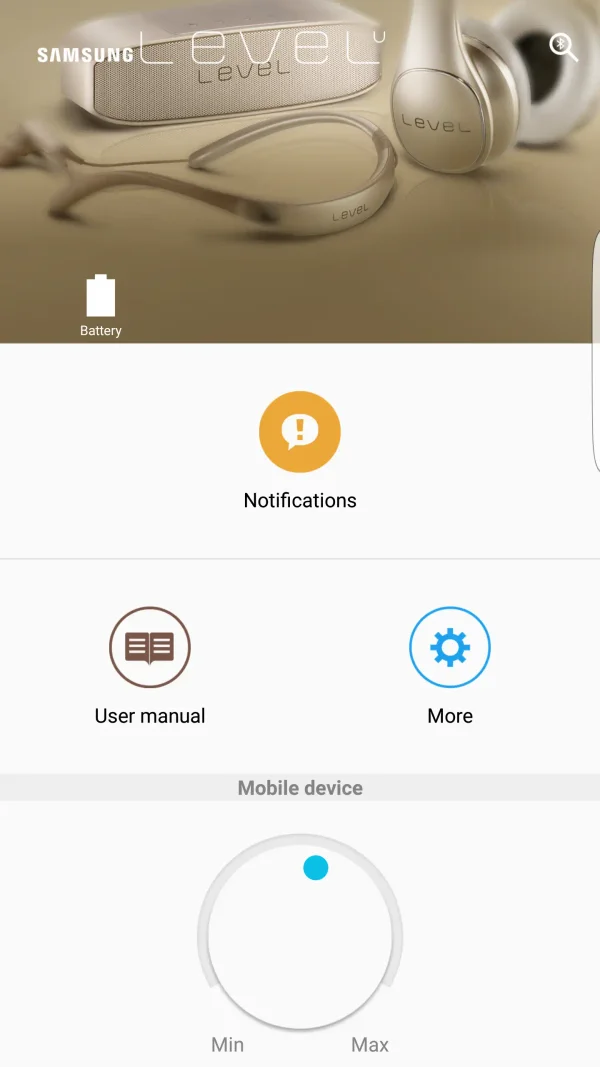
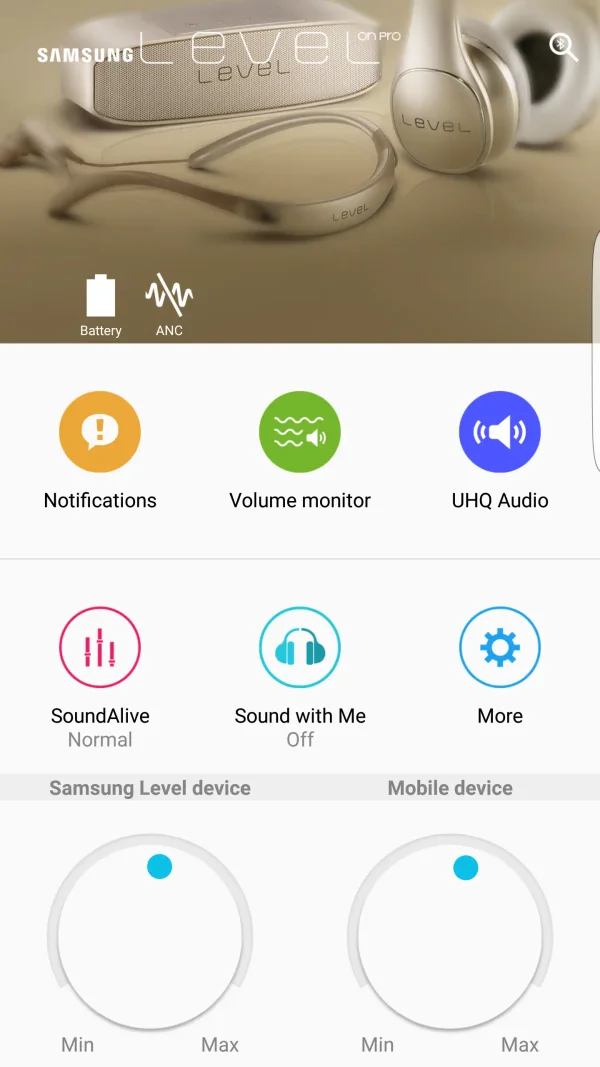
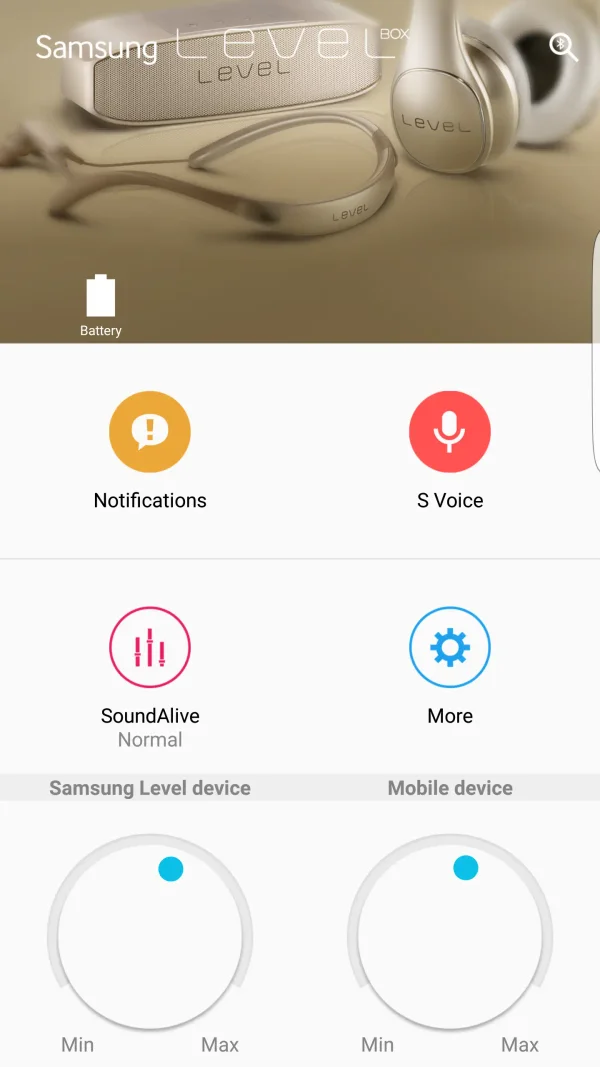
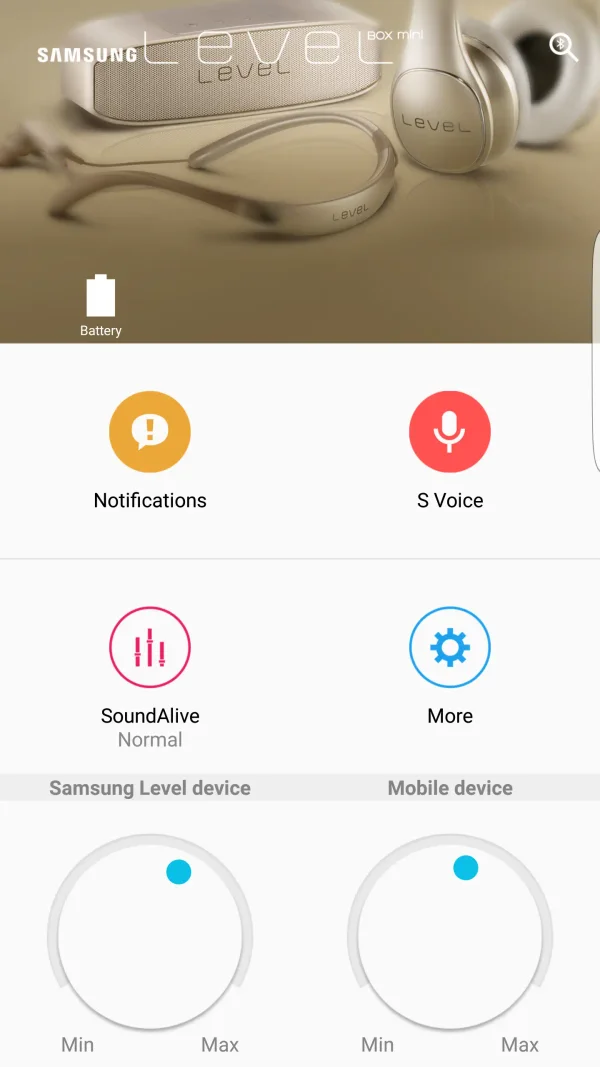
Samsung Level adalah aplikasi eksklusif untuk produk-produk Samsung Level yang mendukung Bluetooth.
SoundAlive (efek bidang suara), monitor volume, pemberitahuan suara, dan fitur tambahan lainnya tersedia.
Fitur yang didukung dapat bervariasi tergantung pada model ponsel cerdas atau produk Level yang terhubung. Notifikasi panggilan dan fitur notifikasi panggilan tak terjawab hanya tersedia untuk smartphone Samsung.
Pemberitahuan panggilan: Tersedia untuk Galaxy Note 4 ke atas
UHQA Bluetooth: Tersedia untuk Galaxy S6 ke atas
Jika Anda gagal menghubungkan setelah mengganti model, silakan coba lagi setelah memeriksa metode mode pemasangan di bawah.
1. Level U / Aktif / Kotak Pro / Slim: Tahan tombol Play / Pause produk selama sekitar 3 detik.
2. Level U Pro / On Pro / Flex: Tahan tombol di sisi kanan produk (ikon Bluetooth) selama sekitar 3 detik.
3. Level Box / Box Mini: Tahan tombol Bluetooth di bagian belakang produk selama sekitar 3 detik.
4. Level Over: Tekan dan tahan tombol Bluetooth di sisi kanan produk selama sekitar 3 detik.
Panduan otoritas akses
Hak akses berikut diperlukan untuk penyediaan layanan.
Untuk izin akses opsional, fungsionalitas default layanan diaktifkan, meskipun tidak diizinkan
[Otoritas Akses Wajib]
- Telepon: Tujuan untuk memeriksa status telepon untuk pemberitahuan panggilan suara atau untuk kontrol volume
- Lokasi: Tujuan untuk mencari perangkat yang terhubung untuk koneksi Bluetooth
- Log Panggilan: Tujuan untuk memberikan notifikasi panggilan tidak terjawab kepada pengguna
[Otoritas Akses Opsional]
- SMS: Tujuan untuk memeriksa pengirim dan konten SMS ketika fungsi pemberitahuan suara sedang beroperasi
- Kalender: Tujuan untuk memeriksa informasi kalender ketika fungsi pemberitahuan suara sedang beroperasi
- Kontak: Tujuan untuk memeriksa informasi panggilan masuk ketika fungsi pemberitahuan suara sedang beroperasi
Jika versi perangkat lunak sistem Anda lebih rendah dari Android 6.0, perbarui perangkat lunak untuk mengonfigurasi izin Aplikasi.
Izin yang sebelumnya diizinkan dapat diatur ulang pada menu Aplikasi dalam pengaturan perangkat setelah pembaruan perangkat lunak.
Layanan aksesibilitas dapat dihidupkan di aplikasi ini.
Notifikasi Suara di aplikasi Samsung Level adalah fitur yang mengucapkan pesan notifikasi di ponsel.
Untuk mendengarkan pesan pemberitahuan ponsel, layanan aksesibilitas di aplikasi Samsung Level harus diaktifkan.
Perangkat audio pendukung: Level U, Level U Pro, Level U Pro ANC, Level Actvie, Level Box, Level Box Pro, Level Box Mini, Level Box Slim, Level On, Level On Pro, Level Over, Samsung U, Samsung U Flex
Tampilkan teks asli
Samsung Level is an exclusive application for Samsung Level products that support Bluetooth.
SoundAlive (sound field effects), volume monitor, voice notification, and other extra features are available.
Features supported may vary depending on the smartphone model or connected Level product. Call notifications and missed call notification features are only available for Samsung smartphones.
Call notifications : Available for Galaxy Note 4 and above
UHQA Bluetooth : Available for Galaxy S6 and above
If you fail to connect after switching models, please try again after checking the pairing mode method below.
1. Level U/Active/Box Pro/Slim : Hold down the product Play/Pause button for about 3 sec.
2. Level U Pro/On Pro/Flex : Hold down the switch on the right hand side of the product (the Bluetooth icon) for about 3 seconds.
3. Level Box/Box Mini : Hold down the Bluetooth button on the back of the product for about 3 seconds.
4. Level Over : Hold down the Bluetooth button on the right hand side of the product for about 3 seconds.
Access authority guide
The following access rights are required for service provisioning.
For optional access permissions, the default functionality of the service is enabled, although not allowed
[Mandatory Access Authority]
- Phone : The purpose for checking the status of the phone for voice call notifications or for volume control
- Location : The purpose for searching connectable devices for Bluetooth connection
- Call log : The purpose for giving the notification of missed call to user
[Optional Access Authority]
- SMS : The purpose for checking the sender and contents of SMS when voice notification function is in operation
- Calendar : The purpose for checking calendar information when voice notification function is in operation
- Contacts : The purpose for checking incoming call information when voice notification function is in operation
If your system software version is lower than Android 6.0, please update the software to configure App permissions.
Previously allowed permissions can be reset on Apps menu in device settings after software update.
Accessibility services can be turned on in this app.
Voice Notification in Samsung Level app is a feature that speaks out the notified message in mobile phone.
To listen to the notified message of mobile phone, accessibility service in Samsung Level app should be enabled.
Support audio device : Level U, Level U Pro, Level U Pro ANC, Level Actvie, Level Box, Level Box Pro, Level Box Mini, Level Box Slim, Level On, Level On Pro, Level Over, Samsung U, Samsung U Flex
Keamanan data
Yang dinyatakan Samsung Electronics Co., Ltd. di Google Play tentang data yang dikumpulkan dan dibagikan aplikasi ini.
- Tidak ada data yang dibagikan kepada pihak ketigaPelajari lebih lanjut cara developer menyatakan pembagian data
- Tidak ada data yang dikumpulkanPelajari lebih lanjut cara developer menyatakan pengumpulan data
Yang baru
Versi 5.2.25 · 13/9/2021
Fix issue
Kontak pengembang
- Emailnoreply.sec@samsung.com
- Kebijakan Privasiaccount.samsung.com
- Alamat대한민국 16677 경기도 수원시 영통구 삼성로 129 (매탄동)
Informasi
- Ditawarkan oleh
- Samsung Electronics Co., Ltd.
- Kategori
- Hiburan
- Versi
- 5.2.25
- Diperbarui
- 13/9/2021
- Dirilis
- 28/4/2014
- Memerlukan
- Android 4.2 atau yang lebih baru
- Batasan usia
- Rating 3+
- Harga
- Gratis
- Nama paket
- com.sec.samsungsoundphone