Samsung Level
Samsung Electronics Co., Ltd.- PEGI 3Clasificación por edad
- EntretenimientoCategoría
- 13/9/2021Actualizado
- GratisPrecio
Enlaza a la ficha oficial de com.sec.samsungsoundphone en Google Play. Última comprobación el 26/11/2026.
Capturas de pantalla

Acerca de esta aplicación
Traducción automática de Google. Idioma original: Inglés (Australia).
Nivel T / T Pro / Pro T ANC, Box / Mini / Pro / Delgado, Encendido / En Pro, encima, activo, Flex
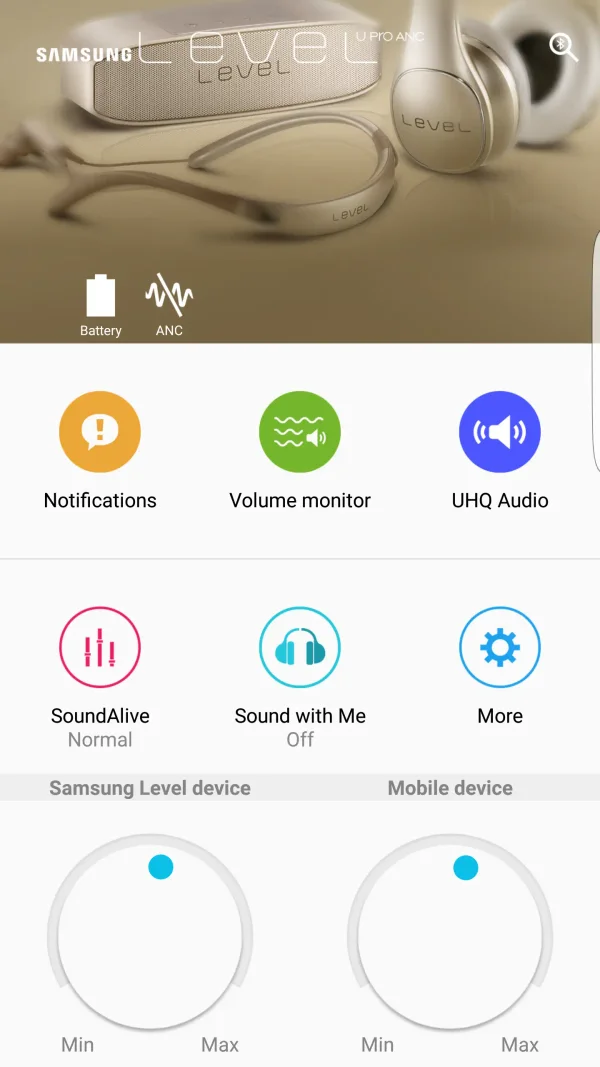
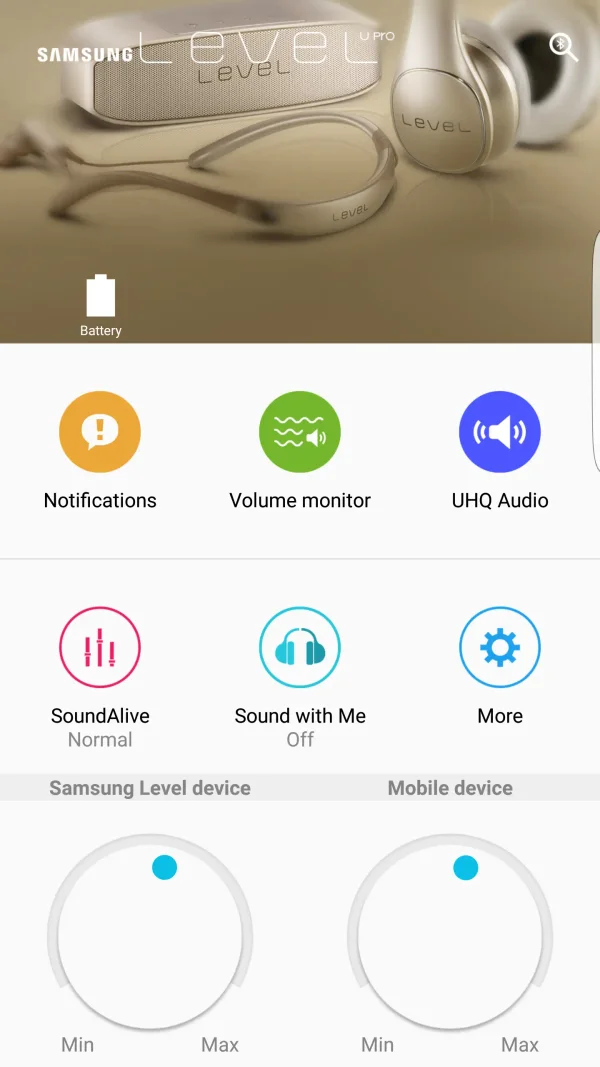
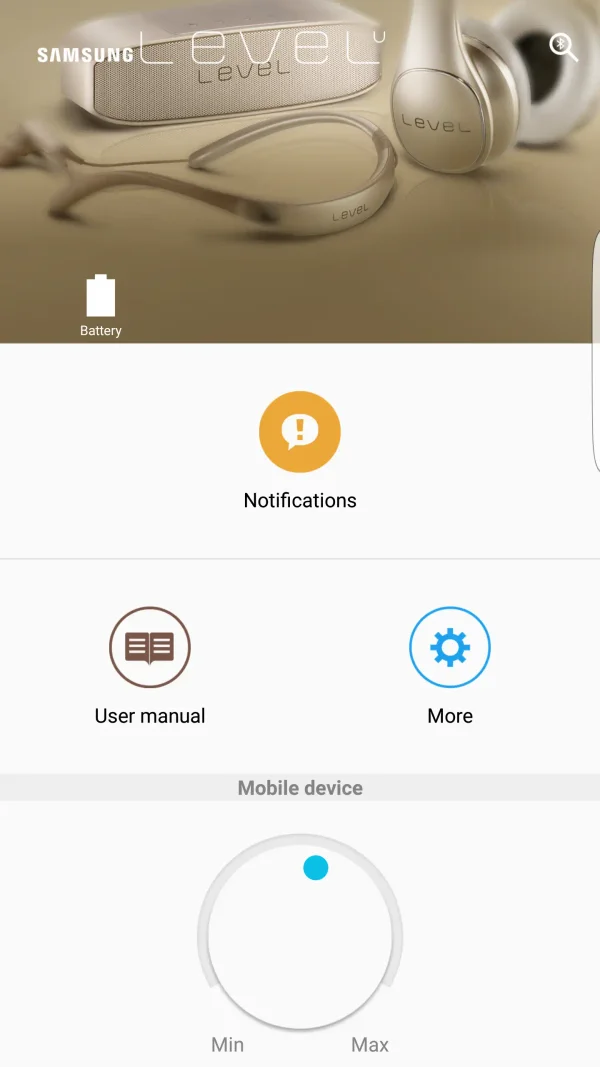
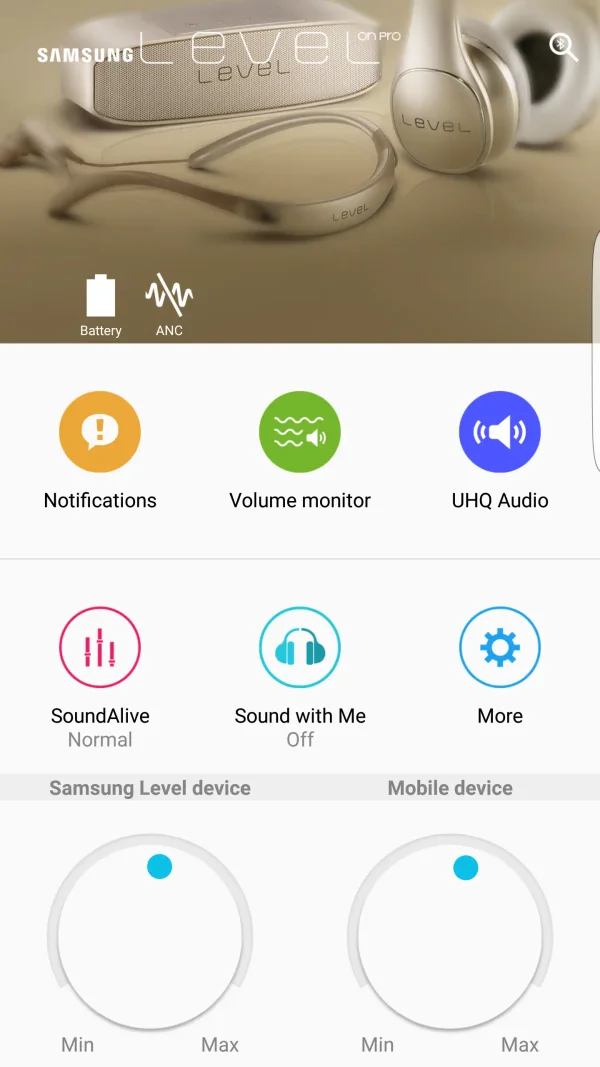
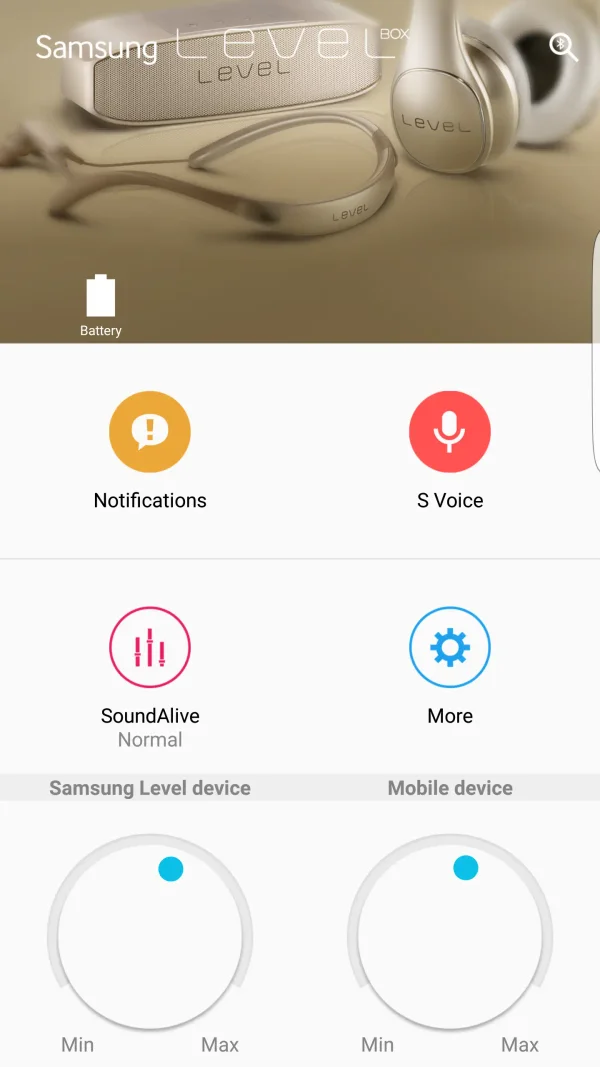
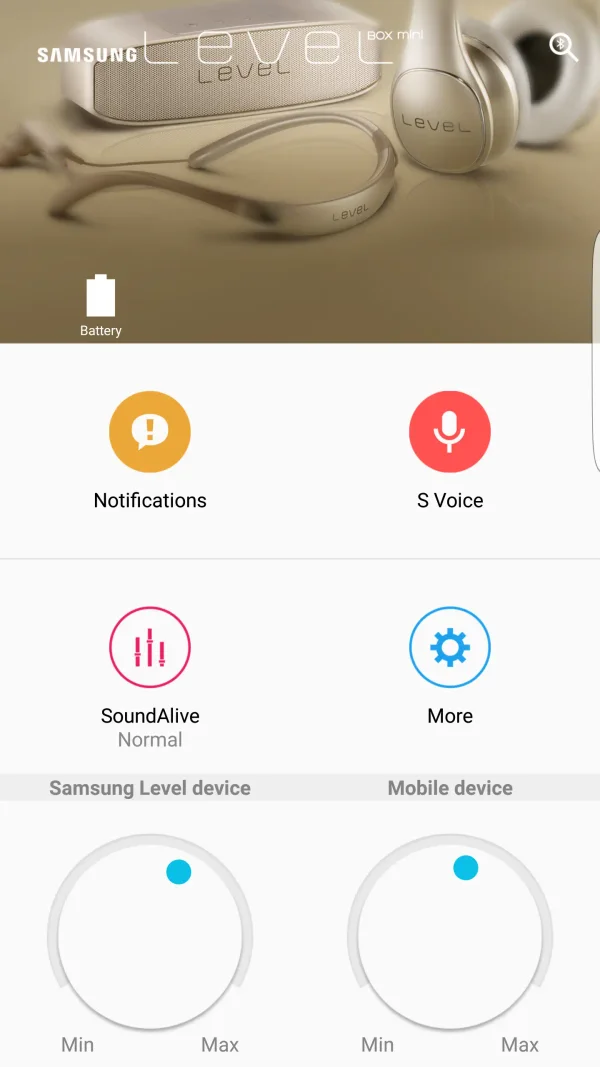
Samsung Level es una aplicación exclusiva para productos Samsung Level que admiten Bluetooth.
SoundAlive (efectos de campo de sonido), monitor de volumen, notificación de voz y otras funciones adicionales están disponibles.
Las funciones admitidas pueden variar según el modelo de teléfono inteligente o el producto Level conectado. Las funciones de notificaciones de llamadas y notificaciones de llamadas perdidas solo están disponibles para los teléfonos inteligentes Samsung.
Notificaciones de llamadas: disponible para Galaxy Note 4 y superior
Bluetooth UHQA: disponible para Galaxy S6 y superior
Si no puede conectarse después de cambiar de modelo, intente nuevamente después de verificar el método del modo de emparejamiento a continuación.
1. Nivel U / Activo / Box Pro / Slim: Mantenga presionado el botón Reproducir / Pausa del producto durante aproximadamente 3 segundos.
2. Nivel U Pro / On Pro / Flex: Mantenga presionado el interruptor en el lado derecho del producto (el icono de Bluetooth) durante aproximadamente 3 segundos.
3. Level Box / Box Mini: mantenga presionado el botón Bluetooth en la parte posterior del producto durante aproximadamente 3 segundos.
4. Level Over: mantenga presionado el botón Bluetooth en el lado derecho del producto durante aproximadamente 3 segundos.
Guía de autoridad de acceso
Los siguientes derechos de acceso son necesarios para el suministro de servicios.
Para los permisos de acceso opcionales, la funcionalidad predeterminada del servicio está habilitada, aunque no está permitida.
[Autoridad de acceso obligatoria]
- Teléfono: el propósito de verificar el estado del teléfono para notificaciones de llamadas de voz o para control de volumen
- Ubicación: el propósito de buscar dispositivos conectables para la conexión Bluetooth
- Registro de llamadas: el propósito de dar la notificación de llamadas perdidas al usuario
[Autoridad de acceso opcional]
- SMS: el propósito de verificar el remitente y el contenido de SMS cuando la función de notificación de voz está en funcionamiento
- Calendario: el propósito de verificar la información del calendario cuando la función de notificación de voz está en funcionamiento
- Contactos: el propósito de verificar la información de las llamadas entrantes cuando la función de notificación de voz está en funcionamiento
Si la versión de software de su sistema es inferior a Android 6.0, actualice el software para configurar los permisos de la aplicación.
Los permisos permitidos anteriormente se pueden restablecer en el menú de aplicaciones en la configuración del dispositivo después de la actualización del software.
Los servicios de accesibilidad se pueden activar en esta aplicación.
La notificación de voz en la aplicación Samsung Level es una función que habla el mensaje notificado en el teléfono móvil.
Para escuchar el mensaje notificado del teléfono móvil, debe habilitarse el servicio de accesibilidad en la aplicación Samsung Level.
Dispositivo de audio compatible: Level U, Level U Pro, Level U Pro ANC, Level Actvie, Level Box, Level Box Pro, Level Box Mini, Level Box Slim, Level On, Level On Pro, Level Over, Samsung U, Samsung U Flex
Mostrar el texto original
Samsung Level is an exclusive application for Samsung Level products that support Bluetooth.
SoundAlive (sound field effects), volume monitor, voice notification, and other extra features are available.
Features supported may vary depending on the smartphone model or connected Level product. Call notifications and missed call notification features are only available for Samsung smartphones.
Call notifications : Available for Galaxy Note 4 and above
UHQA Bluetooth : Available for Galaxy S6 and above
If you fail to connect after switching models, please try again after checking the pairing mode method below.
1. Level U/Active/Box Pro/Slim : Hold down the product Play/Pause button for about 3 sec.
2. Level U Pro/On Pro/Flex : Hold down the switch on the right hand side of the product (the Bluetooth icon) for about 3 seconds.
3. Level Box/Box Mini : Hold down the Bluetooth button on the back of the product for about 3 seconds.
4. Level Over : Hold down the Bluetooth button on the right hand side of the product for about 3 seconds.
Access authority guide
The following access rights are required for service provisioning.
For optional access permissions, the default functionality of the service is enabled, although not allowed
[Mandatory Access Authority]
- Phone : The purpose for checking the status of the phone for voice call notifications or for volume control
- Location : The purpose for searching connectable devices for Bluetooth connection
- Call log : The purpose for giving the notification of missed call to user
[Optional Access Authority]
- SMS : The purpose for checking the sender and contents of SMS when voice notification function is in operation
- Calendar : The purpose for checking calendar information when voice notification function is in operation
- Contacts : The purpose for checking incoming call information when voice notification function is in operation
If your system software version is lower than Android 6.0, please update the software to configure App permissions.
Previously allowed permissions can be reset on Apps menu in device settings after software update.
Accessibility services can be turned on in this app.
Voice Notification in Samsung Level app is a feature that speaks out the notified message in mobile phone.
To listen to the notified message of mobile phone, accessibility service in Samsung Level app should be enabled.
Support audio device : Level U, Level U Pro, Level U Pro ANC, Level Actvie, Level Box, Level Box Pro, Level Box Mini, Level Box Slim, Level On, Level On Pro, Level Over, Samsung U, Samsung U Flex
Seguridad de los datos
Lo que Samsung Electronics Co., Ltd. declara en Google Play sobre los datos que esta aplicación recopila y comparte.
- No se comparten datos con tercerosMás información sobre cómo los desarrolladores declaran lo que comparten
- No se recogen datosMás información sobre cómo los desarrolladores declaran lo que recogen
Novedades
Versión 5.2.25 · 13/9/2021
Fix issue
Contacto del desarrollador
- Correo electróniconoreply.sec@samsung.com
- Política de privacidadaccount.samsung.com
- Dirección대한민국 16677 경기도 수원시 영통구 삼성로 129 (매탄동)
Información
- Ofrecida por
- Samsung Electronics Co., Ltd.
- Categoría
- Entretenimiento
- Versión
- 5.2.25
- Actualizado
- 13/9/2021
- Publicado
- 28/4/2014
- Requiere
- Android 4.2 o posterior
- Clasificación por edad
- PEGI 3
- Precio
- Gratis
- Nombre del paquete
- com.sec.samsungsoundphone