Samsung Level
Samsung Electronics Co., Ltd.- PEGI 3Yaş sınırı
- EğlenceKategori
- 13.09.2021Güncellendi
- ÜcretsizFiyat
com.sec.samsungsoundphone için resmi Google Play sayfasına bağlanır. Son kontrol: 26.11.2026.

Ekran görüntüleri

Bu uygulama hakkında
Google tarafından otomatik çeviri. Orijinal dil: İngilizce (Avustralya).
Seviye U / U Pro / U Pro ANC, Kutu / Mini / Pro / İnce, / On Pro, içinde, Aktif, Flex günü
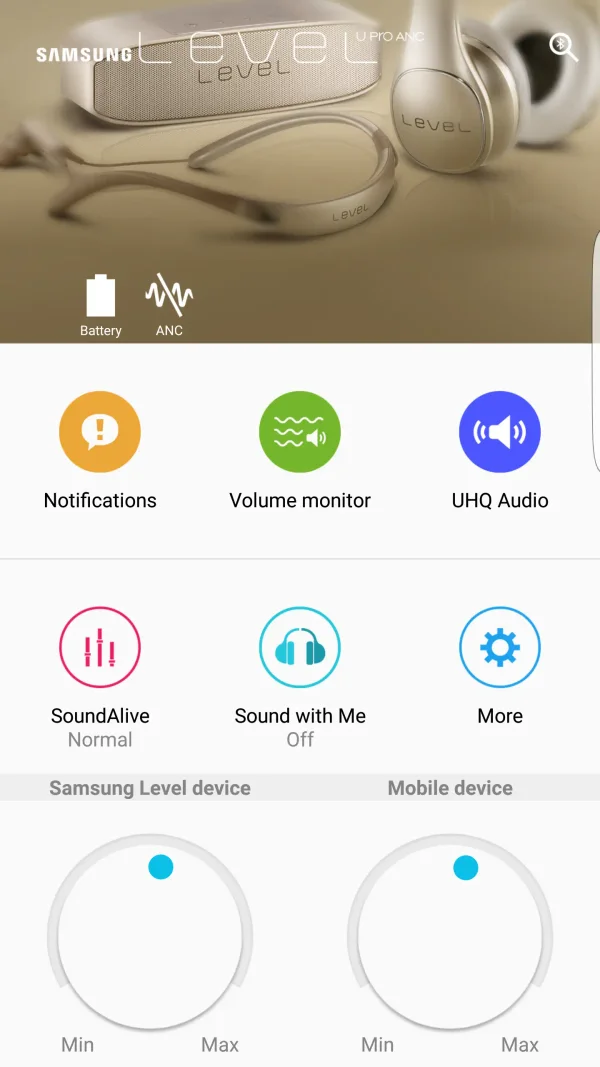
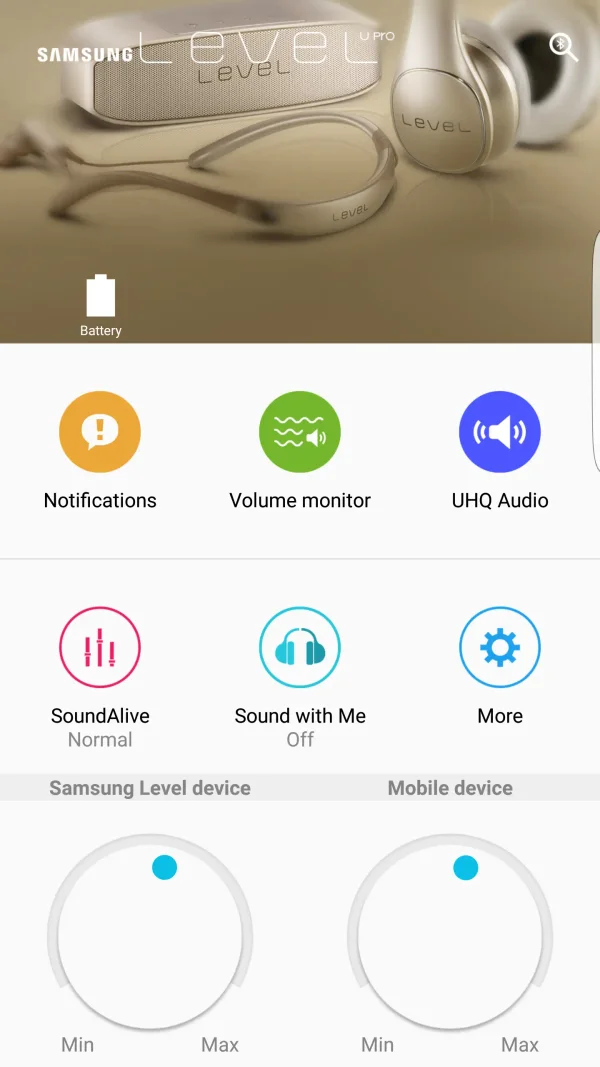
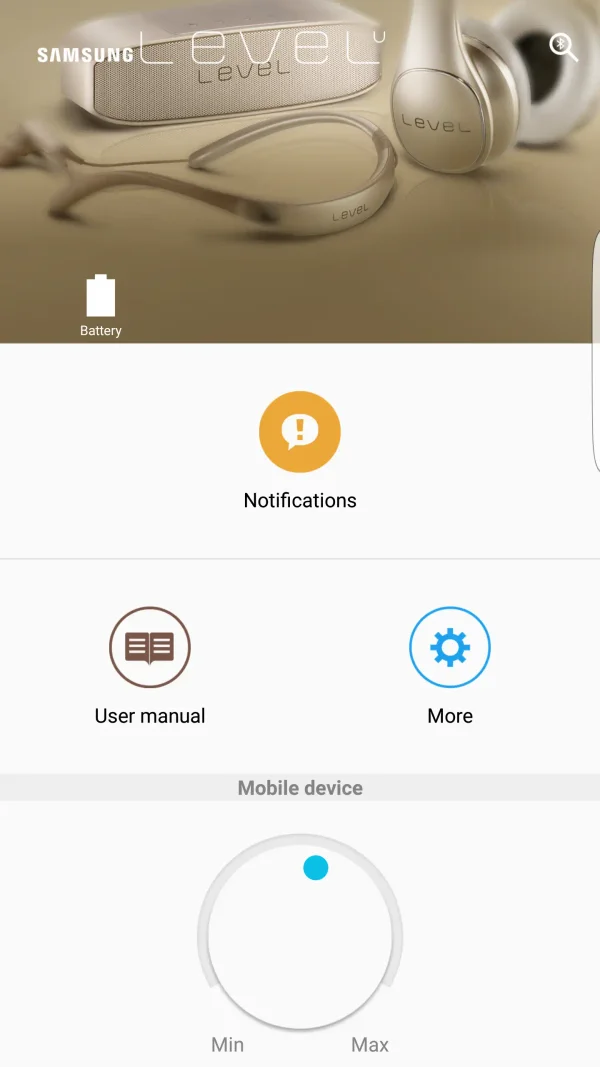
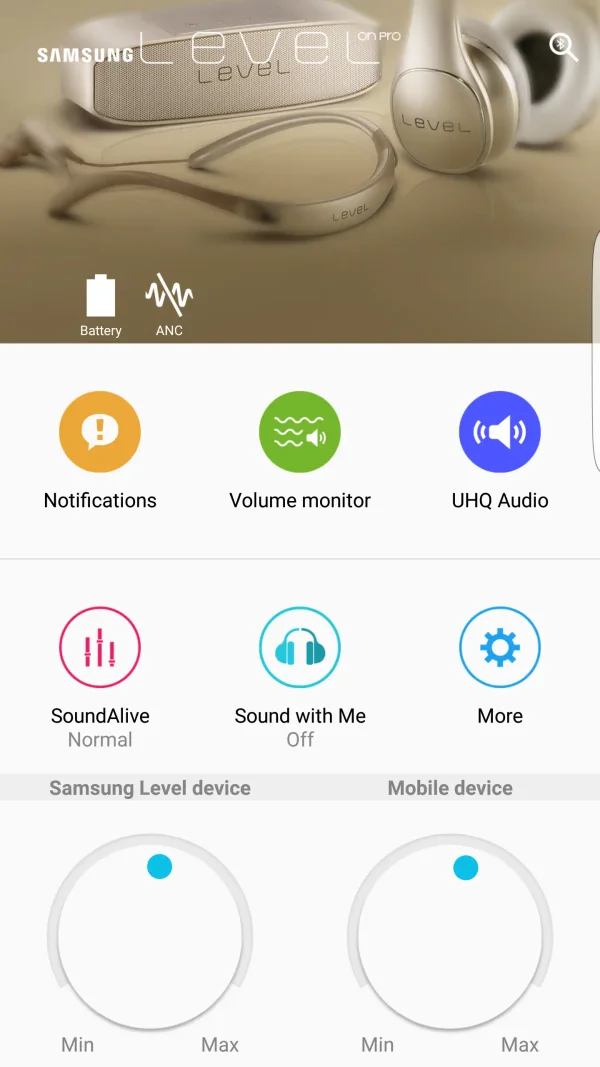
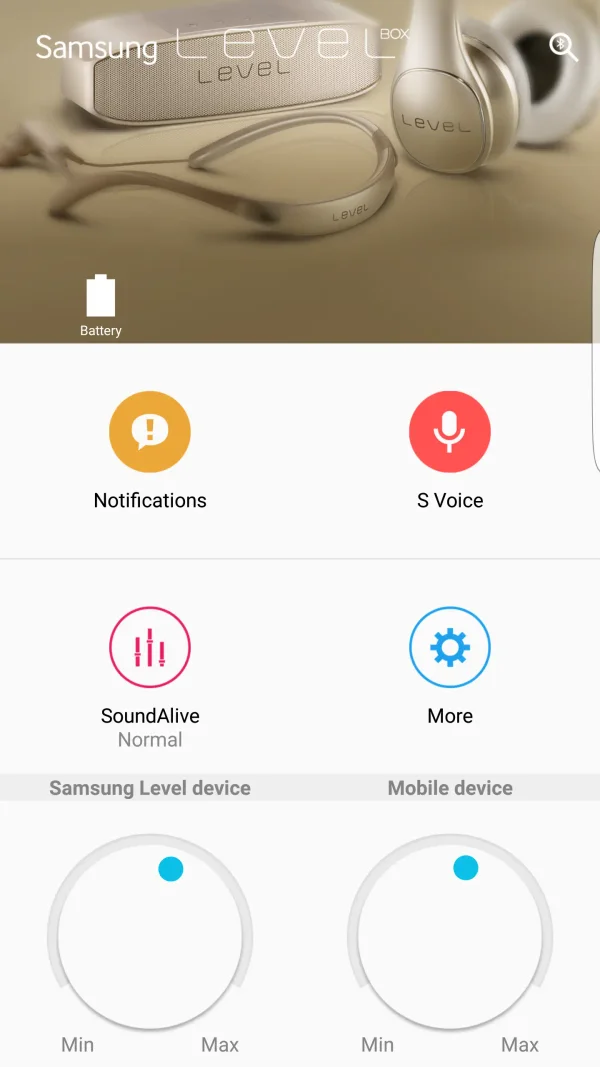
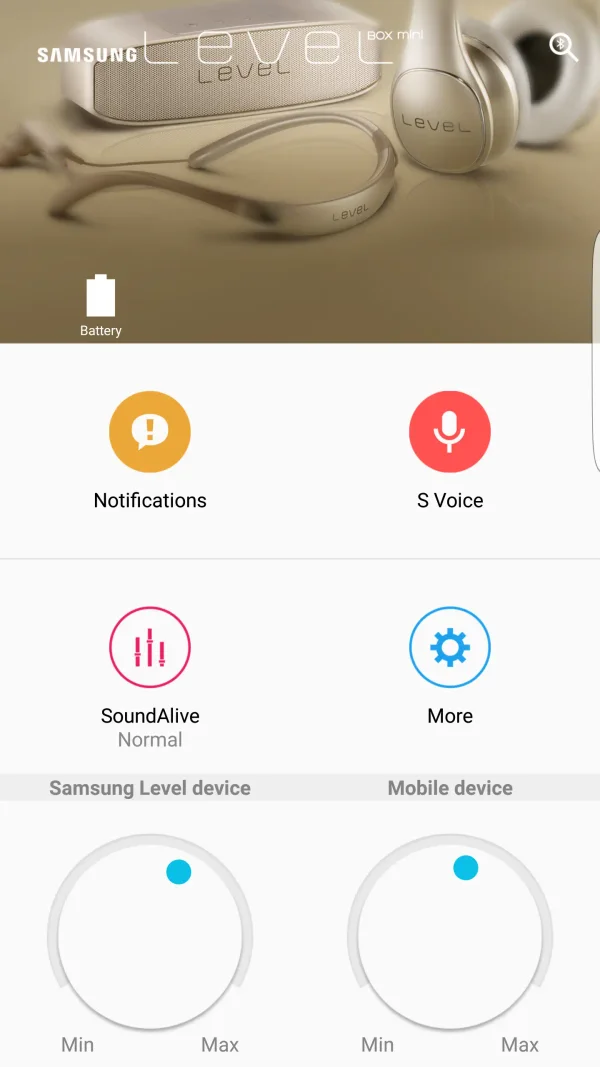
Samsung Level, Bluetooth'u destekleyen Samsung Level ürünleri için özel bir uygulamadır.
SoundAlive (ses alanı efektleri), ses seviyesi monitörü, sesli bildirim ve diğer ekstra özellikler mevcuttur.
Desteklenen özellikler akıllı telefon modeline veya bağlı Düzey ürününe bağlı olarak değişebilir. Arama bildirimleri ve cevapsız arama bildirimi özellikleri yalnızca Samsung akıllı telefonlar için kullanılabilir.
Çağrı bildirimleri: Galaxy Note 4 ve üstü için kullanılabilir
UHQA Bluetooth: Galaxy S6 ve üstü için kullanılabilir
Model değiştirdikten sonra bağlantı kuramazsanız, lütfen aşağıdaki eşleme modu yöntemini kontrol ettikten sonra tekrar deneyin.
1. Seviye U / Aktif / Box Pro / Slim: Ürün Oynat / Duraklat düğmesini yaklaşık 3 saniye basılı tutun.
2. Seviye U Pro / Açık Pro / Flex: Ürünün sağ tarafındaki anahtarı (Bluetooth simgesi) yaklaşık 3 saniye basılı tutun.
3. Seviye Kutusu / Kutu Mini: Ürünün arkasındaki Bluetooth düğmesini yaklaşık 3 saniye basılı tutun.
4. Seviye Artışı: Ürünün sağ tarafındaki Bluetooth düğmesini yaklaşık 3 saniye basılı tutun.
Erişim yetkisi kılavuzu
Hizmet sağlanması için aşağıdaki erişim hakları gereklidir.
İsteğe bağlı erişim izinleri için, izin verilmese de, hizmetin varsayılan işlevselliği etkindir
[Zorunlu Erişim Otoritesi]
- Telefon: Sesli arama bildirimleri veya ses kontrolü için telefonun durumunu kontrol etme amacı
- Konum: Bağlanabilir cihazları Bluetooth bağlantısı için aramanın amacı
- Arama kaydı: Cevapsız arama bildirimini kullanıcıya verme amacı
[İsteğe Bağlı Erişim Yetkilisi]
- SMS: Sesli bildirim fonksiyonu çalışırken SMS göndericisini ve içeriğini kontrol etme amacı
- Takvim: Sesli bildirim işlevi çalışırken takvim bilgilerini kontrol etmenin amacı
- Kişiler: Sesli bildirim işlevi çalışırken gelen arama bilgilerini kontrol etme amacı
Sistem yazılımı sürümünüz Android 6.0'dan düşükse, Uygulama izinlerini yapılandırmak için lütfen yazılımı güncelleyin.
Önceden izin verilen izinler, yazılım güncellemesinden sonra cihaz ayarlarındaki Uygulamalar menüsünden sıfırlanabilir.
Erişilebilirlik hizmetleri bu uygulamada açılabilir.
Samsung Level uygulamasında Sesli Bildirim, cep telefonunda bildirilen mesajı söyleyen bir özelliktir.
Cep telefonunun bildirilen mesajını dinlemek için Samsung Level uygulamasında erişilebilirlik servisi etkinleştirilmelidir.
Destek ses cihazı: Seviye U, Seviye U Pro, Seviye U Pro ANC, Seviye Actvie, Seviye Kutusu, Seviye Kutusu Pro, Seviye Kutusu Mini, Seviye Kutusu İnce, Seviye Açık, Seviye On Pro, Seviye Üst, Samsung U, Samsung U Flex
Orijinal metni göster
Samsung Level is an exclusive application for Samsung Level products that support Bluetooth.
SoundAlive (sound field effects), volume monitor, voice notification, and other extra features are available.
Features supported may vary depending on the smartphone model or connected Level product. Call notifications and missed call notification features are only available for Samsung smartphones.
Call notifications : Available for Galaxy Note 4 and above
UHQA Bluetooth : Available for Galaxy S6 and above
If you fail to connect after switching models, please try again after checking the pairing mode method below.
1. Level U/Active/Box Pro/Slim : Hold down the product Play/Pause button for about 3 sec.
2. Level U Pro/On Pro/Flex : Hold down the switch on the right hand side of the product (the Bluetooth icon) for about 3 seconds.
3. Level Box/Box Mini : Hold down the Bluetooth button on the back of the product for about 3 seconds.
4. Level Over : Hold down the Bluetooth button on the right hand side of the product for about 3 seconds.
Access authority guide
The following access rights are required for service provisioning.
For optional access permissions, the default functionality of the service is enabled, although not allowed
[Mandatory Access Authority]
- Phone : The purpose for checking the status of the phone for voice call notifications or for volume control
- Location : The purpose for searching connectable devices for Bluetooth connection
- Call log : The purpose for giving the notification of missed call to user
[Optional Access Authority]
- SMS : The purpose for checking the sender and contents of SMS when voice notification function is in operation
- Calendar : The purpose for checking calendar information when voice notification function is in operation
- Contacts : The purpose for checking incoming call information when voice notification function is in operation
If your system software version is lower than Android 6.0, please update the software to configure App permissions.
Previously allowed permissions can be reset on Apps menu in device settings after software update.
Accessibility services can be turned on in this app.
Voice Notification in Samsung Level app is a feature that speaks out the notified message in mobile phone.
To listen to the notified message of mobile phone, accessibility service in Samsung Level app should be enabled.
Support audio device : Level U, Level U Pro, Level U Pro ANC, Level Actvie, Level Box, Level Box Pro, Level Box Mini, Level Box Slim, Level On, Level On Pro, Level Over, Samsung U, Samsung U Flex
Veri güvenliği
Bu uygulamanın topladığı ve paylaştığı veriler hakkında Samsung Electronics Co., Ltd. tarafından Google Play üzerinde yapılan beyan.
- Üçüncü taraflarla veri paylaşımı yokGeliştiricilerin, veri paylaşımını nasıl beyan ettikleri hakkında daha fazla bilgi edinin
- Veri toplanamadıGeliştiricilerin, veri toplamayı nasıl beyan ettikleri hakkında daha fazla bilgi edinin
Yenilikler
Sürüm 5.2.25 · 13.09.2021
Fix issue
Geliştirici iletişim bilgileri
- E-postanoreply.sec@samsung.com
- Gizlilik politikasıaccount.samsung.com
- Adres대한민국 16677 경기도 수원시 영통구 삼성로 129 (매탄동)
Bilgiler
- Sunan
- Samsung Electronics Co., Ltd.
- Kategori
- Eğlence
- Sürüm
- 5.2.25
- Güncellendi
- 13.09.2021
- Yayın tarihi
- 28.04.2014
- Gereksinim
- Android 4.2 veya sonrası
- Yaş sınırı
- PEGI 3
- Fiyat
- Ücretsiz
- Paket adı
- com.sec.samsungsoundphone