Samsung Level
Samsung Electronics Co., Ltd.- PEGI 3Classification d’âge
- DivertissementCatégorie
- 13/09/2021Mis à jour
- GratuitPrix
Renvoie vers la fiche Google Play officielle de com.sec.samsungsoundphone. Dernière vérification le 26/11/2026.
Captures d’écran

À propos de cette application
Traduction automatique par Google. Langue d’origine : Anglais (Australie).
Niveau U / U Pro / U Pro ANC, Boîte / Mini / Pro / Slim, On / On Pro, plus, actif, Flex
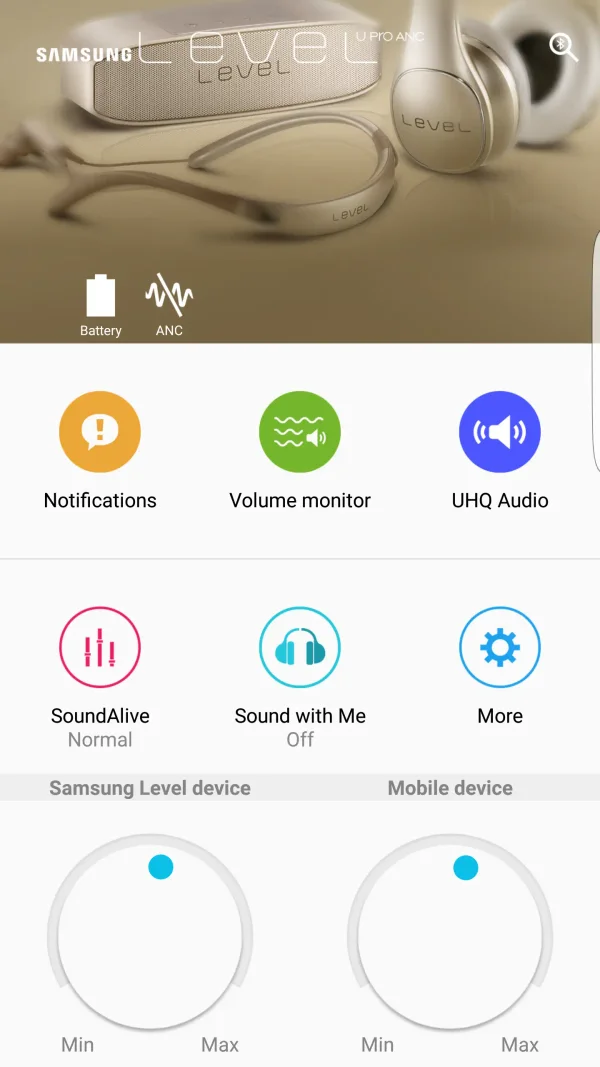
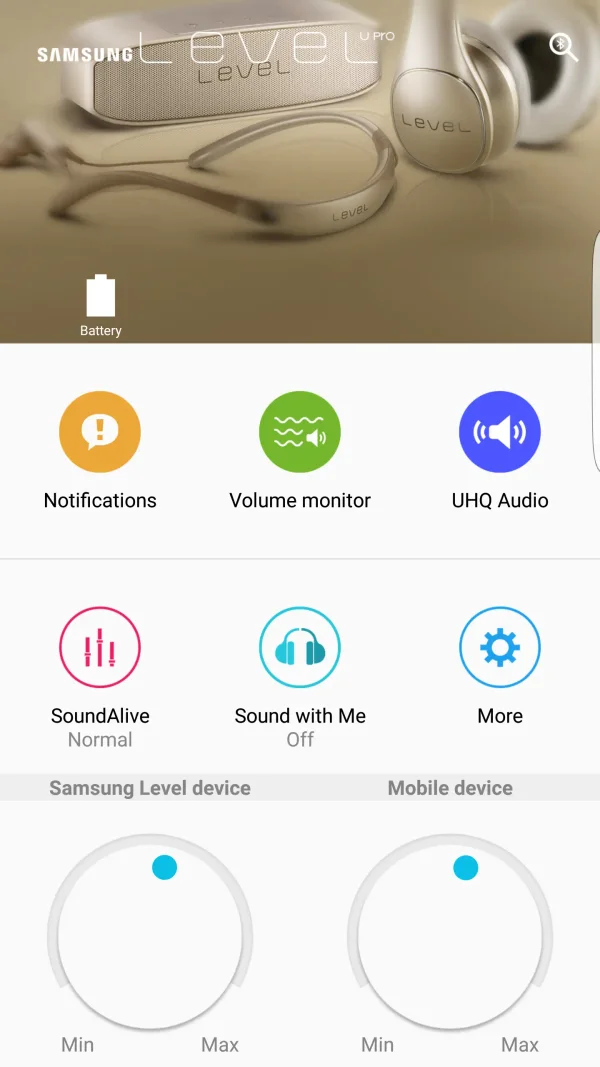
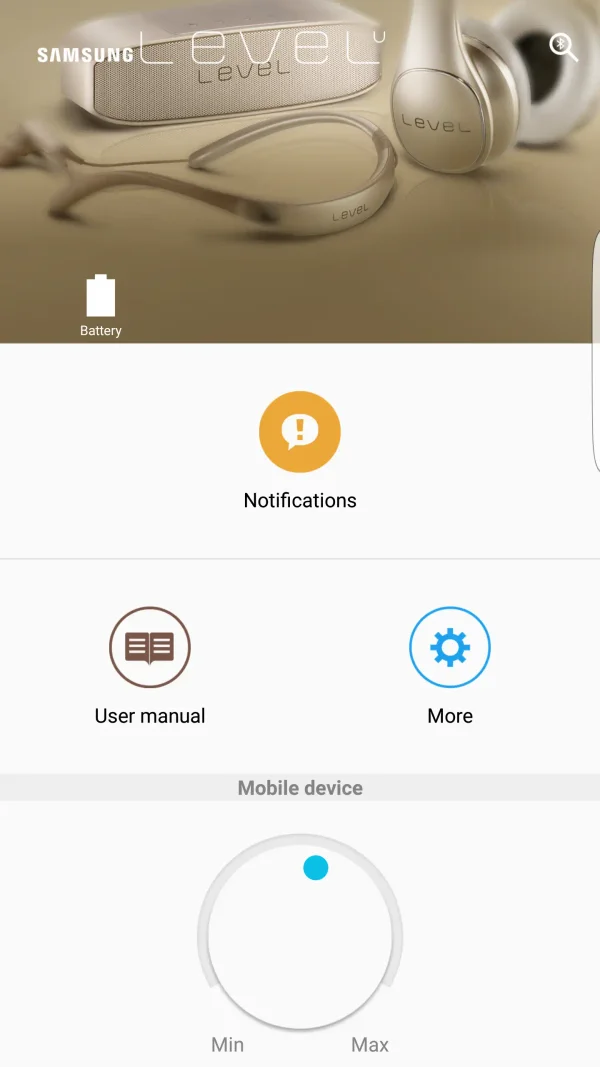
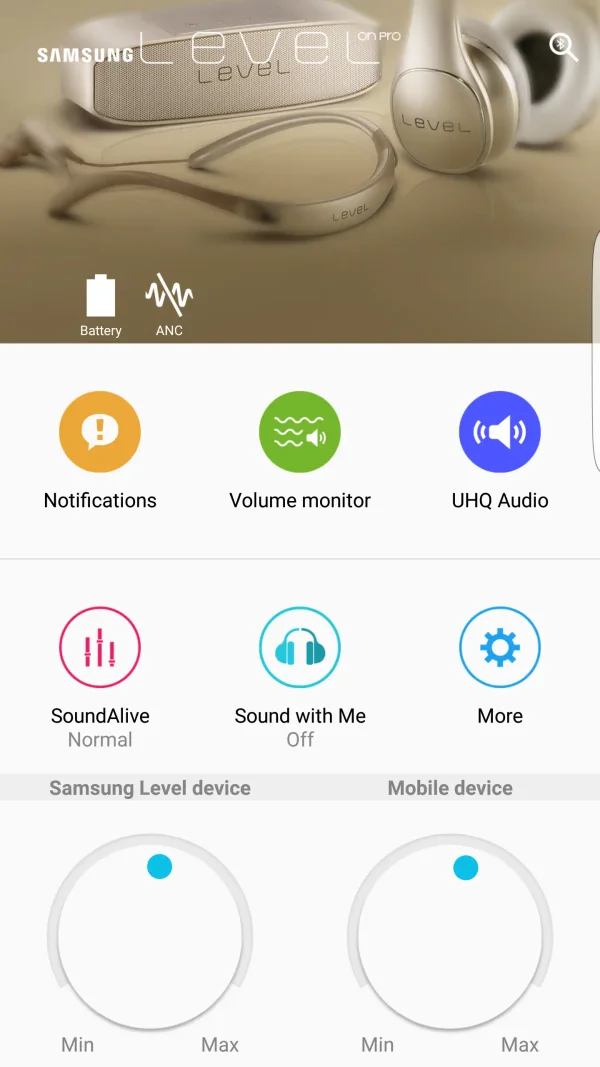
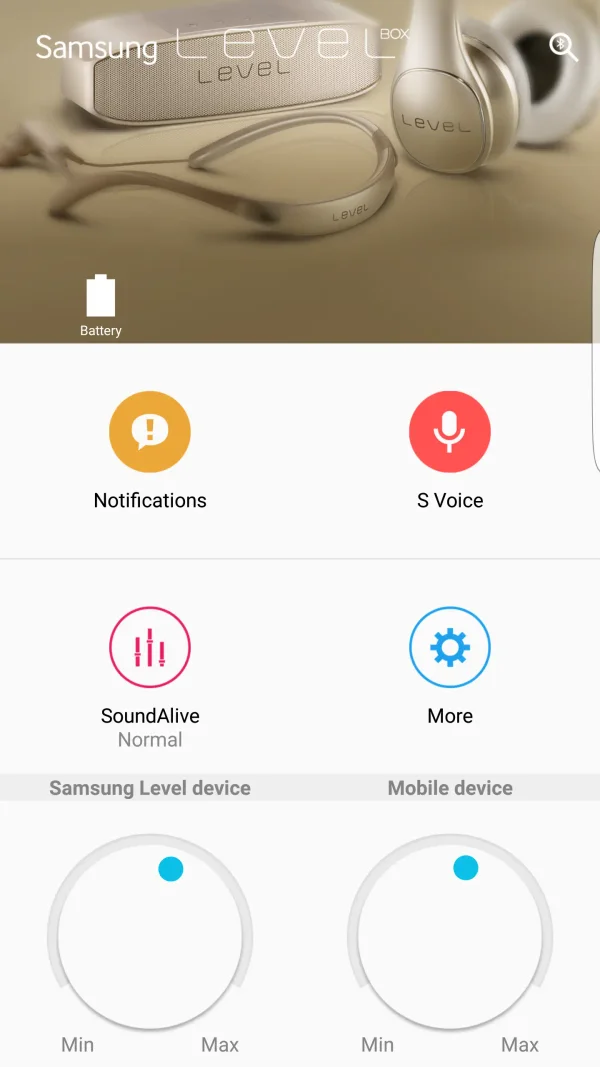
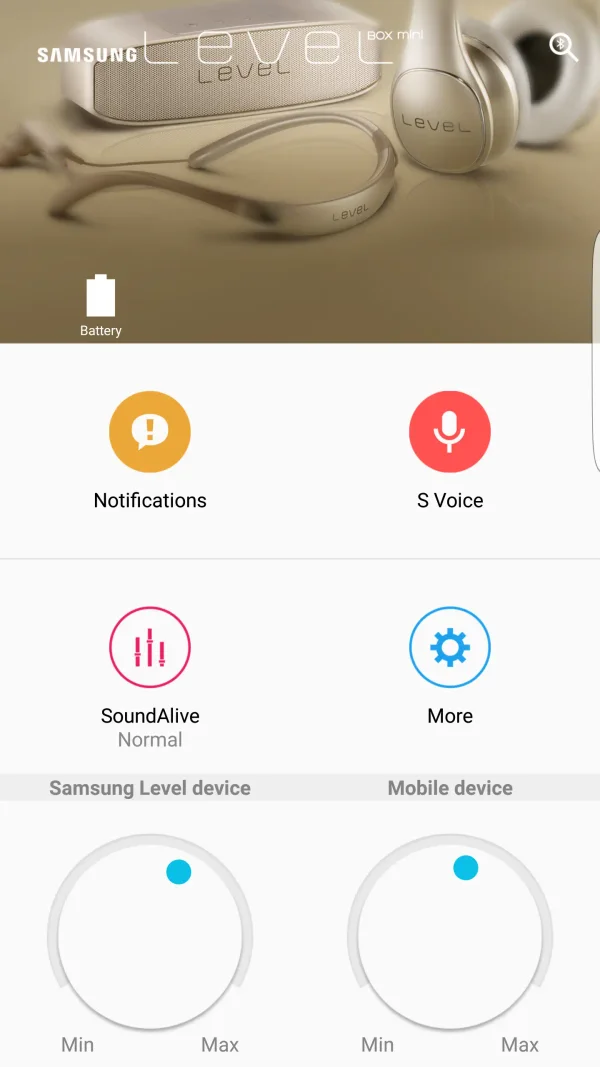
Samsung Level est une application exclusive pour les produits Samsung Level qui prennent en charge Bluetooth.
SoundAlive (effets de champ sonore), moniteur de volume, notification vocale et autres fonctionnalités supplémentaires sont disponibles.
Les fonctionnalités prises en charge peuvent varier en fonction du modèle de smartphone ou du produit Level connecté. Les notifications d'appel et les fonctionnalités de notification d'appel manqué ne sont disponibles que pour les smartphones Samsung.
Notifications d'appel: Disponible pour Galaxy Note 4 et supérieur
Bluetooth UHQA: disponible pour Galaxy S6 et supérieur
Si vous ne parvenez pas à vous connecter après avoir changé de modèle, veuillez réessayer après avoir vérifié la méthode du mode de couplage ci-dessous.
1. Niveau U / Actif / Box Pro / Slim: Maintenez enfoncé le bouton Lecture / Pause du produit pendant environ 3 secondes.
2. Level U Pro / On Pro / Flex: Maintenez enfoncé l'interrupteur sur le côté droit du produit (l'icône Bluetooth) pendant environ 3 secondes.
3. Level Box / Box Mini: Maintenez enfoncé le bouton Bluetooth à l'arrière du produit pendant environ 3 secondes.
4. Niveau supérieur: maintenez enfoncé le bouton Bluetooth sur le côté droit du produit pendant environ 3 secondes.
Guide de l'autorité d'accès
Les droits d'accès suivants sont requis pour la fourniture de services.
Pour les autorisations d'accès facultatives, la fonctionnalité par défaut du service est activée, mais non autorisée
[Autorité d'accès obligatoire]
- Téléphone: Le but de vérifier l'état du téléphone pour les notifications d'appel vocal ou pour le contrôle du volume
- Emplacement: Le but de rechercher des appareils connectables pour la connexion Bluetooth
- Journal des appels: but de la notification de l'appel manqué à l'utilisateur
[Autorité d'accès facultative]
- SMS: Le but de vérifier l'expéditeur et le contenu du SMS lorsque la fonction de notification vocale est en fonctionnement
- Calendrier: Le but de vérifier les informations du calendrier lorsque la fonction de notification vocale est en fonctionnement
- Contacts: Le but de vérifier les informations d'appels entrants lorsque la fonction de notification vocale est en fonctionnement
Si la version du logiciel de votre système est inférieure à Android 6.0, veuillez mettre à jour le logiciel pour configurer les autorisations de l'application.
Les autorisations précédemment autorisées peuvent être réinitialisées dans le menu Applications dans les paramètres de l'appareil après la mise à jour du logiciel.
Les services d'accessibilité peuvent être activés dans cette application.
La notification vocale dans l'application Samsung Level est une fonctionnalité qui énonce le message notifié sur le téléphone mobile.
Pour écouter le message notifié du téléphone mobile, le service d'accessibilité dans l'application Samsung Level doit être activé.
Périphérique audio pris en charge: Level U, Level U Pro, Level U Pro ANC, Level Actvie, Level Box, Level Box Pro, Level Box Mini, Level Box Slim, Level On, Level On Pro, Level Over, Samsung U, Samsung U Flex
Afficher le texte d’origine
Samsung Level is an exclusive application for Samsung Level products that support Bluetooth.
SoundAlive (sound field effects), volume monitor, voice notification, and other extra features are available.
Features supported may vary depending on the smartphone model or connected Level product. Call notifications and missed call notification features are only available for Samsung smartphones.
Call notifications : Available for Galaxy Note 4 and above
UHQA Bluetooth : Available for Galaxy S6 and above
If you fail to connect after switching models, please try again after checking the pairing mode method below.
1. Level U/Active/Box Pro/Slim : Hold down the product Play/Pause button for about 3 sec.
2. Level U Pro/On Pro/Flex : Hold down the switch on the right hand side of the product (the Bluetooth icon) for about 3 seconds.
3. Level Box/Box Mini : Hold down the Bluetooth button on the back of the product for about 3 seconds.
4. Level Over : Hold down the Bluetooth button on the right hand side of the product for about 3 seconds.
Access authority guide
The following access rights are required for service provisioning.
For optional access permissions, the default functionality of the service is enabled, although not allowed
[Mandatory Access Authority]
- Phone : The purpose for checking the status of the phone for voice call notifications or for volume control
- Location : The purpose for searching connectable devices for Bluetooth connection
- Call log : The purpose for giving the notification of missed call to user
[Optional Access Authority]
- SMS : The purpose for checking the sender and contents of SMS when voice notification function is in operation
- Calendar : The purpose for checking calendar information when voice notification function is in operation
- Contacts : The purpose for checking incoming call information when voice notification function is in operation
If your system software version is lower than Android 6.0, please update the software to configure App permissions.
Previously allowed permissions can be reset on Apps menu in device settings after software update.
Accessibility services can be turned on in this app.
Voice Notification in Samsung Level app is a feature that speaks out the notified message in mobile phone.
To listen to the notified message of mobile phone, accessibility service in Samsung Level app should be enabled.
Support audio device : Level U, Level U Pro, Level U Pro ANC, Level Actvie, Level Box, Level Box Pro, Level Box Mini, Level Box Slim, Level On, Level On Pro, Level Over, Samsung U, Samsung U Flex
Sécurité des données
Ce que Samsung Electronics Co., Ltd. déclare sur Google Play au sujet des données que cette application collecte et partage.
- Aucune donnée partagée avec des tiersEn savoir plus sur la manière dont les développeurs déclarent le partage
- Aucune donnée collectéeEn savoir plus sur la manière dont les développeurs déclarent la collecte
Nouveautés
Version 5.2.25 · 13/09/2021
Fix issue
Coordonnées du développeur
- E-mailnoreply.sec@samsung.com
- Politique de confidentialitéaccount.samsung.com
- Adresse대한민국 16677 경기도 수원시 영통구 삼성로 129 (매탄동)
Informations
- Proposée par
- Samsung Electronics Co., Ltd.
- Catégorie
- Divertissement
- Version
- 5.2.25
- Mis à jour
- 13/09/2021
- Publié
- 28/04/2014
- Nécessite
- Android 4.2 ou version ultérieure
- Classification d’âge
- PEGI 3
- Prix
- Gratuit
- Nom du package
- com.sec.samsungsoundphone