Samsung Level
Samsung Electronics Co., Ltd.- EveryoneAge rating
- EntertainmentCategory
- Sep 13, 2021Updated
- FreePrice
Links to the official Google Play listing of com.sec.samsungsoundphone. Last checked on Nov 26, 2026.
Screenshots

About this app
Level U/U Pro/U Pro ANC, Box/Mini/Pro/Slim, On/On Pro, Over, Active, Flex
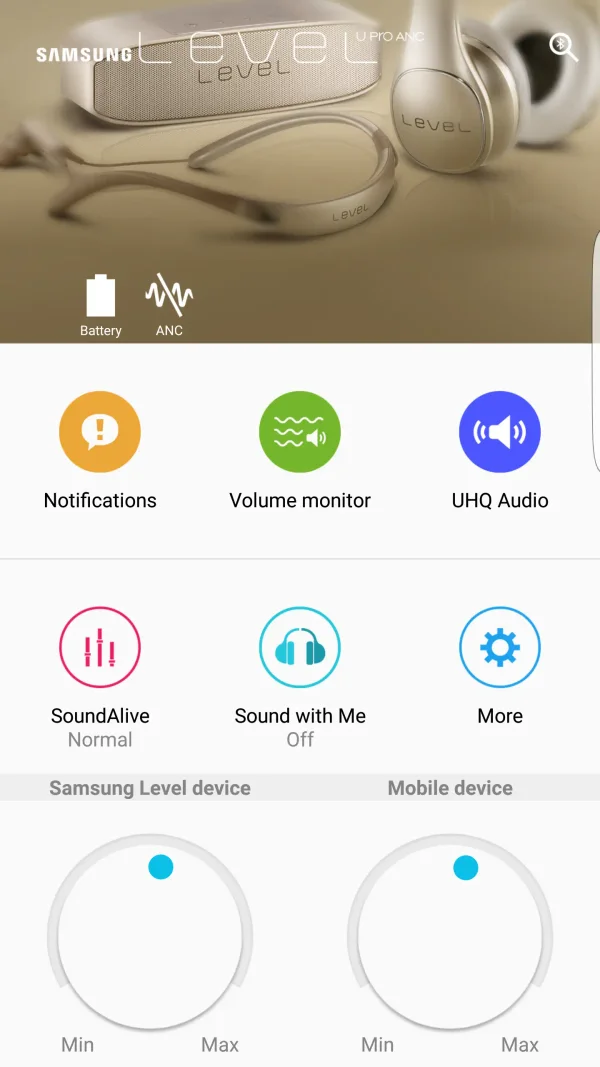
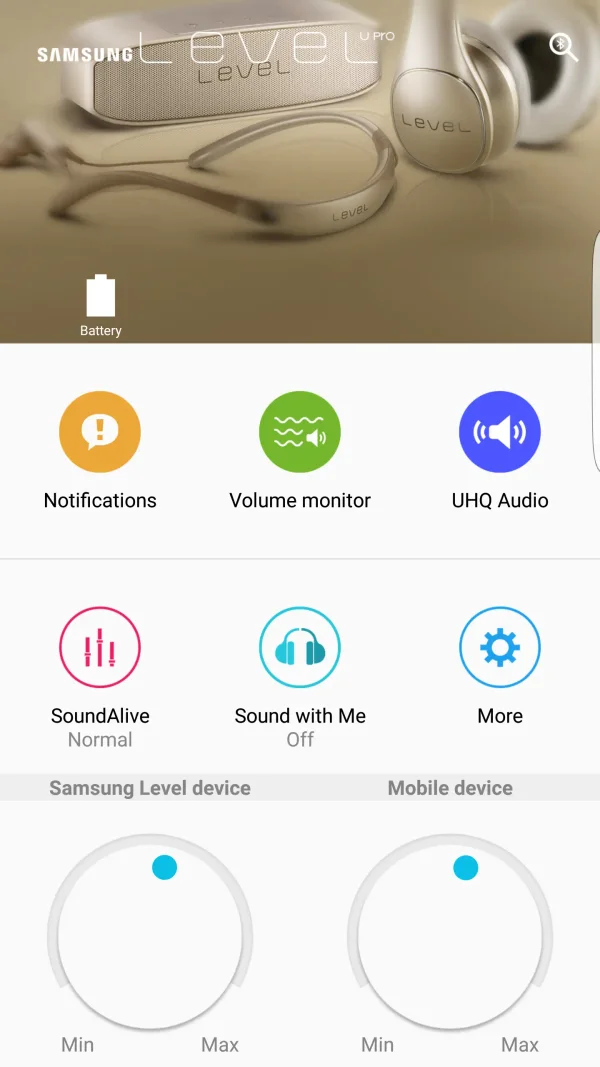
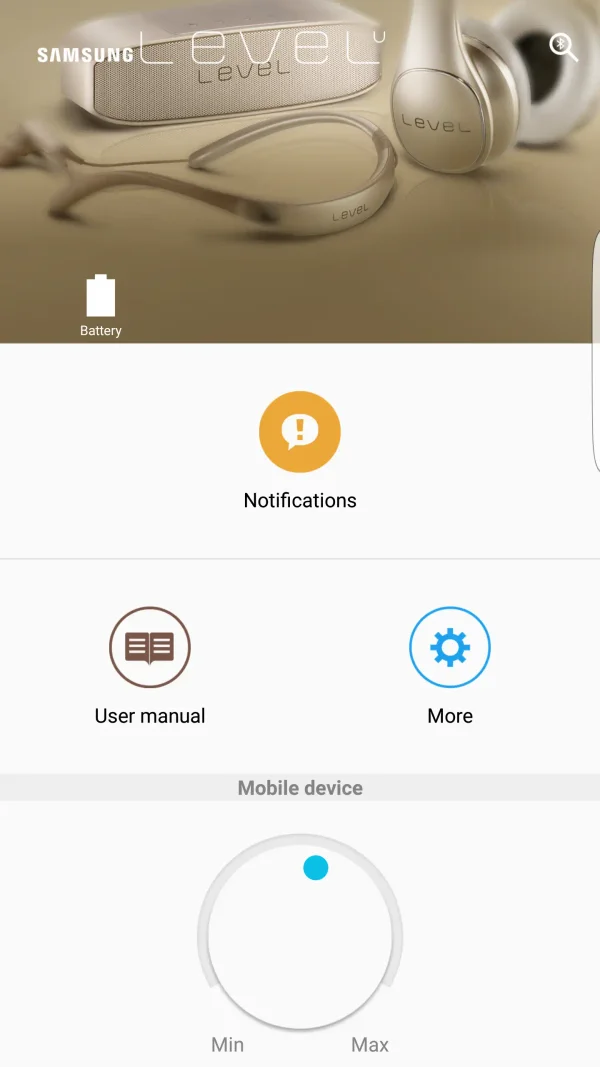
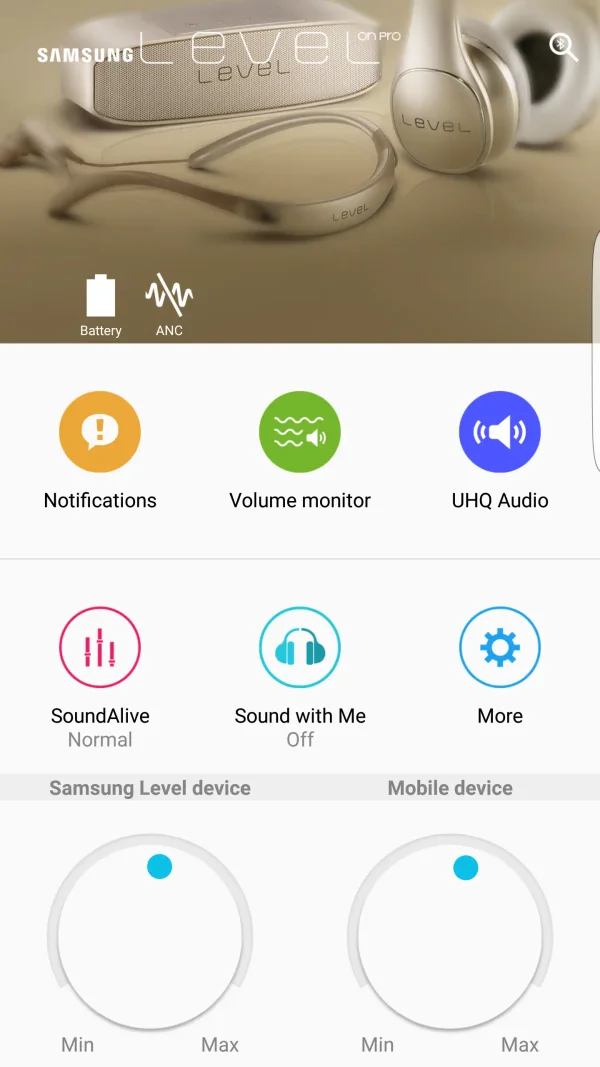
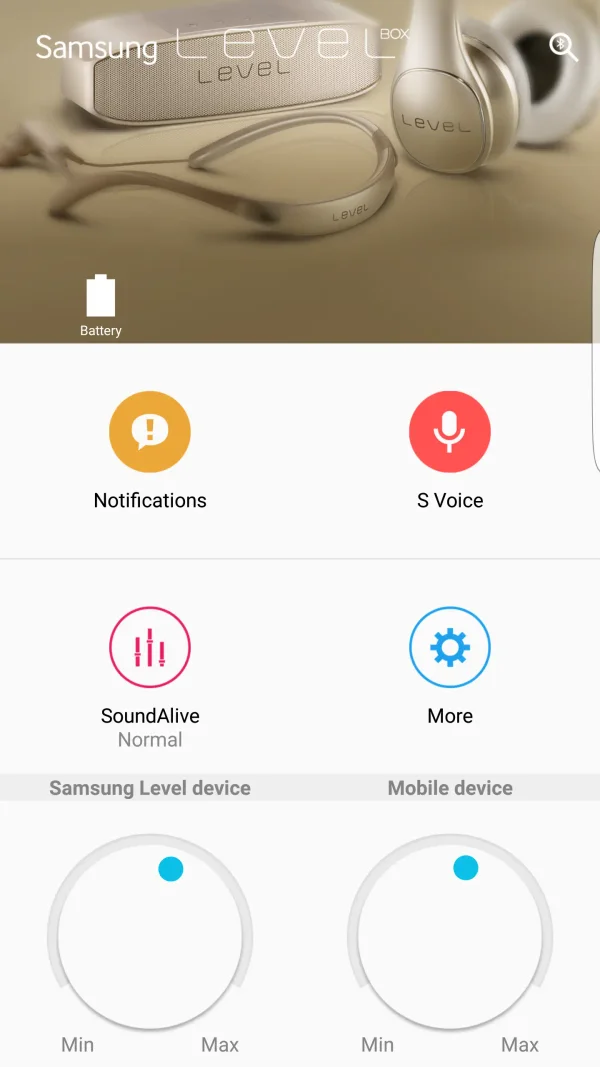
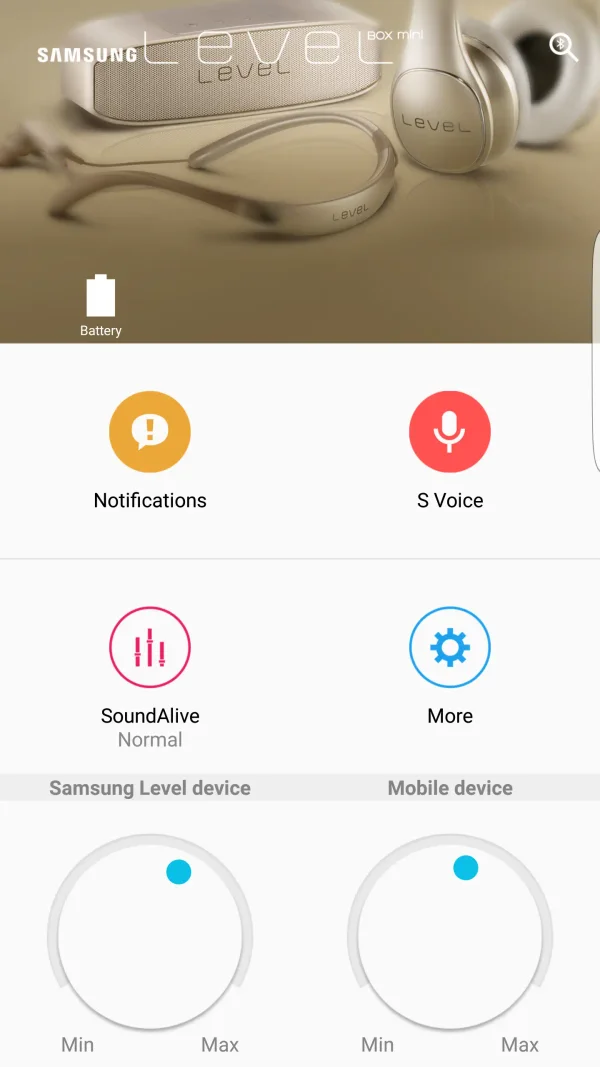
Samsung Level is an exclusive application for Samsung Level products that support Bluetooth.
SoundAlive (sound field effects), volume monitor, voice notification, and other extra features are available.
Features supported may vary depending on the smartphone model or connected Level product. Call notifications and missed call notification features are only available for Samsung smartphones.
Call notifications : Available for Galaxy Note 4 and above
UHQA Bluetooth : Available for Galaxy S6 and above
If you fail to connect after switching models, please try again after checking the pairing mode method below.
1. Level U/Active/Box Pro/Slim : Hold down the product Play/Pause button for about 3 sec.
2. Level U Pro/On Pro/Flex : Hold down the switch on the right hand side of the product (the Bluetooth icon) for about 3 seconds.
3. Level Box/Box Mini : Hold down the Bluetooth button on the back of the product for about 3 seconds.
4. Level Over : Hold down the Bluetooth button on the right hand side of the product for about 3 seconds.
Access authority guide
The following access rights are required for service provisioning.
For optional access permissions, the default functionality of the service is enabled, although not allowed
[Mandatory Access Authority]
- Phone : The purpose for checking the status of the phone for voice call notifications or for volume control
- Location : The purpose for searching connectable devices for Bluetooth connection
- Call log : The purpose for giving the notification of missed call to user
[Optional Access Authority]
- SMS : The purpose for checking the sender and contents of SMS when voice notification function is in operation
- Calendar : The purpose for checking calendar information when voice notification function is in operation
- Contacts : The purpose for checking incoming call information when voice notification function is in operation
If your system software version is lower than Android 6.0, please update the software to configure App permissions.
Previously allowed permissions can be reset on Apps menu in device settings after software update.
Accessibility services can be turned on in this app.
Voice Notification in Samsung Level app is a feature that speaks out the notified message in mobile phone.
To listen to the notified message of mobile phone, accessibility service in Samsung Level app should be enabled.
Support audio device : Level U, Level U Pro, Level U Pro ANC, Level Actvie, Level Box, Level Box Pro, Level Box Mini, Level Box Slim, Level On, Level On Pro, Level Over, Samsung U, Samsung U Flex
Data safety
What Samsung Electronics Co., Ltd. declares on Google Play about the data this app collects and shares.
- No data shared with third partiesLearn more about how developers declare sharing
- No data collectedLearn more about how developers declare collection
What’s new
Version 5.2.25 · Sep 13, 2021
Fix issue
Developer contact
- Emailnoreply.sec@samsung.com
- Privacy policyaccount.samsung.com
- Address대한민국 16677 경기도 수원시 영통구 삼성로 129 (매탄동)
Information
- Offered by
- Samsung Electronics Co., Ltd.
- Category
- Entertainment
- Version
- 5.2.25
- Updated
- Sep 13, 2021
- Released
- Apr 28, 2014
- Requires
- Android 4.2 or later
- Age rating
- Everyone
- Price
- Free
- Package name
- com.sec.samsungsoundphone