Certificate Templates & Maker
Professional Resume Templates
Entwickelt für iPhone, iPad
Kostenlos · In-App-Käufe
- Altersfreigabe4+
- KategorieProduktivität
- EntwicklerKevin Ghori
- SprachenEnglisch
- Größe37,1 MB
Verlinkt auf die offizielle App Store-Seite
Download.org hostet keine Datei von Certificate Templates & Maker. Die Schaltfläche öffnet die App-Seite bei App Store, wo Kevin Ghori die App veröffentlicht. Eintrag zuletzt geprüft am 12.11.2026.
Screenshots

Info
Der Entwickler hat diesen Text nicht in Ihrer Sprache bereitgestellt.
Certificate templates & editor app has made it easy to create beautiful professional certificates instantly without any design experience. By using this app, there will be no need to hire any professional designer to make a printable certificate. You can design the certificate by using your smartphone.
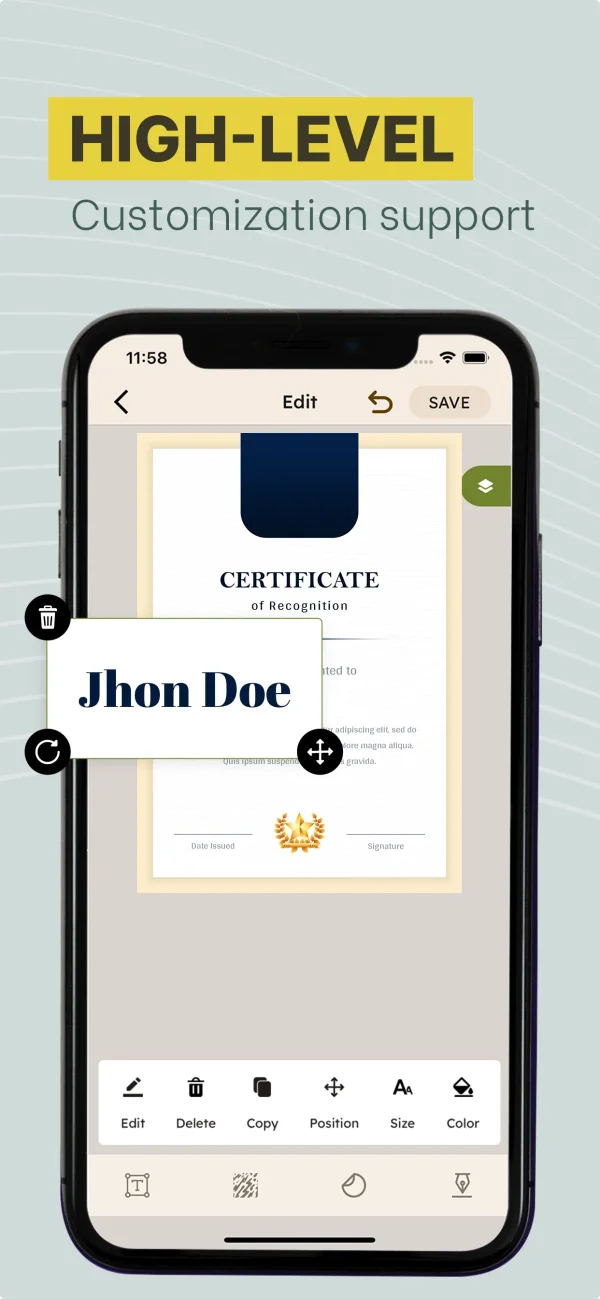
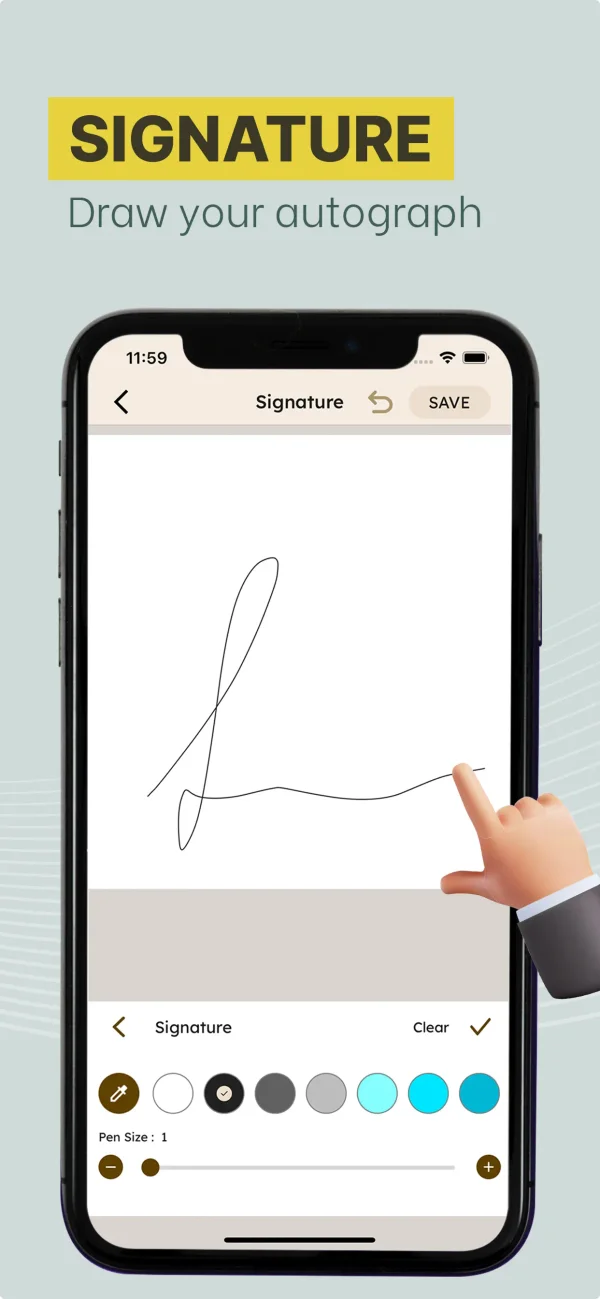
This Certificate Templates & Maker app is an editing tool to customize certificates. The certificate editor gives different options like fonts, colors, text effects, icons, stickers, backgrounds, and signatures.
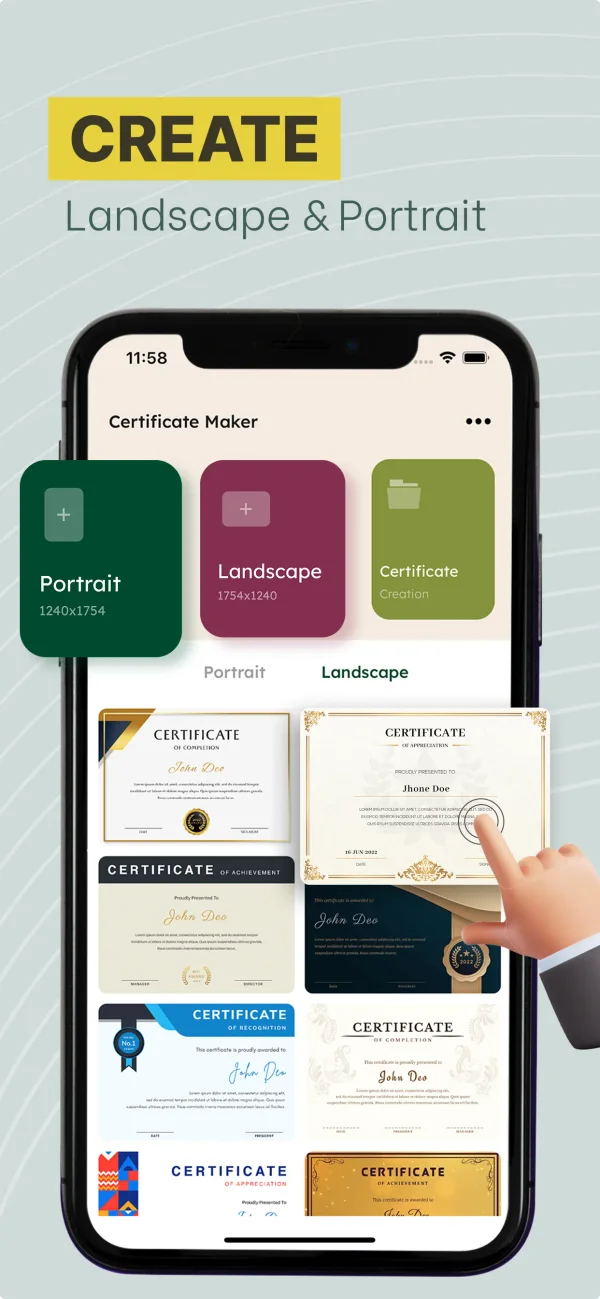
This app can also be called a certificate designer as it allows to design in portrait and landscape mode with different designing features. There is a huge collection of free professional certificate templates. Instantly in a few steps, make high-resolution printable certificates sitting at home.
Certificate Templates & Maker app gives free templates with different categories for professional, awards, gifts, appreciation, school, course completion, and more. Any organization can also use create this app to give achievements to employees, award winners, in completion of any course, experience, participation, runners-up, graduation, event completion, and many other appreciation certificates.
How to use this certificate maker application?
1. Choose portrait or landscape mode to make a certificate.
2. Select the background from the Abstract, children, color, decorative, golden, graphic, professional, and texture categories, or select from the phone's gallery.
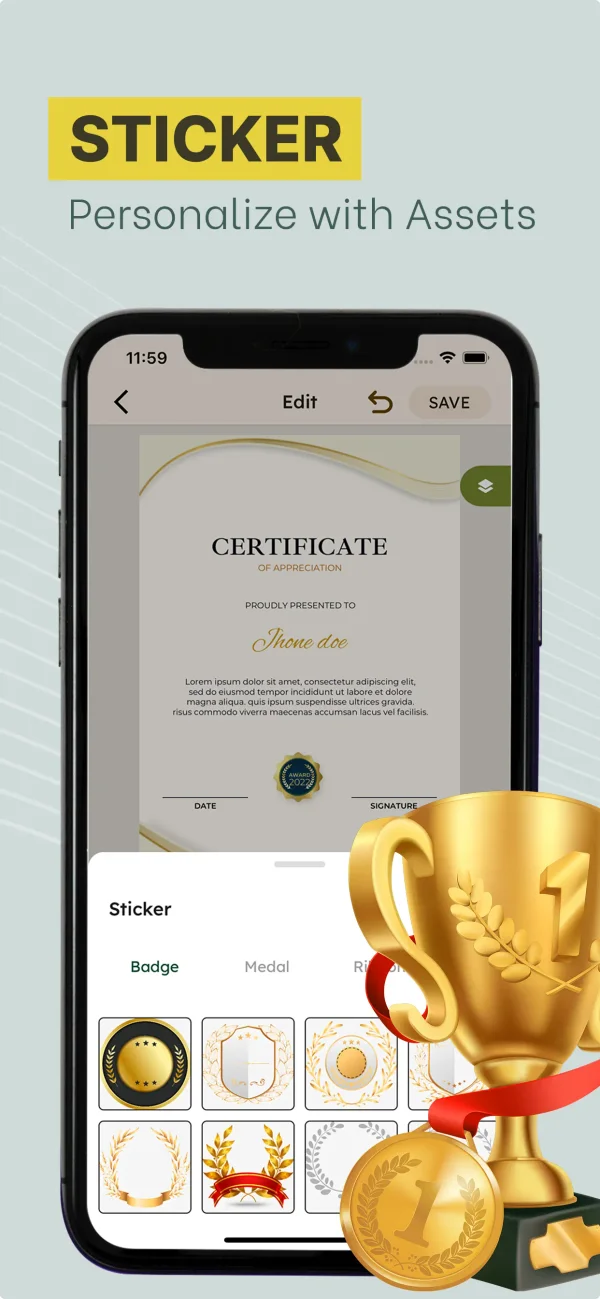
3. Add attractive stickers on the certificate from the badge, medal, ribbon, stamp, and trophy category.
4. Add text on the certificate with a different font, color, size, background, and other options.
5. You can create the digital signature and add it to the certificate.
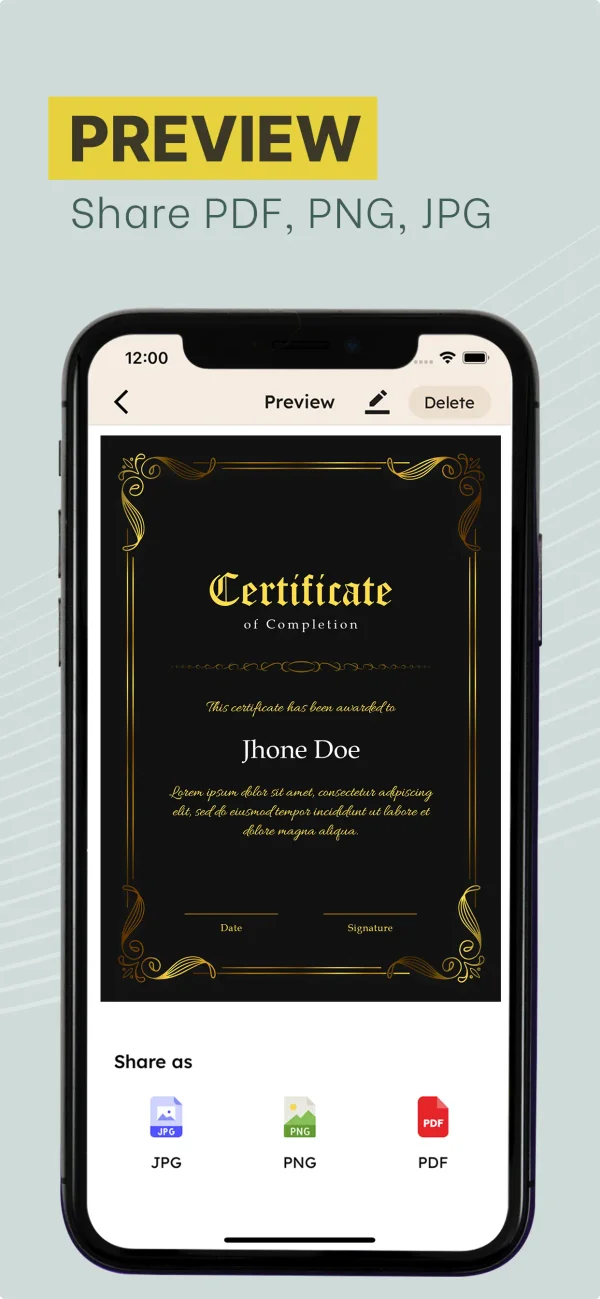
6. Save the certificate changes in JPG or PNG format, and select the image quality from respective options.
7. You can share the certificate with friends and family in JPG, PNG, or PDF format.
Terms of Use (EULA):
https://www.apple.com/legal/internet-services/itunes/dev/stdeula/
Neue Funktionen
Version 1.9 · 18.09.2026
Bug Fixes.
App-Datenschutz
Was Kevin Ghori im App Store zum Umgang dieser App mit Daten angibt.
-
Daten, die zum Tracking Ihrer Person verwendet werden
Können verwendet werden, um Sie über Apps und Websites anderer Unternehmen hinweg zu verfolgen.
- Kennungen
- Nutzungsdaten
- Diagnose
-
Nicht mit Ihnen verknüpfte Daten
Können erfasst werden, sind aber nicht mit Ihrer Identität verknüpft.
- Kennungen
- Nutzungsdaten
- Diagnose
Die Datenschutzpraktiken können variieren, zum Beispiel je nach den von Ihnen verwendeten Funktionen oder Ihrem Alter.
Informationen
- Anbieter
- Kevin Ghori
- Kategorie
- Produktivität
- Version
- 1.9
- Aktualisiert
- 18.09.2026
- Veröffentlicht
- 30.08.2022
- Größe
- 37,1 MB
- Erfordert
- iOS 17.0 oder neuer
- Altersfreigabe
- 4+
- Preis
- Kostenlos
- In-App-Käufe
- Ja
- Sprachen
- Englisch
- Copyright
- © Darshan Patel
Das könnte Ihnen auch gefallen
-
 Certificate Maker:CreatorProduktivität
-
 Certificate Maker - eCardsProduktivität
-
 Certificate Maker, eCard MakerProduktivität
-
 AI Canvas Certificate MakerProduktivität
-
 Templates for MS Word - DesiGNDokumentvorlagen für Word
-
 AI Unterschrift: PDF SignierenAusfüllen, eSign Dokumente
-
 Templates for Pages - DesiGNProfessionelle Dokumente und
-
 Certify: Urkunden erstellenUrkunde als PDF gestalten
-
 Construction forms & templatesProduktivität
-
 eCertificateProduktivität