Certificate Templates & Maker
Professional Resume Templates
Được thiết kế cho iPhone, iPad
Miễn phí · Mua hàng trong ứng dụng
- Độ tuổi4+
- Danh mụcHiệu Suất
- Nhà phát triểnKevin Ghori
- Ngôn ngữTiếng Anh
- Kích thước37,1 MB
Liên kết đến trang App Store chính thức
Download.org không lưu trữ tệp nào của Certificate Templates & Maker. Nút này mở trang ứng dụng trên App Store, nơi Kevin Ghori phát hành ứng dụng. Trang được kiểm tra lần cuối: 12/11/2026.
Ảnh chụp màn hình

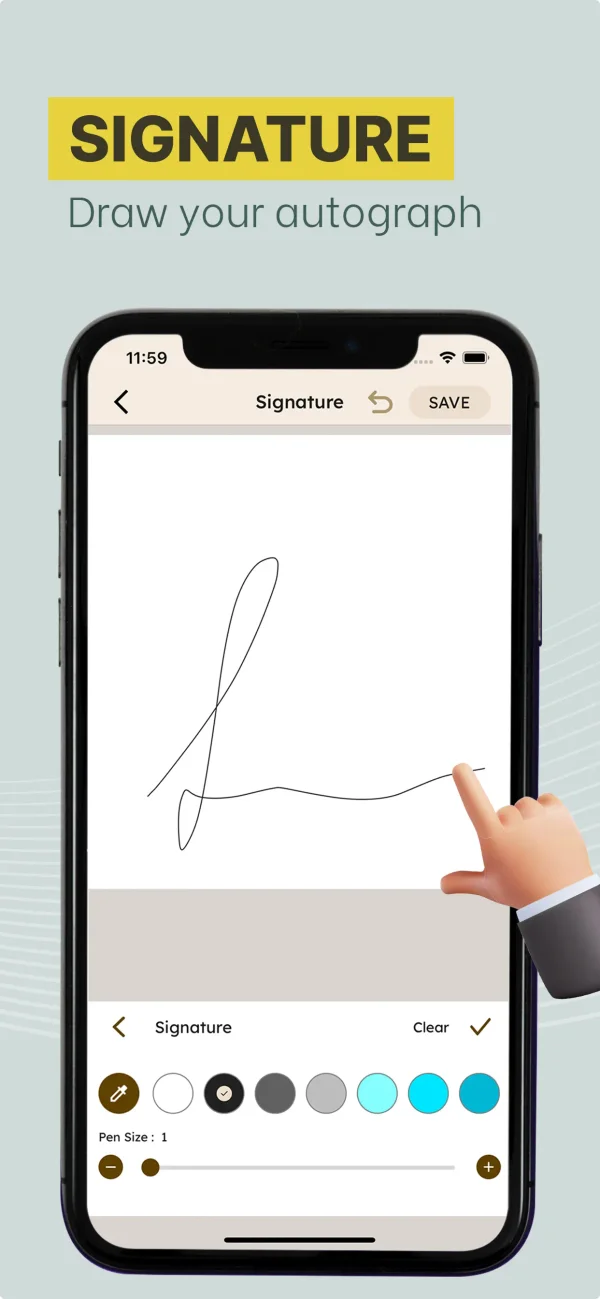
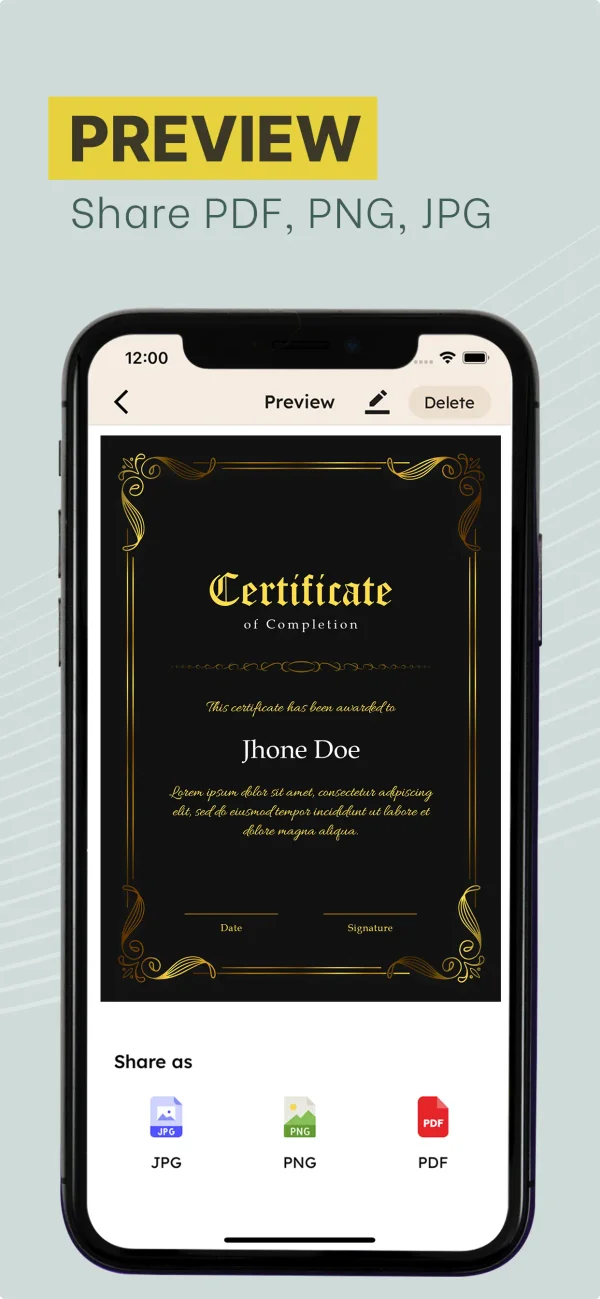
Giới thiệu
Nhà phát triển chưa cung cấp nội dung này bằng ngôn ngữ của bạn.
Certificate templates & editor app has made it easy to create beautiful professional certificates instantly without any design experience. By using this app, there will be no need to hire any professional designer to make a printable certificate. You can design the certificate by using your smartphone.
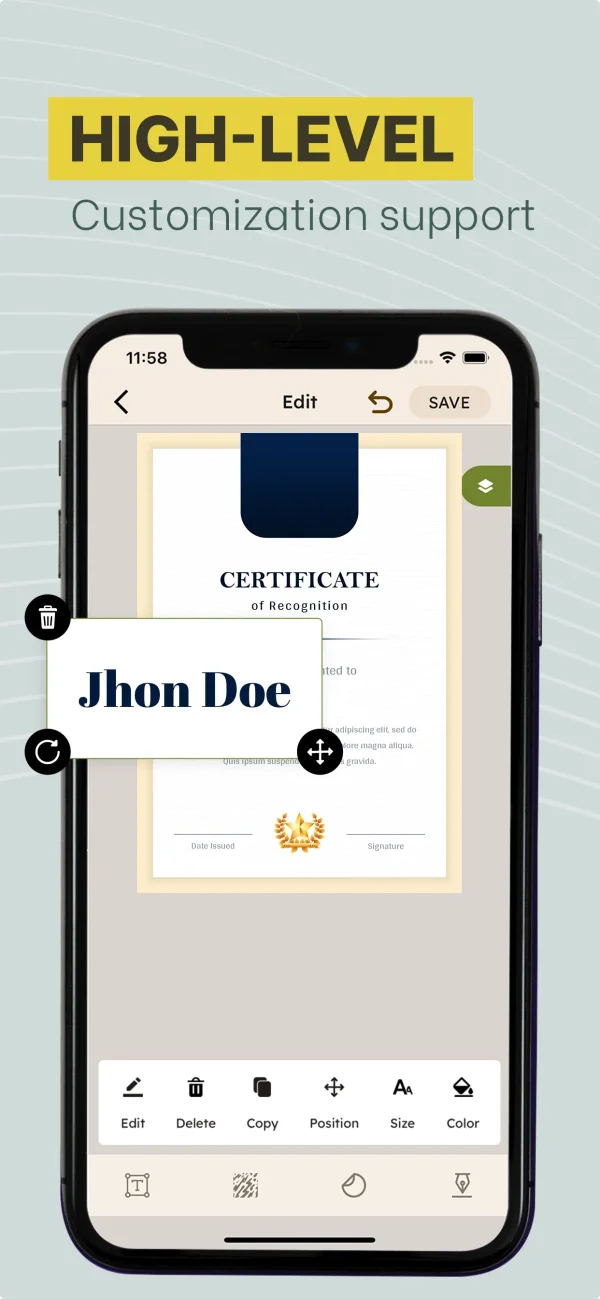
This Certificate Templates & Maker app is an editing tool to customize certificates. The certificate editor gives different options like fonts, colors, text effects, icons, stickers, backgrounds, and signatures.
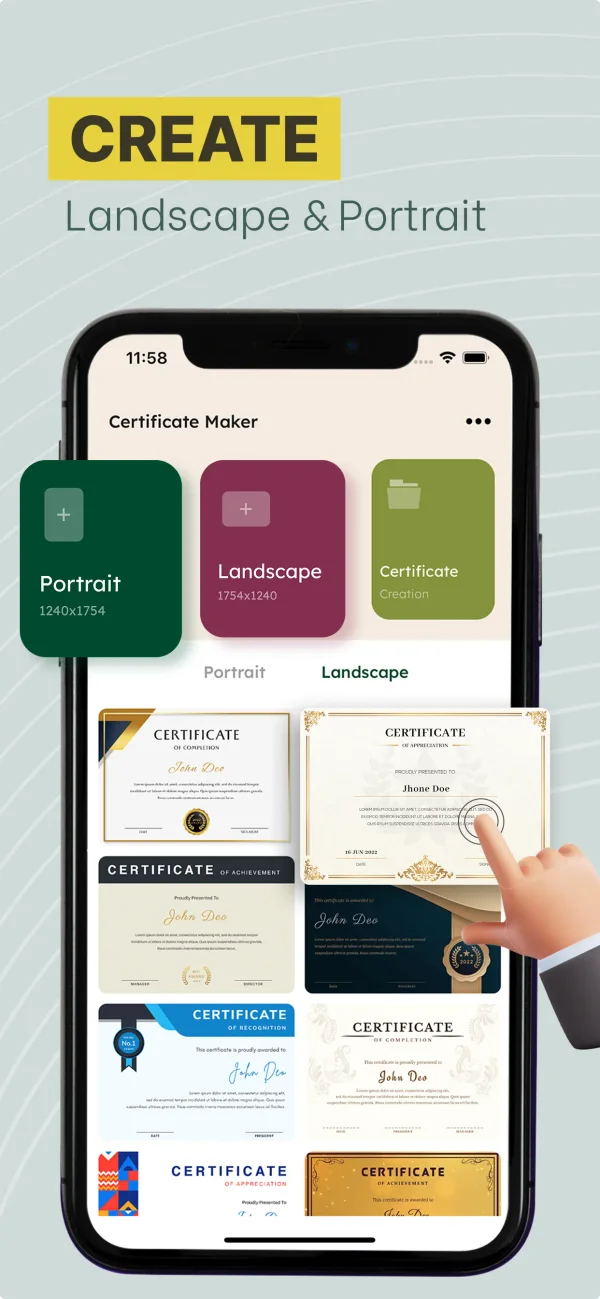
This app can also be called a certificate designer as it allows to design in portrait and landscape mode with different designing features. There is a huge collection of free professional certificate templates. Instantly in a few steps, make high-resolution printable certificates sitting at home.
Certificate Templates & Maker app gives free templates with different categories for professional, awards, gifts, appreciation, school, course completion, and more. Any organization can also use create this app to give achievements to employees, award winners, in completion of any course, experience, participation, runners-up, graduation, event completion, and many other appreciation certificates.
How to use this certificate maker application?
1. Choose portrait or landscape mode to make a certificate.
2. Select the background from the Abstract, children, color, decorative, golden, graphic, professional, and texture categories, or select from the phone's gallery.
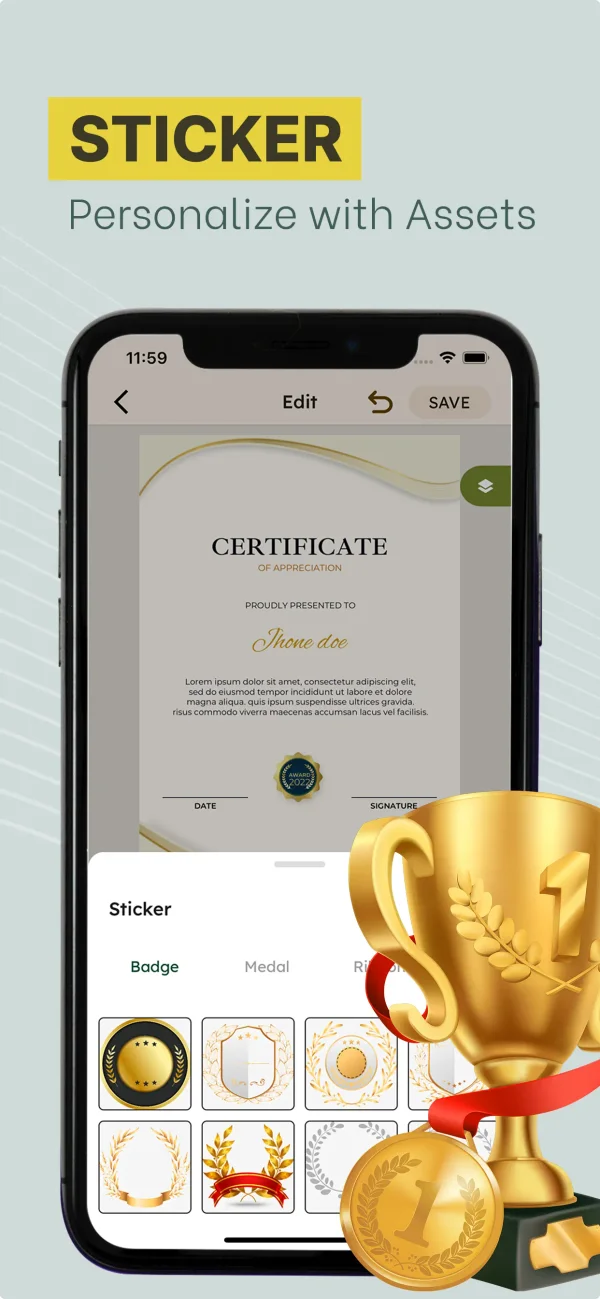
3. Add attractive stickers on the certificate from the badge, medal, ribbon, stamp, and trophy category.
4. Add text on the certificate with a different font, color, size, background, and other options.
5. You can create the digital signature and add it to the certificate.
6. Save the certificate changes in JPG or PNG format, and select the image quality from respective options.
7. You can share the certificate with friends and family in JPG, PNG, or PDF format.
Terms of Use (EULA):
https://www.apple.com/legal/internet-services/itunes/dev/stdeula/
Có gì mới
Phiên bản 1.9 · 18/09/2026
Bug Fixes.
Quyền riêng tư của ứng dụng
Những gì Kevin Ghori khai báo trên App Store về cách ứng dụng này xử lý dữ liệu.
-
Dữ liệu được sử dụng để theo dõi bạn
Có thể được sử dụng để theo dõi bạn trên các ứng dụng và trang web do công ty khác sở hữu.
- Mã định danh
- Dữ liệu sử dụng
- Chẩn đoán
-
Dữ liệu không liên kết với bạn
Có thể được thu thập nhưng không liên kết với danh tính của bạn.
- Mã định danh
- Dữ liệu sử dụng
- Chẩn đoán
Phương thức đảm bảo quyền riêng tư có thể khác nhau, chẳng hạn như tuỳ theo các tính năng bạn sử dụng hoặc độ tuổi của bạn.
Thông tin
- Người bán
- Kevin Ghori
- Danh mục
- Hiệu Suất
- Phiên bản
- 1.9
- Cập nhật
- 18/09/2026
- Phát hành
- 30/08/2022
- Kích thước
- 37,1 MB
- Yêu cầu
- iOS 17.0 trở lên
- Độ tuổi
- 4+
- Giá
- Miễn phí
- Mua hàng trong ứng dụng
- Có
- Ngôn ngữ
- Tiếng Anh
- Bản quyền
- © Darshan Patel
Có thể bạn cũng thích
-
 Certificate Maker:CreatorHiệu Suất
-
 Certificate Maker - eCardsHiệu Suất
-
 Certificate Maker, eCard MakerHiệu Suất
-
 AI Canvas Certificate MakerHiệu Suất
-
 Templates for MS Word - DesiGNMẫu tài liệu cho Word
-
 AI signature Maker: Esign AppHiệu Suất
-
 Templates for Pages - DesiGNTài liệu chuyên môn và thiết
-
 Certify: Certificate MakerHiệu Suất
-
 Construction forms & templatesHiệu Suất
-
 eCertificateHiệu Suất