Certificate Templates & Maker
Professional Resume Templates
iPhone, iPad向けに設計
無料 · アプリ内課金
- 対象年齢4+
- カテゴリ仕事効率化
- 開発元Kevin Ghori
- 言語英語
- サイズ37.1 MB
App Storeの公式ページにリンクしています
Download.orgはCertificate Templates & Makerのファイルを一切ホストしていません。ボタンを押すと、Kevin Ghoriが公開しているApp Storeのアプリページが開きます。ページの最終確認:2026/11/12。
スクリーンショット

概要
開発元はこのテキストをお使いの言語で提供していません。
Certificate templates & editor app has made it easy to create beautiful professional certificates instantly without any design experience. By using this app, there will be no need to hire any professional designer to make a printable certificate. You can design the certificate by using your smartphone.
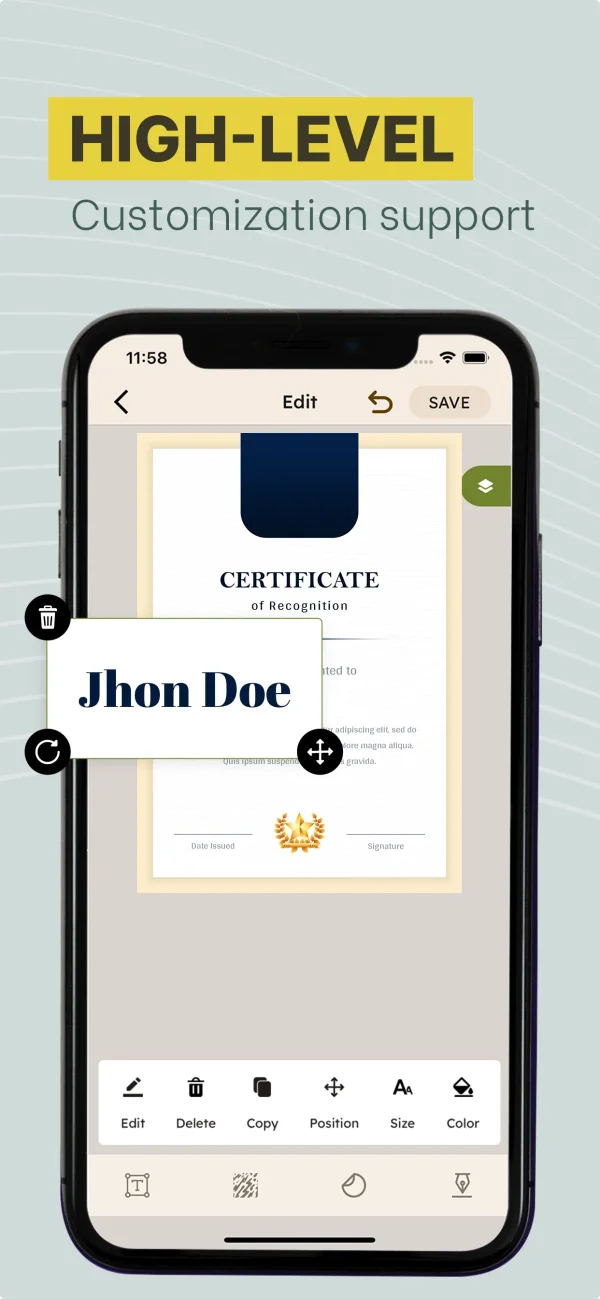
This Certificate Templates & Maker app is an editing tool to customize certificates. The certificate editor gives different options like fonts, colors, text effects, icons, stickers, backgrounds, and signatures.
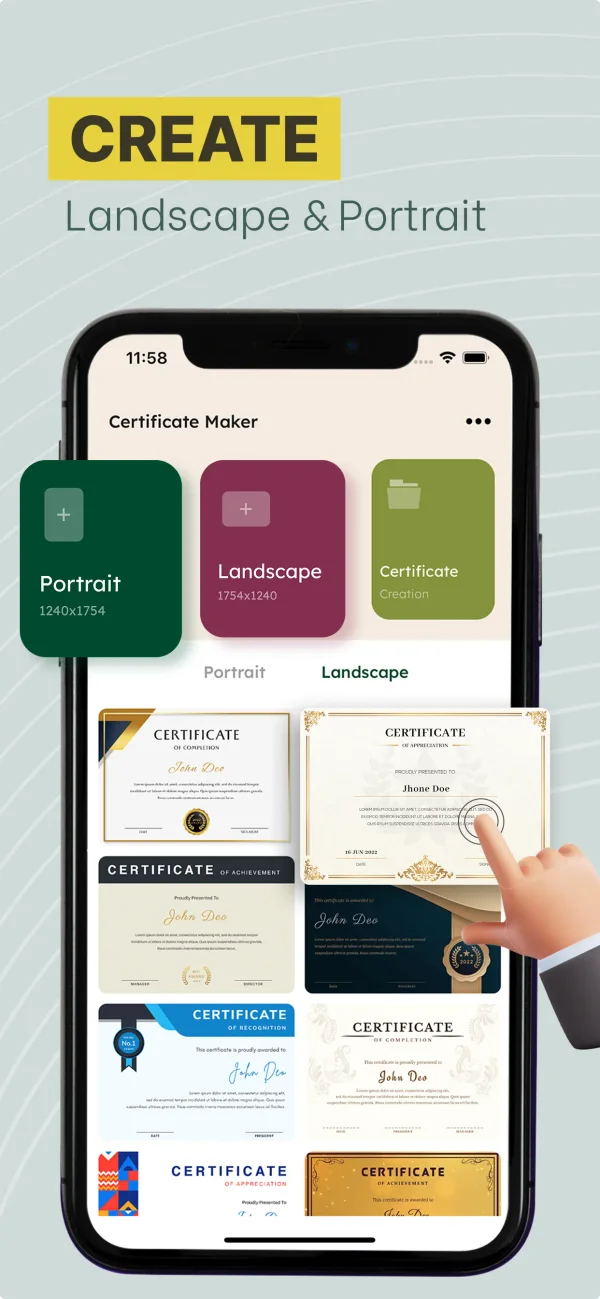
This app can also be called a certificate designer as it allows to design in portrait and landscape mode with different designing features. There is a huge collection of free professional certificate templates. Instantly in a few steps, make high-resolution printable certificates sitting at home.
Certificate Templates & Maker app gives free templates with different categories for professional, awards, gifts, appreciation, school, course completion, and more. Any organization can also use create this app to give achievements to employees, award winners, in completion of any course, experience, participation, runners-up, graduation, event completion, and many other appreciation certificates.
How to use this certificate maker application?
1. Choose portrait or landscape mode to make a certificate.
2. Select the background from the Abstract, children, color, decorative, golden, graphic, professional, and texture categories, or select from the phone's gallery.
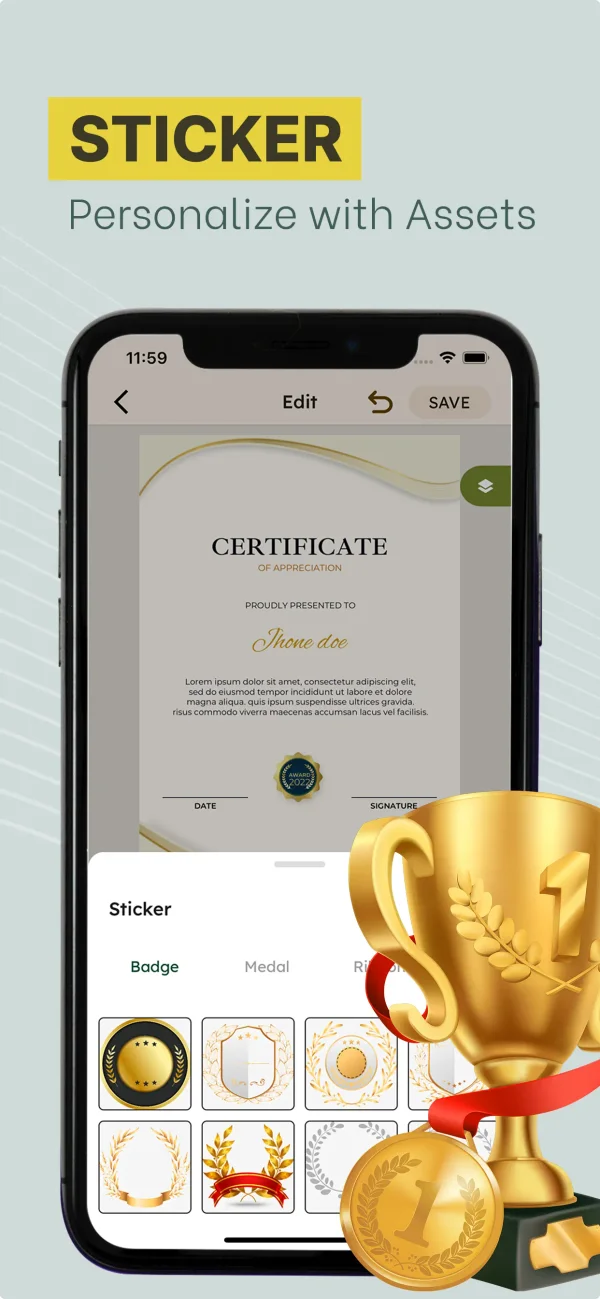
3. Add attractive stickers on the certificate from the badge, medal, ribbon, stamp, and trophy category.
4. Add text on the certificate with a different font, color, size, background, and other options.
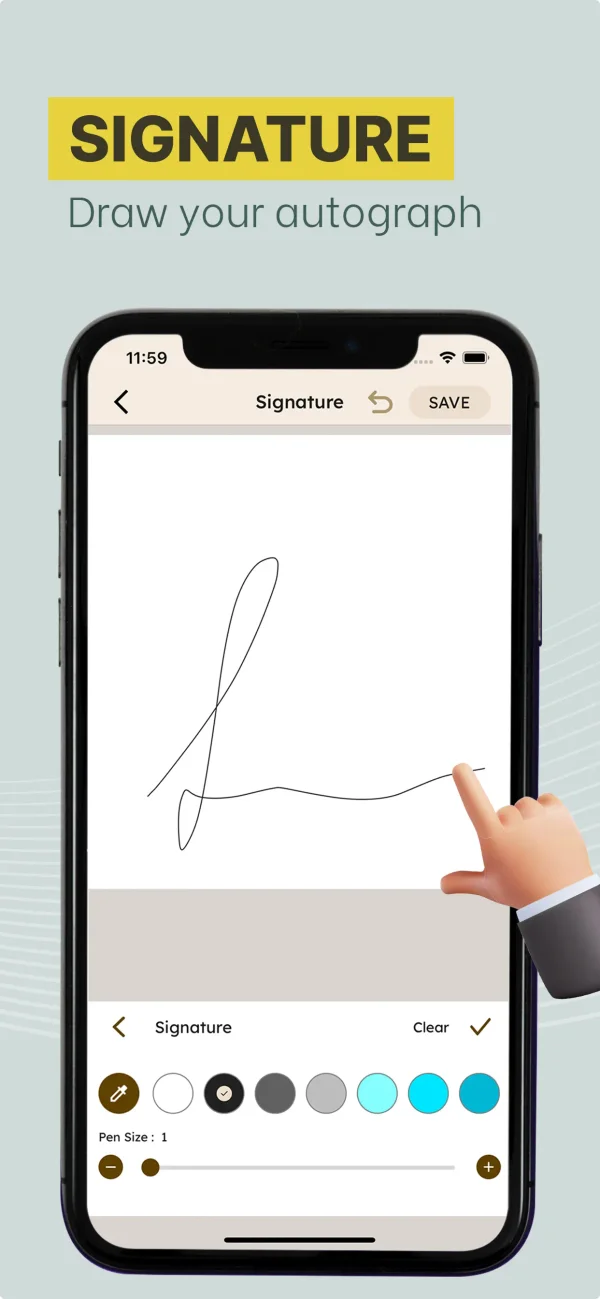
5. You can create the digital signature and add it to the certificate.
6. Save the certificate changes in JPG or PNG format, and select the image quality from respective options.
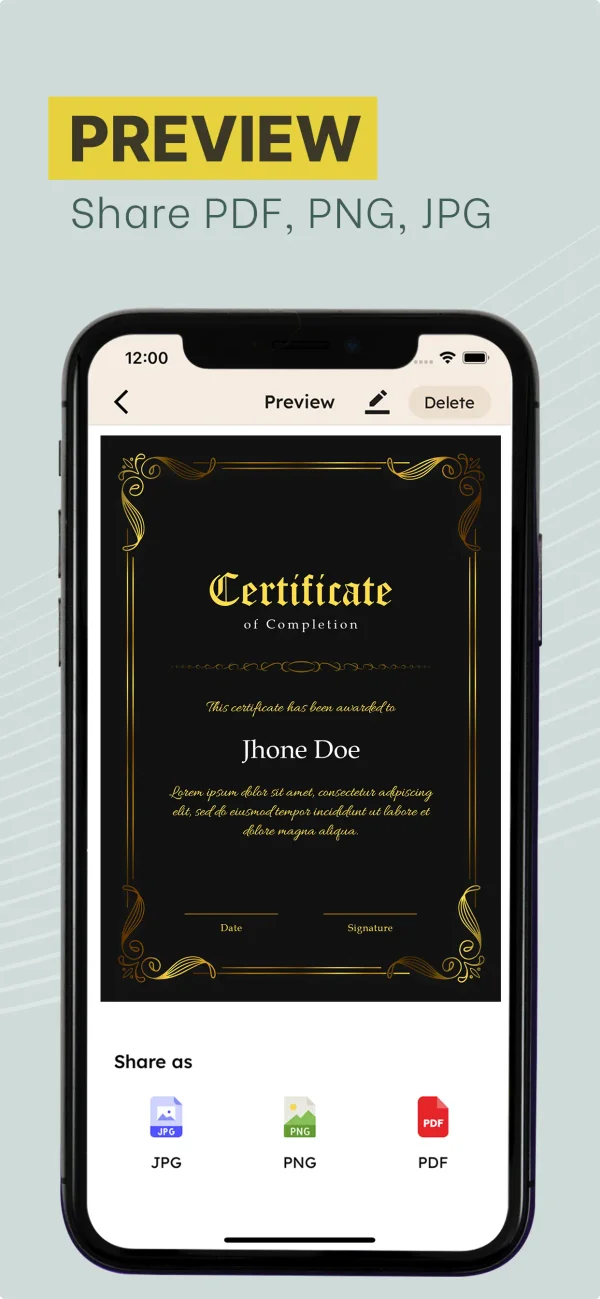
7. You can share the certificate with friends and family in JPG, PNG, or PDF format.
Terms of Use (EULA):
https://www.apple.com/legal/internet-services/itunes/dev/stdeula/
新機能
バージョン 1.9 · 2026/9/18
Bug Fixes.
アプリのプライバシー
このアプリのデータの取り扱いについて、Kevin GhoriがApp Storeで申告している内容です。
-
ユーザーのトラッキングに使用されるデータ
他社のアプリやウェブサイトを横断してユーザーをトラッキングする目的で使用される場合があります。
- ID
- 使用状況データ
- 診断
-
ユーザーに関連付けられないデータ
収集される場合がありますが、ユーザーの識別情報には関連付けられません。
- ID
- 使用状況データ
- 診断
プライバシーの取り扱いは、ご利用の機能やお客様の年齢などに応じて異なる場合があります。
情報
- 販売元
- Kevin Ghori
- カテゴリ
- 仕事効率化
- バージョン
- 1.9
- 更新日
- 2026/9/18
- リリース
- 2022/8/30
- サイズ
- 37.1 MB
- 必要条件
- iOS 17.0以降
- 対象年齢
- 4+
- 価格
- 無料
- アプリ内課金
- あり
- 言語
- 英語
- 著作権
- © Darshan Patel
こちらもおすすめ
-
 Certificate Maker:Creator仕事効率化
-
 Certificate Maker - eCards仕事効率化
-
 Certificate Maker, eCard Maker仕事効率化
-
 AI Canvas Certificate Maker仕事効率化
-
 Templates for MS Word - DesiGNWord のドキュメント テンプレート
-
 AI signature Maker: Esign App仕事効率化
-
 Templates for Pages - DesiGN専門家のドキュメントとデザイン。
-
 Certify 賞状作成表彰状をPDFで作成
-
 Construction forms & templates仕事効率化
-
 eCertificate仕事効率化