
Deploy Object
Deploy virtual objects with AR
Entwickelt für iPhone, iPad
Kostenlos
- Altersfreigabe4+
- KategorieFoto und Video
- Entwicklershinichi tanimoto
- SprachenEnglisch+ 1 weitere
- Größe4,9 MB
Verlinkt auf die offizielle App Store-Seite
Download.org hostet keine Datei von Deploy Object. Die Schaltfläche öffnet die App-Seite bei App Store, wo shinichi tanimoto die App veröffentlicht. Eintrag zuletzt geprüft am 23.11.2026.
Screenshots


Info
Der Entwickler hat diesen Text nicht in Ihrer Sprache bereitgestellt.
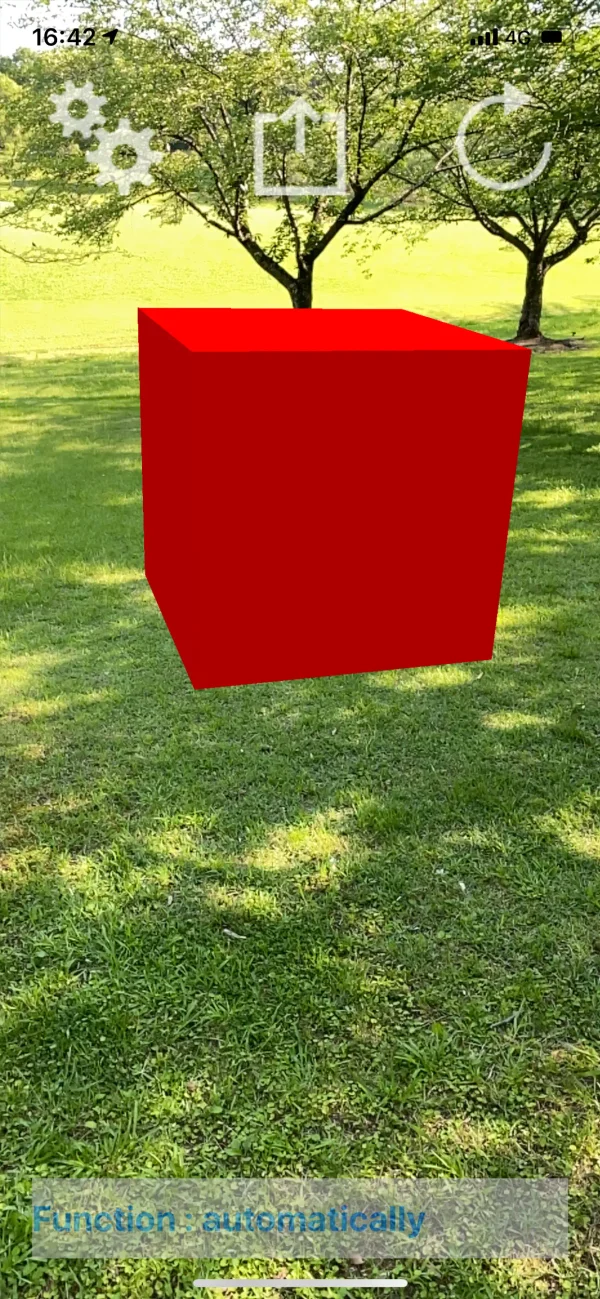
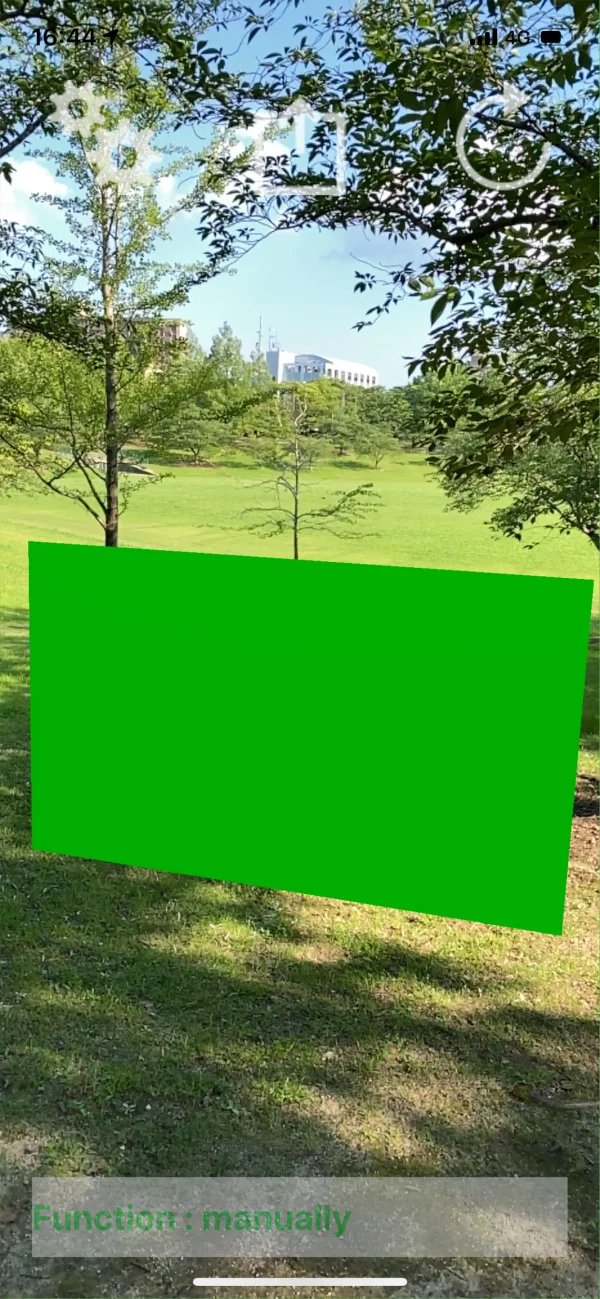
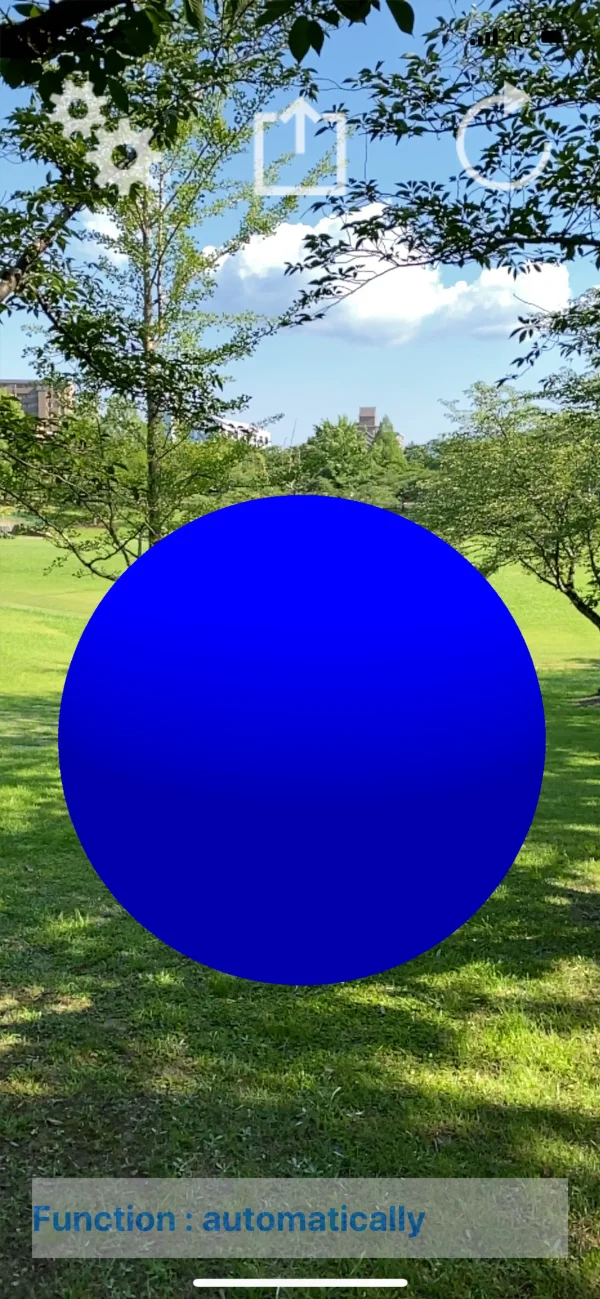
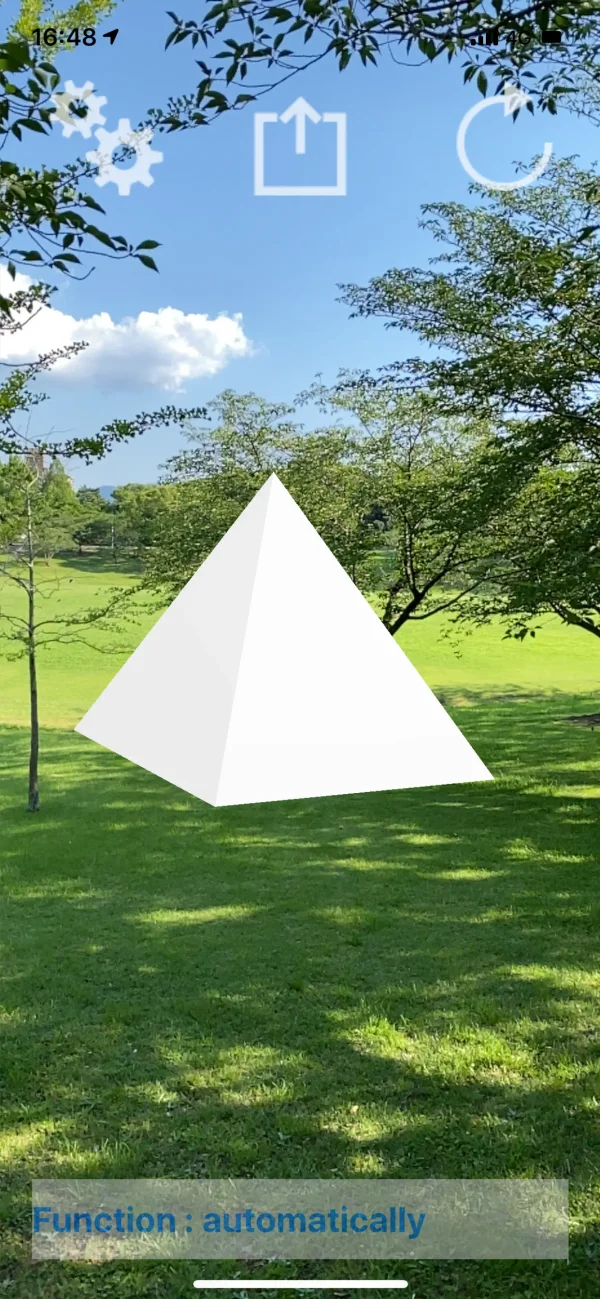
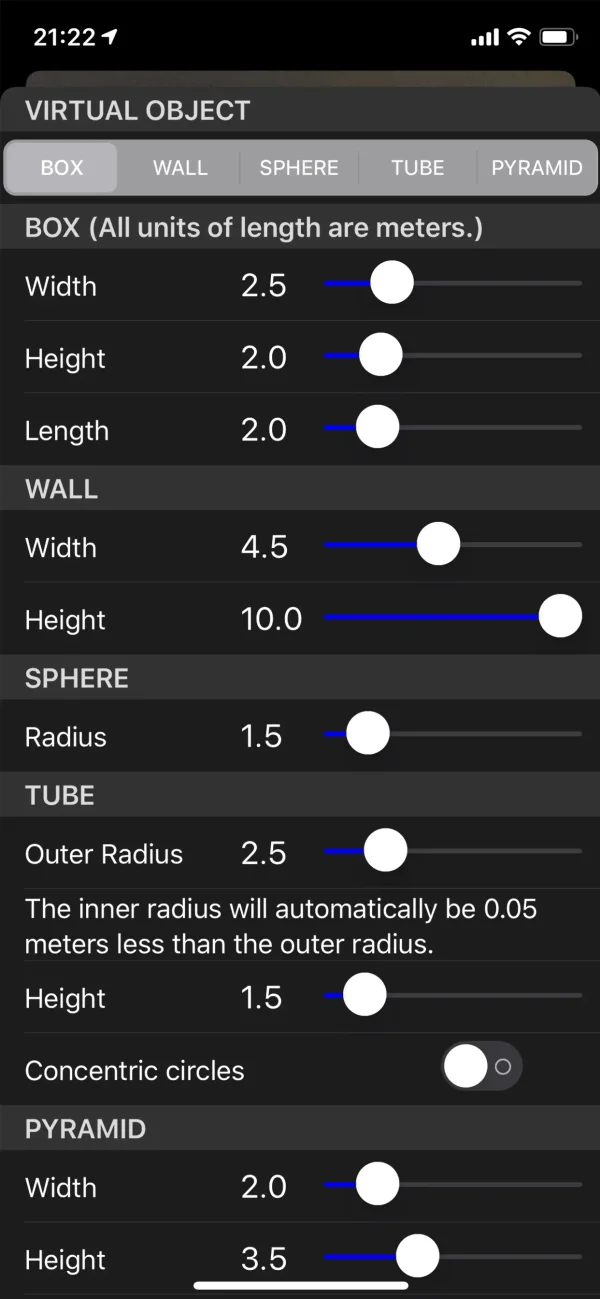
This app is an AR app that projects a virtual object onto the real space projected on the screen.
It can be used before the installation of furniture and buildings, or you can grasp the size and distance of a place.
You can also save an AR composite image of a virtual object and camera image in an album, or post it on SNS or email to share the image.
[How to use]
1. Tap the button at the top left of the screen and select the type, size, and color of the virtual object you want to place.
2. Point the rear camera at the flat floor to view the virtual object.
3. Tap the refresh icon in the upper right corner of the screen to reset the screen and detect the flat bottom surface to display virtual objects.
4. By tapping the button at the center of the top of the screen, you can share the image by posting it on SNS such as Twitter or email, and save the image in the album. (If you want to link with other apps, you need to install apps such as Twitter in advance.)
5. Touch and hold the screen to switch the placement of virtual objects automatically or manually. To place it manually, tap the center point of the place where you want to display the virtual object, following the instructions on the screen.
The size of the virtual object selected on the setting screen may have an error depending on the state of space recognition of the place shown in the camera when it is displayed on the screen. Please use it as a guide only.
Please use in a bright place.
Neue Funktionen
Version 2.0 · 15.11.2026
Supported iPhone Duo.
App-Datenschutz
Was shinichi tanimoto im App Store zum Umgang dieser App mit Daten angibt.
-
Daten, die zum Tracking Ihrer Person verwendet werden
Können verwendet werden, um Sie über Apps und Websites anderer Unternehmen hinweg zu verfolgen.
- Standort
- Kennungen
- Nutzungsdaten
- Diagnose
-
Mit Ihnen verknüpfte Daten
Können erfasst und mit Ihrer Identität verknüpft werden.
- Standort
- Kennungen
- Nutzungsdaten
- Diagnose
Die Datenschutzpraktiken können variieren, zum Beispiel je nach den von Ihnen verwendeten Funktionen oder Ihrem Alter.
Informationen
- Anbieter
- shinichi tanimoto
- Kategorie
- Foto und Video
- Version
- 2.0
- Aktualisiert
- 15.11.2026
- Veröffentlicht
- 22.06.2020
- Größe
- 4,9 MB
- Erfordert
- iOS 18.6 oder neuer
- Altersfreigabe
- 4+
- Preis
- Kostenlos
- Sprachen
- Englisch, Japanisch
- Copyright
- © Artisan Force
Das könnte Ihnen auch gefallen
-
 Our Glorious Camera: Red LensFoto und Video
-
 Motion Extraction CameraFoto und Video
-
 MetrochromeFilmemulsionen & Dunkelkammer
-
 Verva: Green Screen & ZeitlupeVideo schneiden & Chroma Key
-
 OffShoot SoloFoto und Video
-
 Rectify – FolienkorrekturAutomatisch bei Folienwechsel
-
 Kassette: VHS & Retro CameraFoto und Video
-
 DeepSiNachtsichtkamera
-
 Photo Studio : Edit PhotosFoto und Video
-
 HorikaFoto und Video