
Deploy Object
Deploy virtual objects with AR
iPhone, iPad için tasarlandı
Ücretsiz
- Yaş sınırı4+
- KategoriFotoğraf ve Video
- Geliştiricishinichi tanimoto
- Dillerİngilizce+ 1 dil daha
- Boyut4,9 MB
Resmi App Store sayfasına bağlanır
Download.org, Deploy Object için hiçbir dosya barındırmaz. Düğme, uygulamanın App Store üzerindeki sayfasını açar; uygulamayı orada shinichi tanimoto yayınlar. Sayfanın son kontrolü: 23.11.2026.
Ekran görüntüleri

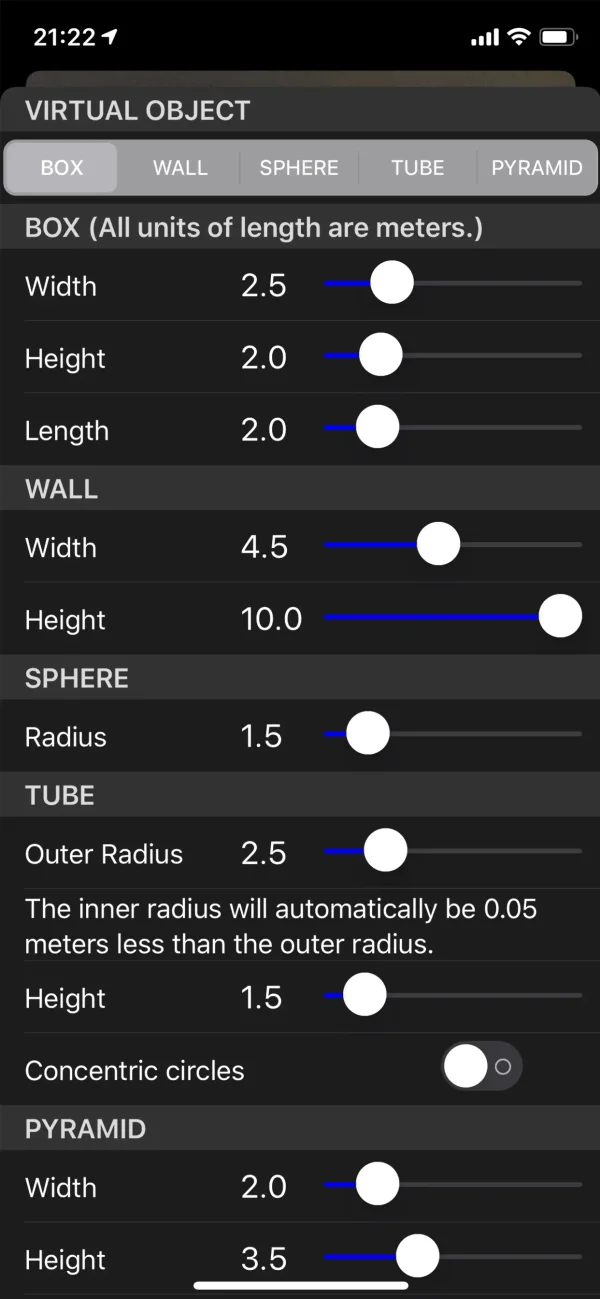

Hakkında
Geliştirici bu metni dilinizde sunmamış.
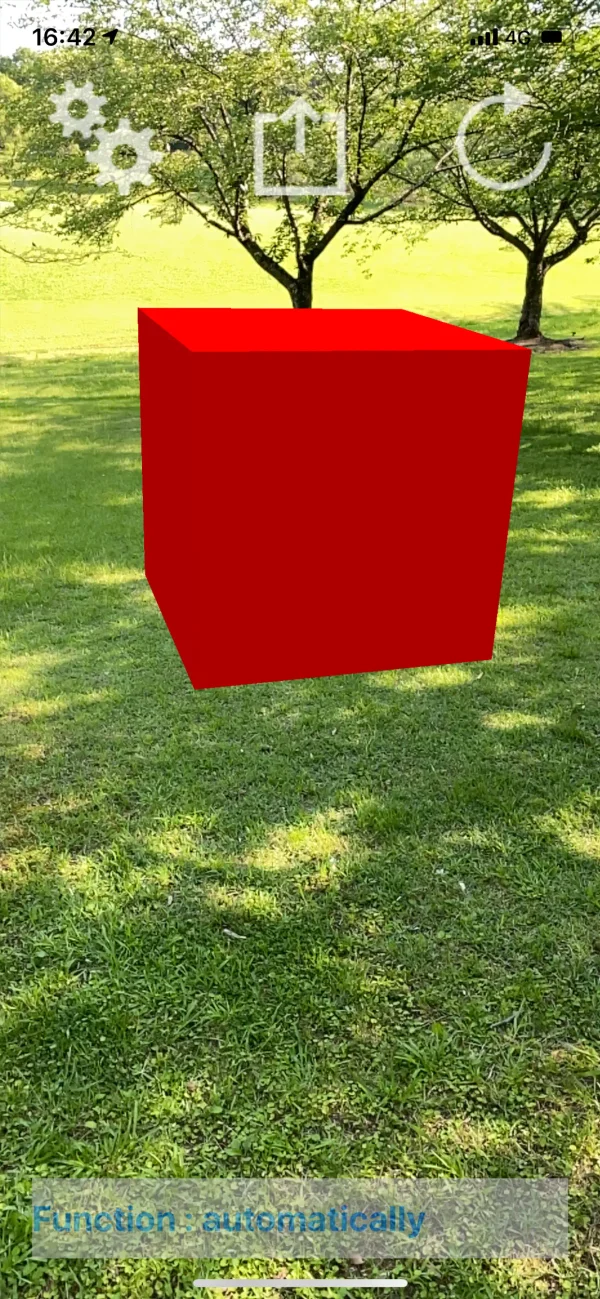
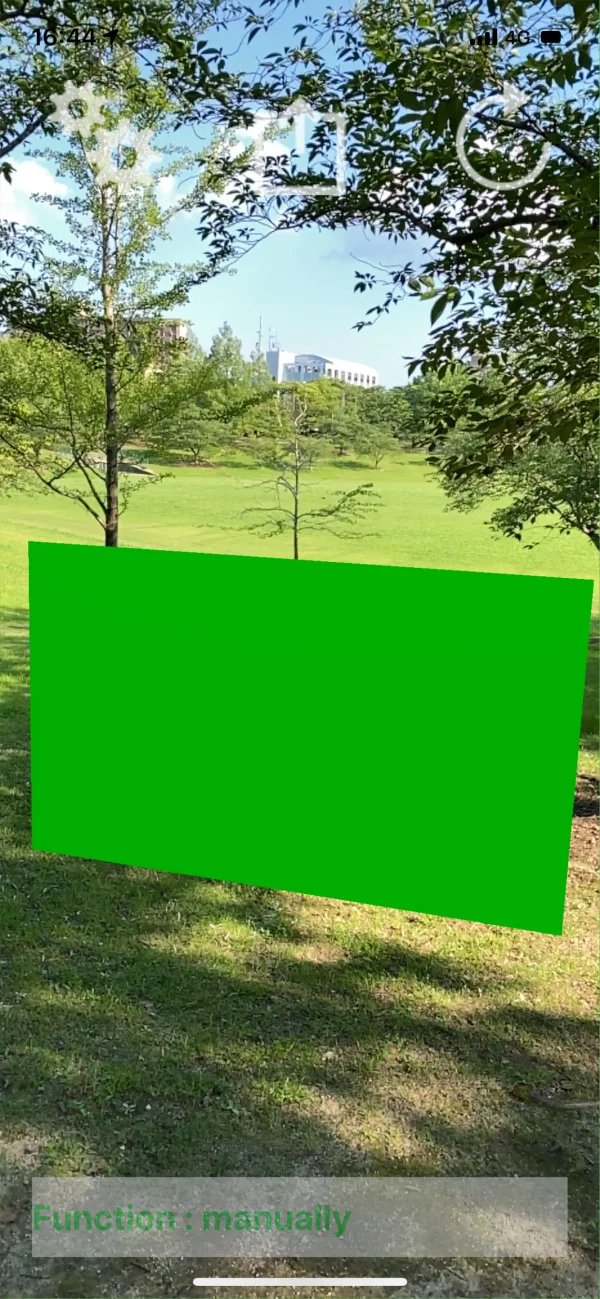
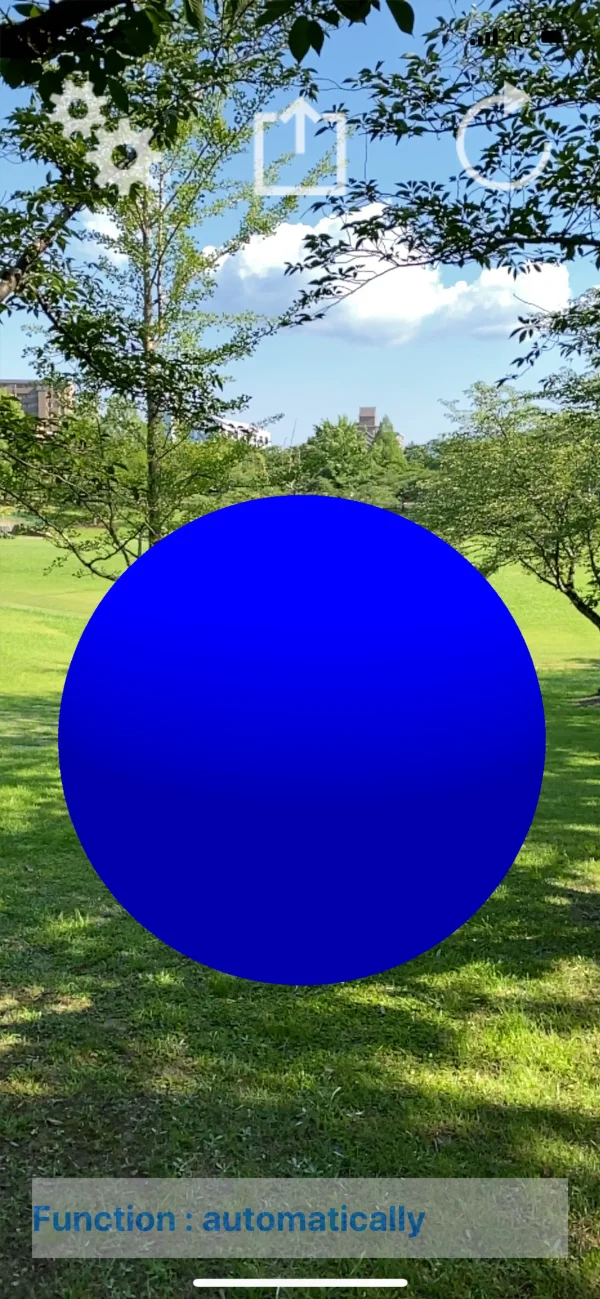
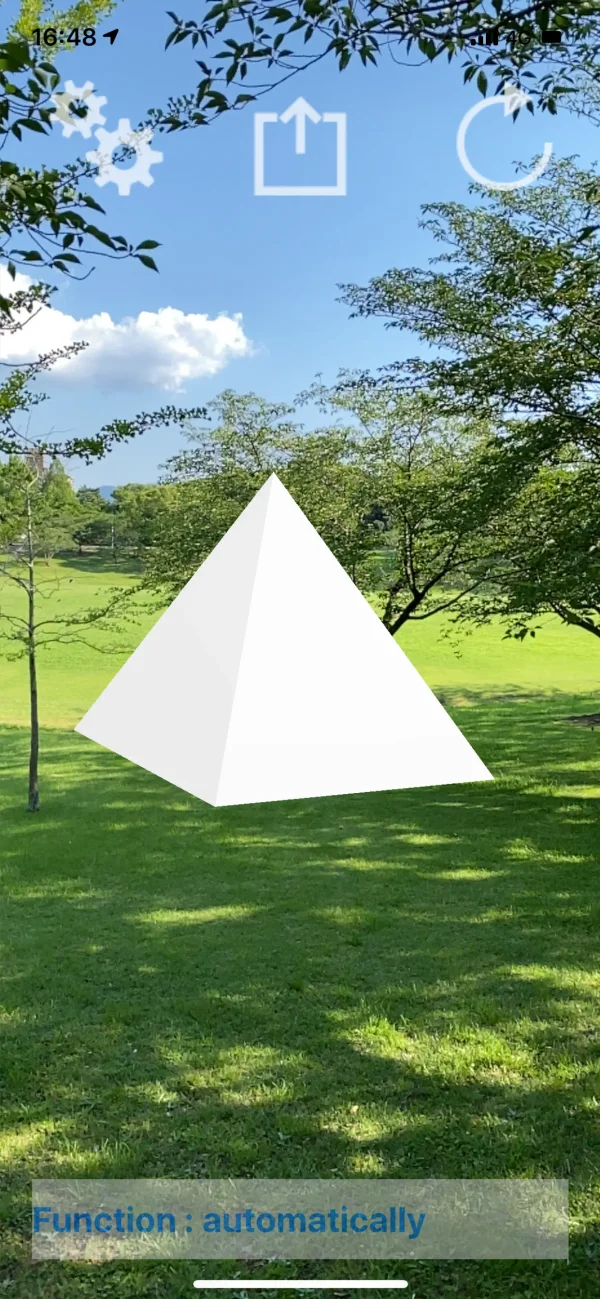
This app is an AR app that projects a virtual object onto the real space projected on the screen.
It can be used before the installation of furniture and buildings, or you can grasp the size and distance of a place.
You can also save an AR composite image of a virtual object and camera image in an album, or post it on SNS or email to share the image.
[How to use]
1. Tap the button at the top left of the screen and select the type, size, and color of the virtual object you want to place.
2. Point the rear camera at the flat floor to view the virtual object.
3. Tap the refresh icon in the upper right corner of the screen to reset the screen and detect the flat bottom surface to display virtual objects.
4. By tapping the button at the center of the top of the screen, you can share the image by posting it on SNS such as Twitter or email, and save the image in the album. (If you want to link with other apps, you need to install apps such as Twitter in advance.)
5. Touch and hold the screen to switch the placement of virtual objects automatically or manually. To place it manually, tap the center point of the place where you want to display the virtual object, following the instructions on the screen.
The size of the virtual object selected on the setting screen may have an error depending on the state of space recognition of the place shown in the camera when it is displayed on the screen. Please use it as a guide only.
Please use in a bright place.
Yenilikler
Sürüm 2.0 · 15.11.2026
Supported iPhone Duo.
Uygulama gizliliği
Bu uygulamanın verileri nasıl işlediği hakkında shinichi tanimoto tarafından App Store üzerinde yapılan beyan.
-
Sizi izlemek için kullanılan veriler
Başka şirketlere ait uygulamalarda ve web sitelerinde sizi izlemek için kullanılabilir.
- Konum
- Tanımlayıcılar
- Kullanım verileri
- Tanılama
-
Sizinle ilişkilendirilen veriler
Toplanabilir ve kimliğinizle ilişkilendirilebilir.
- Konum
- Tanımlayıcılar
- Kullanım verileri
- Tanılama
Gizlilik uygulamaları, örneğin kullandığınız özelliklere veya yaşınıza göre değişiklik gösterebilir.
Bilgiler
- Satıcı
- shinichi tanimoto
- Kategori
- Fotoğraf ve Video
- Sürüm
- 2.0
- Güncellendi
- 15.11.2026
- Yayın tarihi
- 22.06.2020
- Boyut
- 4,9 MB
- Gereksinim
- iOS 18.6 veya sonrası
- Yaş sınırı
- 4+
- Fiyat
- Ücretsiz
- Diller
- İngilizce, Japonca
- Telif hakkı
- © Artisan Force
Bunları da beğenebilirsiniz
-
 Our Glorious Camera: Red LensFotoğraf ve Video
-
 Motion Extraction CameraFotoğraf ve Video
-
 MetrochromeFilm emülsiyonu & karanlık oda
-
 Verva: Yeşil Ekran Video EditVideo Düzenleme & Ağır Çekim
-
 OffShoot SoloFotoğraf ve Video
-
 Rectify - Straighten SlidesFotoğraf ve Video
-
 Kassette: VHS & Retro CameraFotoğraf ve Video
-
 DeepSiFotoğraf ve Video
-
 Photo Studio : Edit PhotosFotoğraf ve Video
-
 HorikaFotoğraf ve Video