
- Classification d’âge4+
- CatégoriePhoto et vidéo
- Développeurshinichi tanimoto
- LanguesAnglais+ 1 de plus
- Taille4,9 Mo
Renvoie vers la page App Store officielle
Download.org n’héberge aucun fichier de Deploy Object. Le bouton ouvre la page de l’application sur App Store, où shinichi tanimoto la publie. Fiche vérifiée pour la dernière fois le 23/11/2026.
Captures d’écran


À propos
Le développeur n’a pas fourni ce texte dans votre langue.
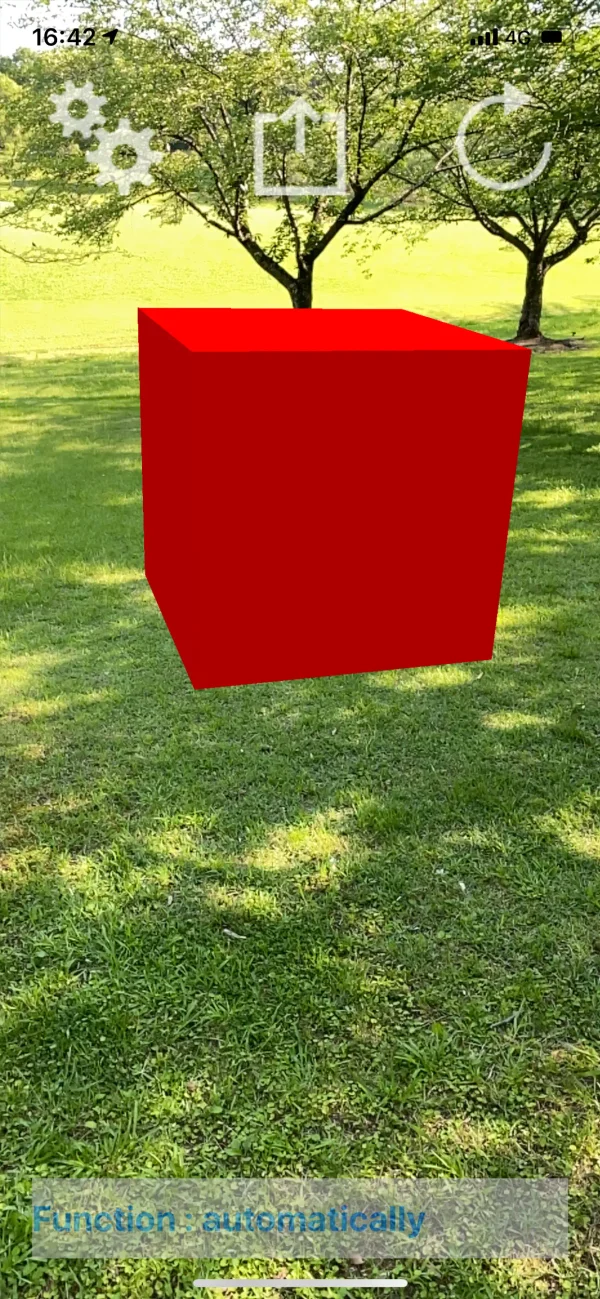
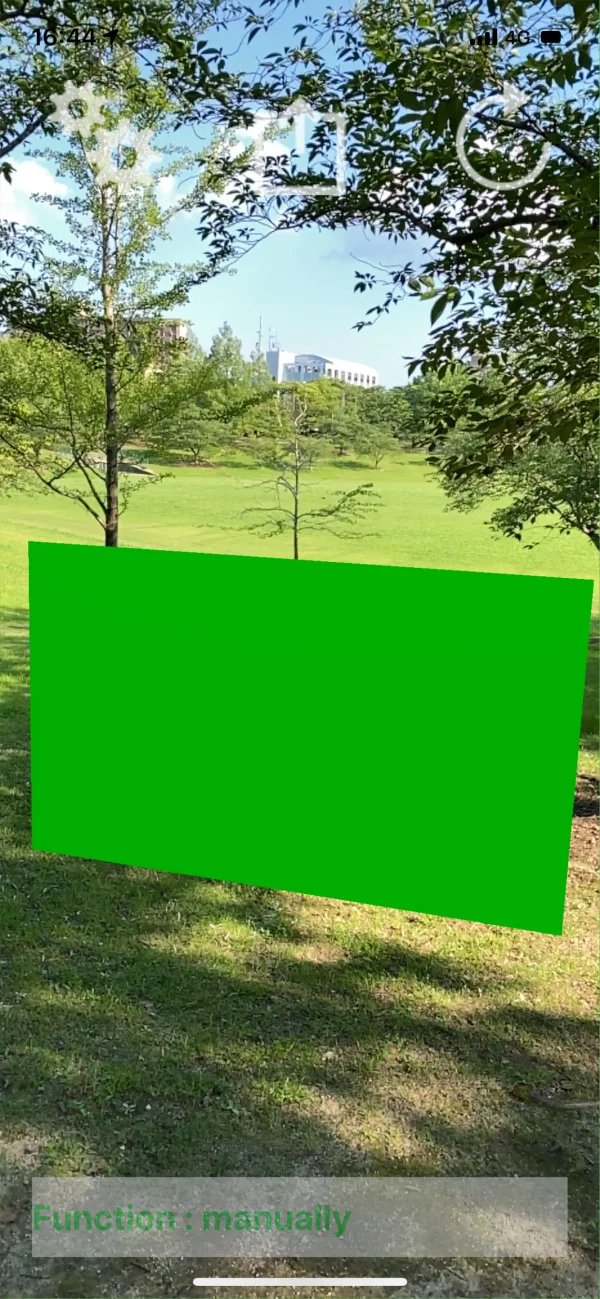
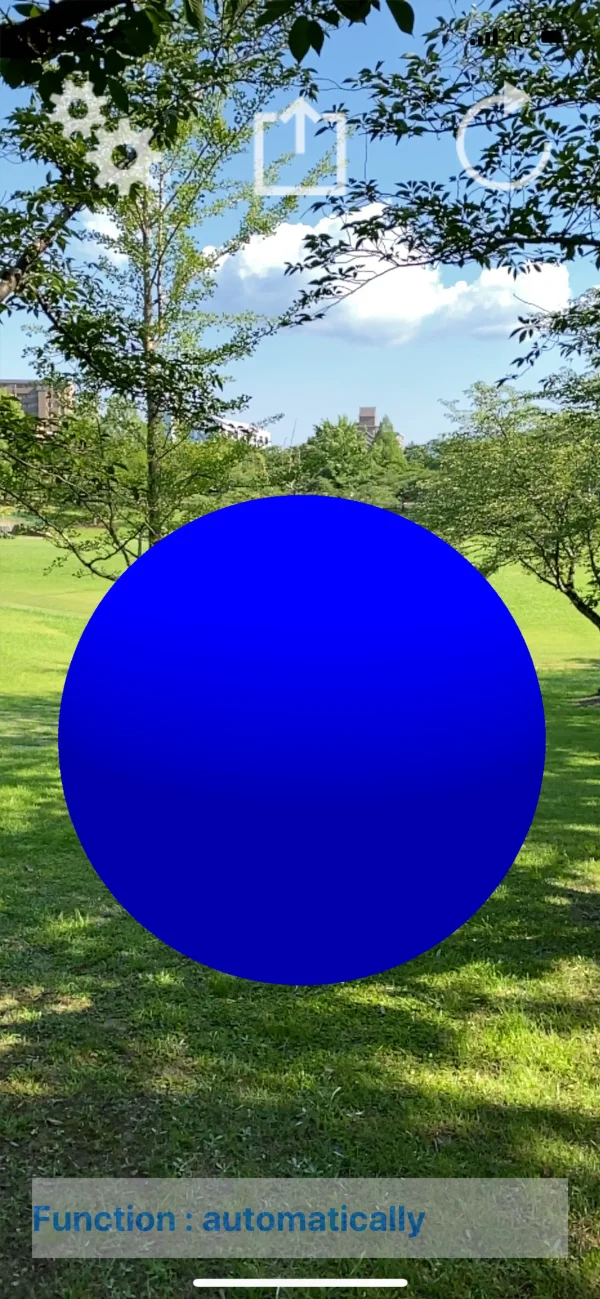
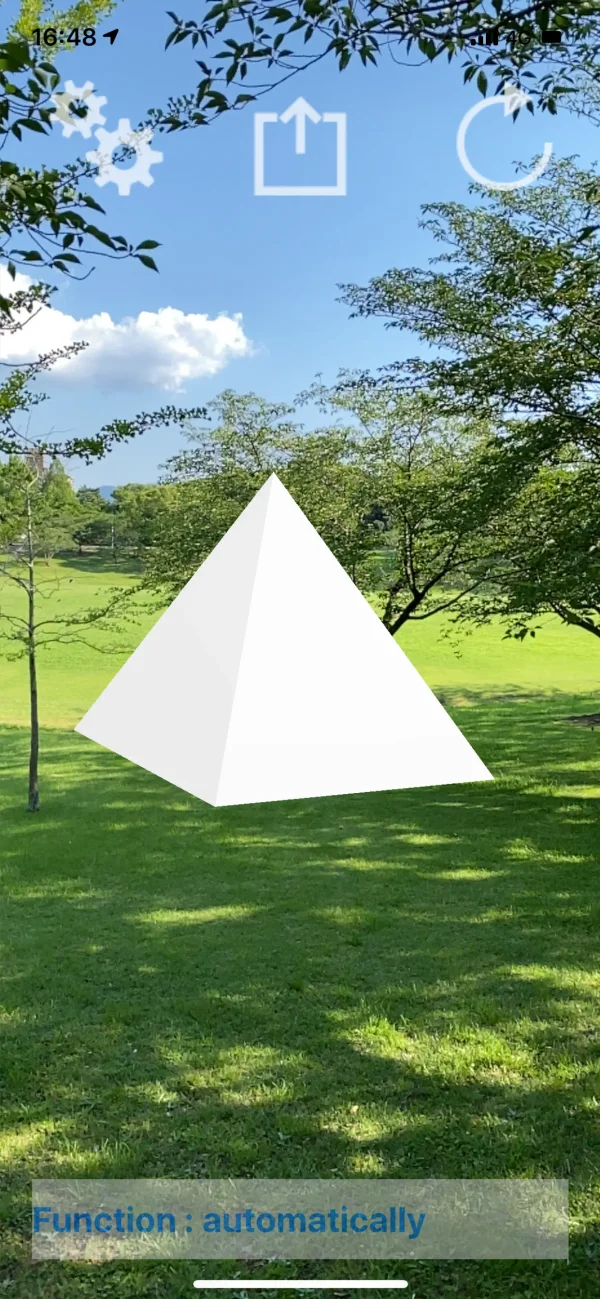
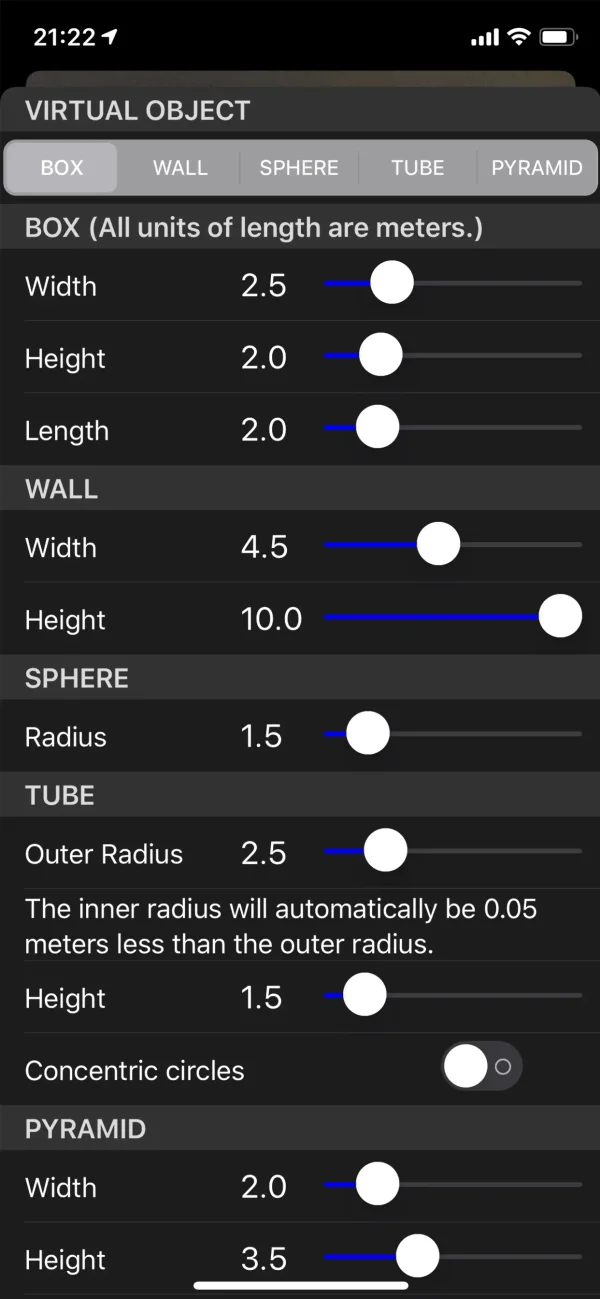
This app is an AR app that projects a virtual object onto the real space projected on the screen.
It can be used before the installation of furniture and buildings, or you can grasp the size and distance of a place.
You can also save an AR composite image of a virtual object and camera image in an album, or post it on SNS or email to share the image.
[How to use]
1. Tap the button at the top left of the screen and select the type, size, and color of the virtual object you want to place.
2. Point the rear camera at the flat floor to view the virtual object.
3. Tap the refresh icon in the upper right corner of the screen to reset the screen and detect the flat bottom surface to display virtual objects.
4. By tapping the button at the center of the top of the screen, you can share the image by posting it on SNS such as Twitter or email, and save the image in the album. (If you want to link with other apps, you need to install apps such as Twitter in advance.)
5. Touch and hold the screen to switch the placement of virtual objects automatically or manually. To place it manually, tap the center point of the place where you want to display the virtual object, following the instructions on the screen.
The size of the virtual object selected on the setting screen may have an error depending on the state of space recognition of the place shown in the camera when it is displayed on the screen. Please use it as a guide only.
Please use in a bright place.
Nouveautés
Version 2.0 · 15/11/2026
Supported iPhone Duo.
Confidentialité de l’application
Ce que shinichi tanimoto déclare sur l’App Store au sujet du traitement des données par cette application.
-
Données utilisées pour vous suivre
Peuvent être utilisées pour vous suivre sur des applications et des sites web appartenant à d’autres sociétés.
- Emplacement
- Identifiants
- Données d’utilisation
- Diagnostic
-
Données établissant un lien avec vous
Peuvent être collectées et liées à votre identité.
- Emplacement
- Identifiants
- Données d’utilisation
- Diagnostic
Les pratiques en matière de confidentialité peuvent varier, notamment en fonction des fonctionnalités que vous utilisez ou de votre âge.
Informations
- Vendeur
- shinichi tanimoto
- Catégorie
- Photo et vidéo
- Version
- 2.0
- Mis à jour
- 15/11/2026
- Publié
- 22/06/2020
- Taille
- 4,9 Mo
- Nécessite
- iOS 18.6 ou version ultérieure
- Classification d’âge
- 4+
- Prix
- Gratuit
- Langues
- Anglais, Japonais
- Copyright
- © Artisan Force
Vous aimerez peut-être aussi
-
 Our Glorious Camera: Red LensPhoto et vidéo
-
 Motion Extraction CameraPhoto et vidéo
-
 MetrochromeÉmulsions & chambre noire
-
 Verva : Fond Vert & MontageRalentir vidéo & chroma key
-
 OffShoot SoloPhoto et vidéo
-
 Rectify – Diapos redresséesCapture auto au changement
-
 Kassette: VHS & Retro CameraPhoto et vidéo
-
 DeepSiCaméra vision nocturne
-
 Photo Studio : Edit PhotosPhoto et vidéo
-
 HorikaPhoto et vidéo