
Deploy Object
Deploy virtual objects with AR
Dirancang untuk iPhone, iPad
Gratis
- Batasan usia4+
- KategoriFoto & Video
- Pengembangshinichi tanimoto
- BahasaInggris+ 1 lainnya
- Ukuran4,9 MB
Tertaut ke halaman resmi App Store
Download.org tidak menyimpan file Deploy Object apa pun. Tombol ini membuka halaman aplikasi di App Store, tempat shinichi tanimoto menerbitkannya. Halaman terakhir diperiksa pada 23/11/2026.
Tangkapan layar


Tentang
Pengembang belum menyediakan teks ini dalam bahasa Anda.
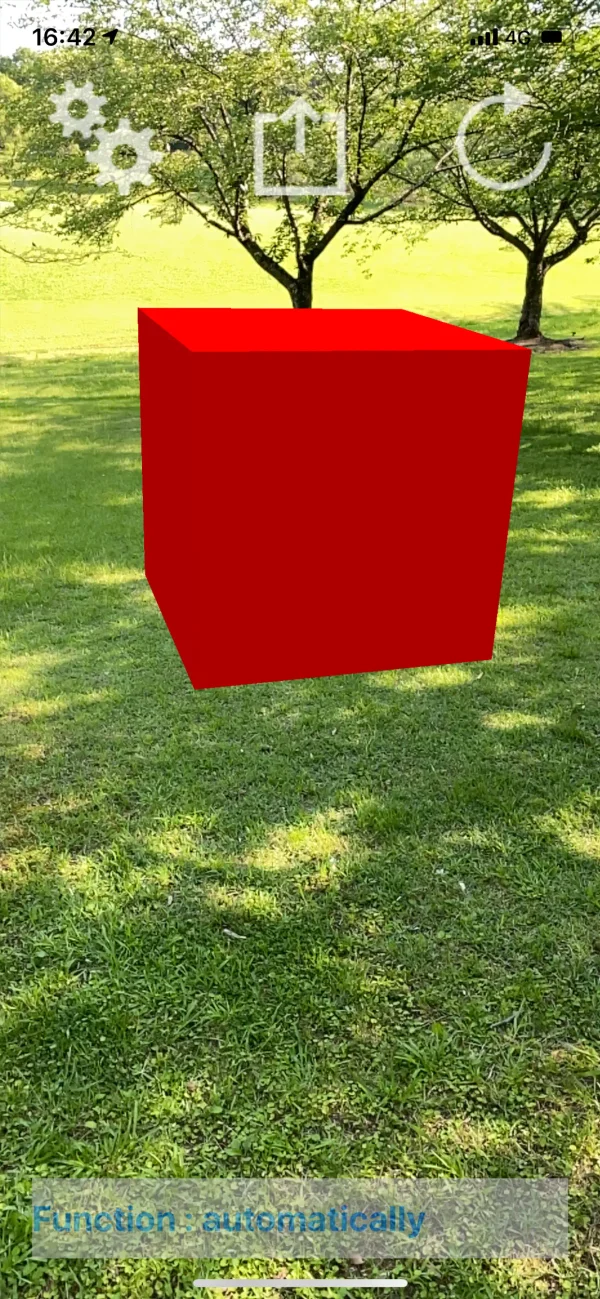
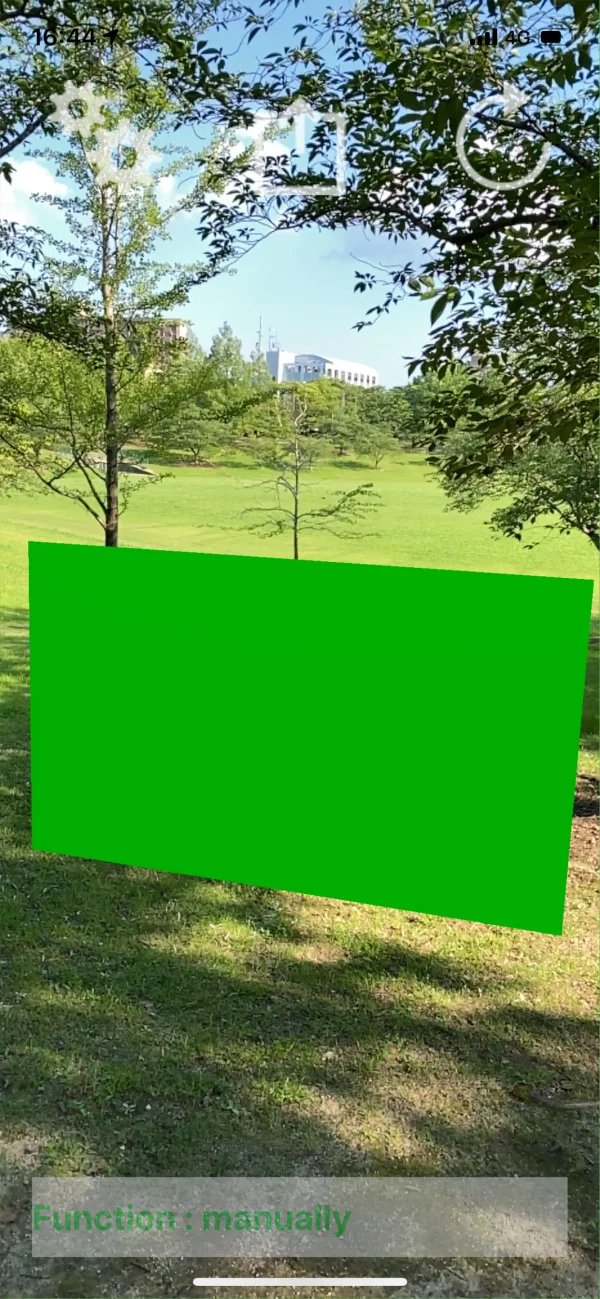
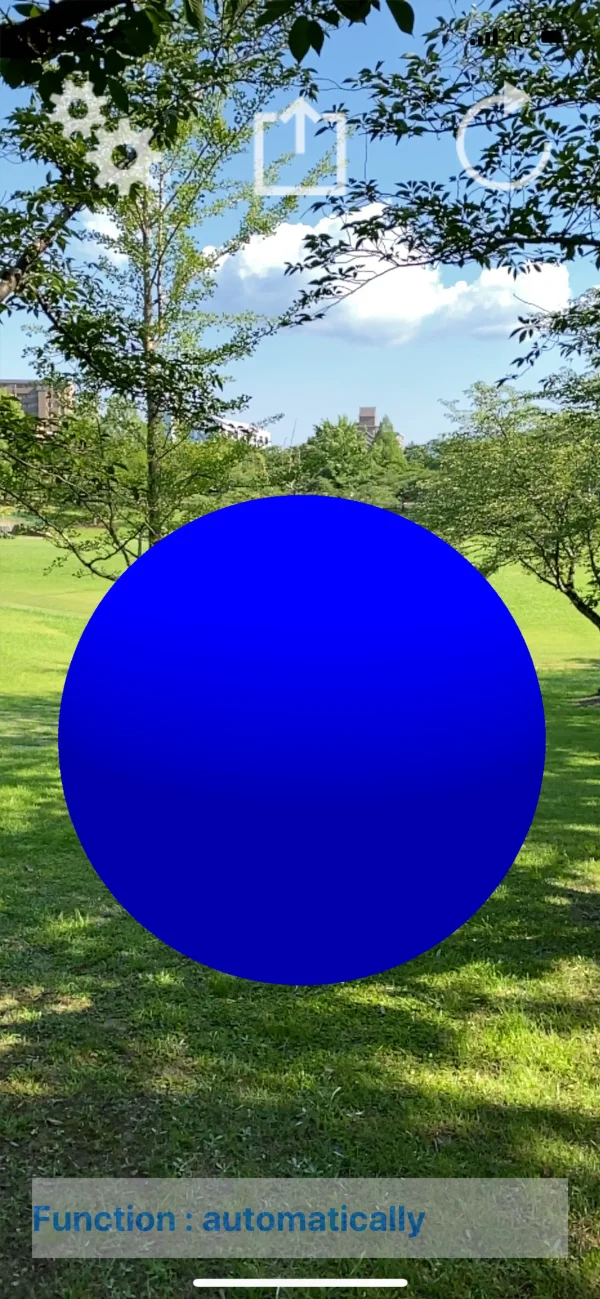
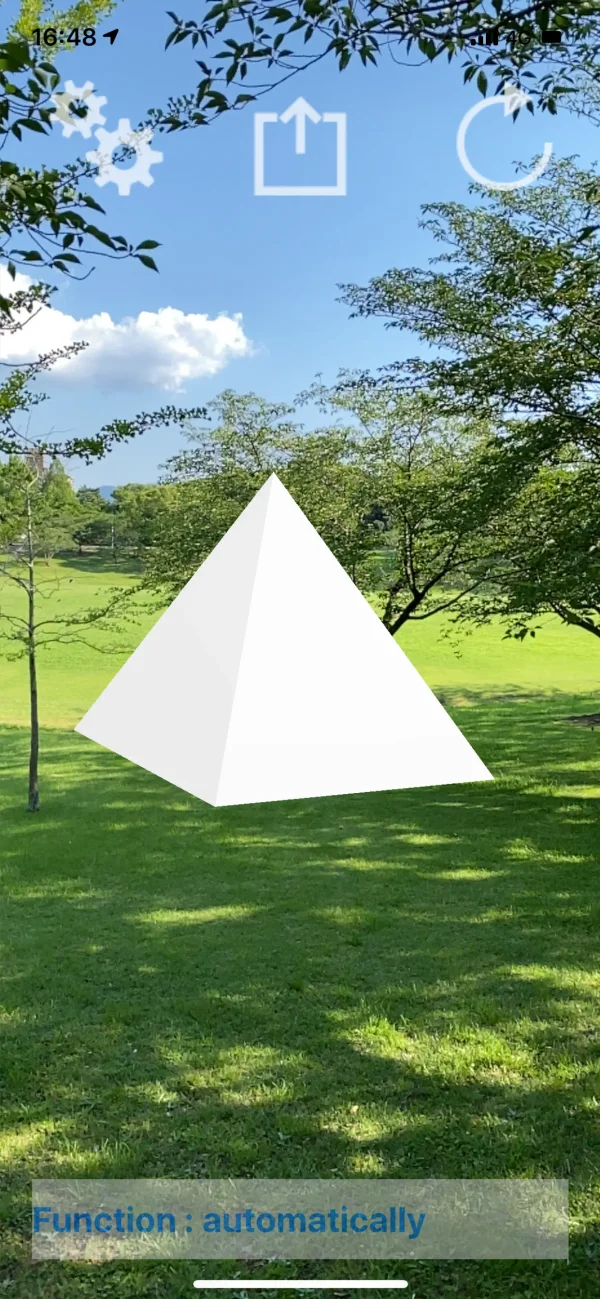
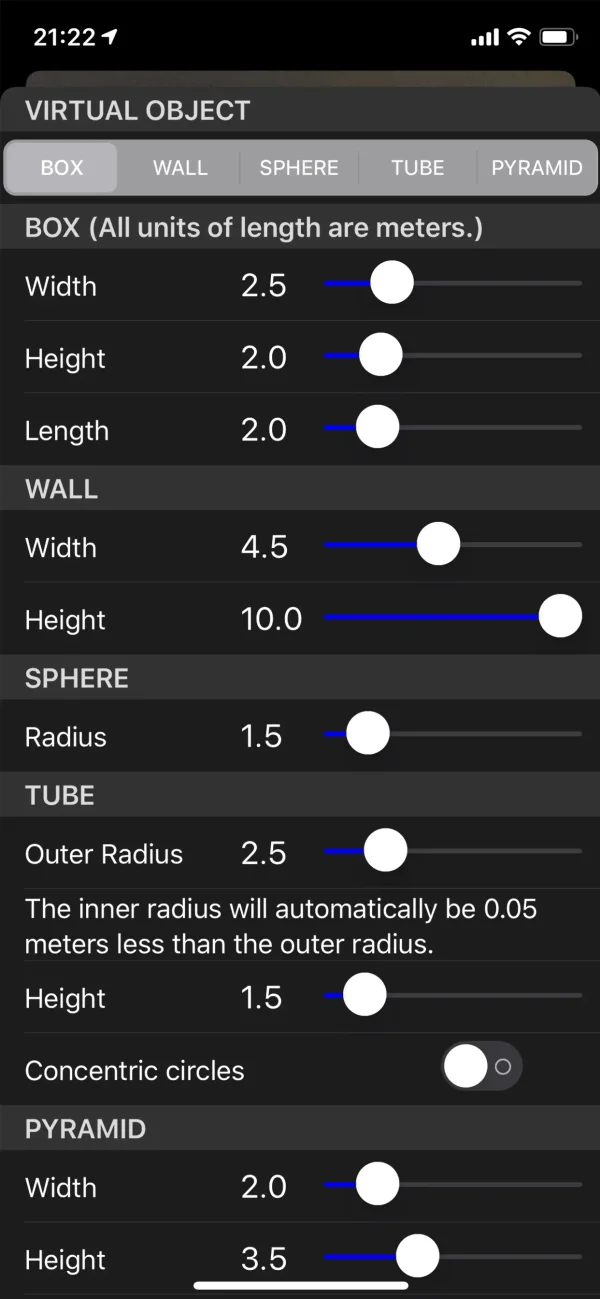
This app is an AR app that projects a virtual object onto the real space projected on the screen.
It can be used before the installation of furniture and buildings, or you can grasp the size and distance of a place.
You can also save an AR composite image of a virtual object and camera image in an album, or post it on SNS or email to share the image.
[How to use]
1. Tap the button at the top left of the screen and select the type, size, and color of the virtual object you want to place.
2. Point the rear camera at the flat floor to view the virtual object.
3. Tap the refresh icon in the upper right corner of the screen to reset the screen and detect the flat bottom surface to display virtual objects.
4. By tapping the button at the center of the top of the screen, you can share the image by posting it on SNS such as Twitter or email, and save the image in the album. (If you want to link with other apps, you need to install apps such as Twitter in advance.)
5. Touch and hold the screen to switch the placement of virtual objects automatically or manually. To place it manually, tap the center point of the place where you want to display the virtual object, following the instructions on the screen.
The size of the virtual object selected on the setting screen may have an error depending on the state of space recognition of the place shown in the camera when it is displayed on the screen. Please use it as a guide only.
Please use in a bright place.
Yang baru
Versi 2.0 · 15/11/2026
Supported iPhone Duo.
Privasi aplikasi
Yang dinyatakan shinichi tanimoto di App Store tentang cara aplikasi ini menangani data.
-
Data yang digunakan untuk melacak Anda
Dapat digunakan untuk melacak Anda di aplikasi dan situs web milik perusahaan lain.
- Lokasi
- Pengenal
- Data penggunaan
- Diagnostik
-
Data yang ditautkan dengan Anda
Dapat dikumpulkan dan ditautkan dengan identitas Anda.
- Lokasi
- Pengenal
- Data penggunaan
- Diagnostik
Praktik privasi dapat bervariasi, misalnya berdasarkan fitur yang Anda gunakan atau usia Anda.
Informasi
- Penjual
- shinichi tanimoto
- Kategori
- Foto & Video
- Versi
- 2.0
- Diperbarui
- 15/11/2026
- Dirilis
- 22/6/2020
- Ukuran
- 4,9 MB
- Memerlukan
- iOS 18.6 atau yang lebih baru
- Batasan usia
- 4+
- Harga
- Gratis
- Bahasa
- Inggris, Jepang
- Hak cipta
- © Artisan Force
Mungkin Anda juga suka
-
 Our Glorious Camera: Red LensFoto & Video
-
 Motion Extraction CameraFoto & Video
-
 MetrochromeEmulsi film & kamar gelap
-
 Verva: Edit Video Layar HijauChroma Key, Slow Motion & Beat
-
 OffShoot SoloFoto & Video
-
 Rectify - Straighten SlidesFoto & Video
-
 Kassette: VHS & Retro CameraFoto & Video
-
 DeepSiFoto & Video
-
 Photo Studio : Edit PhotosFoto & Video
-
 HorikaFoto & Video