
Deploy Object
Deploy virtual objects with AR
Được thiết kế cho iPhone, iPad
Miễn phí
- Độ tuổi4+
- Danh mụcẢnh & Video
- Nhà phát triểnshinichi tanimoto
- Ngôn ngữTiếng Anh+ 1 ngôn ngữ khác
- Kích thước4,9 MB
Liên kết đến trang App Store chính thức
Download.org không lưu trữ tệp nào của Deploy Object. Nút này mở trang ứng dụng trên App Store, nơi shinichi tanimoto phát hành ứng dụng. Trang được kiểm tra lần cuối: 23/11/2026.
Ảnh chụp màn hình


Giới thiệu
Nhà phát triển chưa cung cấp nội dung này bằng ngôn ngữ của bạn.
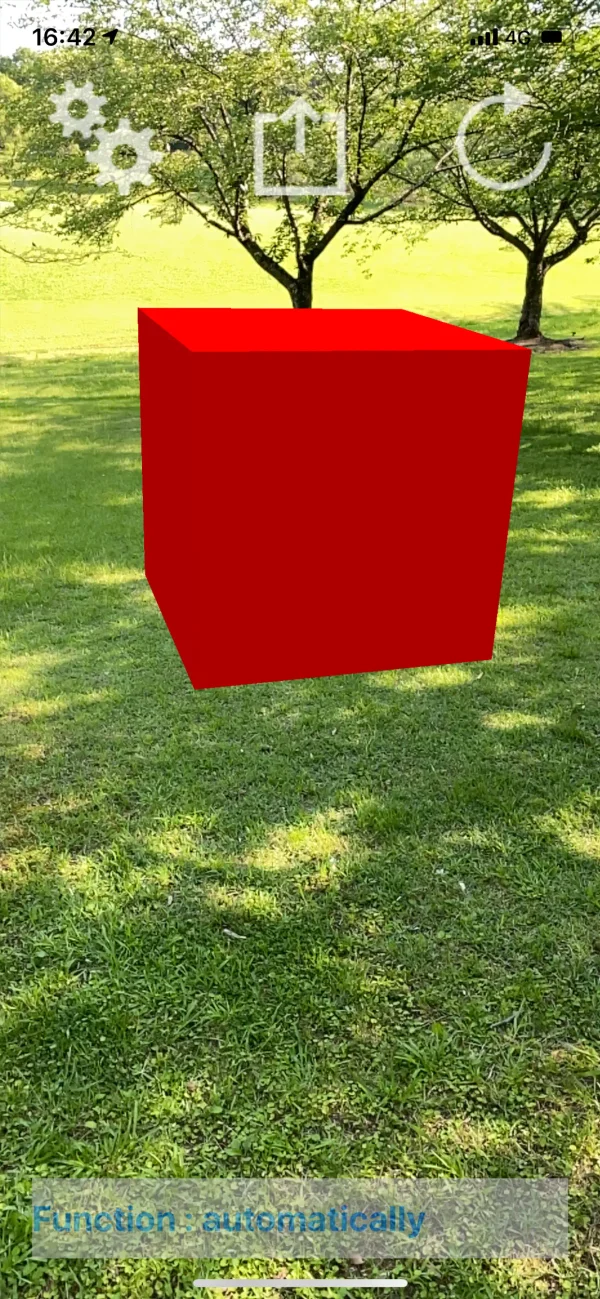
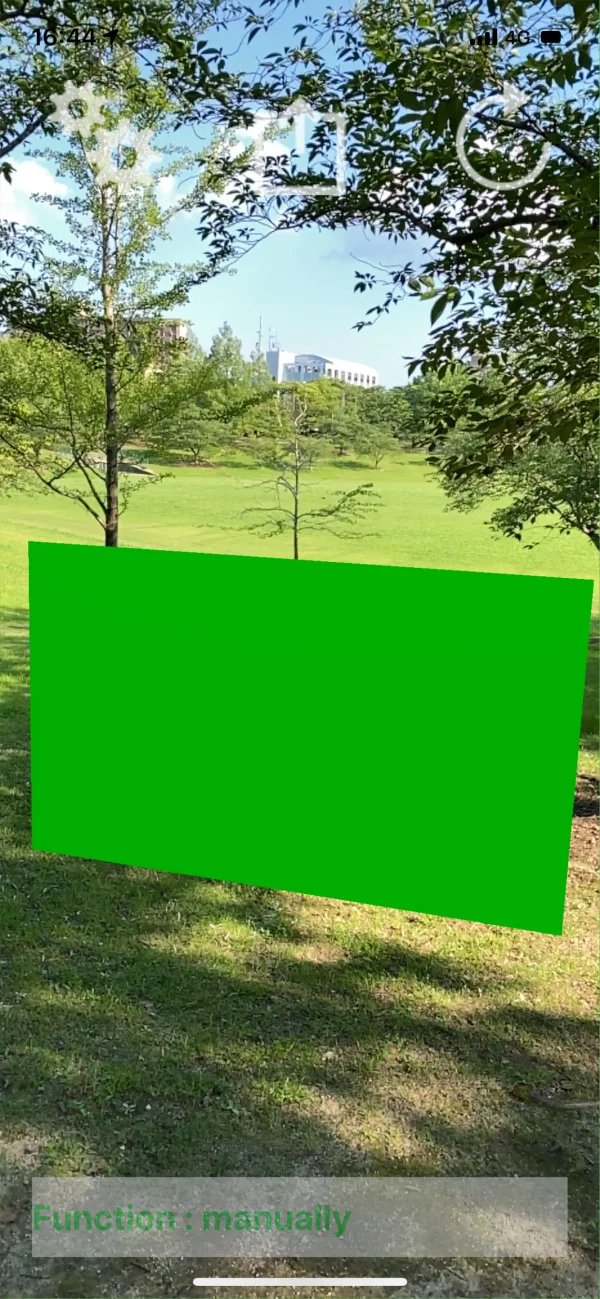
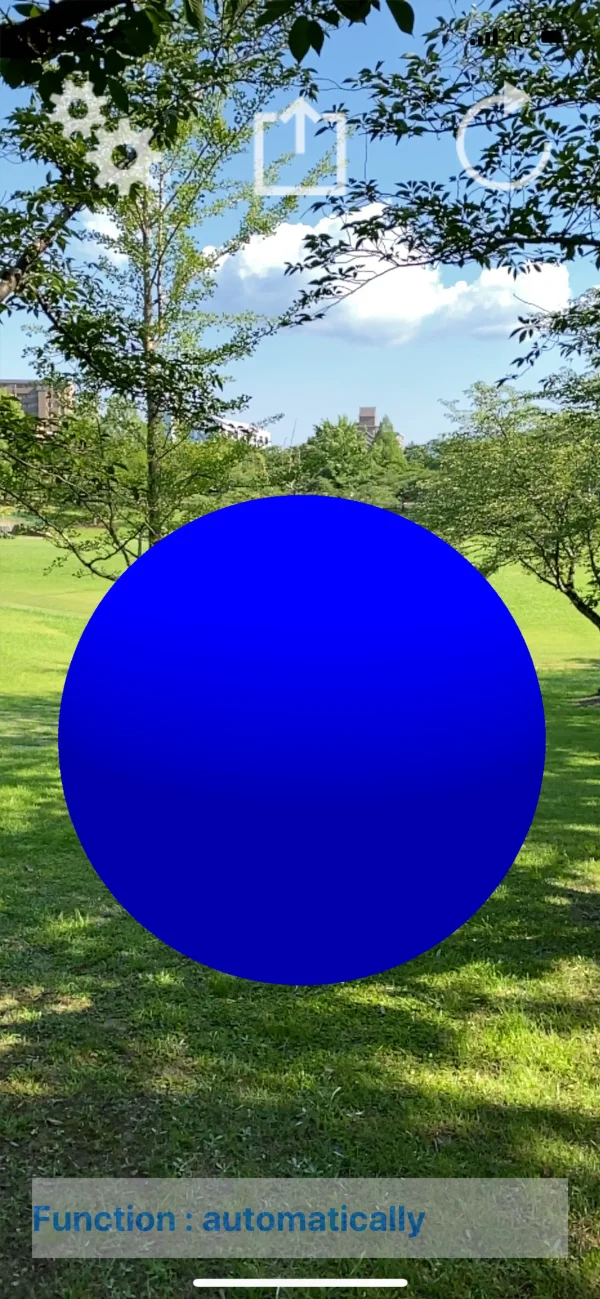
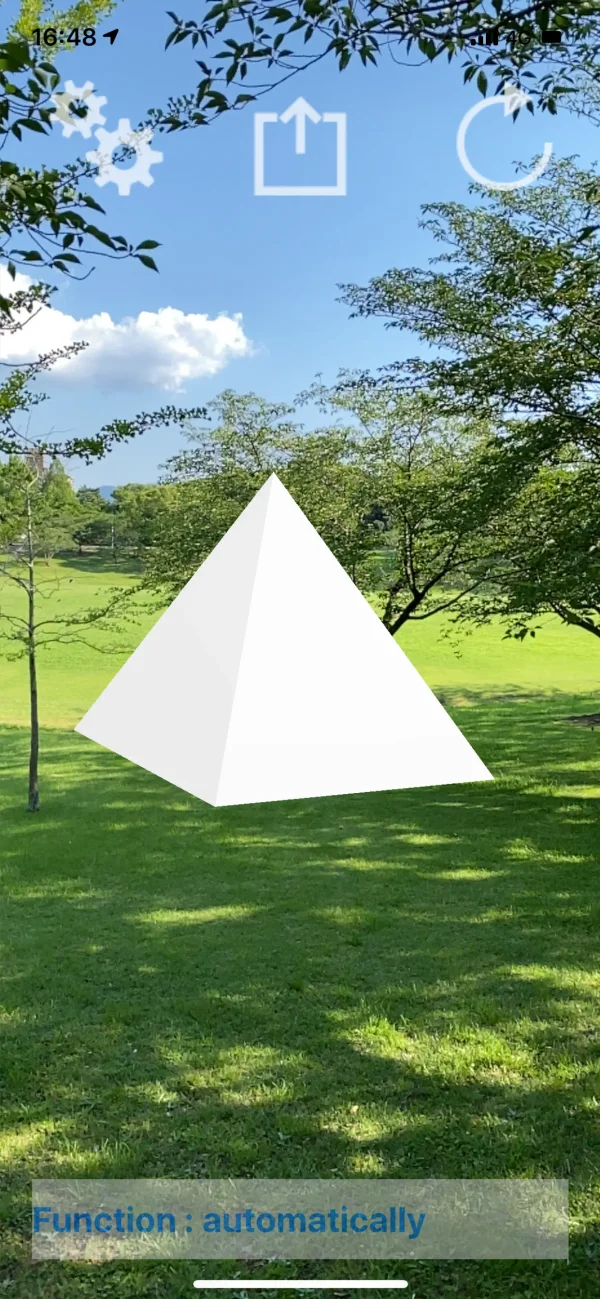
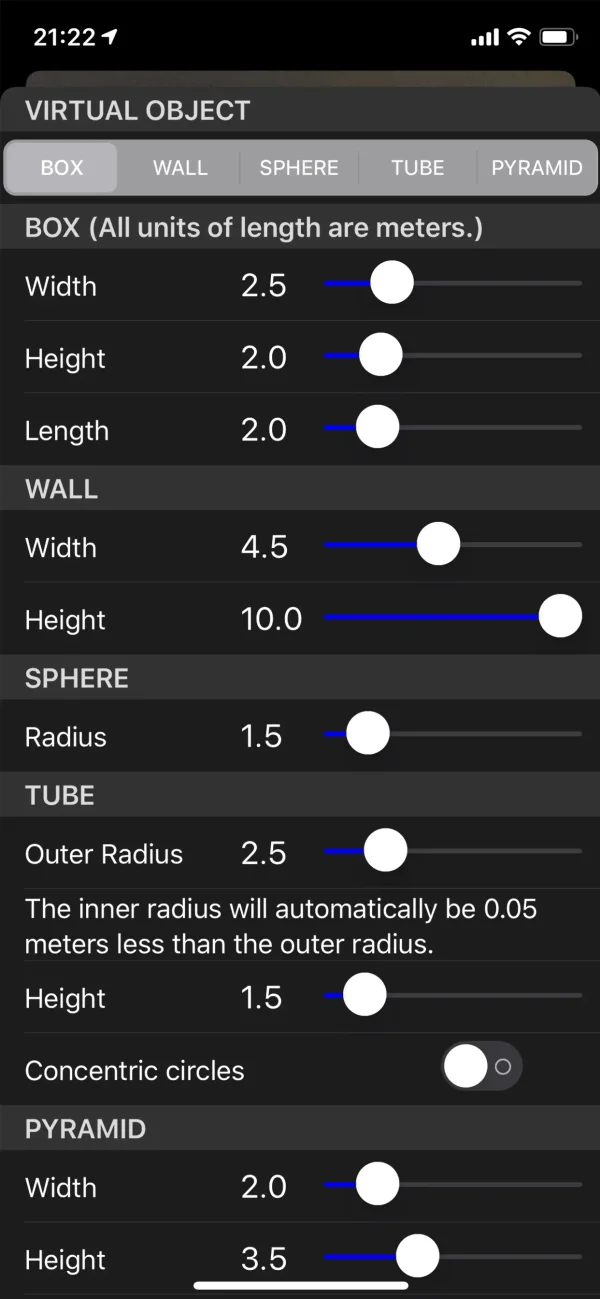
This app is an AR app that projects a virtual object onto the real space projected on the screen.
It can be used before the installation of furniture and buildings, or you can grasp the size and distance of a place.
You can also save an AR composite image of a virtual object and camera image in an album, or post it on SNS or email to share the image.
[How to use]
1. Tap the button at the top left of the screen and select the type, size, and color of the virtual object you want to place.
2. Point the rear camera at the flat floor to view the virtual object.
3. Tap the refresh icon in the upper right corner of the screen to reset the screen and detect the flat bottom surface to display virtual objects.
4. By tapping the button at the center of the top of the screen, you can share the image by posting it on SNS such as Twitter or email, and save the image in the album. (If you want to link with other apps, you need to install apps such as Twitter in advance.)
5. Touch and hold the screen to switch the placement of virtual objects automatically or manually. To place it manually, tap the center point of the place where you want to display the virtual object, following the instructions on the screen.
The size of the virtual object selected on the setting screen may have an error depending on the state of space recognition of the place shown in the camera when it is displayed on the screen. Please use it as a guide only.
Please use in a bright place.
Có gì mới
Phiên bản 2.0 · 15/11/2026
Supported iPhone Duo.
Quyền riêng tư của ứng dụng
Những gì shinichi tanimoto khai báo trên App Store về cách ứng dụng này xử lý dữ liệu.
-
Dữ liệu được sử dụng để theo dõi bạn
Có thể được sử dụng để theo dõi bạn trên các ứng dụng và trang web do công ty khác sở hữu.
- Vị trí
- Mã định danh
- Dữ liệu sử dụng
- Chẩn đoán
-
Dữ liệu liên kết với bạn
Có thể được thu thập và liên kết với danh tính của bạn.
- Vị trí
- Mã định danh
- Dữ liệu sử dụng
- Chẩn đoán
Phương thức đảm bảo quyền riêng tư có thể khác nhau, chẳng hạn như tuỳ theo các tính năng bạn sử dụng hoặc độ tuổi của bạn.
Thông tin
- Người bán
- shinichi tanimoto
- Danh mục
- Ảnh & Video
- Phiên bản
- 2.0
- Cập nhật
- 15/11/2026
- Phát hành
- 22/06/2020
- Kích thước
- 4,9 MB
- Yêu cầu
- iOS 18.6 trở lên
- Độ tuổi
- 4+
- Giá
- Miễn phí
- Ngôn ngữ
- Tiếng Anh, Tiếng Nhật
- Bản quyền
- © Artisan Force
Có thể bạn cũng thích
-
 Our Glorious Camera: Red LensẢnh & Video
-
 Motion Extraction CameraẢnh & Video
-
 MetrochromeNhũ tương phim & phòng tối
-
 Verva: Green Screen & Slow MoẢnh & Video
-
 OffShoot SoloẢnh & Video
-
 Rectify - Straighten SlidesẢnh & Video
-
 Kassette: VHS & Retro CameraẢnh & Video
-
 DeepSiẢnh & Video
-
 Photo Studio : Edit PhotosẢnh & Video
-
 HorikaẢnh & Video