
HVAC RefCharge
Ref. subcool/superheat calcs
Entwickelt für iPhone, iPad
9,99 € · In-App-Käufe
- Altersfreigabe4+
- KategorieProduktivität
- EntwicklerCarmel Software Corporation
- SprachenEnglisch
- Größe6,3 MB
Verlinkt auf die offizielle App Store-Seite
Download.org hostet keine Datei von HVAC RefCharge. Die Schaltfläche öffnet die App-Seite bei App Store, wo Carmel Software Corporation die App veröffentlicht. Eintrag zuletzt geprüft am 14.11.2026.
Screenshots



Info
Der Entwickler hat diesen Text nicht in Ihrer Sprache bereitgestellt.
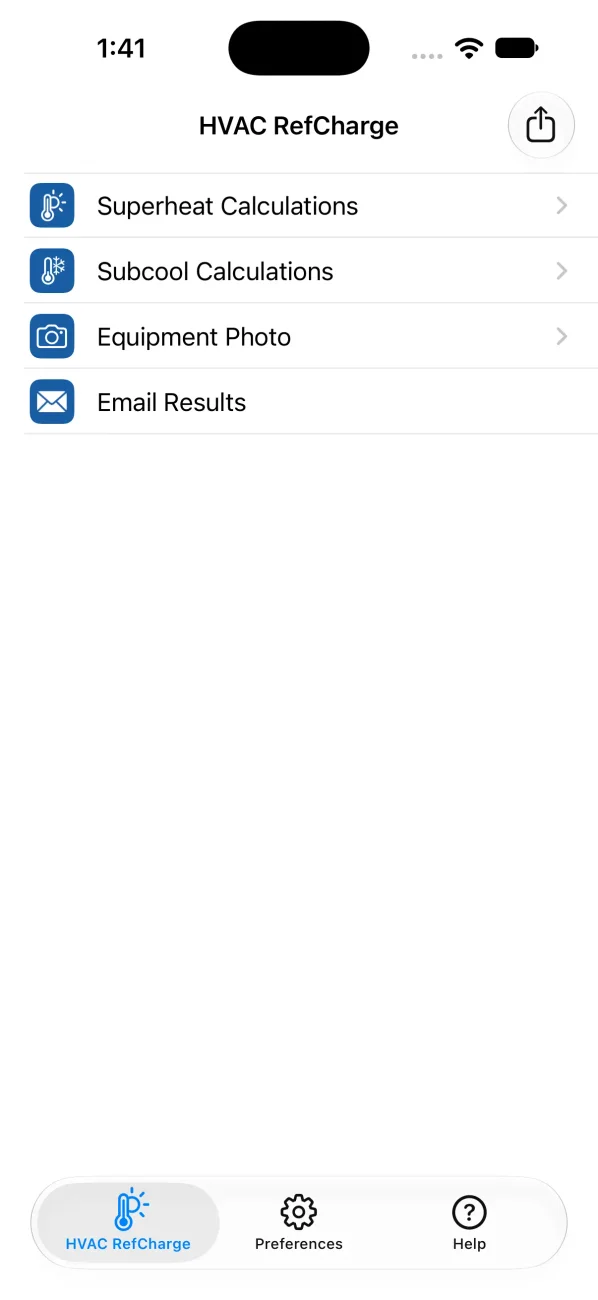
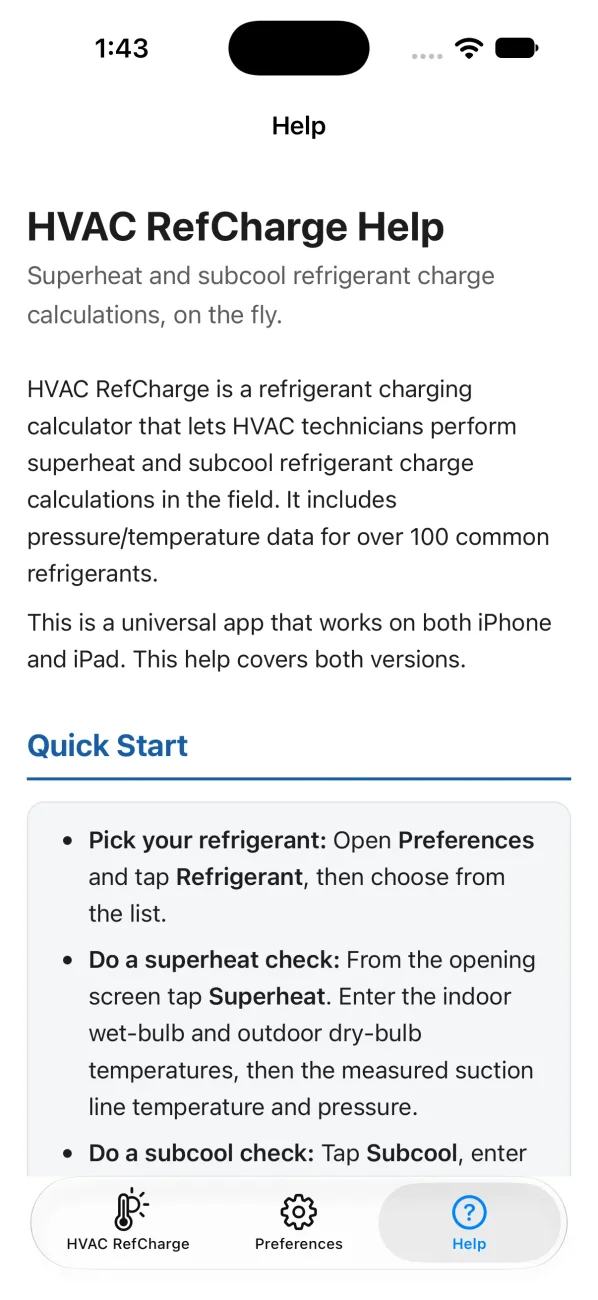
The HVAC RefCharge app is a refrigerant charging calculator that allows HVAC technicians to perform superheat and subcool refrigerant charge calculations on-the-fly. This app includes pressure/temperature data for over 100 refrigerants.
This is a universal app that works on both the iPhone and iPad.
This app now includes the HVAC Equipment Locator. Click here for details: http://bit.ly/1yTq539
The following is a list of additional features:
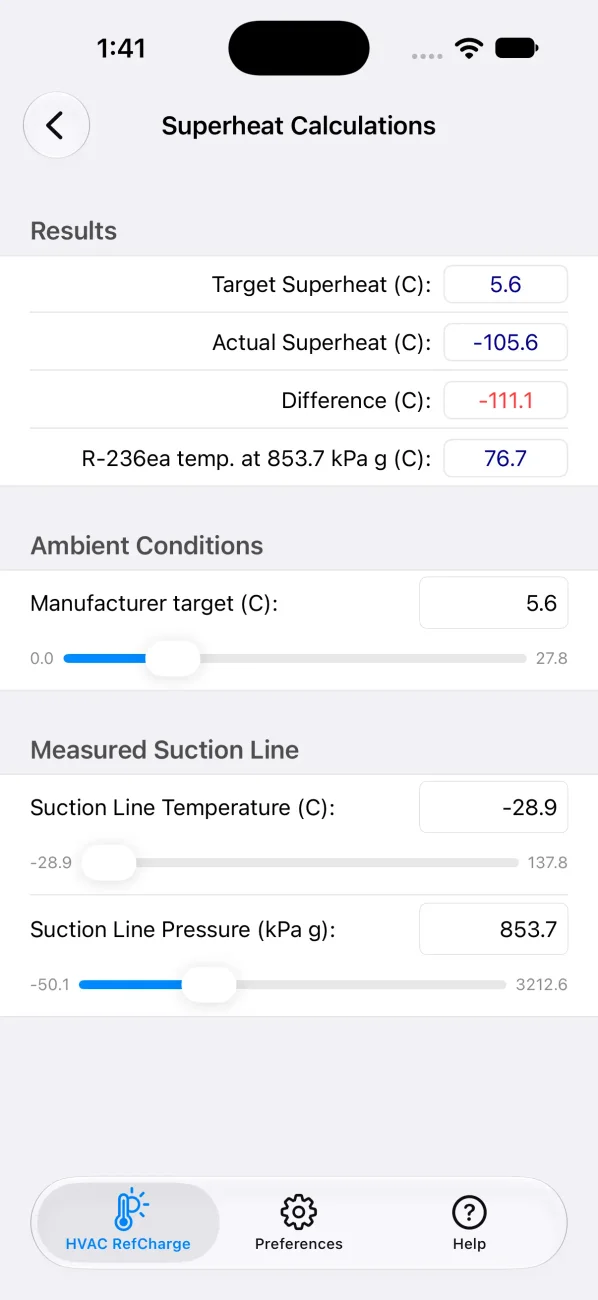
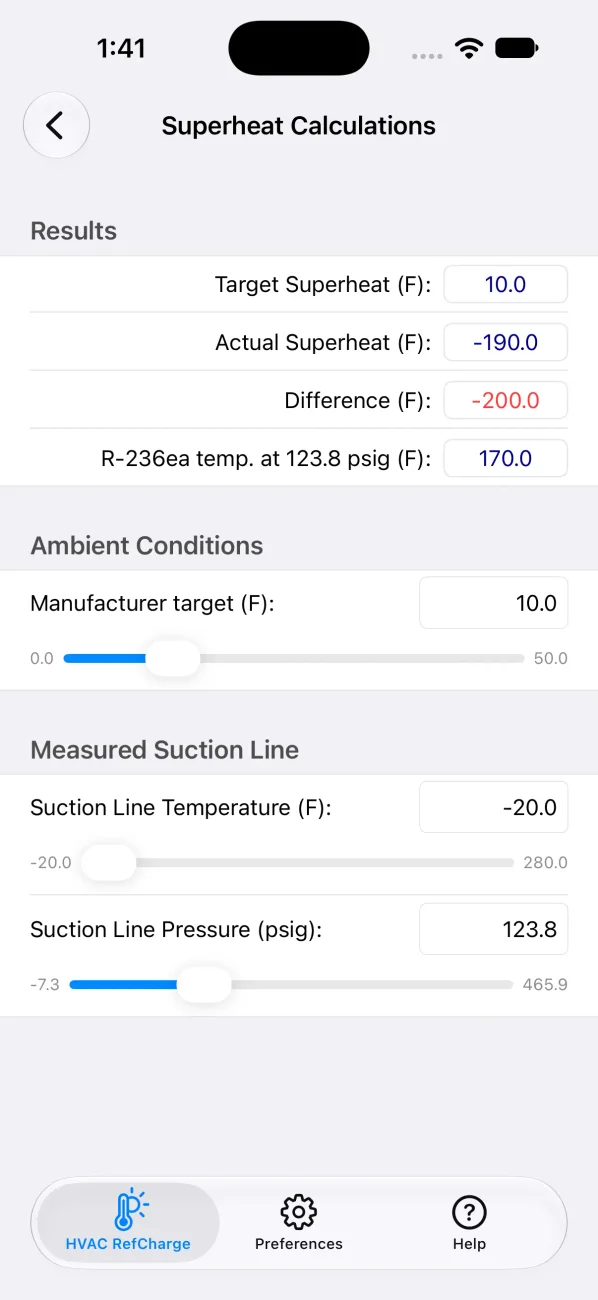
1. Perform superheat refrigerant charge calculations for 100+ different refrigerants. Input the indoor wet-bulb and outdoor dry-bulb temps. to get the target superheat temperature. Then, specify the suction line temperature and pressure to get the actual superheat temperature. The difference tells you whether to charge or not. Also, the app auto-assigns the dew version of azeotropic refrigerant to superheat, if applicable.
2. Perform subcool refrigerant charge calculations for 100+ different refrigerants. Input the indoor wet-bulb and outdoor dry-bulb temps. to get the target subcool temperature. Then, specify the liquid line temperature and pressure to get the actual subcool temperature. The difference tells you whether to charge or not. Also, the app auto-assigns the bubble version of azeotropic refrigerant to subcool, if applicable.
3. Use an interactive slider control to increase or decrease all values and immediately observe calculated results. Also, the slider control allows for "incremental" changes so you can ever-so-slightly change values to observe newly calculated results.
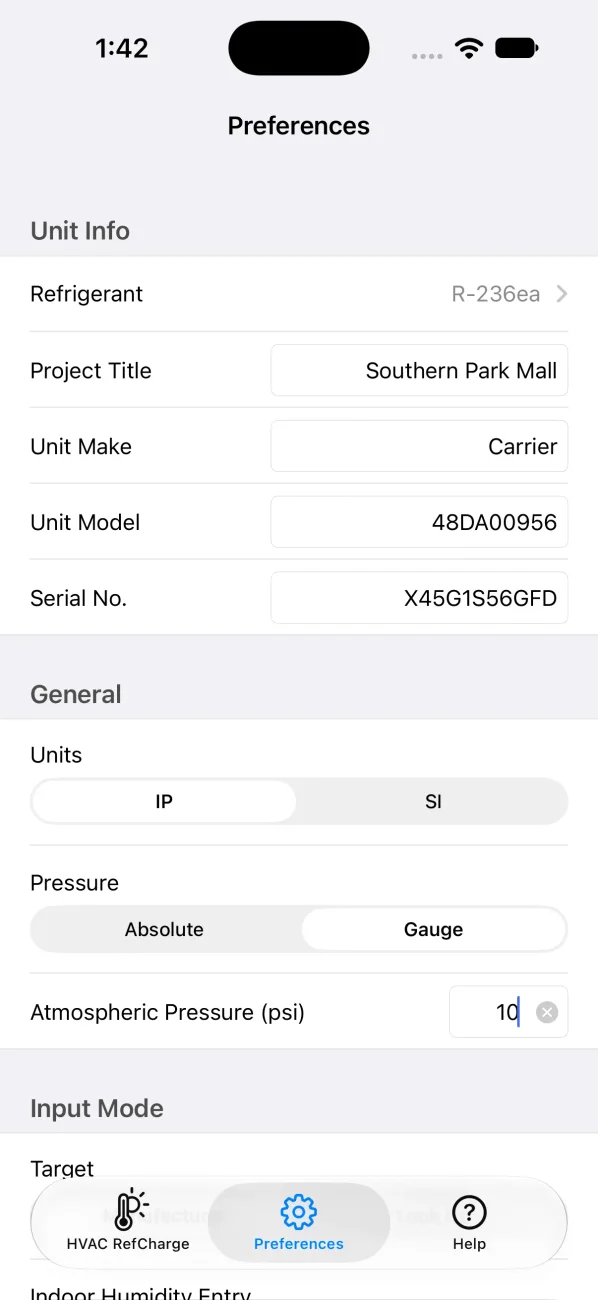
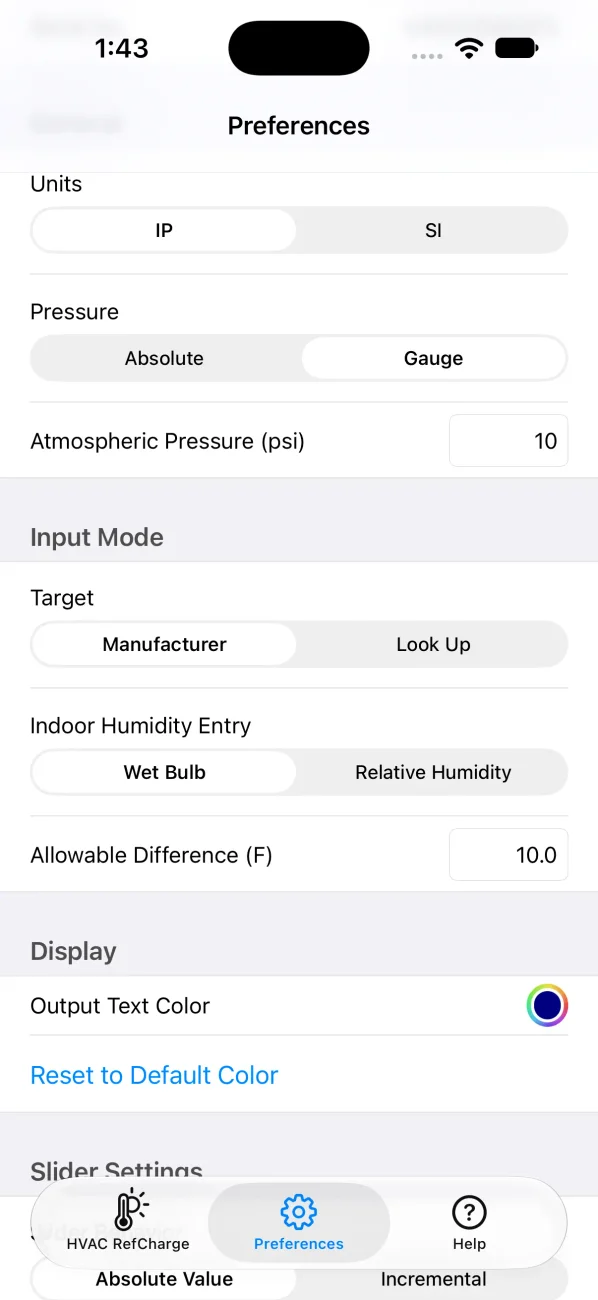
4. Specify atmospheric pressure (other than standard 14.7 psi) so that calculated pressures are adjusted for high elevations like those in Denver and elsewhere.
5. Customize input types so that you can specify manufacturer-specified target superheat/subcool or input indoor dry-bulb/indoor relative humidity in place of indoor wet-bulb temperature.
6. Take a photo and assign it to the project
7. Send an email that includes all inputs, results, and the photo with a custom message
8. Display input and result values in either English or Metric units
Neue Funktionen
Version 7.6 · 11.11.2026
1. Fixed issue with keyboard overlapping inputs.
App-Datenschutz
Was Carmel Software Corporation im App Store zum Umgang dieser App mit Daten angibt.
-
Keine Daten erfasst
Der Entwickler erfasst keine Daten von dieser App.
Die Datenschutzpraktiken können variieren, zum Beispiel je nach den von Ihnen verwendeten Funktionen oder Ihrem Alter.
Informationen
- Anbieter
- Carmel Software Corporation
- Kategorie
- Produktivität
- Version
- 7.6
- Aktualisiert
- 11.11.2026
- Veröffentlicht
- 20.11.2012
- Größe
- 6,3 MB
- Erfordert
- iOS 17.0 oder neuer
- Altersfreigabe
- 4+
- Preis
- 9,99 €
- In-App-Käufe
- Ja
- Sprachen
- Englisch
- Copyright
- © 2027 Carmel Software Corporation. All Rights Reserved.
Das könnte Ihnen auch gefallen
-
 Psychrometric ChartProduktivität
-
 Voice Sheet: HaushaltsbuchSpracheingabe in Google Sheets
-
 SmarTechProduktivität
-
 Correo Empresas TelmexProduktivität
-
 ACOB ScannerProduktivität
-
 TEC Excelsior HVAC Pro+Produktivität
-
 Expo Manufactura HubProduktivität
-
 HVAC/R AI ProProduktivität
-
 Tot MiniProduktivität
-
 Arbeitsaufträge ProReparatur, Rechnung & Wartung