
HVAC RefCharge
Ref. subcool/superheat calcs
Conçue pour iPhone, iPad
9,99 € · Achats intégrés
- Classification d’âge4+
- CatégorieProductivité
- DéveloppeurCarmel Software Corporation
- LanguesAnglais
- Taille6,3 Mo
Renvoie vers la page App Store officielle
Download.org n’héberge aucun fichier de HVAC RefCharge. Le bouton ouvre la page de l’application sur App Store, où Carmel Software Corporation la publie. Fiche vérifiée pour la dernière fois le 14/11/2026.
Captures d’écran



À propos
Le développeur n’a pas fourni ce texte dans votre langue.
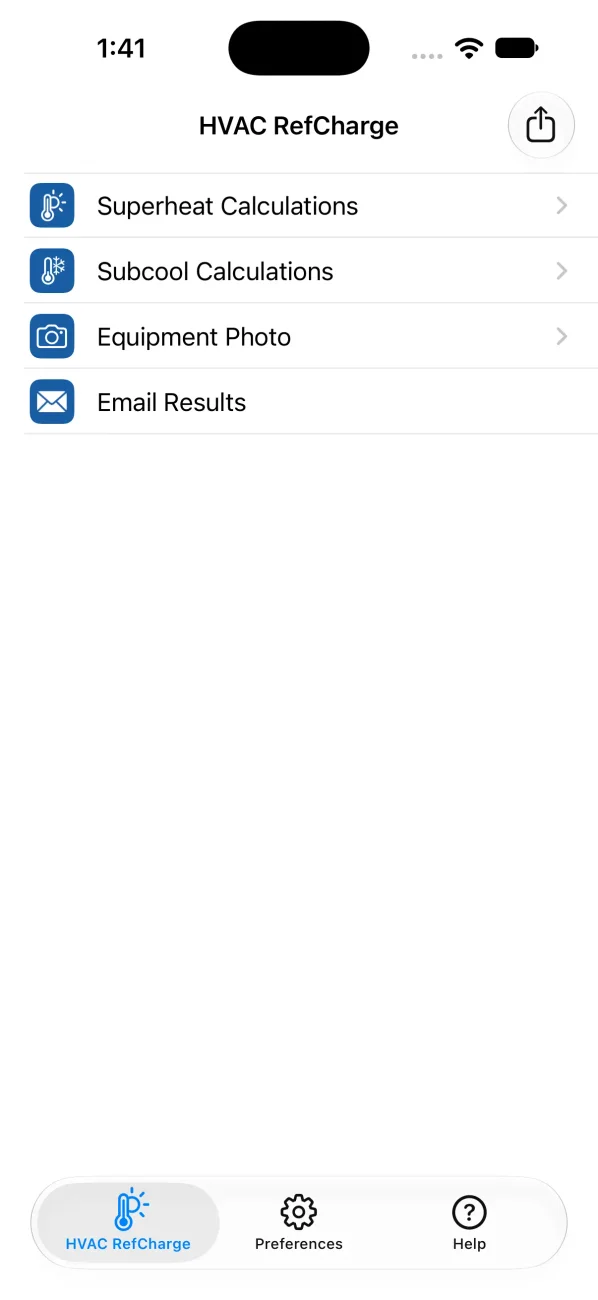
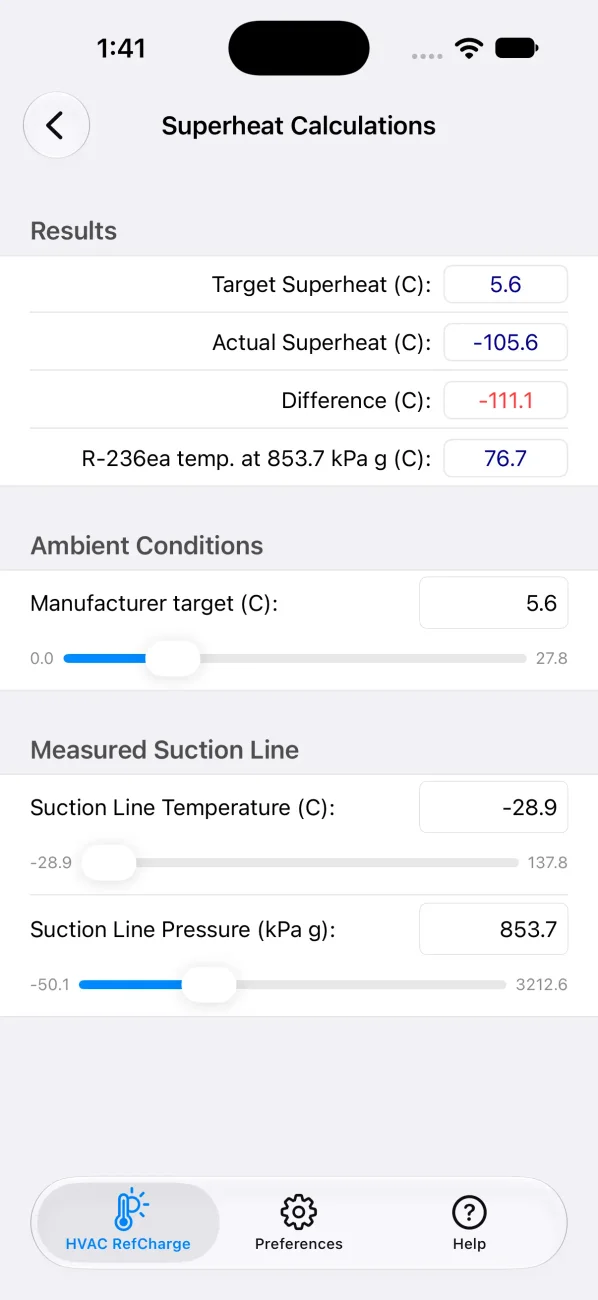
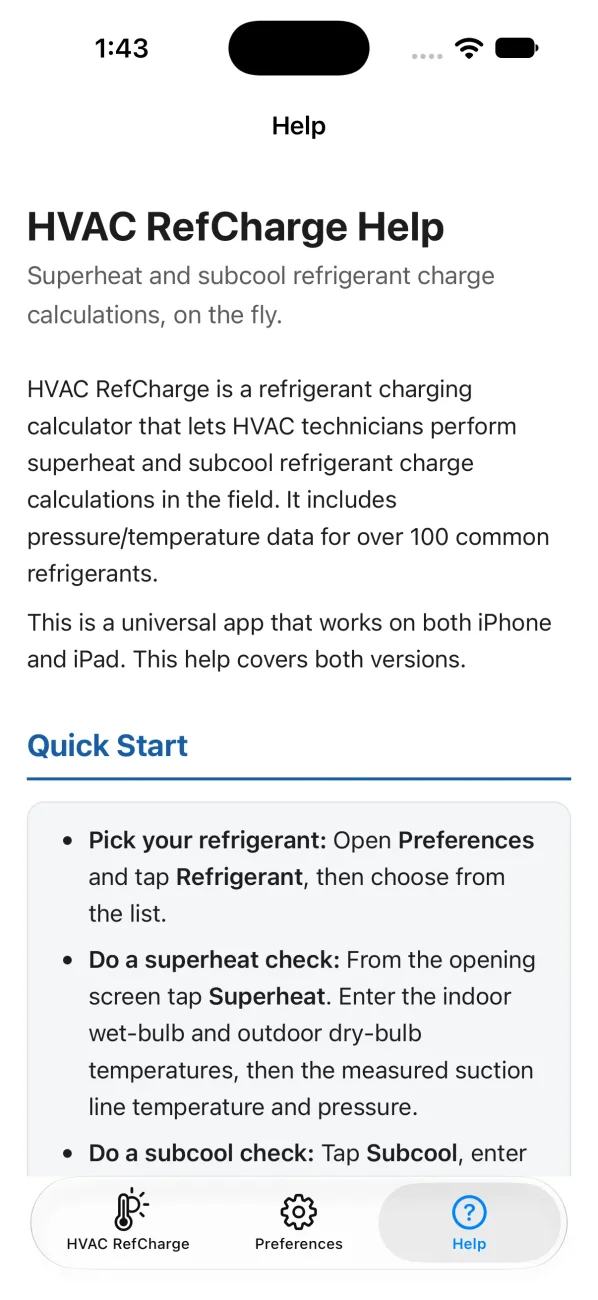
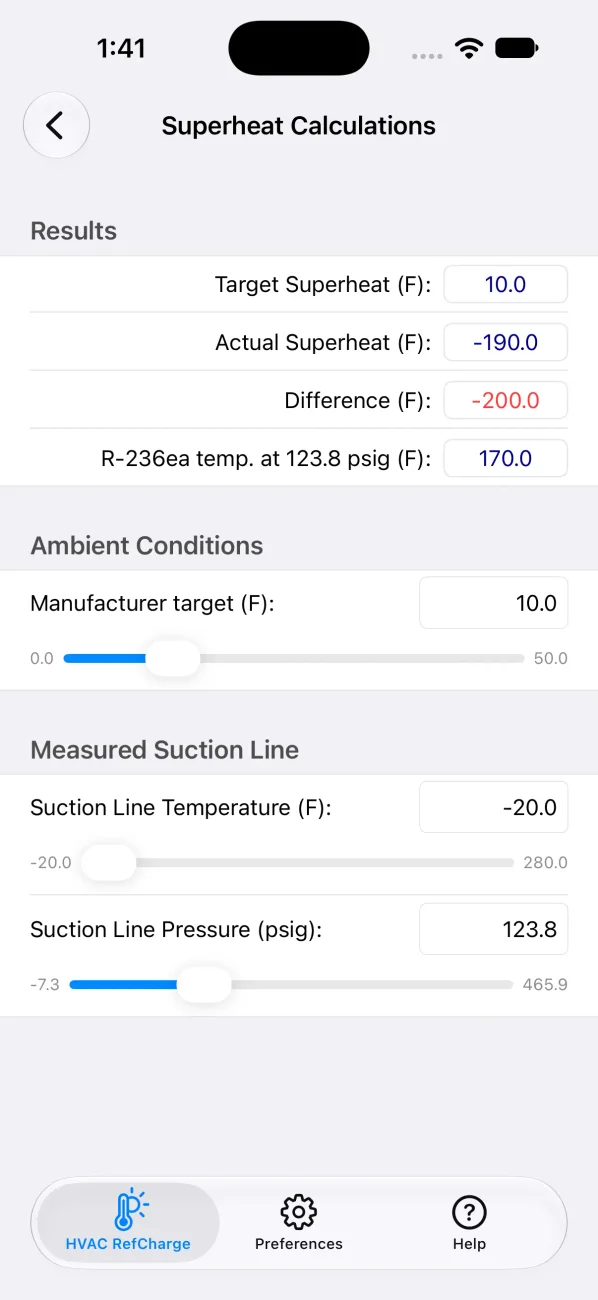
The HVAC RefCharge app is a refrigerant charging calculator that allows HVAC technicians to perform superheat and subcool refrigerant charge calculations on-the-fly. This app includes pressure/temperature data for over 100 refrigerants.
This is a universal app that works on both the iPhone and iPad.
This app now includes the HVAC Equipment Locator. Click here for details: http://bit.ly/1yTq539
The following is a list of additional features:
1. Perform superheat refrigerant charge calculations for 100+ different refrigerants. Input the indoor wet-bulb and outdoor dry-bulb temps. to get the target superheat temperature. Then, specify the suction line temperature and pressure to get the actual superheat temperature. The difference tells you whether to charge or not. Also, the app auto-assigns the dew version of azeotropic refrigerant to superheat, if applicable.
2. Perform subcool refrigerant charge calculations for 100+ different refrigerants. Input the indoor wet-bulb and outdoor dry-bulb temps. to get the target subcool temperature. Then, specify the liquid line temperature and pressure to get the actual subcool temperature. The difference tells you whether to charge or not. Also, the app auto-assigns the bubble version of azeotropic refrigerant to subcool, if applicable.
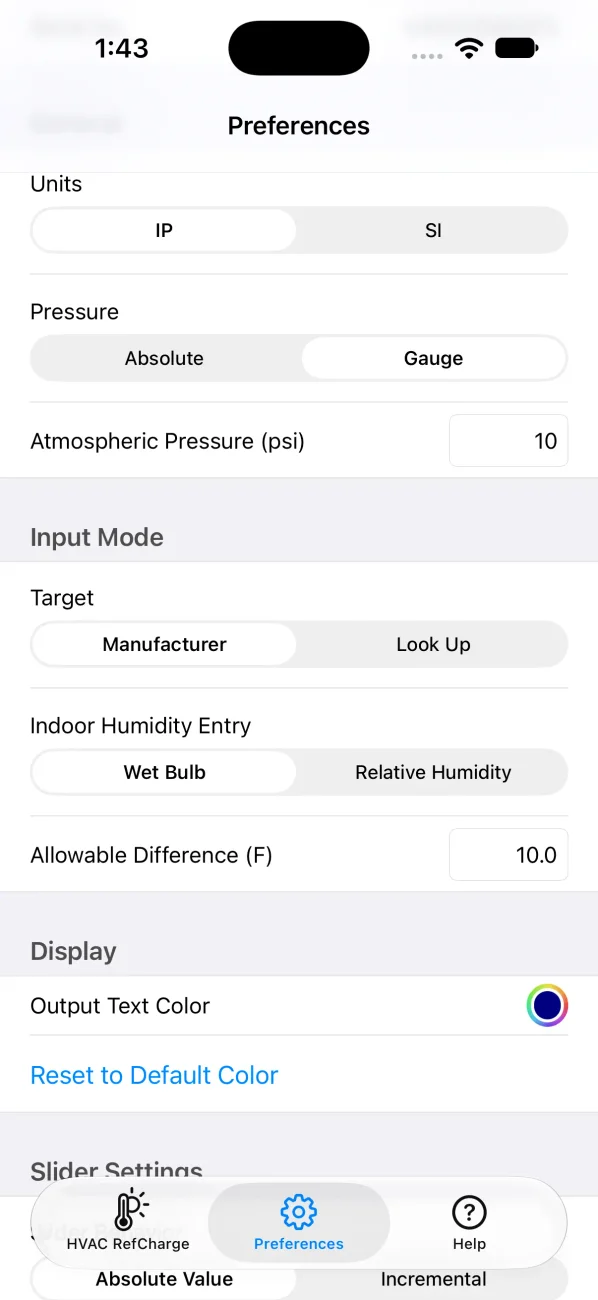
3. Use an interactive slider control to increase or decrease all values and immediately observe calculated results. Also, the slider control allows for "incremental" changes so you can ever-so-slightly change values to observe newly calculated results.
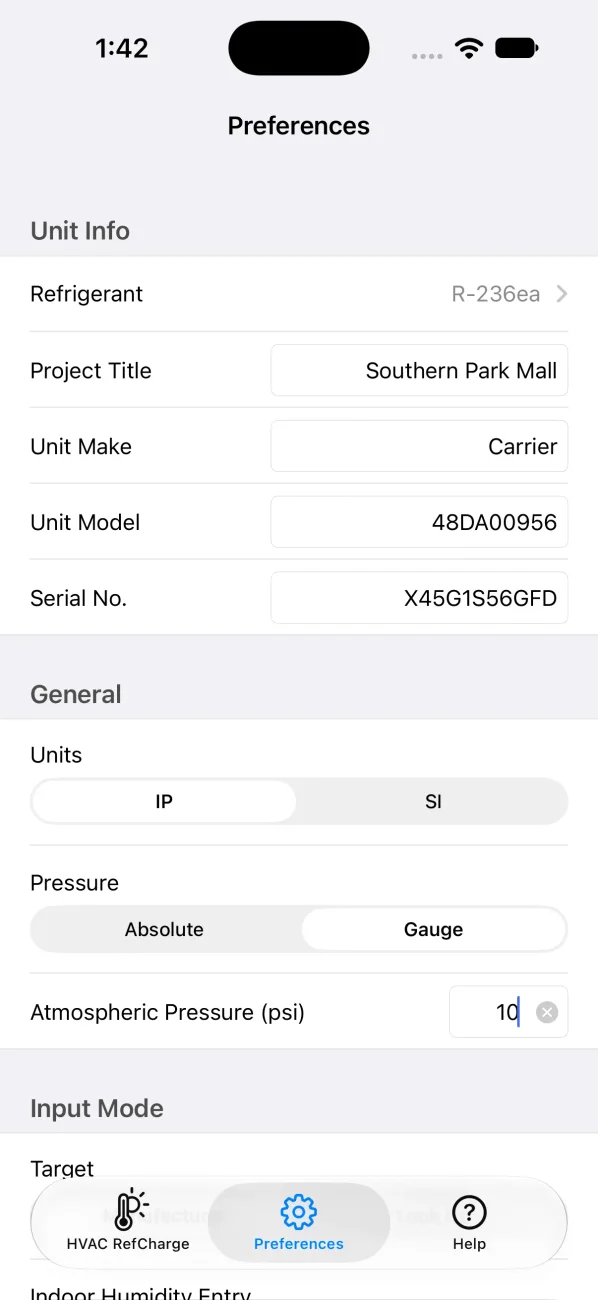
4. Specify atmospheric pressure (other than standard 14.7 psi) so that calculated pressures are adjusted for high elevations like those in Denver and elsewhere.
5. Customize input types so that you can specify manufacturer-specified target superheat/subcool or input indoor dry-bulb/indoor relative humidity in place of indoor wet-bulb temperature.
6. Take a photo and assign it to the project
7. Send an email that includes all inputs, results, and the photo with a custom message
8. Display input and result values in either English or Metric units
Nouveautés
Version 7.6 · 11/11/2026
1. Fixed issue with keyboard overlapping inputs.
Confidentialité de l’application
Ce que Carmel Software Corporation déclare sur l’App Store au sujet du traitement des données par cette application.
-
Données non collectées
Le développeur ne collecte aucune donnée à partir de cette application.
Les pratiques en matière de confidentialité peuvent varier, notamment en fonction des fonctionnalités que vous utilisez ou de votre âge.
Informations
- Vendeur
- Carmel Software Corporation
- Catégorie
- Productivité
- Version
- 7.6
- Mis à jour
- 11/11/2026
- Publié
- 20/11/2012
- Taille
- 6,3 Mo
- Nécessite
- iOS 17.0 ou version ultérieure
- Classification d’âge
- 4+
- Prix
- 9,99 €
- Achats intégrés
- Oui
- Langues
- Anglais
- Copyright
- © 2027 Carmel Software Corporation. All Rights Reserved.
Vous aimerez peut-être aussi
-
 Psychrometric ChartProductivité
-
 Voice Sheet: Suivi DépensesSaisie vocale Google Sheets
-
 SmarTechProductivité
-
 Correo Empresas TelmexProductivité
-
 ACOB ScannerProductivité
-
 TEC Excelsior HVAC Pro+HVAC Tools (Carrier)
-
 Expo Manufactura HubProductivité
-
 HVAC/R AI ProProductivité
-
 Tot MiniProductivité
-
 Ordres de Travail ProRéparations et Facturation