
- 対象年齢4+
- カテゴリ仕事効率化
- 開発元Carmel Software Corporation
- 言語英語
- サイズ6.3 MB
App Storeの公式ページにリンクしています
Download.orgはHVAC RefChargeのファイルを一切ホストしていません。ボタンを押すと、Carmel Software Corporationが公開しているApp Storeのアプリページが開きます。ページの最終確認:2026/11/14。
スクリーンショット



概要
開発元はこのテキストをお使いの言語で提供していません。
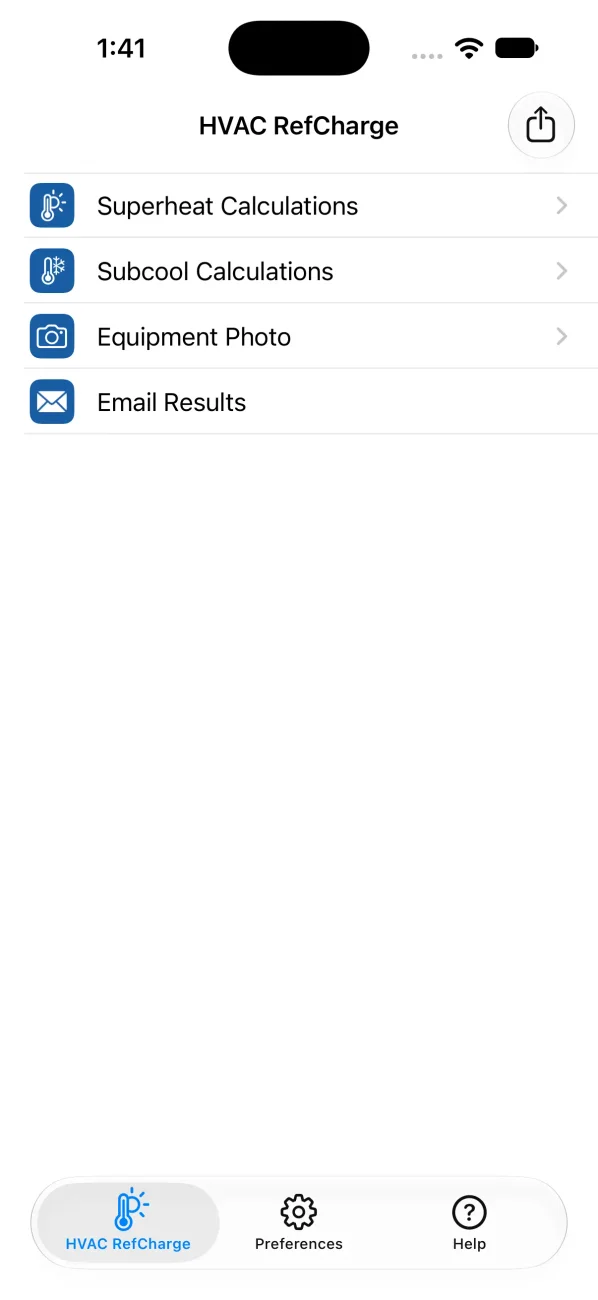
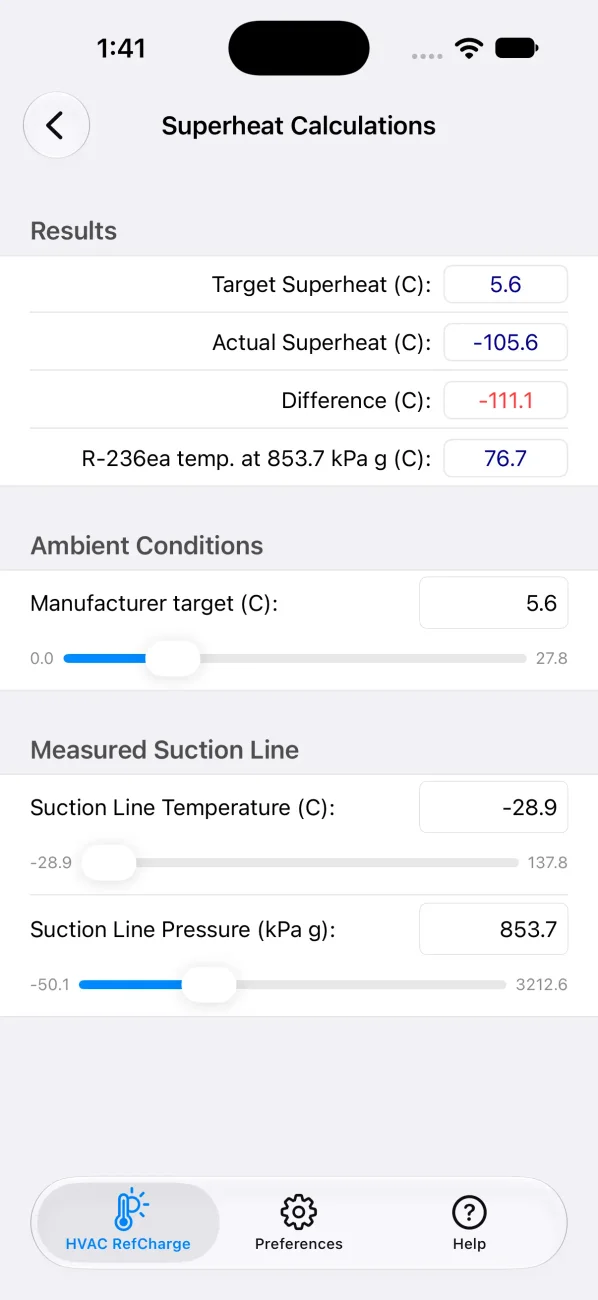
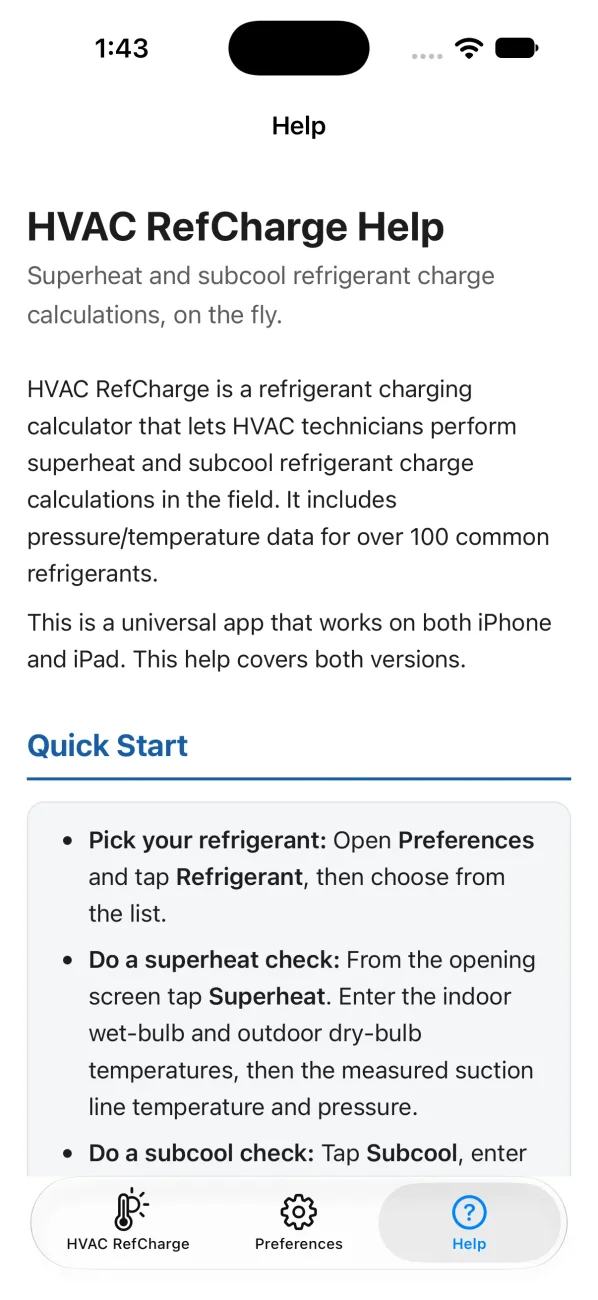
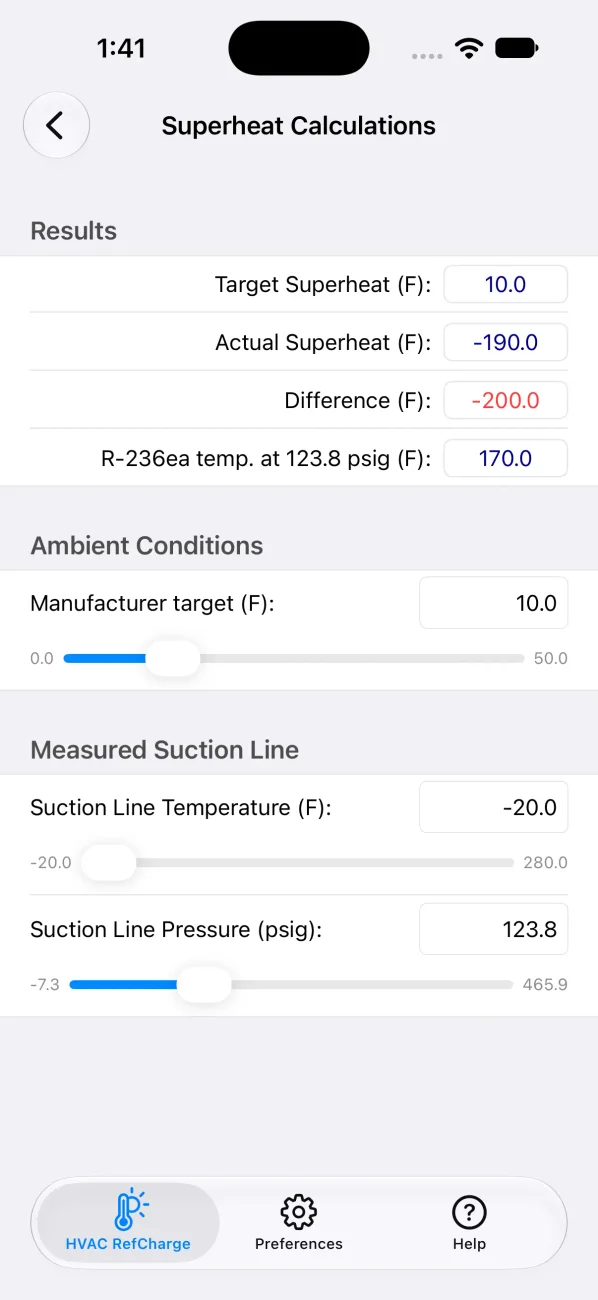
The HVAC RefCharge app is a refrigerant charging calculator that allows HVAC technicians to perform superheat and subcool refrigerant charge calculations on-the-fly. This app includes pressure/temperature data for over 100 refrigerants.
This is a universal app that works on both the iPhone and iPad.
This app now includes the HVAC Equipment Locator. Click here for details: http://bit.ly/1yTq539
The following is a list of additional features:
1. Perform superheat refrigerant charge calculations for 100+ different refrigerants. Input the indoor wet-bulb and outdoor dry-bulb temps. to get the target superheat temperature. Then, specify the suction line temperature and pressure to get the actual superheat temperature. The difference tells you whether to charge or not. Also, the app auto-assigns the dew version of azeotropic refrigerant to superheat, if applicable.
2. Perform subcool refrigerant charge calculations for 100+ different refrigerants. Input the indoor wet-bulb and outdoor dry-bulb temps. to get the target subcool temperature. Then, specify the liquid line temperature and pressure to get the actual subcool temperature. The difference tells you whether to charge or not. Also, the app auto-assigns the bubble version of azeotropic refrigerant to subcool, if applicable.
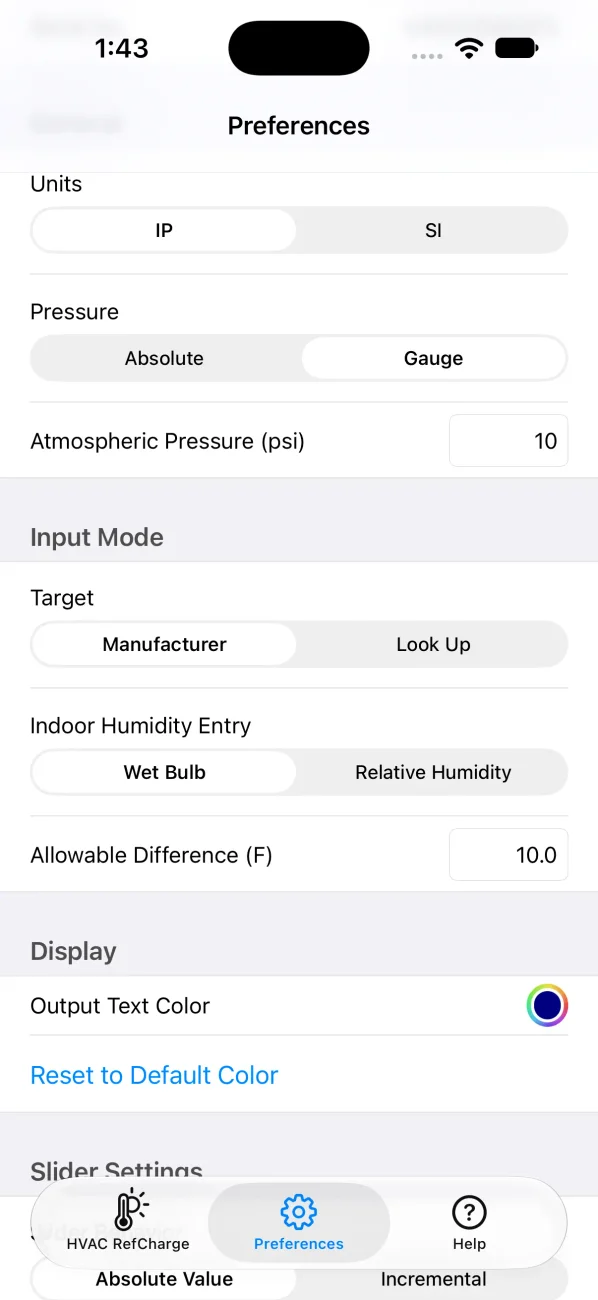
3. Use an interactive slider control to increase or decrease all values and immediately observe calculated results. Also, the slider control allows for "incremental" changes so you can ever-so-slightly change values to observe newly calculated results.
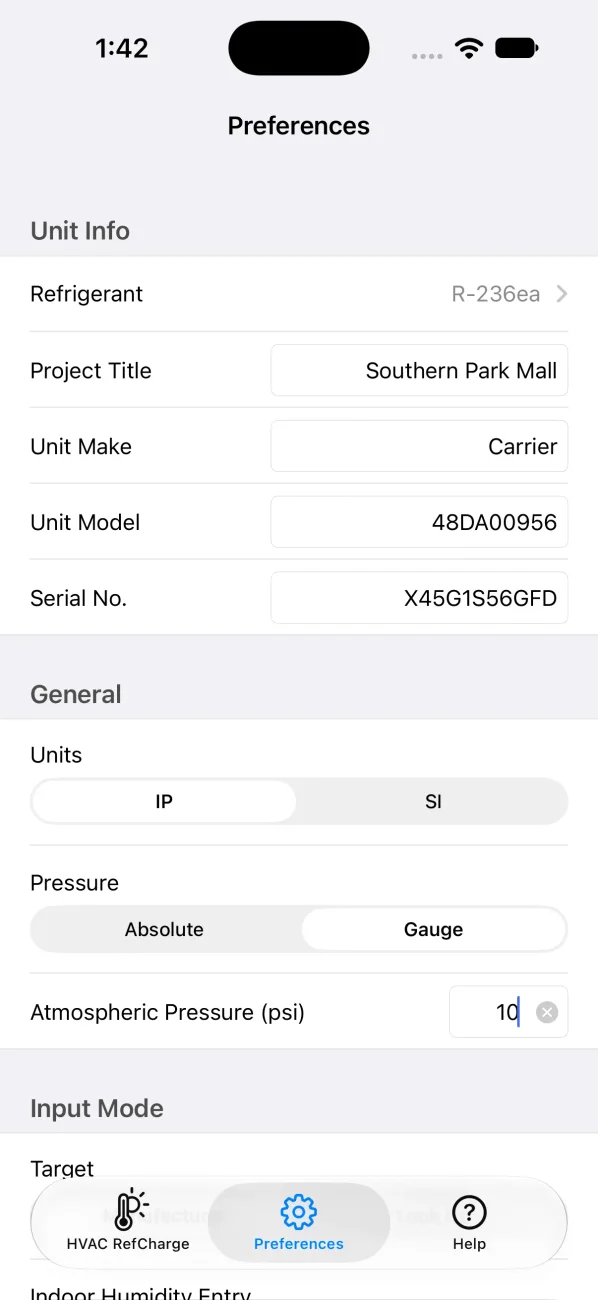
4. Specify atmospheric pressure (other than standard 14.7 psi) so that calculated pressures are adjusted for high elevations like those in Denver and elsewhere.
5. Customize input types so that you can specify manufacturer-specified target superheat/subcool or input indoor dry-bulb/indoor relative humidity in place of indoor wet-bulb temperature.
6. Take a photo and assign it to the project
7. Send an email that includes all inputs, results, and the photo with a custom message
8. Display input and result values in either English or Metric units
新機能
バージョン 7.6 · 2026/11/11
1. Fixed issue with keyboard overlapping inputs.
アプリのプライバシー
このアプリのデータの取り扱いについて、Carmel Software CorporationがApp Storeで申告している内容です。
-
データの収集なし
開発元はこのアプリからデータを収集しません。
プライバシーの取り扱いは、ご利用の機能やお客様の年齢などに応じて異なる場合があります。
情報
- 販売元
- Carmel Software Corporation
- カテゴリ
- 仕事効率化
- バージョン
- 7.6
- 更新日
- 2026/11/11
- リリース
- 2012/11/20
- サイズ
- 6.3 MB
- 必要条件
- iOS 17.0以降
- 対象年齢
- 4+
- 価格
- ¥1,500
- アプリ内課金
- あり
- 言語
- 英語
- 著作権
- © 2027 Carmel Software Corporation. All Rights Reserved.