
HVAC RefCharge
Ref. subcool/superheat calcs
iPhone, iPad için tasarlandı
₺499,99 · Uygulama içi satın alma
- Yaş sınırı4+
- KategoriÜretkenlik
- GeliştiriciCarmel Software Corporation
- Dillerİngilizce
- Boyut6,3 MB
Resmi App Store sayfasına bağlanır
Download.org, HVAC RefCharge için hiçbir dosya barındırmaz. Düğme, uygulamanın App Store üzerindeki sayfasını açar; uygulamayı orada Carmel Software Corporation yayınlar. Sayfanın son kontrolü: 14.11.2026.
Ekran görüntüleri



Hakkında
Geliştirici bu metni dilinizde sunmamış.
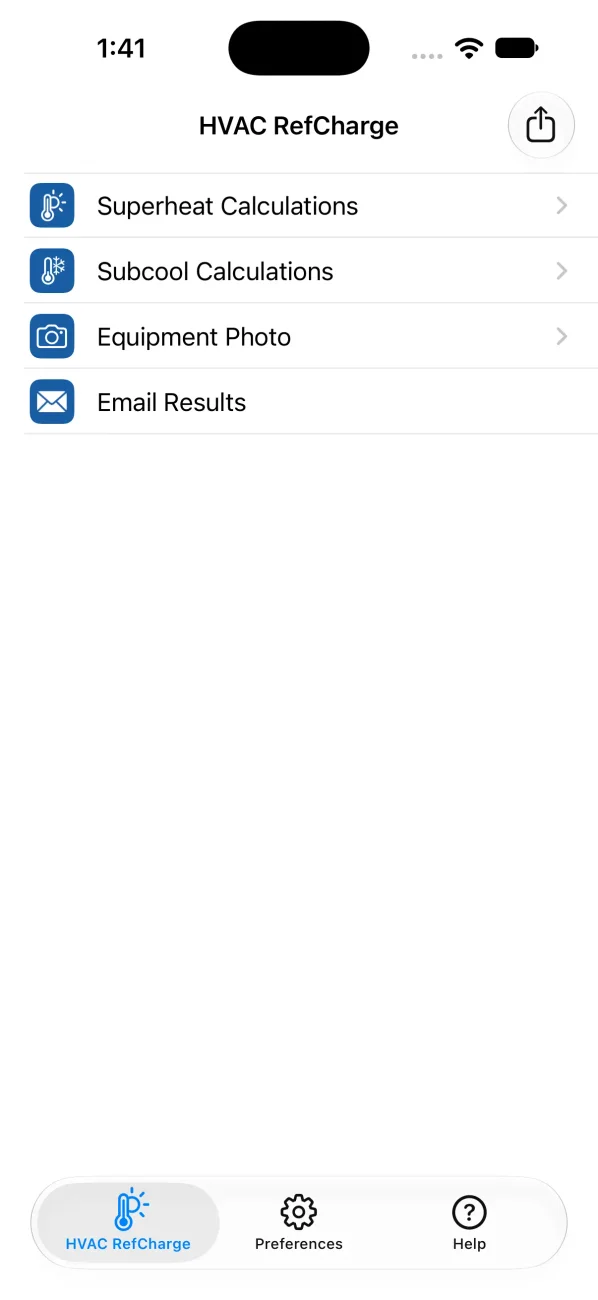
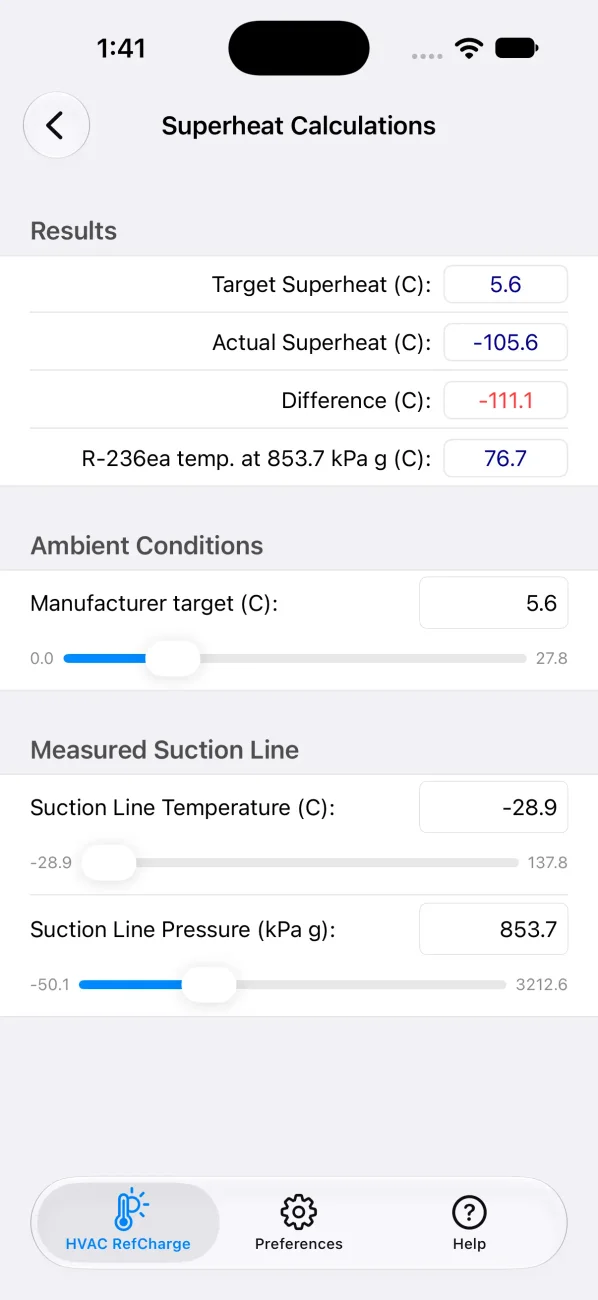
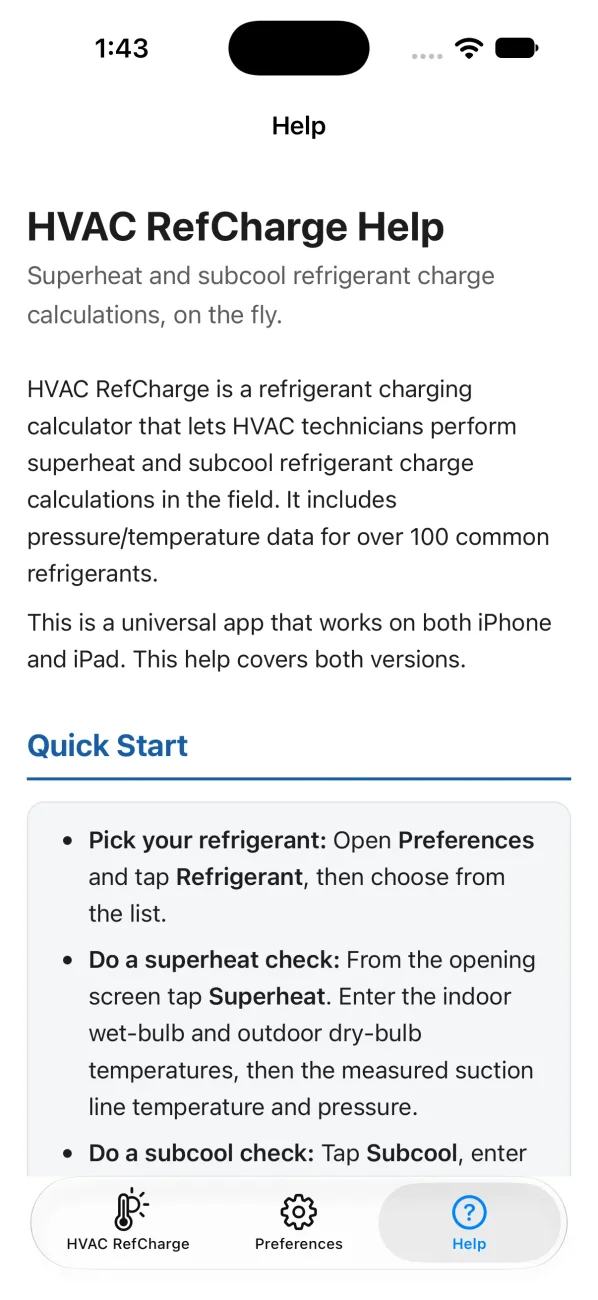
The HVAC RefCharge app is a refrigerant charging calculator that allows HVAC technicians to perform superheat and subcool refrigerant charge calculations on-the-fly. This app includes pressure/temperature data for over 100 refrigerants.
This is a universal app that works on both the iPhone and iPad.
This app now includes the HVAC Equipment Locator. Click here for details: http://bit.ly/1yTq539
The following is a list of additional features:
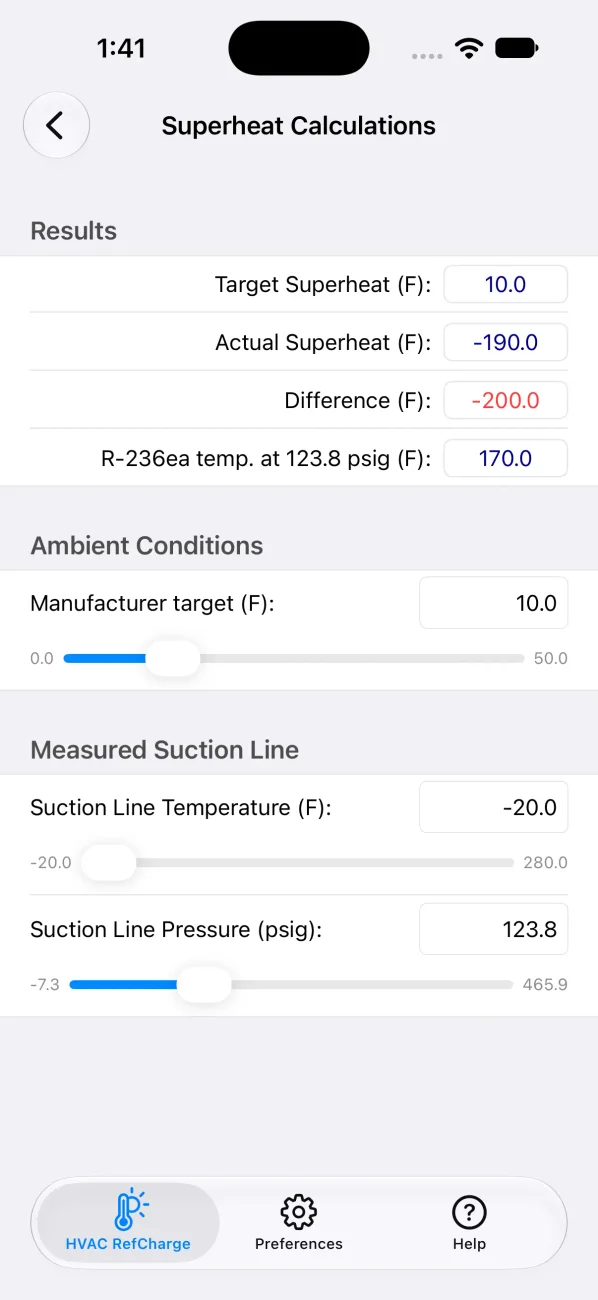
1. Perform superheat refrigerant charge calculations for 100+ different refrigerants. Input the indoor wet-bulb and outdoor dry-bulb temps. to get the target superheat temperature. Then, specify the suction line temperature and pressure to get the actual superheat temperature. The difference tells you whether to charge or not. Also, the app auto-assigns the dew version of azeotropic refrigerant to superheat, if applicable.
2. Perform subcool refrigerant charge calculations for 100+ different refrigerants. Input the indoor wet-bulb and outdoor dry-bulb temps. to get the target subcool temperature. Then, specify the liquid line temperature and pressure to get the actual subcool temperature. The difference tells you whether to charge or not. Also, the app auto-assigns the bubble version of azeotropic refrigerant to subcool, if applicable.
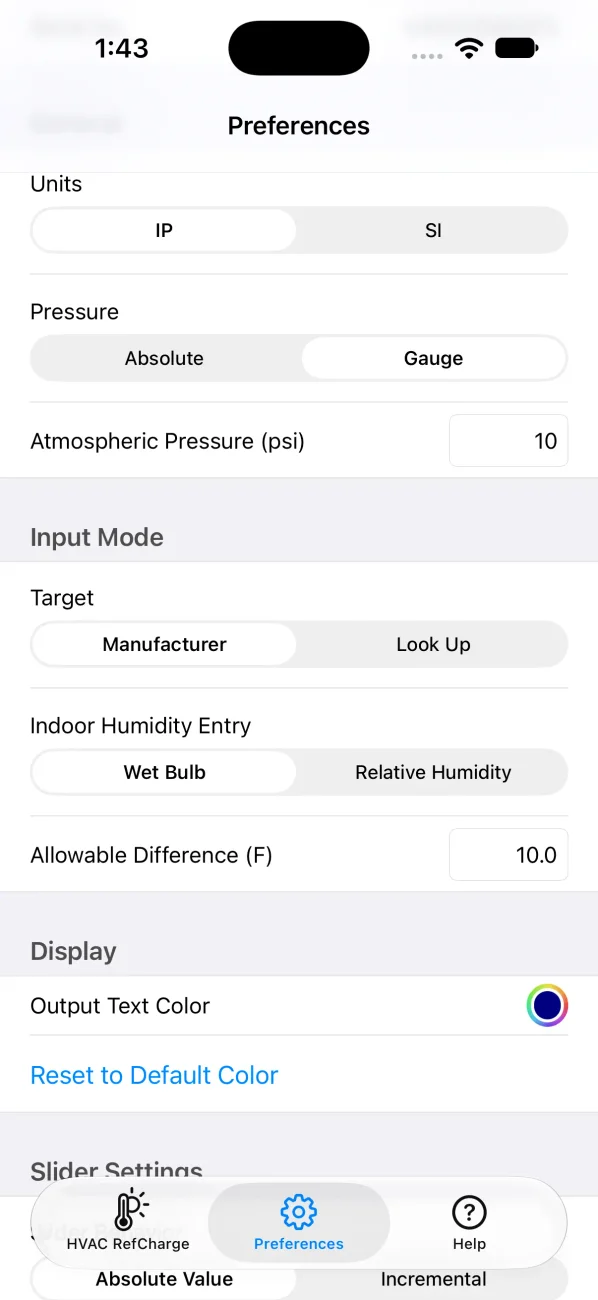
3. Use an interactive slider control to increase or decrease all values and immediately observe calculated results. Also, the slider control allows for "incremental" changes so you can ever-so-slightly change values to observe newly calculated results.
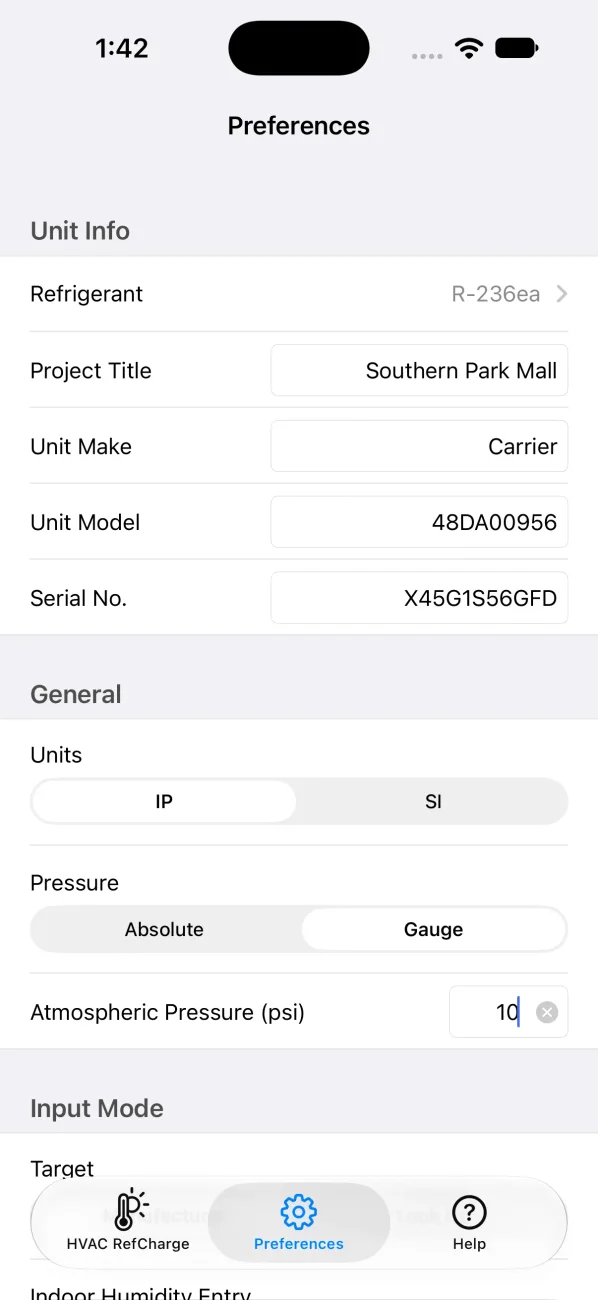
4. Specify atmospheric pressure (other than standard 14.7 psi) so that calculated pressures are adjusted for high elevations like those in Denver and elsewhere.
5. Customize input types so that you can specify manufacturer-specified target superheat/subcool or input indoor dry-bulb/indoor relative humidity in place of indoor wet-bulb temperature.
6. Take a photo and assign it to the project
7. Send an email that includes all inputs, results, and the photo with a custom message
8. Display input and result values in either English or Metric units
Yenilikler
Sürüm 7.6 · 11.11.2026
1. Fixed issue with keyboard overlapping inputs.
Uygulama gizliliği
Bu uygulamanın verileri nasıl işlediği hakkında Carmel Software Corporation tarafından App Store üzerinde yapılan beyan.
-
Veri toplanmıyor
Geliştirici bu uygulamadan hiçbir veri toplamıyor.
Gizlilik uygulamaları, örneğin kullandığınız özelliklere veya yaşınıza göre değişiklik gösterebilir.
Bilgiler
- Satıcı
- Carmel Software Corporation
- Kategori
- Üretkenlik
- Sürüm
- 7.6
- Güncellendi
- 11.11.2026
- Yayın tarihi
- 20.11.2012
- Boyut
- 6,3 MB
- Gereksinim
- iOS 17.0 veya sonrası
- Yaş sınırı
- 4+
- Fiyat
- ₺499,99
- Uygulama içi satın alma
- Evet
- Diller
- İngilizce
- Telif hakkı
- © 2027 Carmel Software Corporation. All Rights Reserved.