
HVAC RefCharge
Ref. subcool/superheat calcs
Được thiết kế cho iPhone, iPad
299.000đ · Mua hàng trong ứng dụng
- Độ tuổi4+
- Danh mụcHiệu Suất
- Nhà phát triểnCarmel Software Corporation
- Ngôn ngữTiếng Anh
- Kích thước6,3 MB
Liên kết đến trang App Store chính thức
Download.org không lưu trữ tệp nào của HVAC RefCharge. Nút này mở trang ứng dụng trên App Store, nơi Carmel Software Corporation phát hành ứng dụng. Trang được kiểm tra lần cuối: 14/11/2026.
Ảnh chụp màn hình



Giới thiệu
Nhà phát triển chưa cung cấp nội dung này bằng ngôn ngữ của bạn.
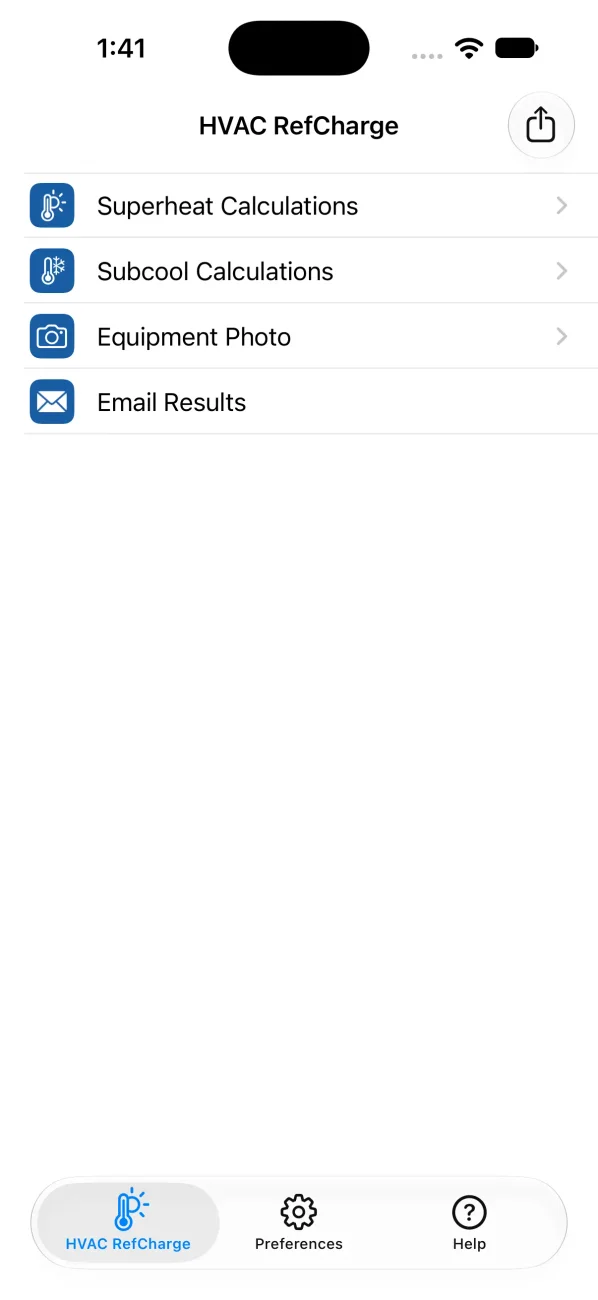
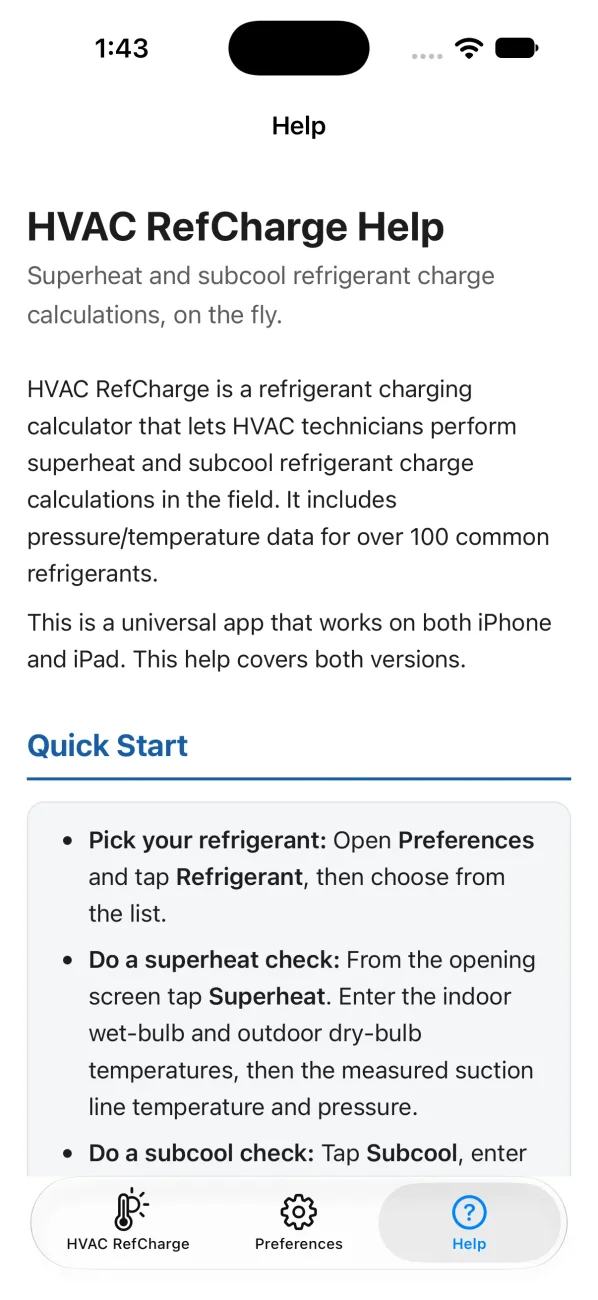
The HVAC RefCharge app is a refrigerant charging calculator that allows HVAC technicians to perform superheat and subcool refrigerant charge calculations on-the-fly. This app includes pressure/temperature data for over 100 refrigerants.
This is a universal app that works on both the iPhone and iPad.
This app now includes the HVAC Equipment Locator. Click here for details: http://bit.ly/1yTq539
The following is a list of additional features:
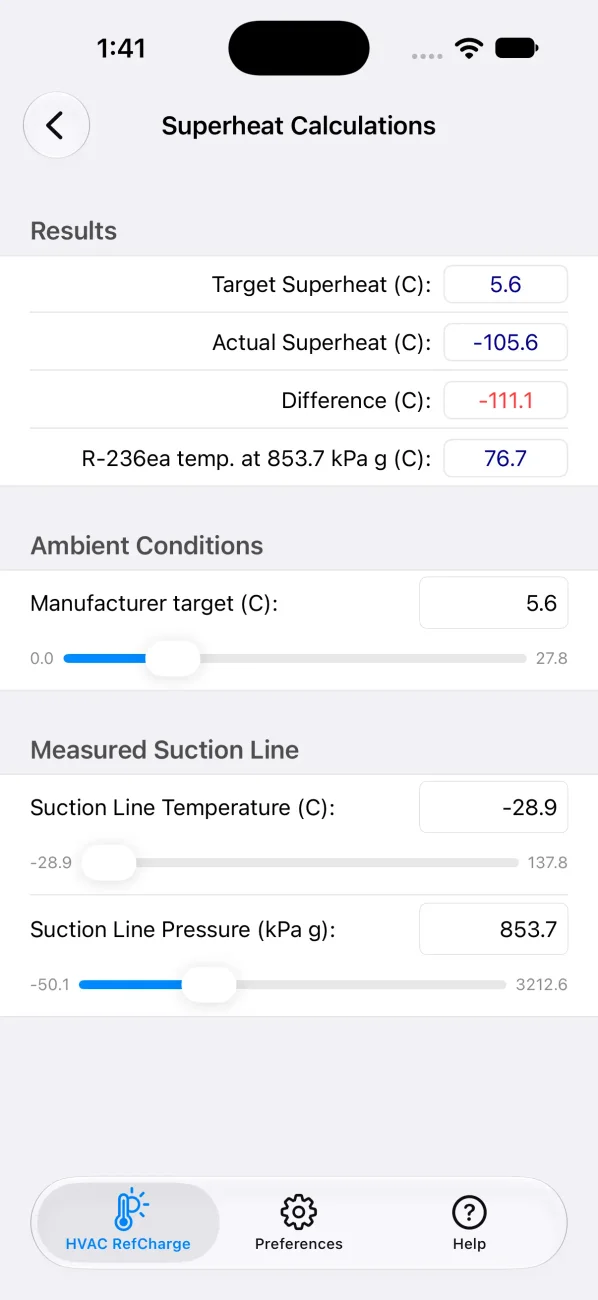
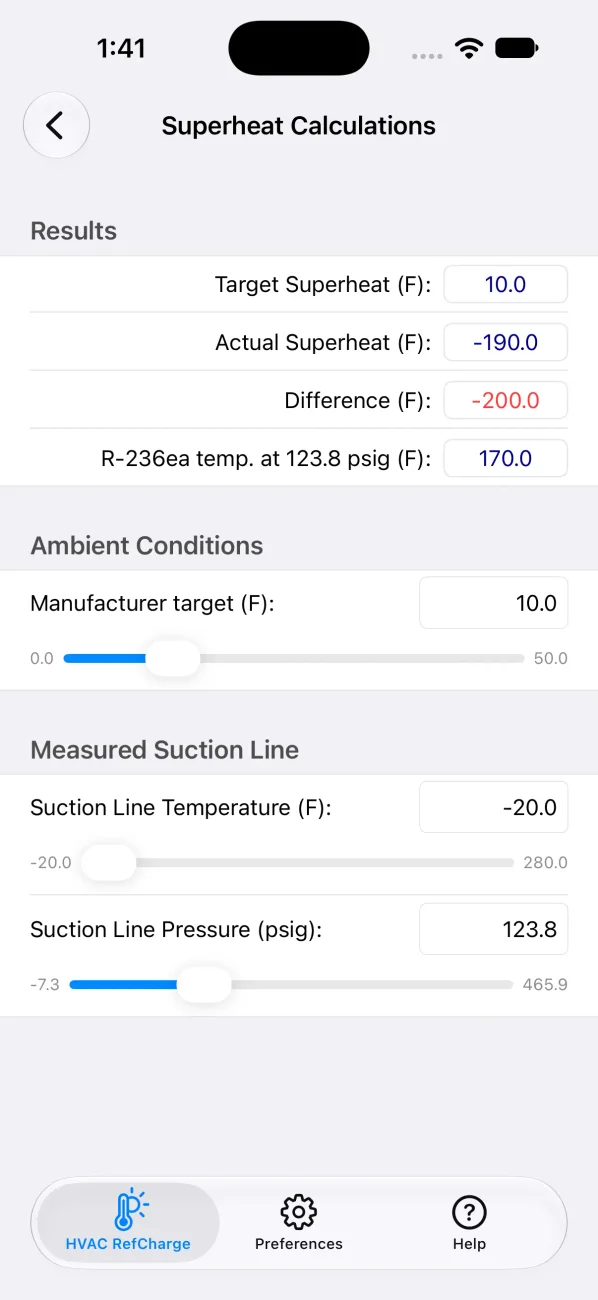
1. Perform superheat refrigerant charge calculations for 100+ different refrigerants. Input the indoor wet-bulb and outdoor dry-bulb temps. to get the target superheat temperature. Then, specify the suction line temperature and pressure to get the actual superheat temperature. The difference tells you whether to charge or not. Also, the app auto-assigns the dew version of azeotropic refrigerant to superheat, if applicable.
2. Perform subcool refrigerant charge calculations for 100+ different refrigerants. Input the indoor wet-bulb and outdoor dry-bulb temps. to get the target subcool temperature. Then, specify the liquid line temperature and pressure to get the actual subcool temperature. The difference tells you whether to charge or not. Also, the app auto-assigns the bubble version of azeotropic refrigerant to subcool, if applicable.
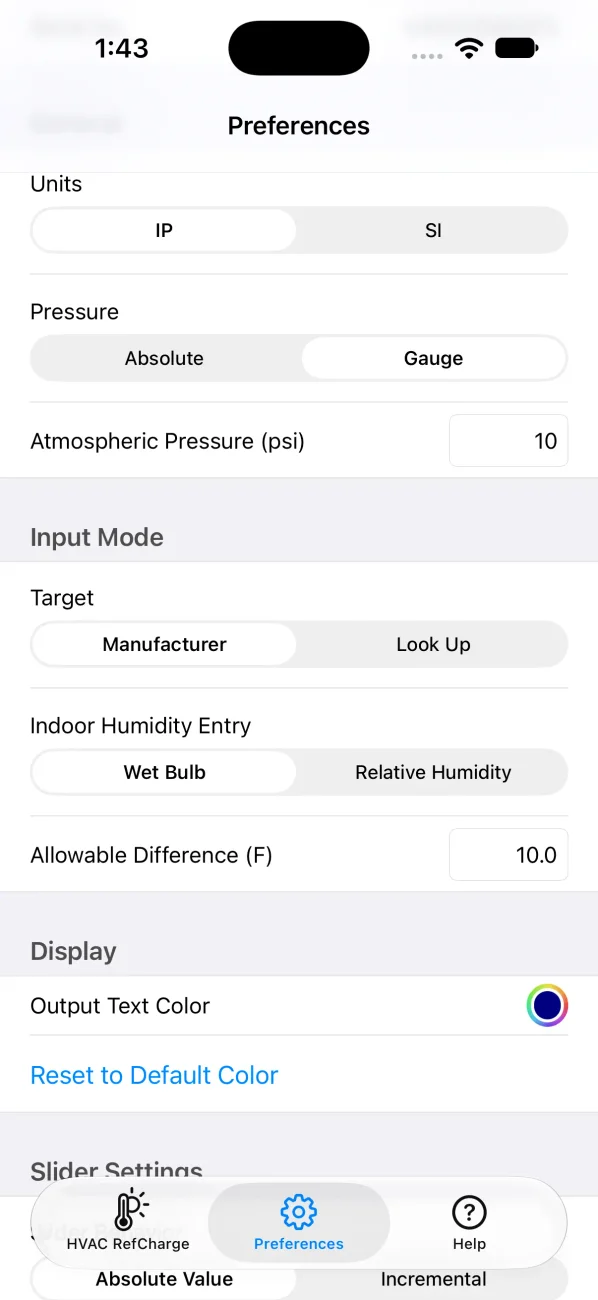
3. Use an interactive slider control to increase or decrease all values and immediately observe calculated results. Also, the slider control allows for "incremental" changes so you can ever-so-slightly change values to observe newly calculated results.
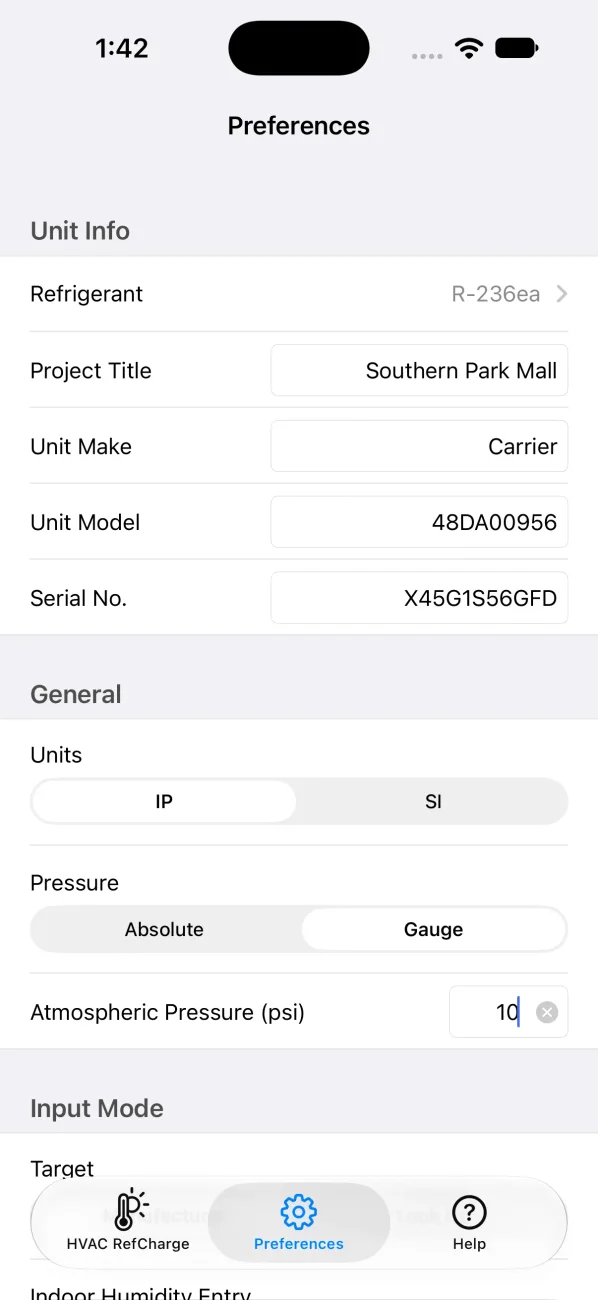
4. Specify atmospheric pressure (other than standard 14.7 psi) so that calculated pressures are adjusted for high elevations like those in Denver and elsewhere.
5. Customize input types so that you can specify manufacturer-specified target superheat/subcool or input indoor dry-bulb/indoor relative humidity in place of indoor wet-bulb temperature.
6. Take a photo and assign it to the project
7. Send an email that includes all inputs, results, and the photo with a custom message
8. Display input and result values in either English or Metric units
Có gì mới
Phiên bản 7.6 · 11/11/2026
1. Fixed issue with keyboard overlapping inputs.
Quyền riêng tư của ứng dụng
Những gì Carmel Software Corporation khai báo trên App Store về cách ứng dụng này xử lý dữ liệu.
-
Dữ liệu không được thu thập
Nhà phát triển không thu thập bất kỳ dữ liệu nào từ ứng dụng này.
Phương thức đảm bảo quyền riêng tư có thể khác nhau, chẳng hạn như tuỳ theo các tính năng bạn sử dụng hoặc độ tuổi của bạn.
Thông tin
- Người bán
- Carmel Software Corporation
- Danh mục
- Hiệu Suất
- Phiên bản
- 7.6
- Cập nhật
- 11/11/2026
- Phát hành
- 20/11/2012
- Kích thước
- 6,3 MB
- Yêu cầu
- iOS 17.0 trở lên
- Độ tuổi
- 4+
- Giá
- 299.000đ
- Mua hàng trong ứng dụng
- Có
- Ngôn ngữ
- Tiếng Anh
- Bản quyền
- © 2027 Carmel Software Corporation. All Rights Reserved.