
HVAC RefCharge
Ref. subcool/superheat calcs
Dirancang untuk iPhone, iPad
Rp 199ribu · Pembelian dalam aplikasi
- Batasan usia4+
- KategoriProduktivitas
- PengembangCarmel Software Corporation
- BahasaInggris
- Ukuran6,3 MB
Tertaut ke halaman resmi App Store
Download.org tidak menyimpan file HVAC RefCharge apa pun. Tombol ini membuka halaman aplikasi di App Store, tempat Carmel Software Corporation menerbitkannya. Halaman terakhir diperiksa pada 14/11/2026.
Tangkapan layar



Tentang
Pengembang belum menyediakan teks ini dalam bahasa Anda.
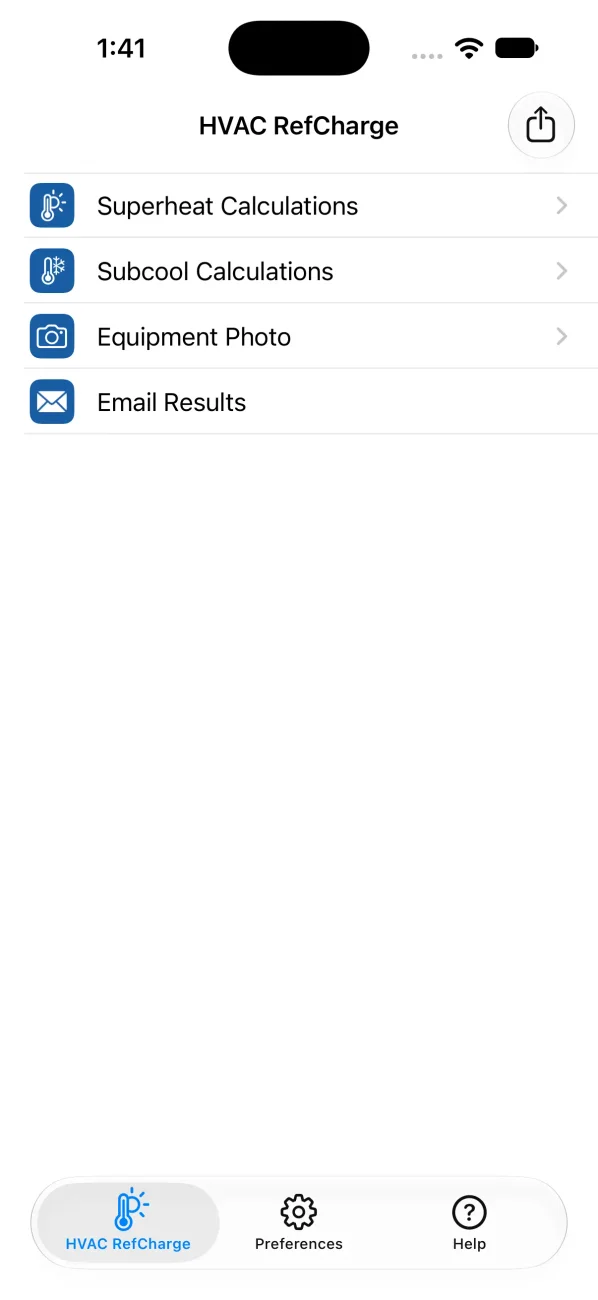
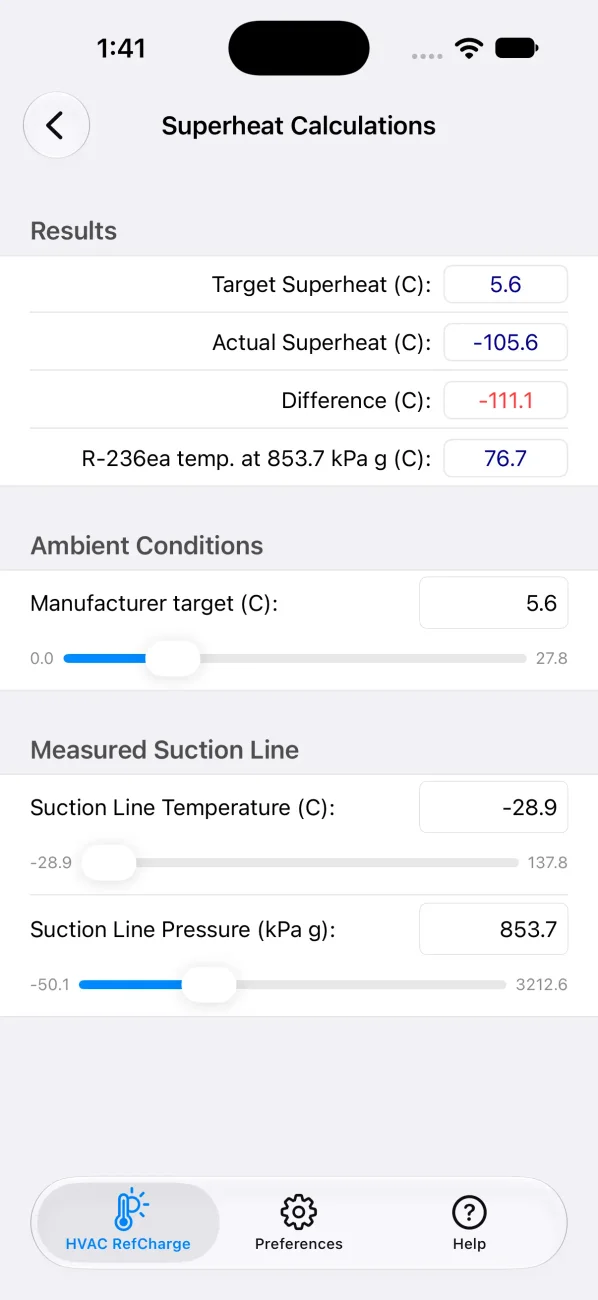
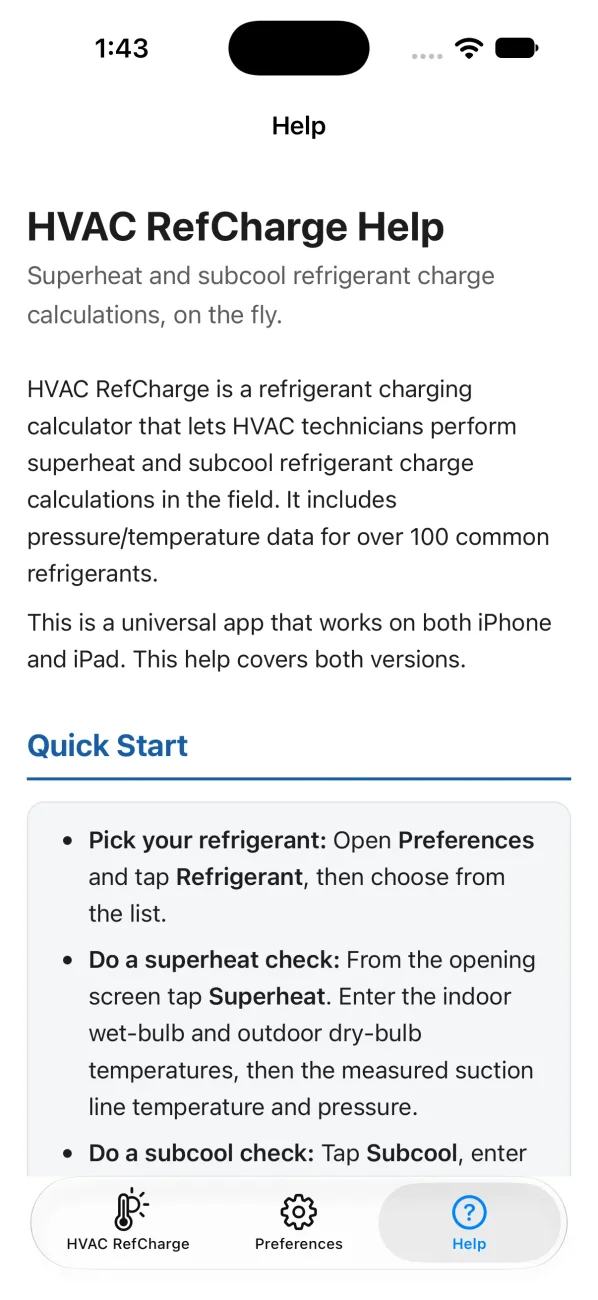
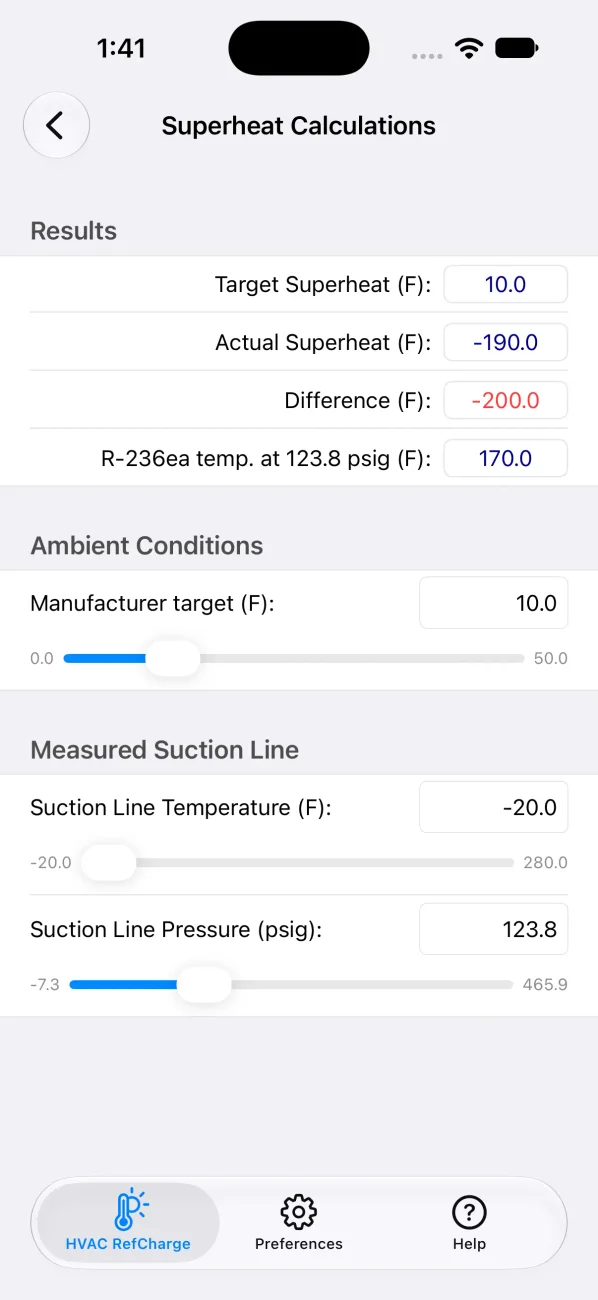
The HVAC RefCharge app is a refrigerant charging calculator that allows HVAC technicians to perform superheat and subcool refrigerant charge calculations on-the-fly. This app includes pressure/temperature data for over 100 refrigerants.
This is a universal app that works on both the iPhone and iPad.
This app now includes the HVAC Equipment Locator. Click here for details: http://bit.ly/1yTq539
The following is a list of additional features:
1. Perform superheat refrigerant charge calculations for 100+ different refrigerants. Input the indoor wet-bulb and outdoor dry-bulb temps. to get the target superheat temperature. Then, specify the suction line temperature and pressure to get the actual superheat temperature. The difference tells you whether to charge or not. Also, the app auto-assigns the dew version of azeotropic refrigerant to superheat, if applicable.
2. Perform subcool refrigerant charge calculations for 100+ different refrigerants. Input the indoor wet-bulb and outdoor dry-bulb temps. to get the target subcool temperature. Then, specify the liquid line temperature and pressure to get the actual subcool temperature. The difference tells you whether to charge or not. Also, the app auto-assigns the bubble version of azeotropic refrigerant to subcool, if applicable.
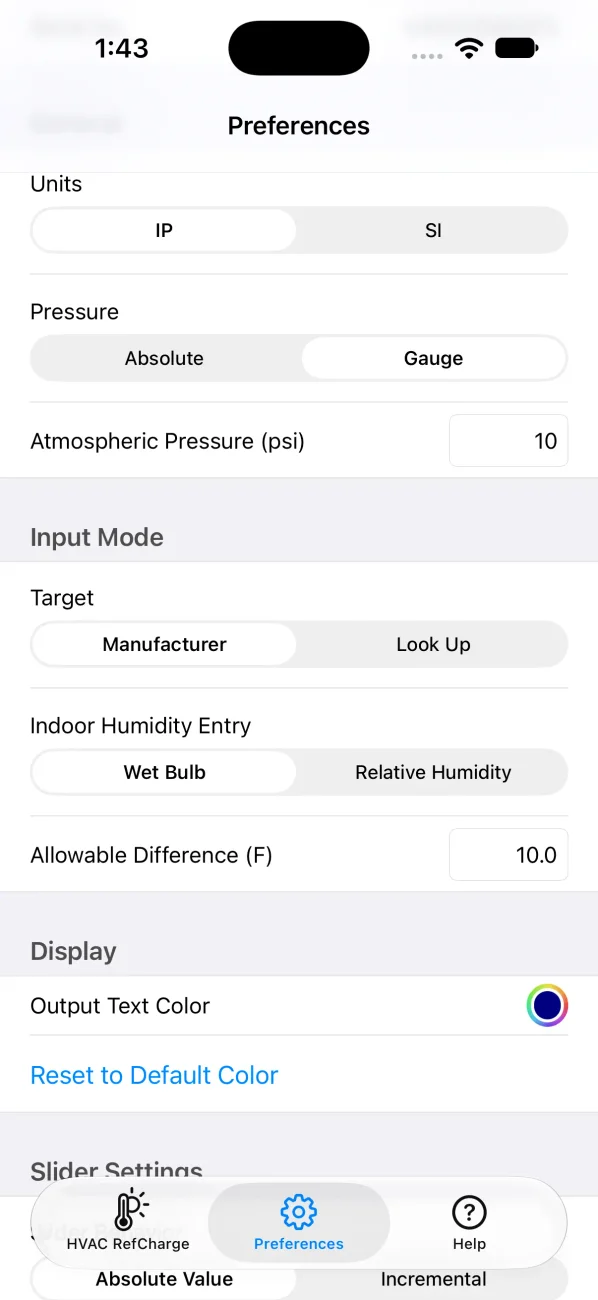
3. Use an interactive slider control to increase or decrease all values and immediately observe calculated results. Also, the slider control allows for "incremental" changes so you can ever-so-slightly change values to observe newly calculated results.
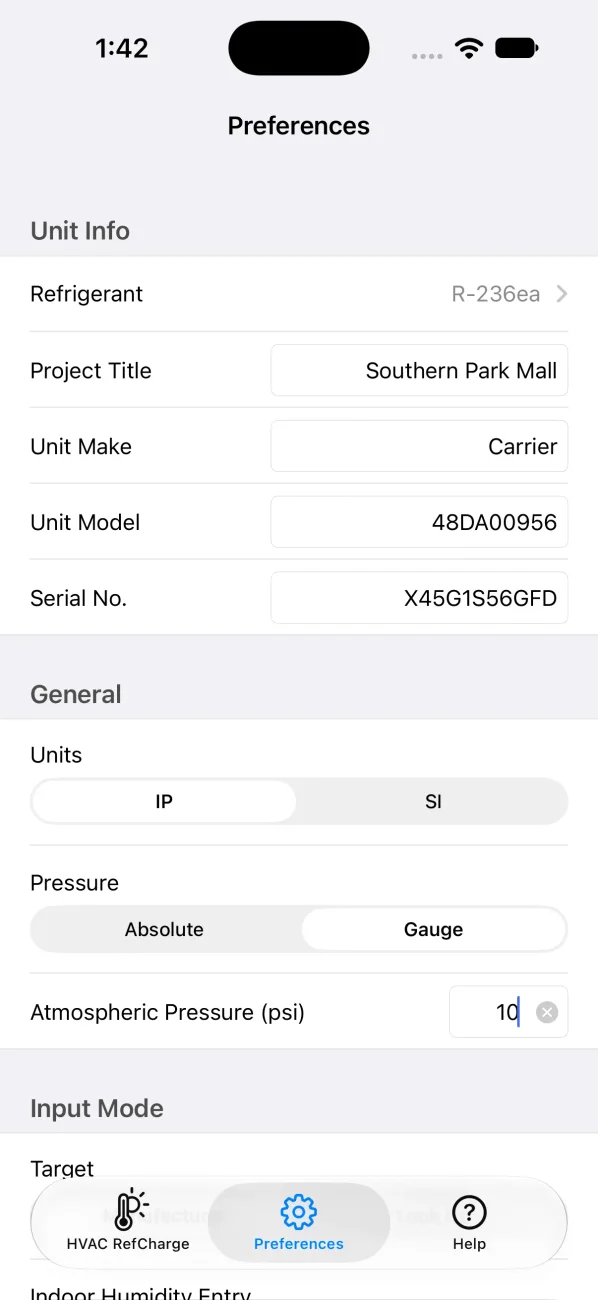
4. Specify atmospheric pressure (other than standard 14.7 psi) so that calculated pressures are adjusted for high elevations like those in Denver and elsewhere.
5. Customize input types so that you can specify manufacturer-specified target superheat/subcool or input indoor dry-bulb/indoor relative humidity in place of indoor wet-bulb temperature.
6. Take a photo and assign it to the project
7. Send an email that includes all inputs, results, and the photo with a custom message
8. Display input and result values in either English or Metric units
Yang baru
Versi 7.6 · 11/11/2026
1. Fixed issue with keyboard overlapping inputs.
Privasi aplikasi
Yang dinyatakan Carmel Software Corporation di App Store tentang cara aplikasi ini menangani data.
-
Data tidak dikumpulkan
Pengembang tidak mengumpulkan data apa pun dari aplikasi ini.
Praktik privasi dapat bervariasi, misalnya berdasarkan fitur yang Anda gunakan atau usia Anda.
Informasi
- Penjual
- Carmel Software Corporation
- Kategori
- Produktivitas
- Versi
- 7.6
- Diperbarui
- 11/11/2026
- Dirilis
- 20/11/2012
- Ukuran
- 6,3 MB
- Memerlukan
- iOS 17.0 atau yang lebih baru
- Batasan usia
- 4+
- Harga
- Rp 199ribu
- Pembelian dalam aplikasi
- Ya
- Bahasa
- Inggris
- Hak cipta
- © 2027 Carmel Software Corporation. All Rights Reserved.
Mungkin Anda juga suka
-
 Psychrometric ChartProduktivitas
-
 Voice Sheet: Expense TrackerProduktivitas
-
 SmarTechProduktivitas
-
 Correo Empresas TelmexProduktivitas
-
 ACOB ScannerProduktivitas
-
 TEC Excelsior HVAC Pro+Produktivitas
-
 Expo Manufactura HubProduktivitas
-
 HVAC/R AI ProProduktivitas
-
 Tot MiniProduktivitas
-
 Work Order ProServis, Tagihan & Quote