InkBridge - Trackpad & Tablet
Pencil and touch for Mac & PC
Entwickelt für iPad
Kostenlos · In-App-Käufe
- Altersfreigabe4+
- KategorieGrafik und Design
- EntwicklerXXM Studio LLC
- SprachenEnglisch+ 1 weitere
- Größe2,4 MB
Verlinkt auf die offizielle App Store-Seite
Download.org hostet keine Datei von InkBridge - Trackpad & Tablet. Die Schaltfläche öffnet die App-Seite bei App Store, wo XXM Studio LLC die App veröffentlicht. Eintrag zuletzt geprüft am 23.11.2026.
Screenshots

Info
Der Entwickler hat diesen Text nicht in Ihrer Sprache bereitgestellt.
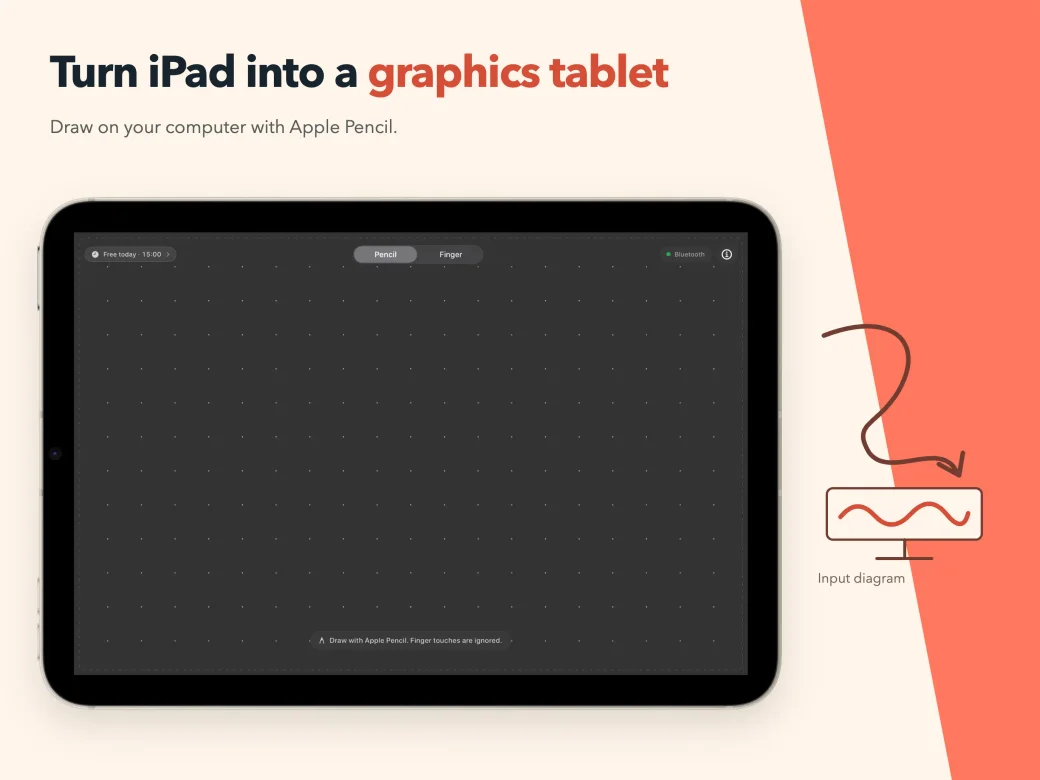
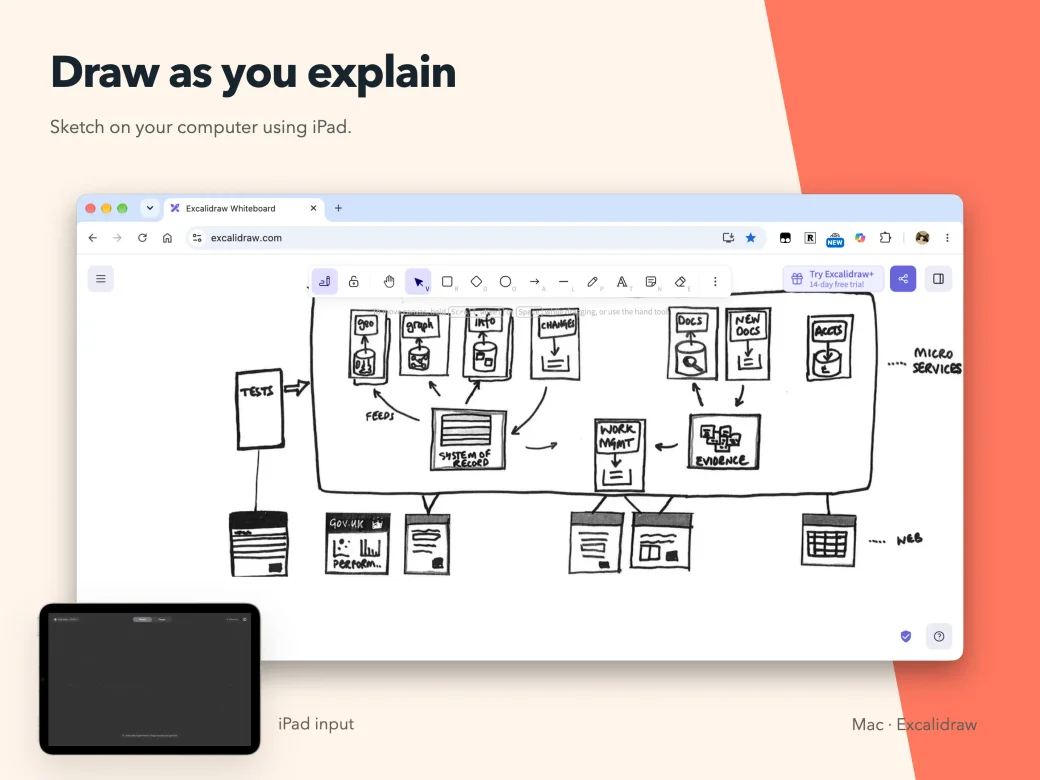
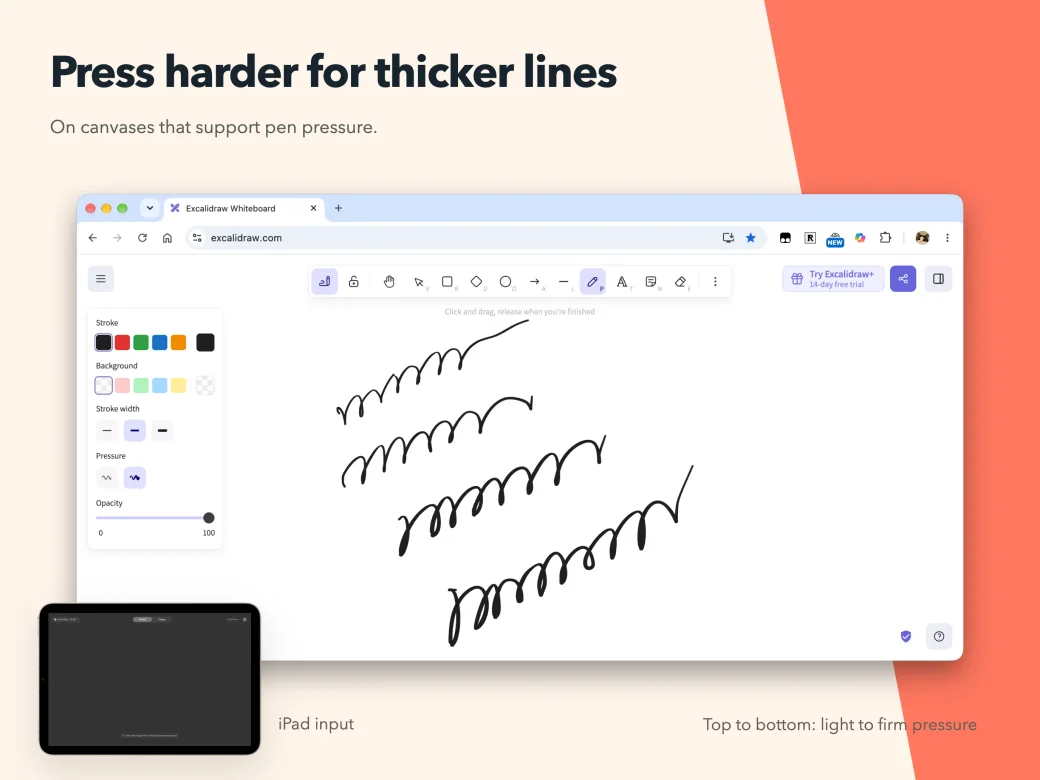
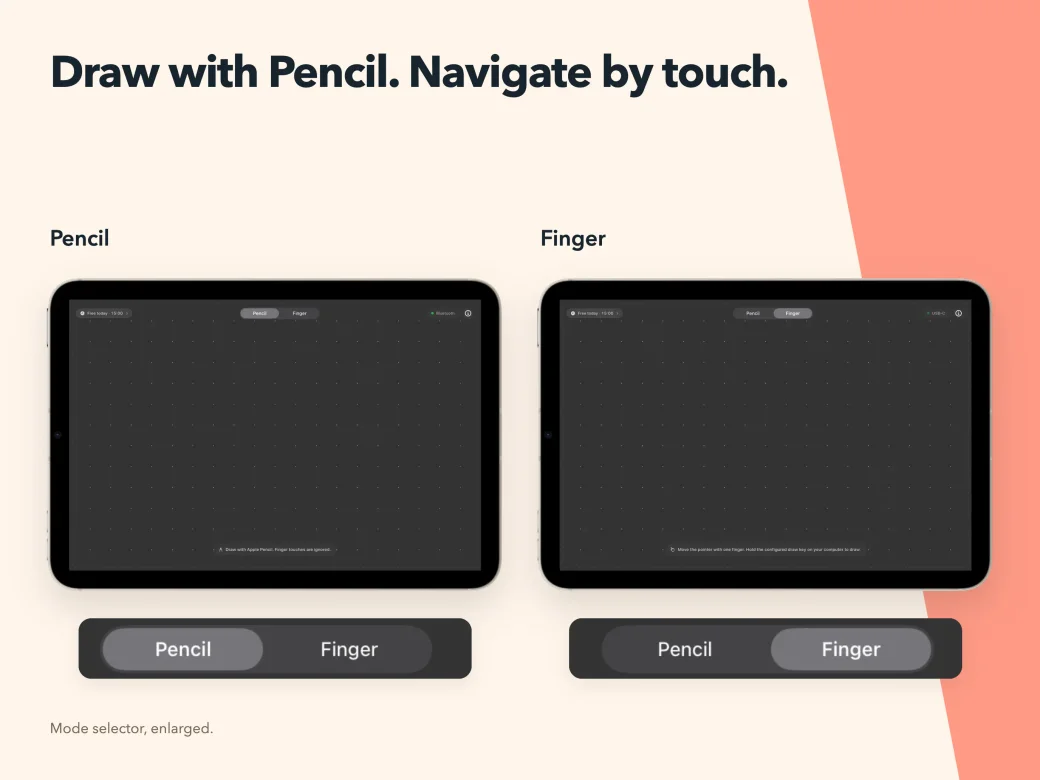
Use your iPad and Apple Pencil for pressure-sensitive drawing in supported Mac or Windows apps. Switch to Finger mode for relative cursor control.
The desktop companion is free. Your work stays on the computer; the iPad is an input surface, without screen mirroring.
HOW IT WORKS
Install the free InkBridge companion on your Mac or Windows PC.
Connect your iPad with a USB-C cable, or pair wirelessly over Bluetooth.
Open InkBridge on the iPad, pick up your Apple Pencil, and start drawing.
FEATURES
• Real pressure input—strokes respond to how firmly you press in supported apps such as Excalidraw freedraw and Krita
• Absolute cursor mapping with a configurable active area
• Tilt and Apple Pencil Pro gesture support—assign squeeze to an action such as right-click
• Hover support for positioning the cursor before touching the screen—requires an iPad and Apple Pencil combination that supports hover
• Finger trackpad mode—control the computer cursor with relative finger movement and use a configurable keyboard key to draw
• Low-latency USB-C connectivity with automatic encrypted Bluetooth fallback
• Multi-monitor support—choose the target display and the exact region to map
• A lightweight computer companion that stays out of your way while you work
PRIVACY
InkBridge collects no personal data. Apple Pencil input and essential device information travel only between your iPad and your paired computer over USB-C or encrypted Bluetooth. Nothing is sent to us or any third party.
REQUIREMENTS
• A compatible iPad running iPadOS 17.5 or later
• A Mac running macOS 14 or later, or a 64-bit Windows PC running Windows 10 or Windows 11
• Apple Pencil; Apple Pencil Pro gestures require a compatible iPad
• The free InkBridge computer companion
• InkBridge must remain open in the foreground on the iPad while in use
InkBridge is free to download. Activate a free 7-day trial of all features. After the trial, you can continue using one uninterrupted 15-minute free session each day, or make a one-time purchase to unlock unlimited lifetime use. No subscription and no automatic renewal.
Neue Funktionen
Version 1.1.3 · 22.11.2026
Fixed a crash that could occur when the USB connection was interrupted.
App-Datenschutz
Was XXM Studio LLC im App Store zum Umgang dieser App mit Daten angibt.
-
Keine Daten erfasst
Der Entwickler erfasst keine Daten von dieser App.
Die Datenschutzpraktiken können variieren, zum Beispiel je nach den von Ihnen verwendeten Funktionen oder Ihrem Alter.
Informationen
- Anbieter
- XXM Studio LLC
- Kategorie
- Grafik und Design
- Version
- 1.1.3
- Aktualisiert
- 22.11.2026
- Veröffentlicht
- 09.07.2026
- Größe
- 2,4 MB
- Erfordert
- iOS 17.5 oder neuer
- Altersfreigabe
- 4+
- Preis
- Kostenlos
- In-App-Käufe
- Ja
- Sprachen
- Englisch, Vereinf. Chinesisch
- Copyright
- © 2026 XXM Studio LLC
Das könnte Ihnen auch gefallen
-
 PadPad: Drawing TabletStifttablett für den Computer
-
 VirtualTabletStifttablett & Maus für PC
-
 Sprite TightGrafik und Design
-
 Brushcraft: Draw & PaintGrafik und Design
-
 VirtualTablet: BluetoothStifttablett & Maus für PC
-
 Local AI Art Private DiffusionOffline Mode Stable Diffusion
-
 Holo.Pen LitePC-Kunst vom Tablet zeichnen
-
 Holo.Draw LiteAuf PC vom Handy zeichnen
-
 FlipFrame: 2D Animation MakerGrafik und Design
-
 ArmorPaintGrafik und Design