- 対象年齢4+
- カテゴリグラフィック/デザイン
- 開発元XXM Studio LLC
- 言語英語ほか1言語
- サイズ2.4 MB
App Storeの公式ページにリンクしています
Download.orgはInkBridge - Trackpad & Tabletのファイルを一切ホストしていません。ボタンを押すと、XXM Studio LLCが公開しているApp Storeのアプリページが開きます。ページの最終確認:2026/11/23。
スクリーンショット

概要
開発元はこのテキストをお使いの言語で提供していません。
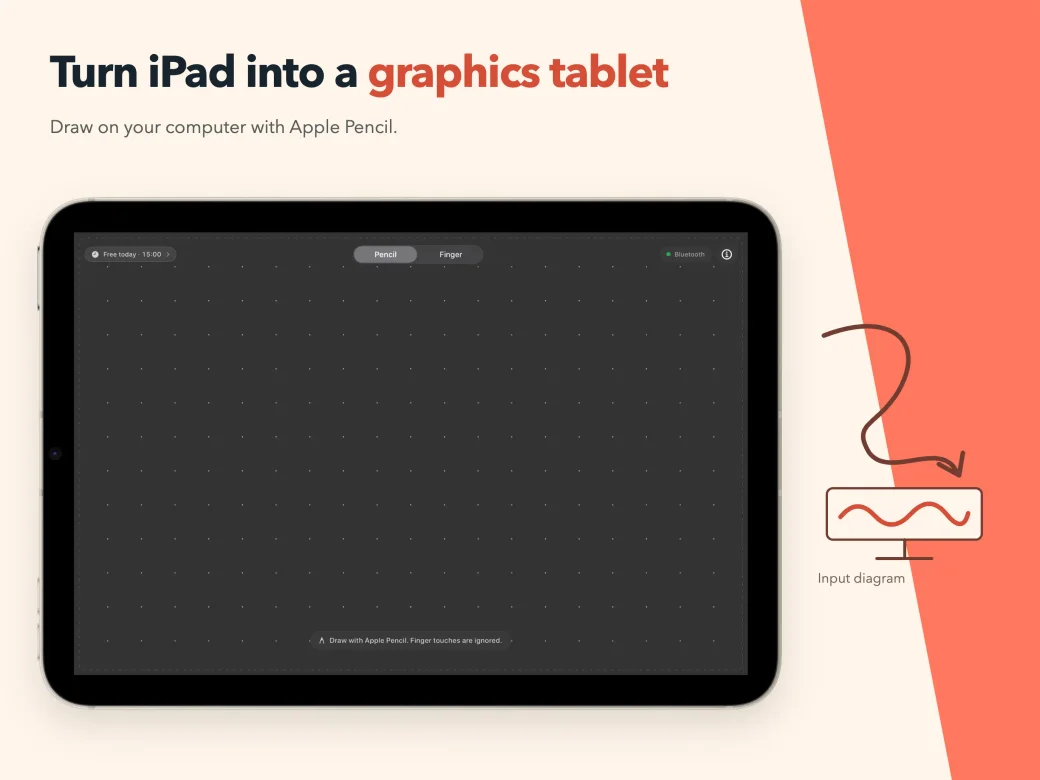
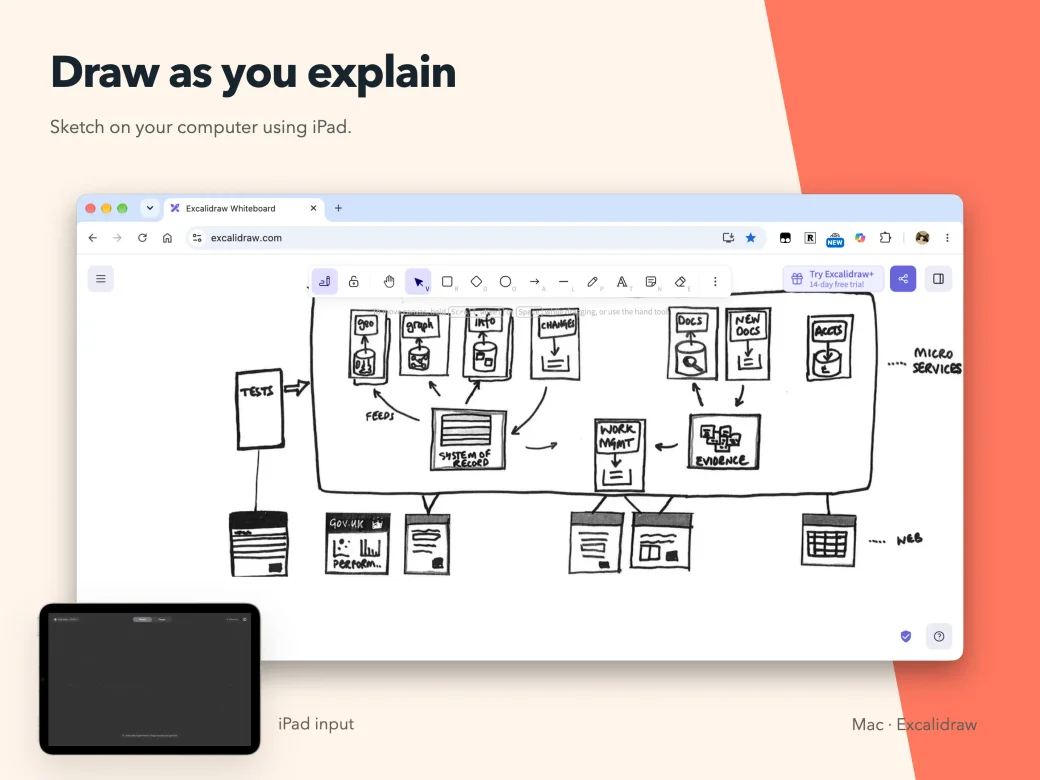
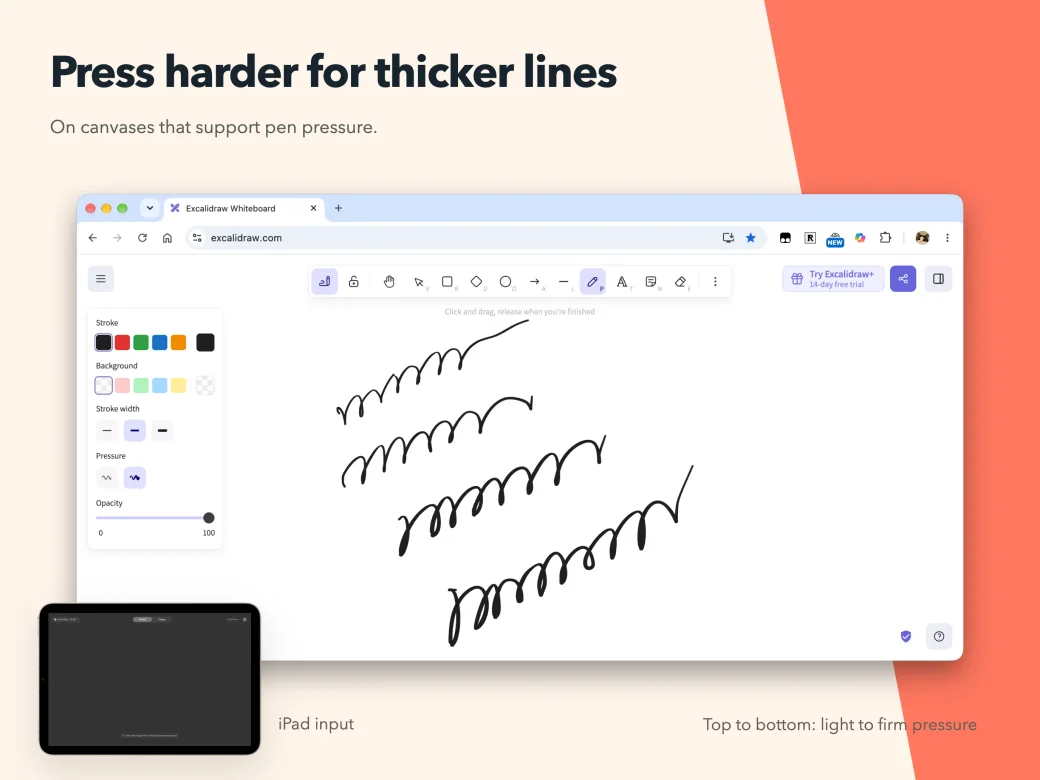
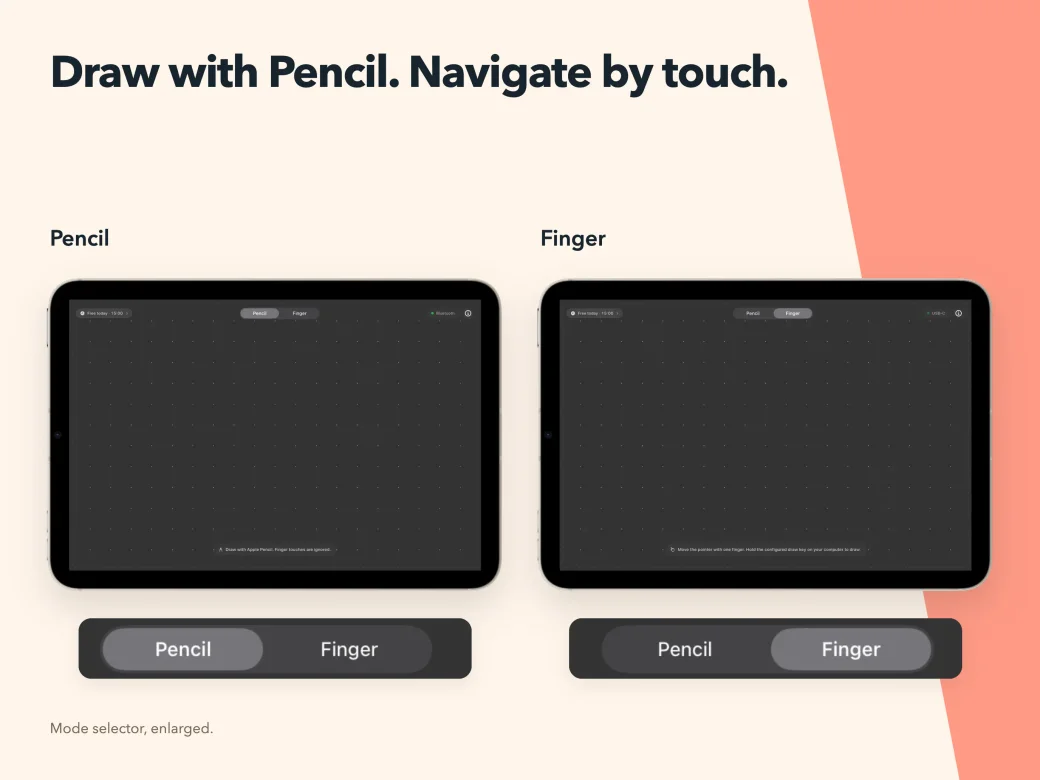
Use your iPad and Apple Pencil for pressure-sensitive drawing in supported Mac or Windows apps. Switch to Finger mode for relative cursor control.
The desktop companion is free. Your work stays on the computer; the iPad is an input surface, without screen mirroring.
HOW IT WORKS
Install the free InkBridge companion on your Mac or Windows PC.
Connect your iPad with a USB-C cable, or pair wirelessly over Bluetooth.
Open InkBridge on the iPad, pick up your Apple Pencil, and start drawing.
FEATURES
• Real pressure input—strokes respond to how firmly you press in supported apps such as Excalidraw freedraw and Krita
• Absolute cursor mapping with a configurable active area
• Tilt and Apple Pencil Pro gesture support—assign squeeze to an action such as right-click
• Hover support for positioning the cursor before touching the screen—requires an iPad and Apple Pencil combination that supports hover
• Finger trackpad mode—control the computer cursor with relative finger movement and use a configurable keyboard key to draw
• Low-latency USB-C connectivity with automatic encrypted Bluetooth fallback
• Multi-monitor support—choose the target display and the exact region to map
• A lightweight computer companion that stays out of your way while you work
PRIVACY
InkBridge collects no personal data. Apple Pencil input and essential device information travel only between your iPad and your paired computer over USB-C or encrypted Bluetooth. Nothing is sent to us or any third party.
REQUIREMENTS
• A compatible iPad running iPadOS 17.5 or later
• A Mac running macOS 14 or later, or a 64-bit Windows PC running Windows 10 or Windows 11
• Apple Pencil; Apple Pencil Pro gestures require a compatible iPad
• The free InkBridge computer companion
• InkBridge must remain open in the foreground on the iPad while in use
InkBridge is free to download. Activate a free 7-day trial of all features. After the trial, you can continue using one uninterrupted 15-minute free session each day, or make a one-time purchase to unlock unlimited lifetime use. No subscription and no automatic renewal.
新機能
バージョン 1.1.3 · 2026/11/22
Fixed a crash that could occur when the USB connection was interrupted.
アプリのプライバシー
このアプリのデータの取り扱いについて、XXM Studio LLCがApp Storeで申告している内容です。
-
データの収集なし
開発元はこのアプリからデータを収集しません。
プライバシーの取り扱いは、ご利用の機能やお客様の年齢などに応じて異なる場合があります。
情報
- 販売元
- XXM Studio LLC
- カテゴリ
- グラフィック/デザイン
- バージョン
- 1.1.3
- 更新日
- 2026/11/22
- リリース
- 2026/7/9
- サイズ
- 2.4 MB
- 必要条件
- iOS 17.5以降
- 対象年齢
- 4+
- 価格
- 無料
- アプリ内課金
- あり
- 言語
- 英語, 簡体字中国語
- 著作権
- © 2026 XXM Studio LLC
こちらもおすすめ
-
 PadPad: Drawing Tabletパソコン用ペンタブレット
-
 VirtualTabletPC用ペンタブレット&マウス
-
 Sprite Tightグラフィック/デザイン
-
 Brushcraft: Draw & Paintグラフィック/デザイン
-
 VirtualTablet: BluetoothPC用ペンタブレット&マウス
-
 ローカル AI 絵画 Stable Diffusionオフラインで動作するStable Diffusion
-
 Holo.Pen Lite:バーチャルタブレットタブレットでPCアートを描く
-
 Holo.Draw LiteモバイルからPCに描画
-
 FlipFrame: 2D Animation Makerグラフィック/デザイン
-
 ArmorPaintグラフィック/デザイン