InkBridge - Trackpad & Tablet
Pencil and touch for Mac & PC
Conçue pour iPad
Gratuit · Achats intégrés
- Classification d’âge4+
- CatégorieGraphisme et design
- DéveloppeurXXM Studio LLC
- LanguesAnglais+ 1 de plus
- Taille2,4 Mo
Renvoie vers la page App Store officielle
Download.org n’héberge aucun fichier de InkBridge - Trackpad & Tablet. Le bouton ouvre la page de l’application sur App Store, où XXM Studio LLC la publie. Fiche vérifiée pour la dernière fois le 23/11/2026.
Captures d’écran

À propos
Le développeur n’a pas fourni ce texte dans votre langue.
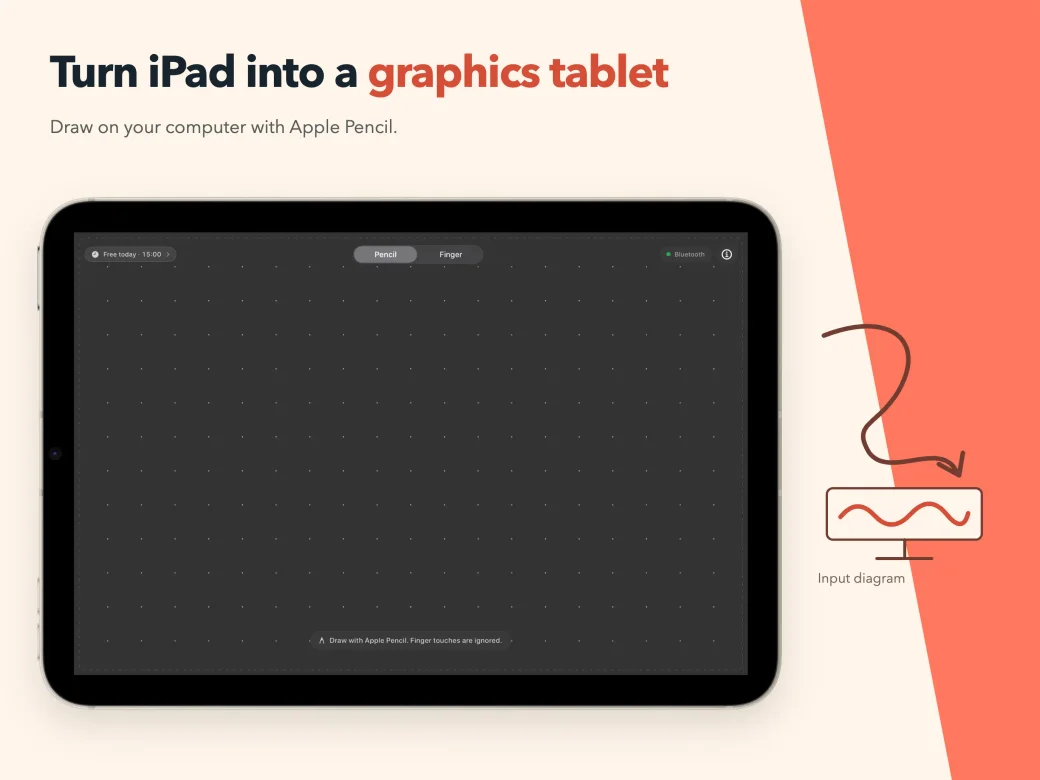
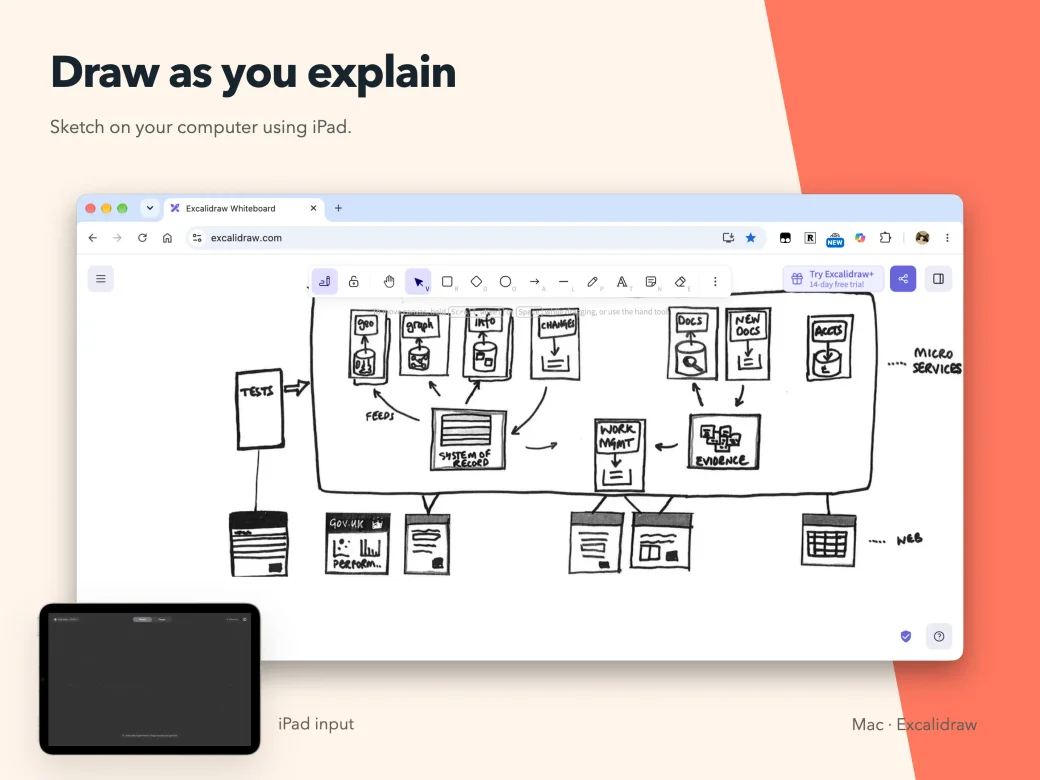
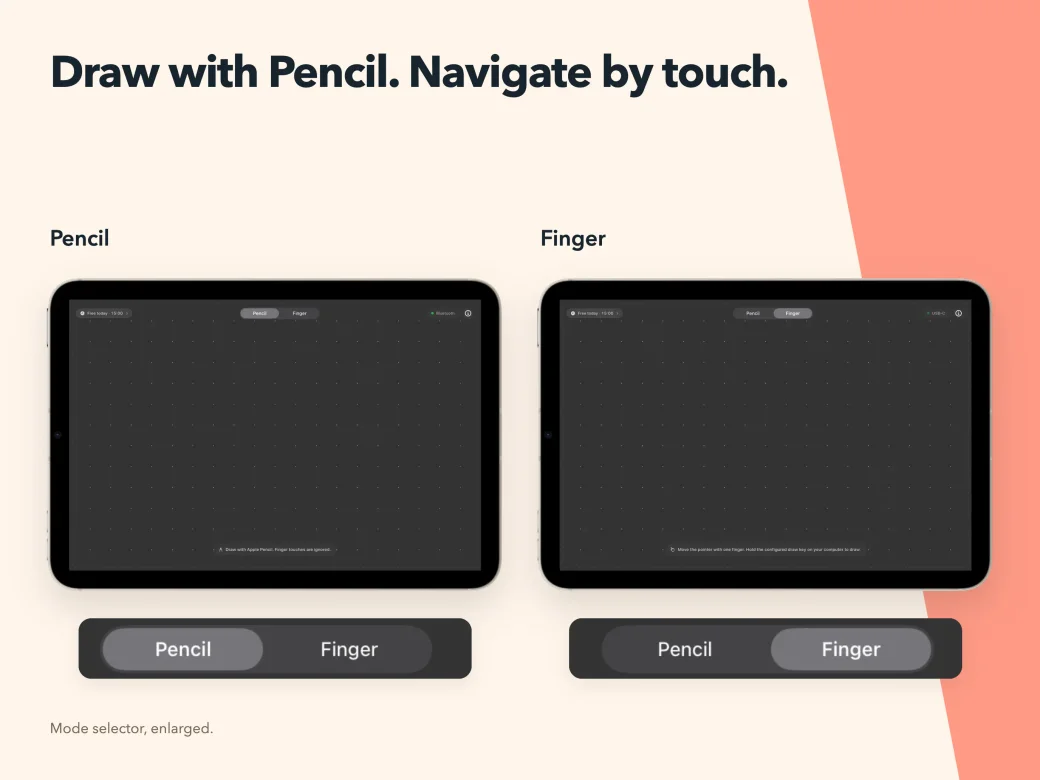
Use your iPad and Apple Pencil for pressure-sensitive drawing in supported Mac or Windows apps. Switch to Finger mode for relative cursor control.
The desktop companion is free. Your work stays on the computer; the iPad is an input surface, without screen mirroring.
HOW IT WORKS
Install the free InkBridge companion on your Mac or Windows PC.
Connect your iPad with a USB-C cable, or pair wirelessly over Bluetooth.
Open InkBridge on the iPad, pick up your Apple Pencil, and start drawing.
FEATURES
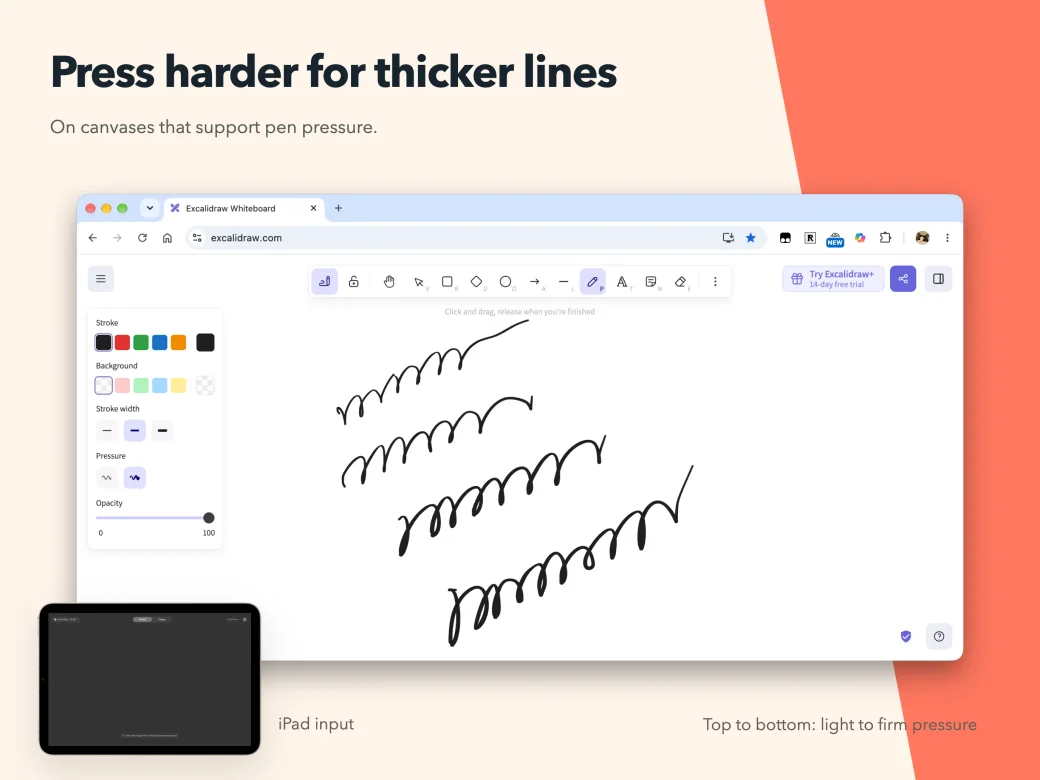
• Real pressure input—strokes respond to how firmly you press in supported apps such as Excalidraw freedraw and Krita
• Absolute cursor mapping with a configurable active area
• Tilt and Apple Pencil Pro gesture support—assign squeeze to an action such as right-click
• Hover support for positioning the cursor before touching the screen—requires an iPad and Apple Pencil combination that supports hover
• Finger trackpad mode—control the computer cursor with relative finger movement and use a configurable keyboard key to draw
• Low-latency USB-C connectivity with automatic encrypted Bluetooth fallback
• Multi-monitor support—choose the target display and the exact region to map
• A lightweight computer companion that stays out of your way while you work
PRIVACY
InkBridge collects no personal data. Apple Pencil input and essential device information travel only between your iPad and your paired computer over USB-C or encrypted Bluetooth. Nothing is sent to us or any third party.
REQUIREMENTS
• A compatible iPad running iPadOS 17.5 or later
• A Mac running macOS 14 or later, or a 64-bit Windows PC running Windows 10 or Windows 11
• Apple Pencil; Apple Pencil Pro gestures require a compatible iPad
• The free InkBridge computer companion
• InkBridge must remain open in the foreground on the iPad while in use
InkBridge is free to download. Activate a free 7-day trial of all features. After the trial, you can continue using one uninterrupted 15-minute free session each day, or make a one-time purchase to unlock unlimited lifetime use. No subscription and no automatic renewal.
Nouveautés
Version 1.1.3 · 22/11/2026
Fixed a crash that could occur when the USB connection was interrupted.
Confidentialité de l’application
Ce que XXM Studio LLC déclare sur l’App Store au sujet du traitement des données par cette application.
-
Données non collectées
Le développeur ne collecte aucune donnée à partir de cette application.
Les pratiques en matière de confidentialité peuvent varier, notamment en fonction des fonctionnalités que vous utilisez ou de votre âge.
Informations
- Vendeur
- XXM Studio LLC
- Catégorie
- Graphisme et design
- Version
- 1.1.3
- Mis à jour
- 22/11/2026
- Publié
- 09/07/2026
- Taille
- 2,4 Mo
- Nécessite
- iOS 17.5 ou version ultérieure
- Classification d’âge
- 4+
- Prix
- Gratuit
- Achats intégrés
- Oui
- Langues
- Anglais, Chinois simplifié
- Copyright
- © 2026 XXM Studio LLC
Vous aimerez peut-être aussi
-
 PadPad: Drawing TabletTablette à stylet pour l'ordi
-
 VirtualTabletTablette stylet et souris PC
-
 Sprite TightGraphisme et design
-
 Brushcraft: Draw & PaintGraphisme et design
-
 VirtualTablet: BluetoothTablette stylet et souris PC
-
 Local AI Art Private DiffusionOffline Mode Stable Diffusion
-
 Holo.Pen LiteDessinez sur PC via Tablette
-
 Holo.Draw LiteDessinez sur PC depuis Mobile
-
 FlipFrame: 2D Animation MakerGraphisme et design
-
 ArmorPaintGraphisme et design