InkBridge - Trackpad & Tablet
Pencil and touch for Mac & PC
iPad için tasarlandı
Ücretsiz · Uygulama içi satın alma
- Yaş sınırı4+
- KategoriGrafik ve Tasarım
- GeliştiriciXXM Studio LLC
- Dillerİngilizce+ 1 dil daha
- Boyut2,4 MB
Resmi App Store sayfasına bağlanır
Download.org, InkBridge - Trackpad & Tablet için hiçbir dosya barındırmaz. Düğme, uygulamanın App Store üzerindeki sayfasını açar; uygulamayı orada XXM Studio LLC yayınlar. Sayfanın son kontrolü: 23.11.2026.
Ekran görüntüleri

Hakkında
Geliştirici bu metni dilinizde sunmamış.
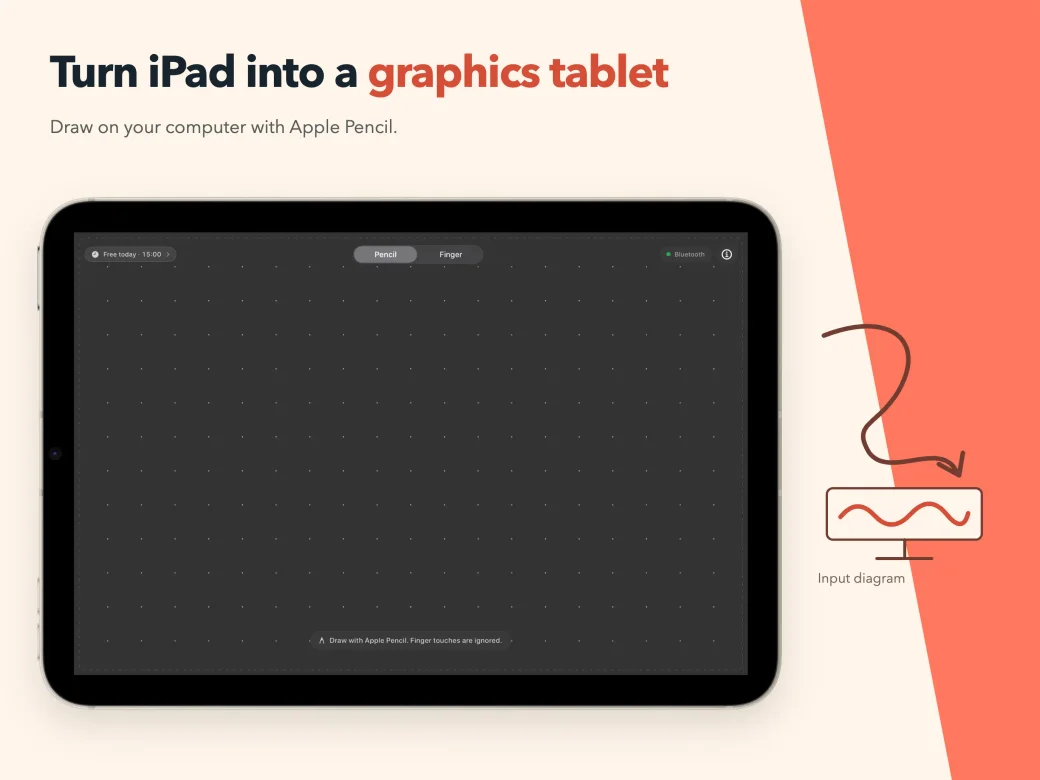
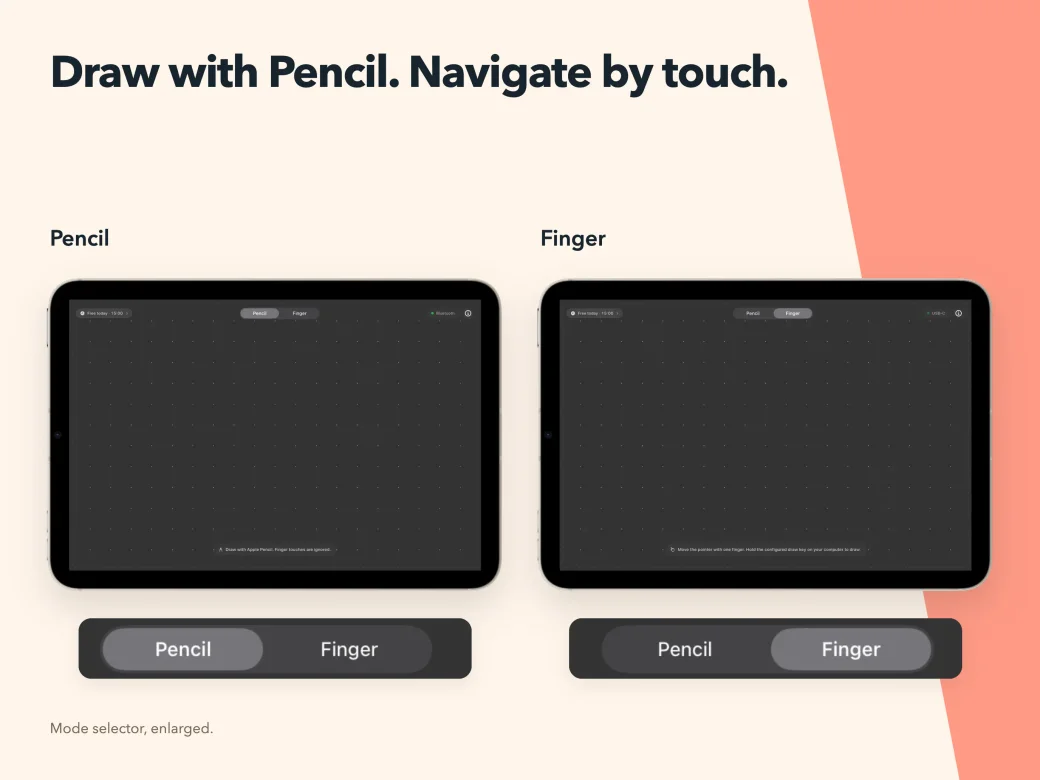
Use your iPad and Apple Pencil for pressure-sensitive drawing in supported Mac or Windows apps. Switch to Finger mode for relative cursor control.
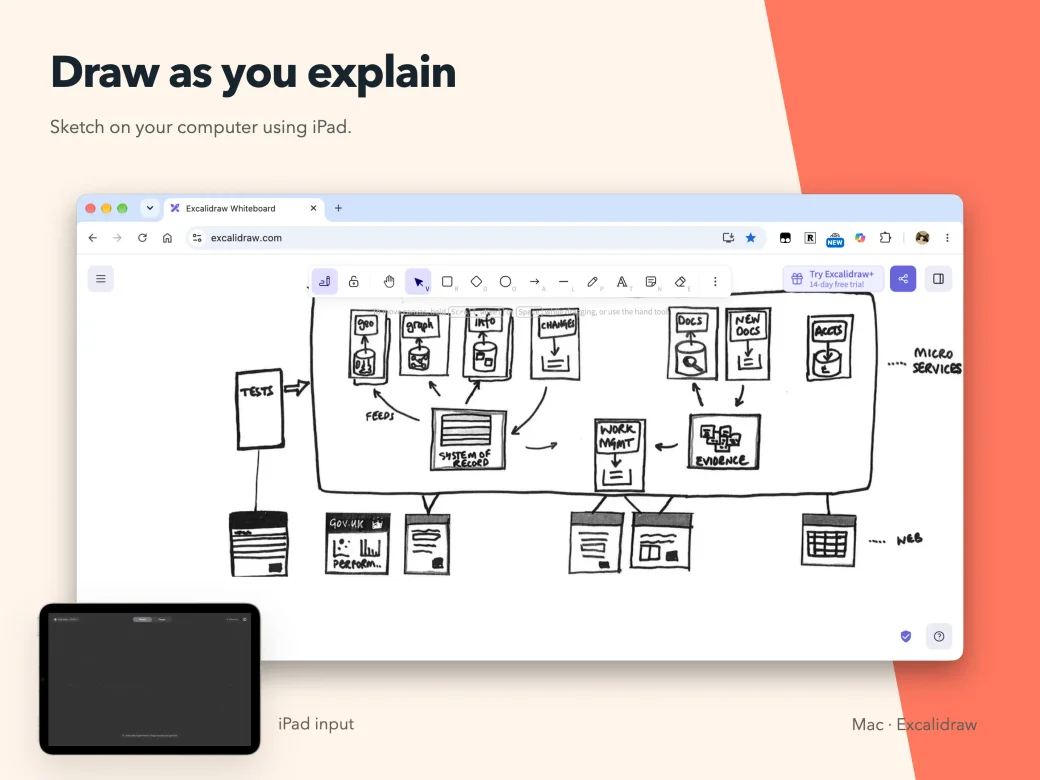
The desktop companion is free. Your work stays on the computer; the iPad is an input surface, without screen mirroring.
HOW IT WORKS
Install the free InkBridge companion on your Mac or Windows PC.
Connect your iPad with a USB-C cable, or pair wirelessly over Bluetooth.
Open InkBridge on the iPad, pick up your Apple Pencil, and start drawing.
FEATURES
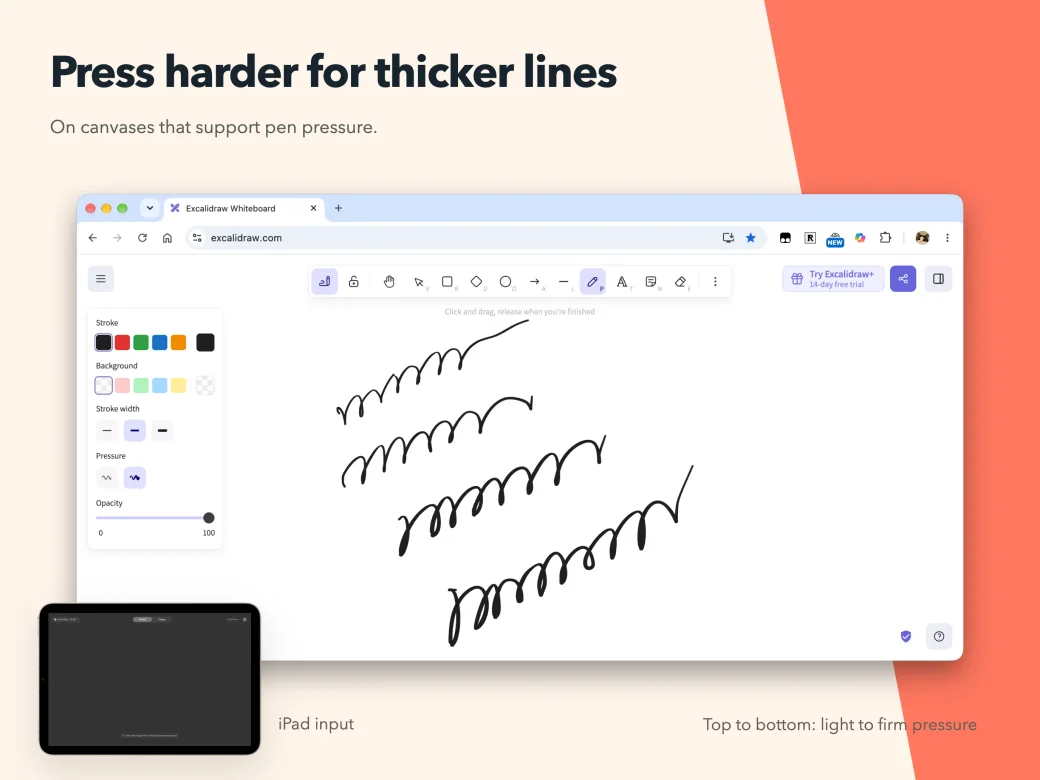
• Real pressure input—strokes respond to how firmly you press in supported apps such as Excalidraw freedraw and Krita
• Absolute cursor mapping with a configurable active area
• Tilt and Apple Pencil Pro gesture support—assign squeeze to an action such as right-click
• Hover support for positioning the cursor before touching the screen—requires an iPad and Apple Pencil combination that supports hover
• Finger trackpad mode—control the computer cursor with relative finger movement and use a configurable keyboard key to draw
• Low-latency USB-C connectivity with automatic encrypted Bluetooth fallback
• Multi-monitor support—choose the target display and the exact region to map
• A lightweight computer companion that stays out of your way while you work
PRIVACY
InkBridge collects no personal data. Apple Pencil input and essential device information travel only between your iPad and your paired computer over USB-C or encrypted Bluetooth. Nothing is sent to us or any third party.
REQUIREMENTS
• A compatible iPad running iPadOS 17.5 or later
• A Mac running macOS 14 or later, or a 64-bit Windows PC running Windows 10 or Windows 11
• Apple Pencil; Apple Pencil Pro gestures require a compatible iPad
• The free InkBridge computer companion
• InkBridge must remain open in the foreground on the iPad while in use
InkBridge is free to download. Activate a free 7-day trial of all features. After the trial, you can continue using one uninterrupted 15-minute free session each day, or make a one-time purchase to unlock unlimited lifetime use. No subscription and no automatic renewal.
Yenilikler
Sürüm 1.1.3 · 22.11.2026
Fixed a crash that could occur when the USB connection was interrupted.
Uygulama gizliliği
Bu uygulamanın verileri nasıl işlediği hakkında XXM Studio LLC tarafından App Store üzerinde yapılan beyan.
-
Veri toplanmıyor
Geliştirici bu uygulamadan hiçbir veri toplamıyor.
Gizlilik uygulamaları, örneğin kullandığınız özelliklere veya yaşınıza göre değişiklik gösterebilir.
Bilgiler
- Satıcı
- XXM Studio LLC
- Kategori
- Grafik ve Tasarım
- Sürüm
- 1.1.3
- Güncellendi
- 22.11.2026
- Yayın tarihi
- 09.07.2026
- Boyut
- 2,4 MB
- Gereksinim
- iOS 17.5 veya sonrası
- Yaş sınırı
- 4+
- Fiyat
- Ücretsiz
- Uygulama içi satın alma
- Evet
- Diller
- İngilizce, Basitleştirilmiş Çince
- Telif hakkı
- © 2026 XXM Studio LLC
Bunları da beğenebilirsiniz
-
 PadPad: Drawing TabletGrafik ve Tasarım
-
 VirtualTabletKalem tablet ve fare PC için
-
 Sprite TightGrafik ve Tasarım
-
 Brushcraft: Draw & PaintGrafik ve Tasarım
-
 VirtualTablet: BluetoothKalem tablet ve fare PC için
-
 Local AI Art Private DiffusionGrafik ve Tasarım
-
 Holo.Pen Lite: Virtual TabletGrafik ve Tasarım
-
 Holo.Draw LiteGrafik ve Tasarım
-
 FlipFrame: 2D Animation MakerGrafik ve Tasarım
-
 ArmorPaintGrafik ve Tasarım