InkBridge - Trackpad & Tablet
Pencil and touch for Mac & PC
Diseñada para iPad
Gratis · Compras en la aplicación
- Clasificación por edad4+
- CategoríaDiseño gráfico
- DesarrolladorXXM Studio LLC
- IdiomasInglés+ 1 más
- Tamaño2,4 MB
Enlaza a la página oficial de App Store
Download.org no aloja ningún archivo de InkBridge - Trackpad & Tablet. El botón abre la página de la aplicación en App Store, donde la publica XXM Studio LLC. Ficha comprobada por última vez el 23/11/2026.
Capturas de pantalla

Acerca de
El desarrollador no ha proporcionado este texto en tu idioma.
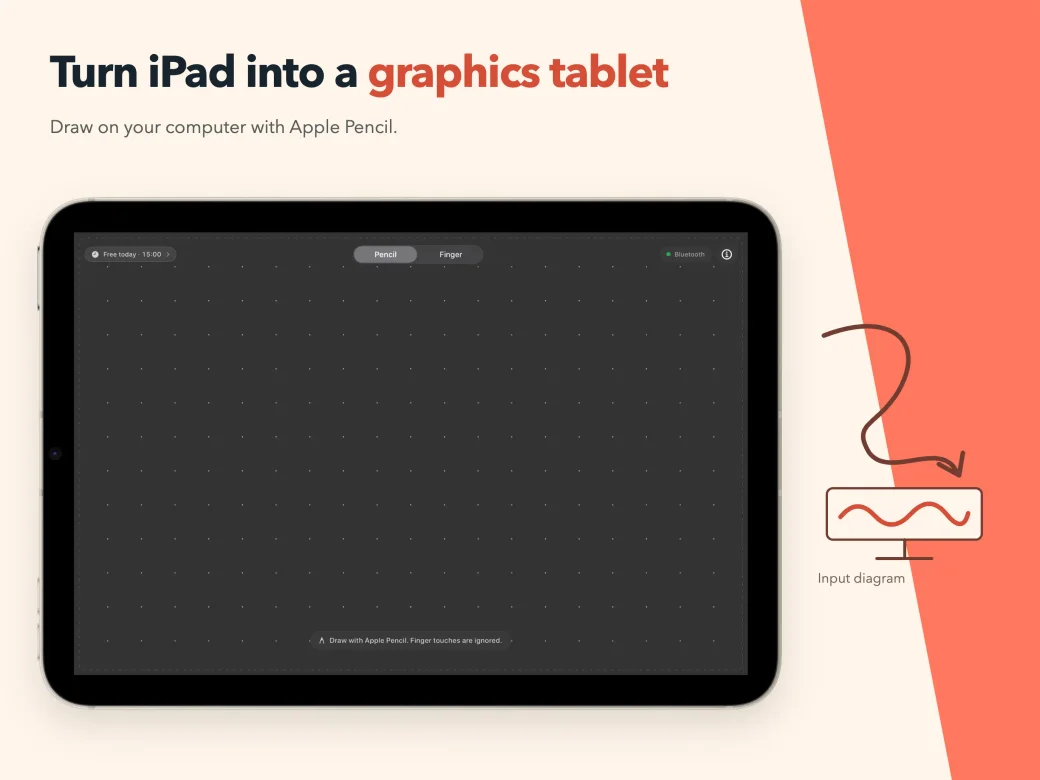
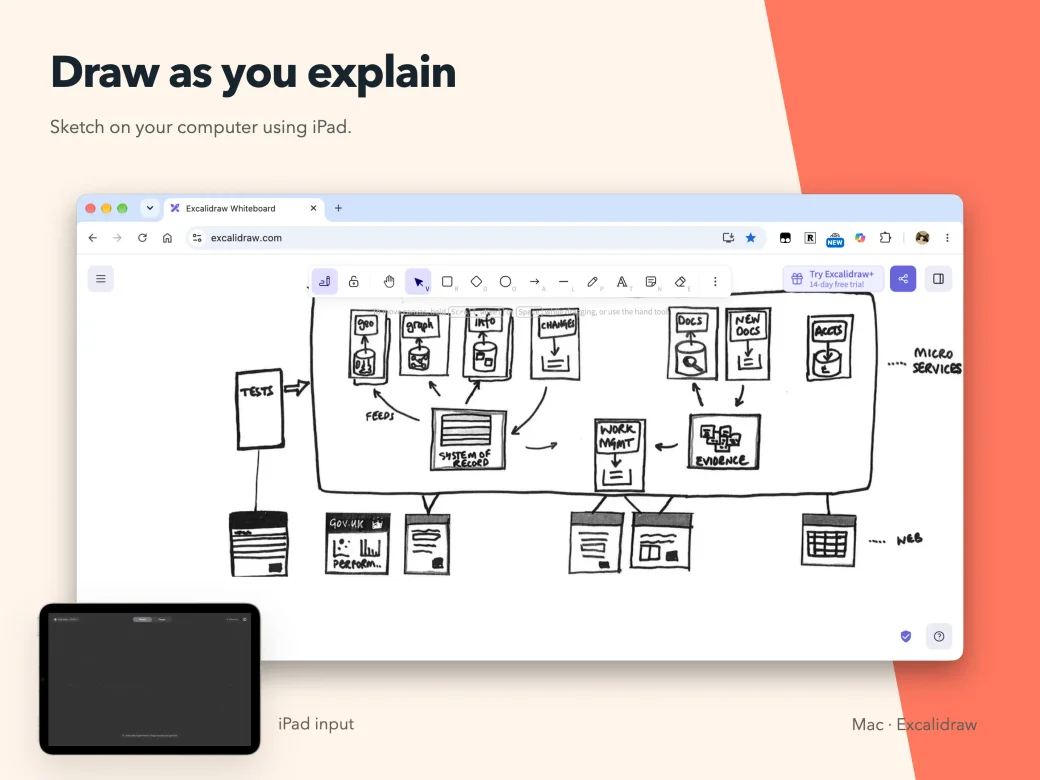
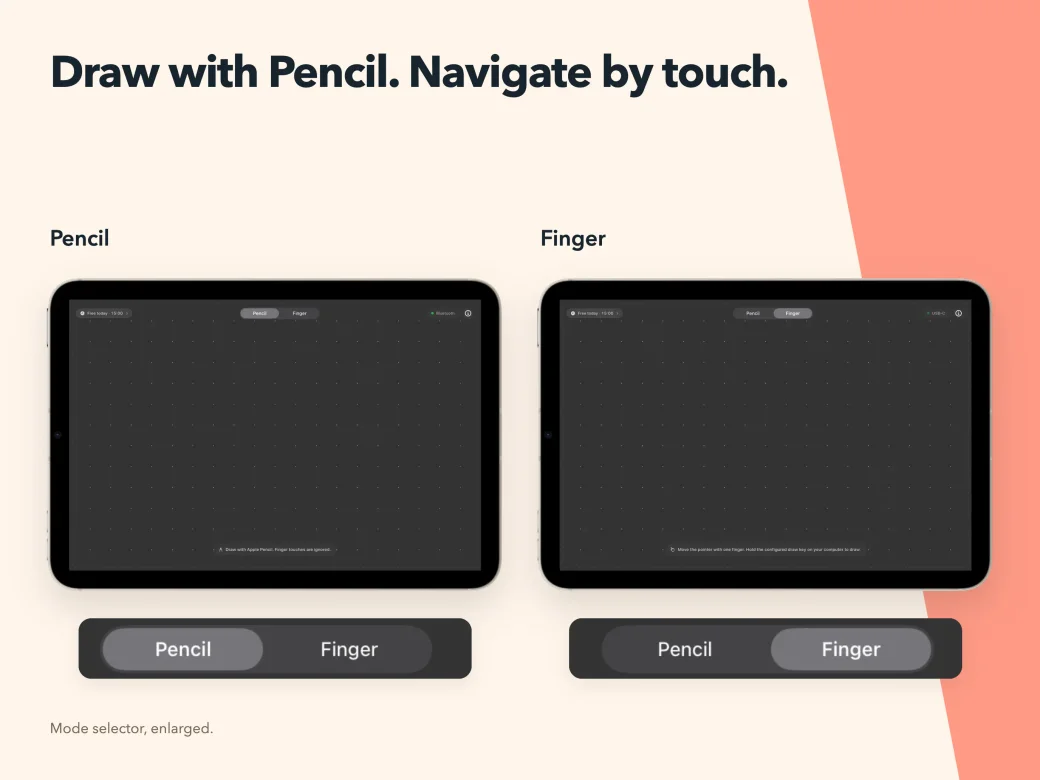
Use your iPad and Apple Pencil for pressure-sensitive drawing in supported Mac or Windows apps. Switch to Finger mode for relative cursor control.
The desktop companion is free. Your work stays on the computer; the iPad is an input surface, without screen mirroring.
HOW IT WORKS
Install the free InkBridge companion on your Mac or Windows PC.
Connect your iPad with a USB-C cable, or pair wirelessly over Bluetooth.
Open InkBridge on the iPad, pick up your Apple Pencil, and start drawing.
FEATURES
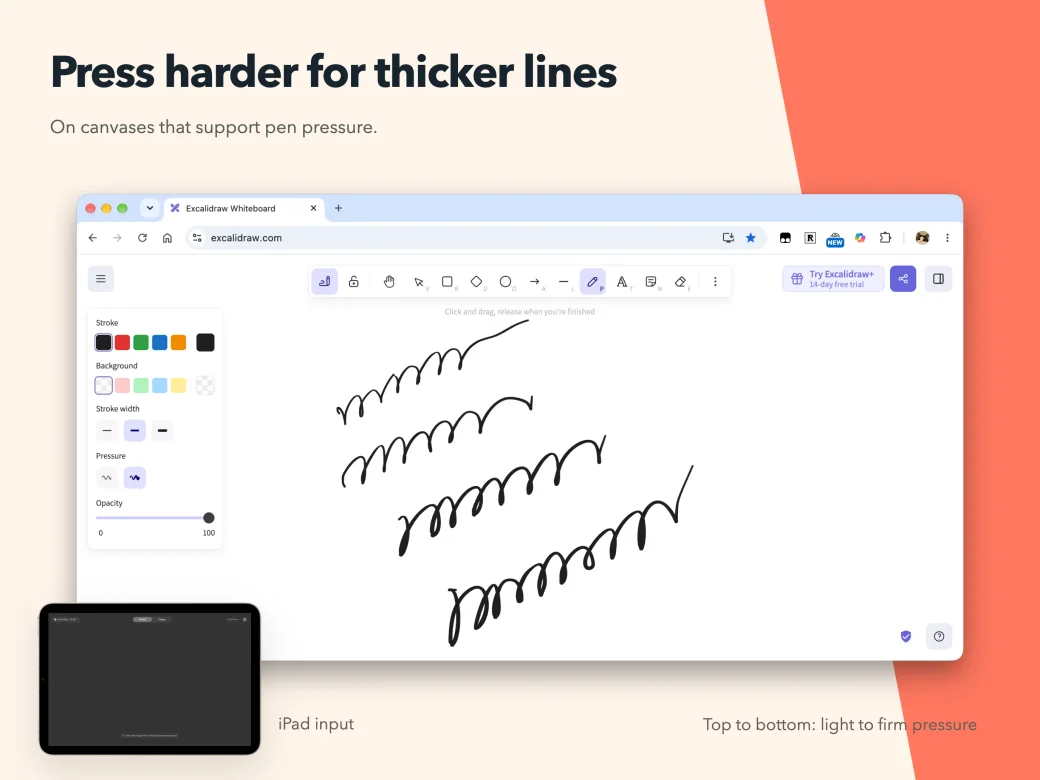
• Real pressure input—strokes respond to how firmly you press in supported apps such as Excalidraw freedraw and Krita
• Absolute cursor mapping with a configurable active area
• Tilt and Apple Pencil Pro gesture support—assign squeeze to an action such as right-click
• Hover support for positioning the cursor before touching the screen—requires an iPad and Apple Pencil combination that supports hover
• Finger trackpad mode—control the computer cursor with relative finger movement and use a configurable keyboard key to draw
• Low-latency USB-C connectivity with automatic encrypted Bluetooth fallback
• Multi-monitor support—choose the target display and the exact region to map
• A lightweight computer companion that stays out of your way while you work
PRIVACY
InkBridge collects no personal data. Apple Pencil input and essential device information travel only between your iPad and your paired computer over USB-C or encrypted Bluetooth. Nothing is sent to us or any third party.
REQUIREMENTS
• A compatible iPad running iPadOS 17.5 or later
• A Mac running macOS 14 or later, or a 64-bit Windows PC running Windows 10 or Windows 11
• Apple Pencil; Apple Pencil Pro gestures require a compatible iPad
• The free InkBridge computer companion
• InkBridge must remain open in the foreground on the iPad while in use
InkBridge is free to download. Activate a free 7-day trial of all features. After the trial, you can continue using one uninterrupted 15-minute free session each day, or make a one-time purchase to unlock unlimited lifetime use. No subscription and no automatic renewal.
Novedades
Versión 1.1.3 · 22/11/2026
Fixed a crash that could occur when the USB connection was interrupted.
Privacidad de la aplicación
Lo que XXM Studio LLC declara en App Store sobre cómo esta aplicación gestiona los datos.
-
No se recopilan datos
El desarrollador no recopila ningún dato de esta aplicación.
Las prácticas de privacidad pueden variar, por ejemplo, según las funciones que uses o tu edad.
Información
- Vendedor
- XXM Studio LLC
- Categoría
- Diseño gráfico
- Versión
- 1.1.3
- Actualizado
- 22/11/2026
- Publicado
- 9/7/2026
- Tamaño
- 2,4 MB
- Requiere
- iOS 17.5 o posterior
- Clasificación por edad
- 4+
- Precio
- Gratis
- Compras en la aplicación
- Sí
- Idiomas
- Inglés, Chino simplificado
- Copyright
- © 2026 XXM Studio LLC
Quizá también te guste
-
 PadPad: Drawing TabletDibuja en tu ordenador
-
 VirtualTabletPen tablet y ratón para PC
-
 Sprite TightDiseño gráfico
-
 Brushcraft: Draw & PaintDiseño gráfico
-
 VirtualTablet: BluetoothPen tablet y ratón para PC
-
 Local AI Art Private DiffusionOffline Mode Stable Diffusion
-
 Holo.Pen Lite: Tableta VirtualDibuja en PC desde Tableta
-
 Holo.Draw LiteDibuja en PC desde Móvil
-
 FlipFrame: 2D Animation MakerDiseño gráfico
-
 ArmorPaintDiseño gráfico