Pixel Art Maker
Pixel Editor & Animator
Entwickelt für iPhone, iPad, iPod touch
In-App-Käufe
- Altersfreigabe4+
- KategorieLifestyle
- EntwicklerNekomimimi
- SprachenEnglisch+ 3 weitere
- Größe15,4 MB
Pixel Art Maker ist bei App Store derzeit möglicherweise nicht verfügbar
Bei unserer letzten Prüfung war der Store-Eintrag nicht erreichbar. Der Link führt weiterhin zur offiziellen App Store-Seite.
Screenshots
Info
Der Entwickler hat diesen Text nicht in Ihrer Sprache bereitgestellt.
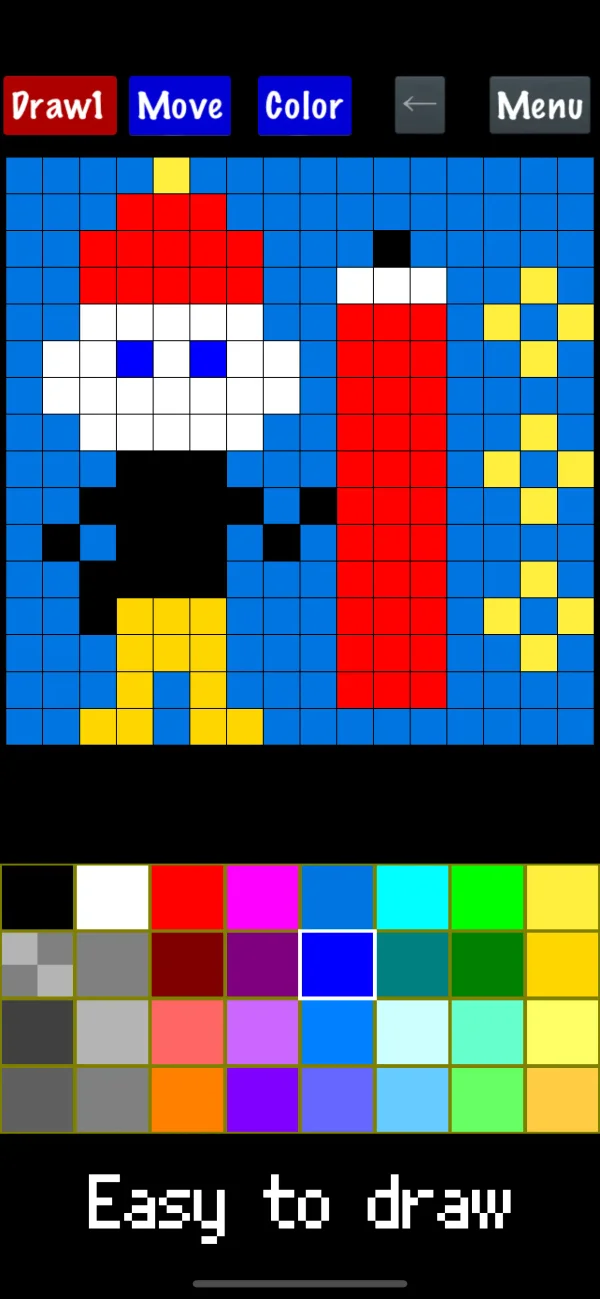
"Pixel Art Maker" is a drawing tool for pixel art like retro games.
◇ Easy to use
You can start drawing pixel art immediately after launching the app.
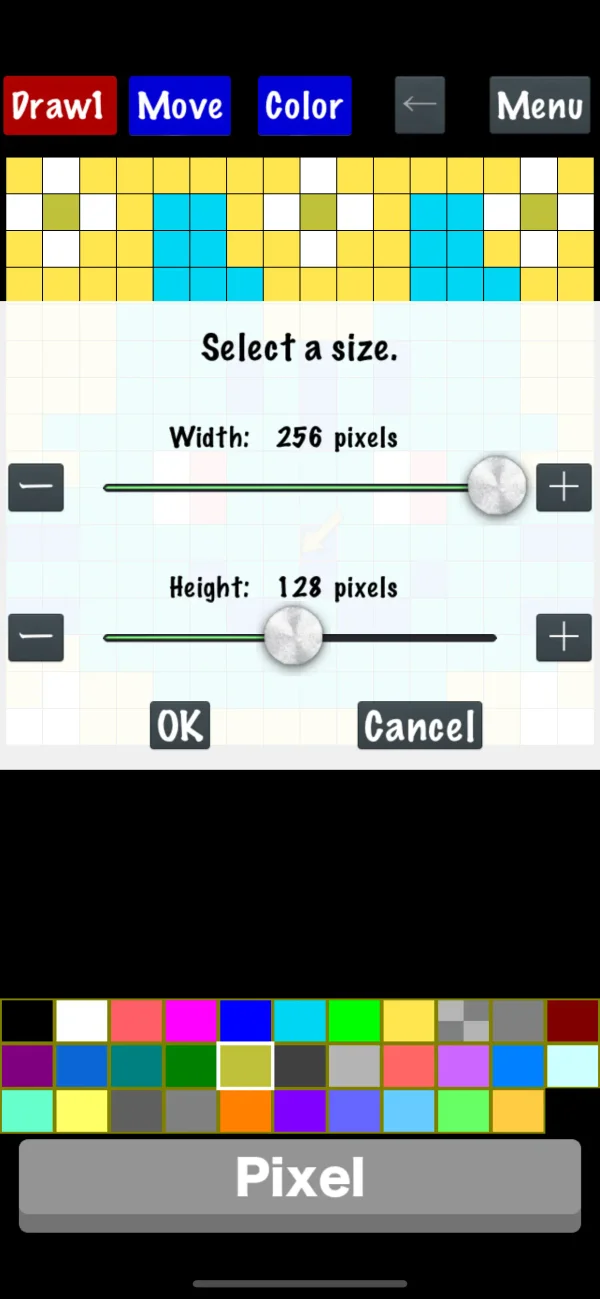
The canvas can also be resized while drawing.
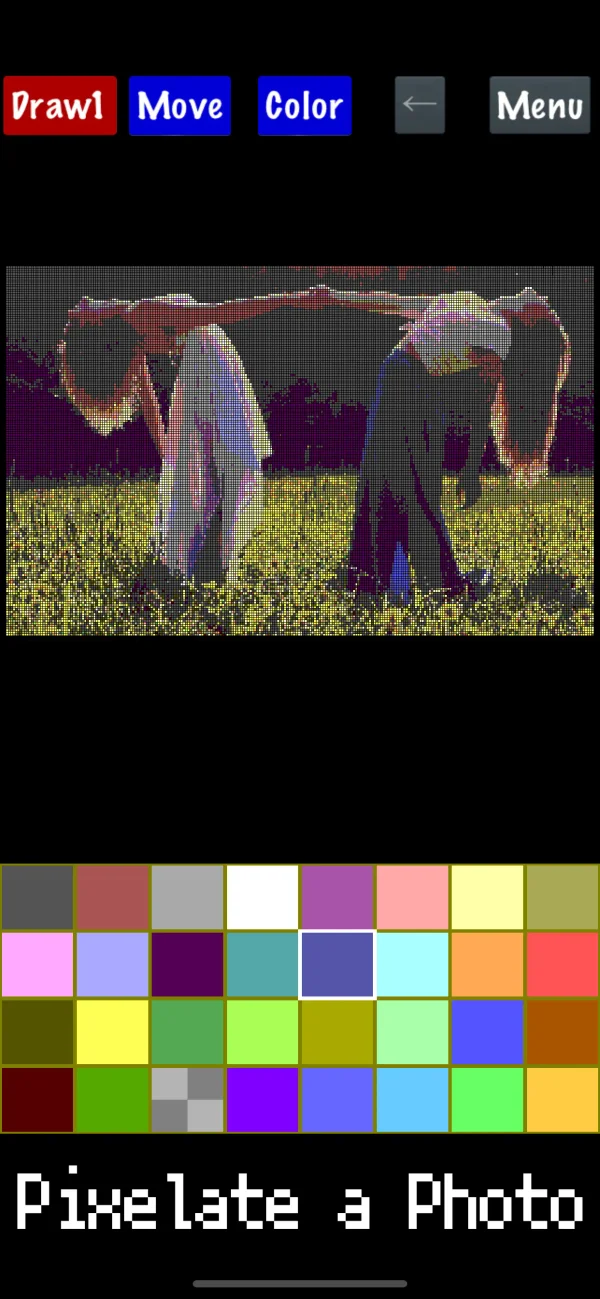
◇ Import a photo
Convert photos into pixel art.
◇ Create animated pixel art
Draw one pixel art image, duplicate it, and create animations.
Features:
- Draw pixel art on canvases from 1×1 up to 256×256 pixels.
- Change the color palette (up to 256 colors).
The basic palette includes 32 colors.
The free version supports up to 65 colors.
*Each palette color can be set to transparent or opaque.
- Save your color palettes and reuse them in other artworks or when importing photos.
- Watch an ad to temporarily unlock:
• 256-color palette
• Canvas size up to 1024×1024
- Premium
Removes ads and permanently unlocks the full 256-color palette and canvas sizes up to 1024×1024.
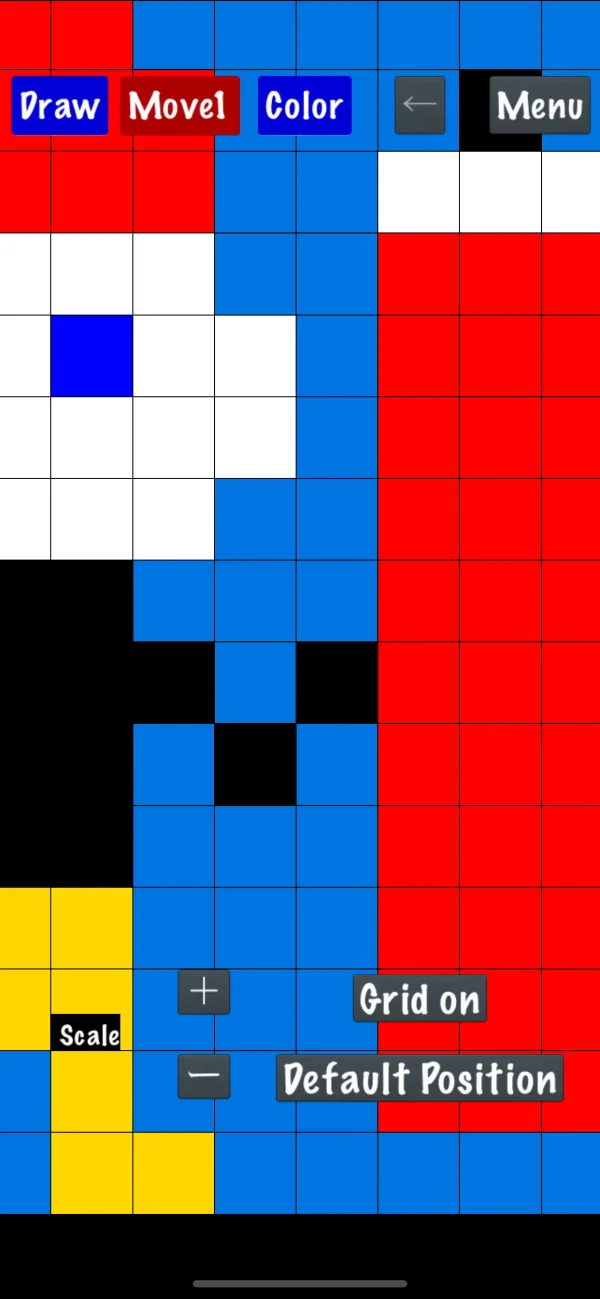
- Zoom in and out with two-finger pinch.
- Save, load, and delete your drawings.
- Import photos and animated GIFs.
APNG animation is not supported; only the first frame is imported.
- Import photos with built-in retro-style palettes and adjustable dithering.
Indexed PNG files keep their original palette.
- Import images from other apps via the Share sheet.
- Export with transparency.
- Scale your artwork on export from 1× to 64×, depending on canvas size, up to 4096×4096.
- Save to Photos.
- Share with other apps.
- Create and export animated GIFs.
*GIFs may not animate in Photos.
- Finger Mode
Draw directly with your finger.
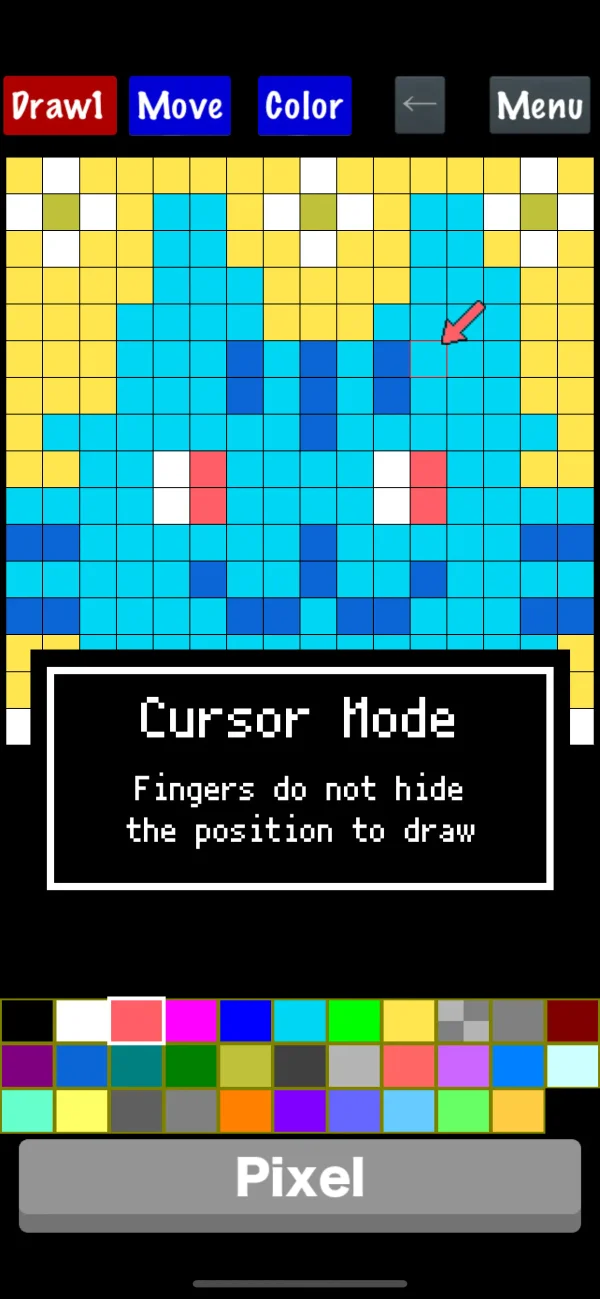
- Cursor Mode
Move a cursor and place pixels with the "PIXEL" button.
(Menu → Settings → Change Drawing Mode)
* On Apple Silicon Macs (iPad version), animated image import may be limited, and photos may be imported at reduced resolution.
Neue Funktionen
Version 3.0.7 · 21.10.2026
• A check mark now appears on the selected color on the Load screen.
• Fixed some messages being misplaced after rotating the screen on iPad.
• Improved privacy protections related to advertising.
In some regions, ads are now adjusted based on the age range from your Apple Account. Apple may ask you to share your age range.
• Improved stability and fixed minor issues.
App-Datenschutz
Was Nekomimimi im App Store zum Umgang dieser App mit Daten angibt.
-
Daten, die zum Tracking Ihrer Person verwendet werden
Können verwendet werden, um Sie über Apps und Websites anderer Unternehmen hinweg zu verfolgen.
- Kennungen
-
Mit Ihnen verknüpfte Daten
Können erfasst und mit Ihrer Identität verknüpft werden.
- Standort
- Kennungen
- Nutzungsdaten
-
Nicht mit Ihnen verknüpfte Daten
Können erfasst werden, sind aber nicht mit Ihrer Identität verknüpft.
- Standort
- Kennungen
- Nutzungsdaten
- Diagnose
Die Datenschutzpraktiken können variieren, zum Beispiel je nach den von Ihnen verwendeten Funktionen oder Ihrem Alter.
Informationen
- Anbieter
- Yoshiyuki Hirose
- Kategorie
- Lifestyle
- Version
- 3.0.7
- Aktualisiert
- 21.10.2026
- Veröffentlicht
- 20.07.2014
- Größe
- 15,4 MB
- Erfordert
- iOS 15.5 oder neuer
- Altersfreigabe
- 4+
- In-App-Käufe
- Ja
- Sprachen
- Englisch, Japanisch, Portugiesisch, Russisch
- Copyright
- © nekomimimi
Das könnte Ihnen auch gefallen
-
 Stitchly: KreuzstichCross stitch pattern maker
-
 Emoji & Sticker Design LabLifestyle
-
 Perlypop: Perler & Hama beadsFuse bead pattern maker
-
 Loomerly: Loom, peyote & brickSeed bead pattern maker
-
 Qwip - Ideas you can playLifestyle
-
 Draw Editor - Drawing On PicsLifestyle
-
 Ribblr - Crochet & KnittingLifestyle
-
 Markup R-XPMark up counted stitch charts
-
 ICool WallpapersLifestyle
-
 YarnBuddy – Knit and CrochetLifestyle