Pixel Art Maker
Pixel Editor & Animator
Diseñada para iPhone, iPad, iPod touch
Compras en la aplicación
- Clasificación por edad4+
- CategoríaEstilo de vida
- DesarrolladorNekomimimi
- IdiomasInglés+ 3 más
- Tamaño15,4 MB
Es posible que Pixel Art Maker no esté disponible en App Store en este momento
No se pudo acceder a la ficha de la tienda en nuestra última comprobación. El enlace sigue llevando a la página oficial de App Store.
Capturas de pantalla
Acerca de
El desarrollador no ha proporcionado este texto en tu idioma.
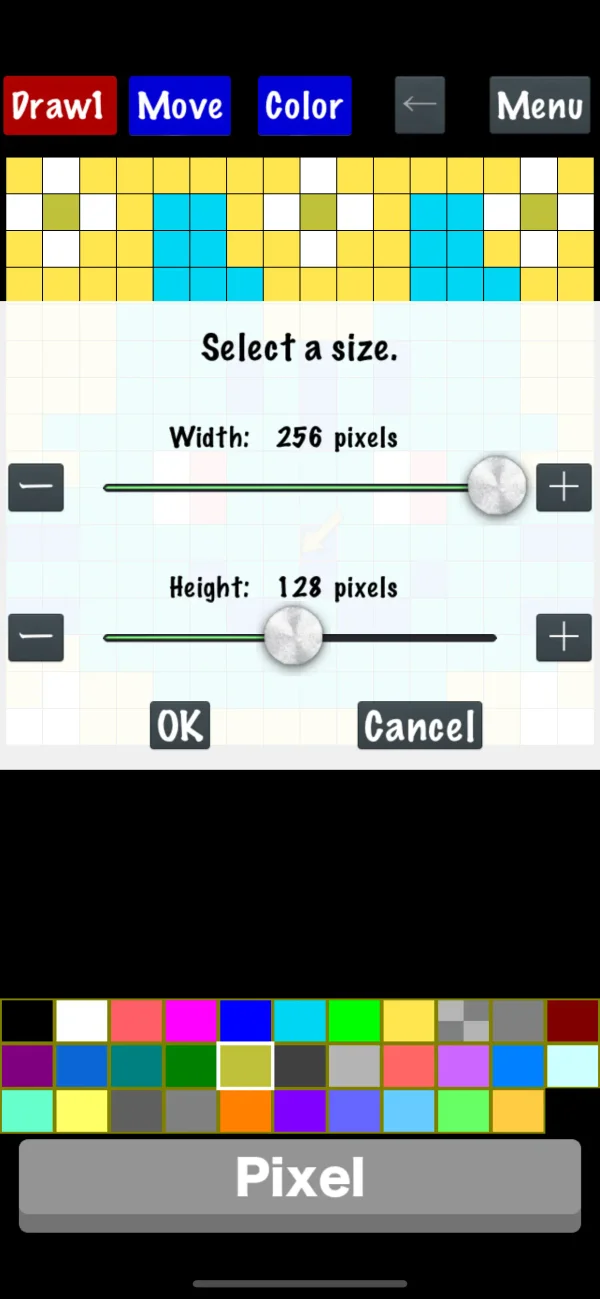
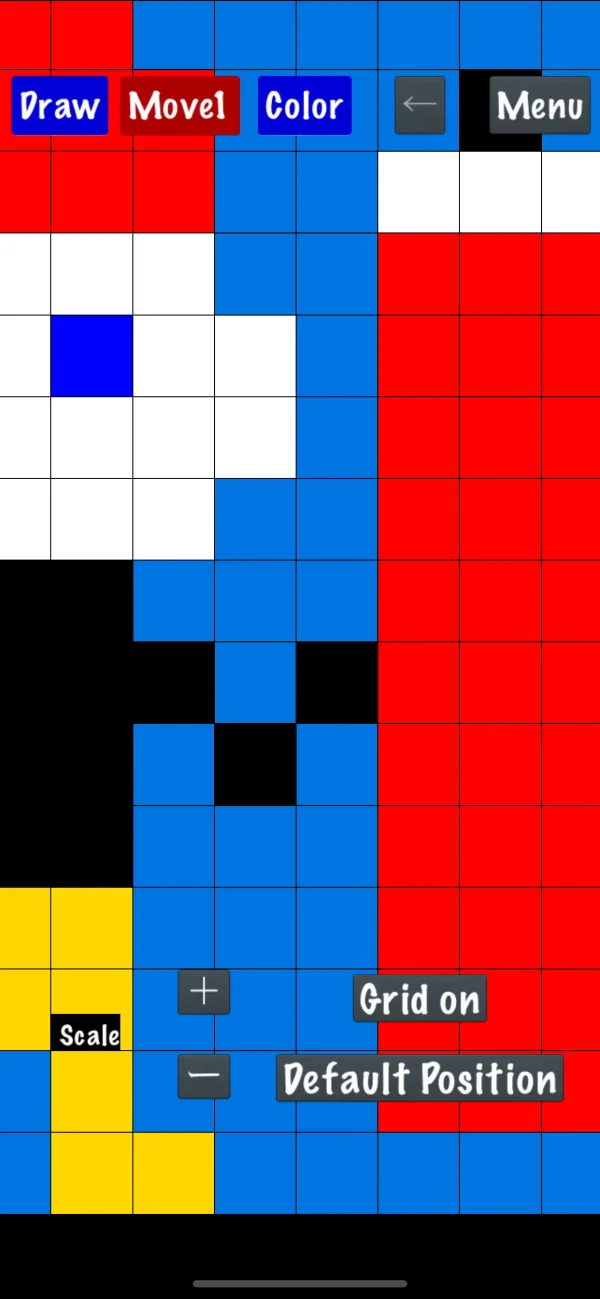
"Pixel Art Maker" is a drawing tool for pixel art like retro games.
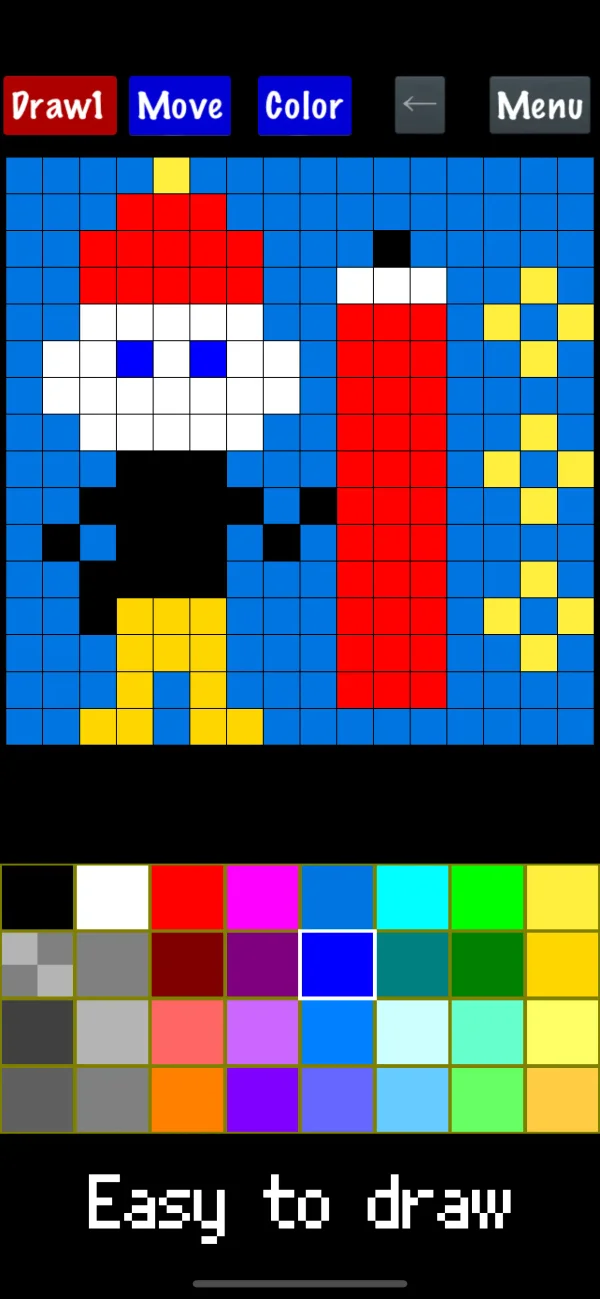
◇ Easy to use
You can start drawing pixel art immediately after launching the app.
The canvas can also be resized while drawing.
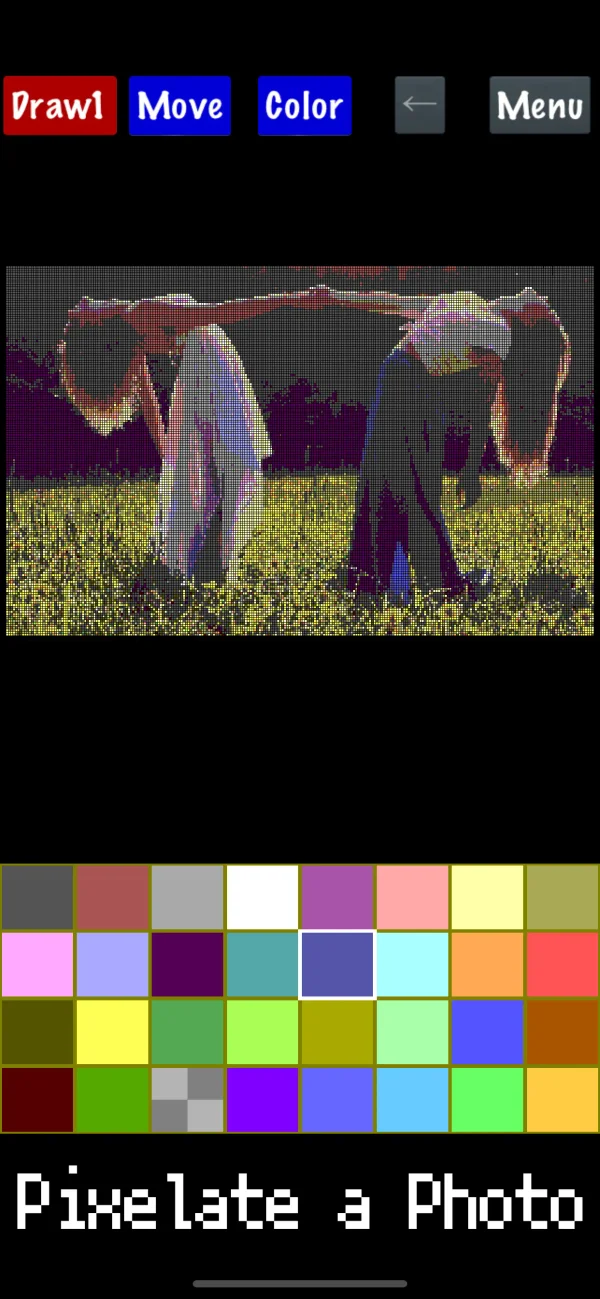
◇ Import a photo
Convert photos into pixel art.
◇ Create animated pixel art
Draw one pixel art image, duplicate it, and create animations.
Features:
- Draw pixel art on canvases from 1×1 up to 256×256 pixels.
- Change the color palette (up to 256 colors).
The basic palette includes 32 colors.
The free version supports up to 65 colors.
*Each palette color can be set to transparent or opaque.
- Save your color palettes and reuse them in other artworks or when importing photos.
- Watch an ad to temporarily unlock:
• 256-color palette
• Canvas size up to 1024×1024
- Premium
Removes ads and permanently unlocks the full 256-color palette and canvas sizes up to 1024×1024.
- Zoom in and out with two-finger pinch.
- Save, load, and delete your drawings.
- Import photos and animated GIFs.
APNG animation is not supported; only the first frame is imported.
- Import photos with built-in retro-style palettes and adjustable dithering.
Indexed PNG files keep their original palette.
- Import images from other apps via the Share sheet.
- Export with transparency.
- Scale your artwork on export from 1× to 64×, depending on canvas size, up to 4096×4096.
- Save to Photos.
- Share with other apps.
- Create and export animated GIFs.
*GIFs may not animate in Photos.
- Finger Mode
Draw directly with your finger.
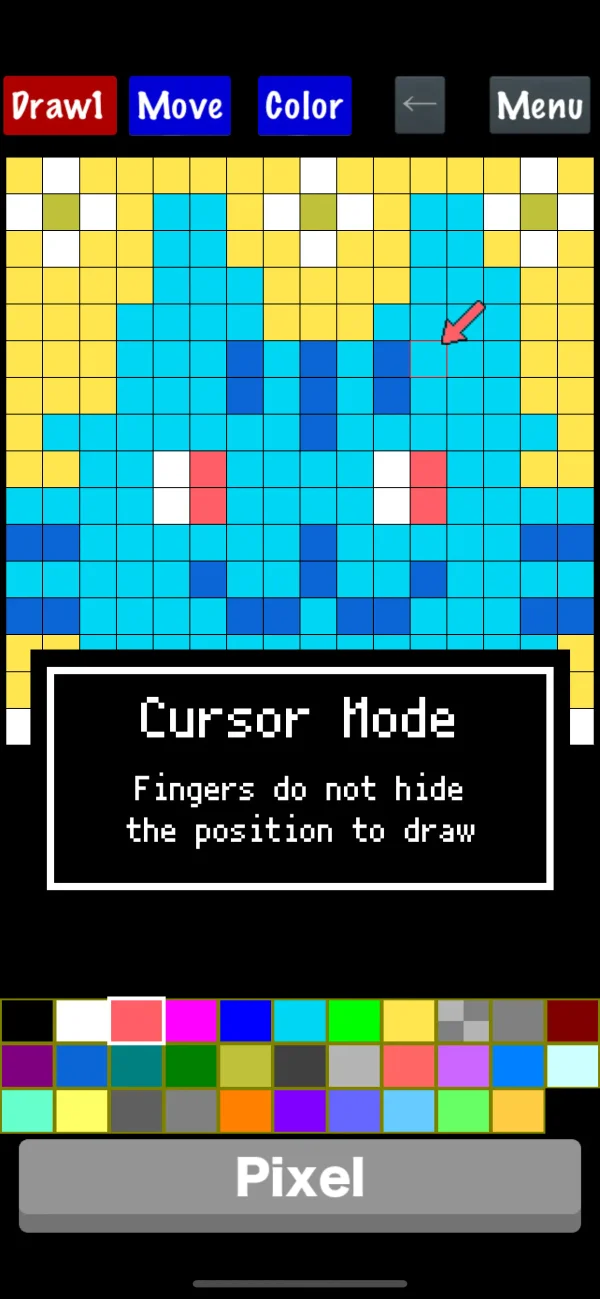
- Cursor Mode
Move a cursor and place pixels with the "PIXEL" button.
(Menu → Settings → Change Drawing Mode)
* On Apple Silicon Macs (iPad version), animated image import may be limited, and photos may be imported at reduced resolution.
Novedades
Versión 3.0.7 · 21/10/2026
• A check mark now appears on the selected color on the Load screen.
• Fixed some messages being misplaced after rotating the screen on iPad.
• Improved privacy protections related to advertising.
In some regions, ads are now adjusted based on the age range from your Apple Account. Apple may ask you to share your age range.
• Improved stability and fixed minor issues.
Privacidad de la aplicación
Lo que Nekomimimi declara en App Store sobre cómo esta aplicación gestiona los datos.
-
Datos usados para rastrearte
Pueden usarse para rastrearte en aplicaciones y sitios web propiedad de otras empresas.
- Identificadores
-
Datos vinculados a ti
Pueden recopilarse y vincularse a tu identidad.
- Ubicación
- Identificadores
- Datos de uso
-
Datos no vinculados a ti
Pueden recopilarse, pero no se vinculan a tu identidad.
- Ubicación
- Identificadores
- Datos de uso
- Diagnóstico
Las prácticas de privacidad pueden variar, por ejemplo, según las funciones que uses o tu edad.
Información
- Vendedor
- Yoshiyuki Hirose
- Categoría
- Estilo de vida
- Versión
- 3.0.7
- Actualizado
- 21/10/2026
- Publicado
- 20/7/2014
- Tamaño
- 15,4 MB
- Requiere
- iOS 15.5 o posterior
- Clasificación por edad
- 4+
- Compras en la aplicación
- Sí
- Idiomas
- Inglés, Japonés, Portugués, Ruso
- Copyright
- © nekomimimi
Quizá también te guste
-
 Stitchly: Punto de cruzCross stitch pattern maker
-
 Emoji & Sticker Design LabEstilo de vida
-
 Perlypop: Perler & Hama beadsFuse bead pattern maker
-
 Loomerly: Loom, peyote & brickSeed bead pattern maker
-
 Qwip - Ideas you can playEstilo de vida
-
 Draw Editor - Drawing On PicsEstilo de vida
-
 Ribblr - Crochet & KnittingEstilo de vida
-
 Markup R-XPMark up counted stitch charts
-
 ICool WallpapersEstilo de vida
-
 YarnBuddy – Knit and CrochetEstilo de vida