Pixel Art Maker
Pixel Editor & Animator
Được thiết kế cho iPhone, iPad, iPod touch
Miễn phí · Mua hàng trong ứng dụng
- Độ tuổi4+
- Danh mụcLối Sống
- Nhà phát triểnNekomimimi
- Ngôn ngữTiếng Anh+ 3 ngôn ngữ khác
- Kích thước15,4 MB
Liên kết đến trang App Store chính thức
Download.org không lưu trữ tệp nào của Pixel Art Maker. Nút này mở trang ứng dụng trên App Store, nơi Nekomimimi phát hành ứng dụng. Trang được kiểm tra lần cuối: 22/11/2026.
Ảnh chụp màn hình
Giới thiệu
Nhà phát triển chưa cung cấp nội dung này bằng ngôn ngữ của bạn.
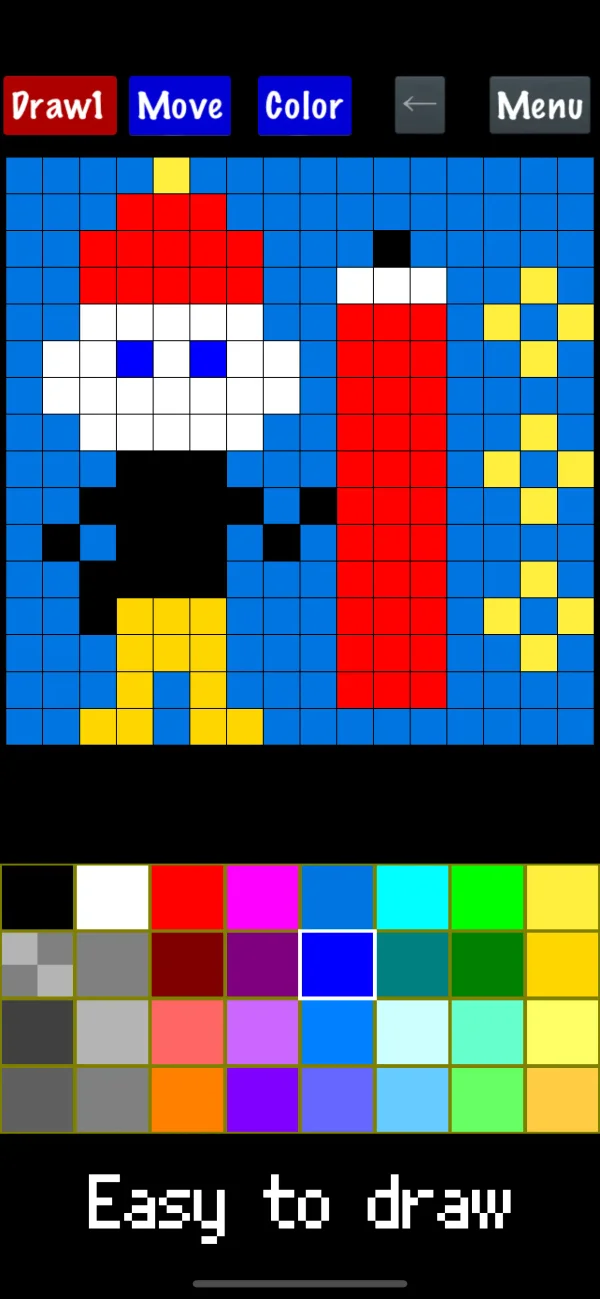
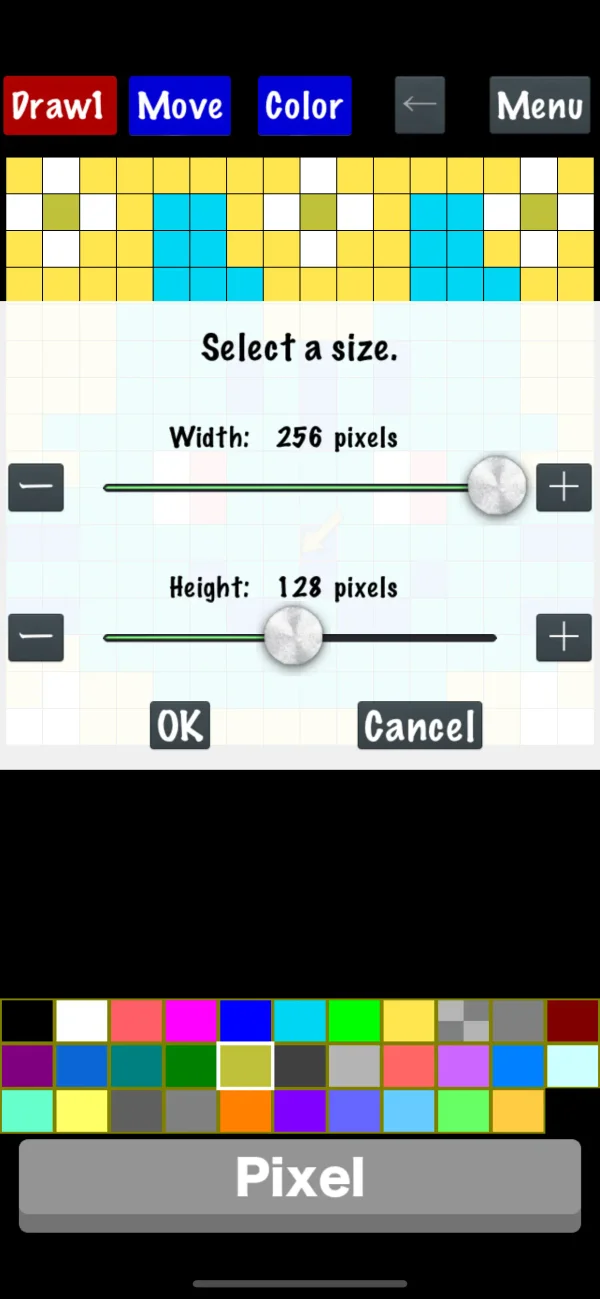
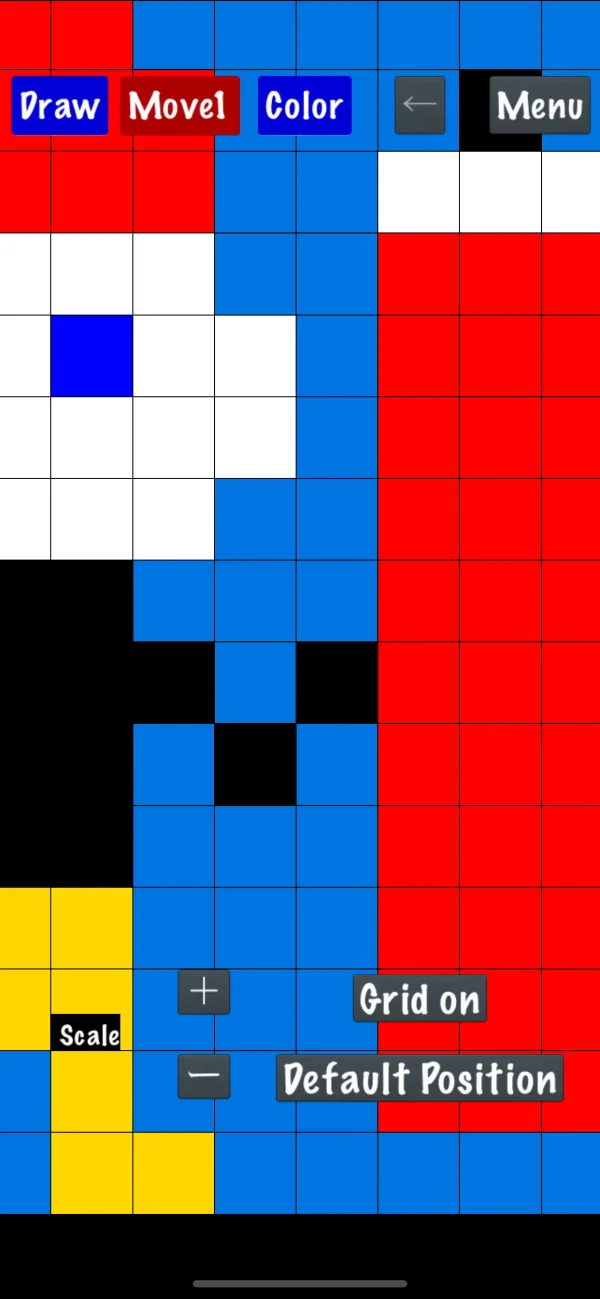
"Pixel Art Maker" is a drawing tool for pixel art like retro games.
◇ Easy to use
You can start drawing pixel art immediately after launching the app.
The canvas can also be resized while drawing.
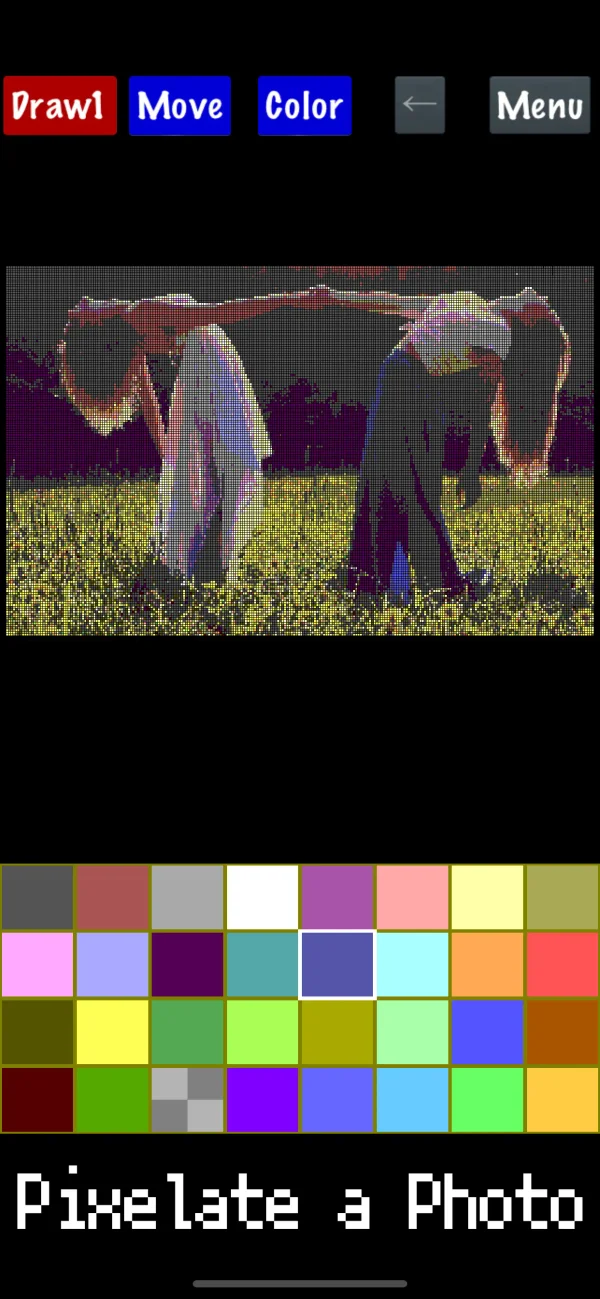
◇ Import a photo
Convert photos into pixel art.
◇ Create animated pixel art
Draw one pixel art image, duplicate it, and create animations.
Features:
- Draw pixel art on canvases from 1×1 up to 256×256 pixels.
- Change the color palette (up to 256 colors).
The basic palette includes 32 colors.
The free version supports up to 65 colors.
*Each palette color can be set to transparent or opaque.
- Save your color palettes and reuse them in other artworks or when importing photos.
- Watch an ad to temporarily unlock:
• 256-color palette
• Canvas size up to 1024×1024
- Premium
Removes ads and permanently unlocks the full 256-color palette and canvas sizes up to 1024×1024.
- Zoom in and out with two-finger pinch.
- Save, load, and delete your drawings.
- Import photos and animated GIFs.
APNG animation is not supported; only the first frame is imported.
- Import photos with built-in retro-style palettes and adjustable dithering.
Indexed PNG files keep their original palette.
- Import images from other apps via the Share sheet.
- Export with transparency.
- Scale your artwork on export from 1× to 64×, depending on canvas size, up to 4096×4096.
- Save to Photos.
- Share with other apps.
- Create and export animated GIFs.
*GIFs may not animate in Photos.
- Finger Mode
Draw directly with your finger.
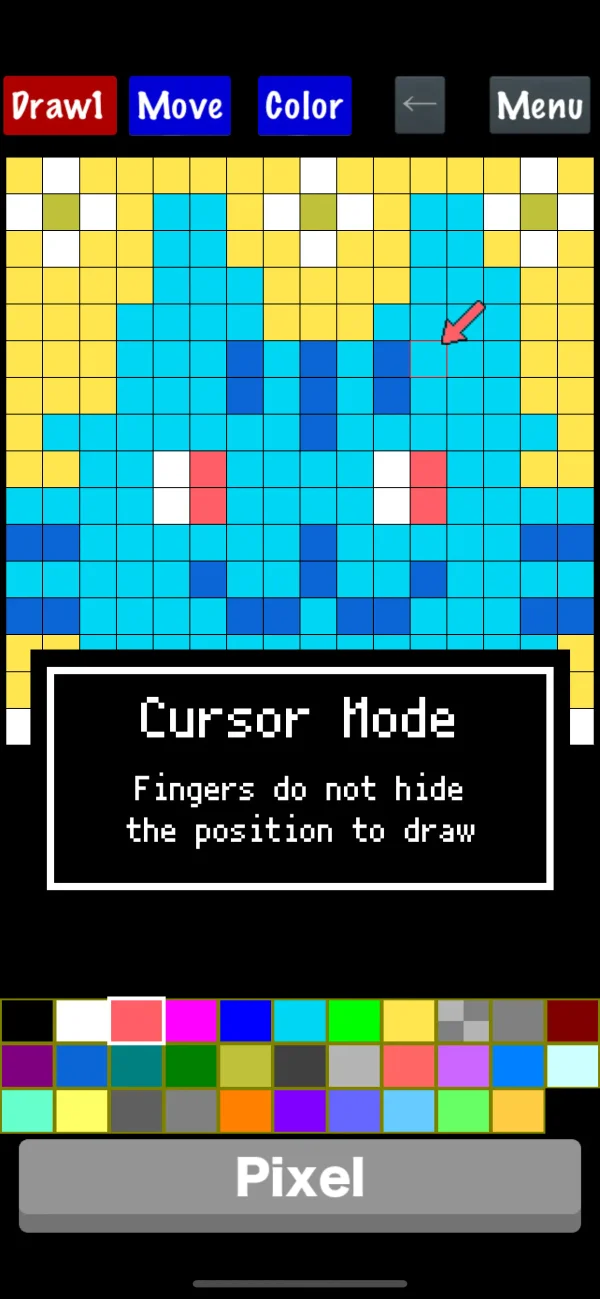
- Cursor Mode
Move a cursor and place pixels with the "PIXEL" button.
(Menu → Settings → Change Drawing Mode)
* On Apple Silicon Macs (iPad version), animated image import may be limited, and photos may be imported at reduced resolution.
Có gì mới
Phiên bản 3.0.7 · 21/10/2026
• A check mark now appears on the selected color on the Load screen.
• Fixed some messages being misplaced after rotating the screen on iPad.
• Improved privacy protections related to advertising.
In some regions, ads are now adjusted based on the age range from your Apple Account. Apple may ask you to share your age range.
• Improved stability and fixed minor issues.
Quyền riêng tư của ứng dụng
Những gì Nekomimimi khai báo trên App Store về cách ứng dụng này xử lý dữ liệu.
-
Dữ liệu được sử dụng để theo dõi bạn
Có thể được sử dụng để theo dõi bạn trên các ứng dụng và trang web do công ty khác sở hữu.
- Mã định danh
-
Dữ liệu liên kết với bạn
Có thể được thu thập và liên kết với danh tính của bạn.
- Vị trí
- Mã định danh
- Dữ liệu sử dụng
-
Dữ liệu không liên kết với bạn
Có thể được thu thập nhưng không liên kết với danh tính của bạn.
- Vị trí
- Mã định danh
- Dữ liệu sử dụng
- Chẩn đoán
Phương thức đảm bảo quyền riêng tư có thể khác nhau, chẳng hạn như tuỳ theo các tính năng bạn sử dụng hoặc độ tuổi của bạn.
Thông tin
- Người bán
- Yoshiyuki Hirose
- Danh mục
- Lối Sống
- Phiên bản
- 3.0.7
- Cập nhật
- 21/10/2026
- Phát hành
- 20/07/2014
- Kích thước
- 15,4 MB
- Yêu cầu
- iOS 15.5 trở lên
- Độ tuổi
- 4+
- Giá
- Miễn phí
- Mua hàng trong ứng dụng
- Có
- Ngôn ngữ
- Tiếng Anh, Tiếng Nhật, Tiếng Bồ Đào Nha, Tiếng Nga
- Bản quyền
- © nekomimimi
Có thể bạn cũng thích
-
 Stitchly: Cross stitchLối Sống
-
 Emoji & Sticker Design LabLối Sống
-
 Perlypop: Perler beadsLối Sống
-
 Loomerly: Loom, peyote & brickLối Sống
-
 Qwip - Ideas you can playLối Sống
-
 Draw Editor - Drawing On PicsLối Sống
-
 Ribblr - Crochet & KnittingLối Sống
-
 Markup R-XPLối Sống
-
 ICool WallpapersLối Sống
-
 YarnBuddy – Knit and CrochetLối Sống