Pixel Art Maker
Pixel Editor & Animator
Dirancang untuk iPhone, iPad, iPod touch
Gratis · Pembelian dalam aplikasi
- Batasan usia4+
- KategoriGaya Hidup
- PengembangNekomimimi
- BahasaInggris+ 3 lainnya
- Ukuran15,4 MB
Tertaut ke halaman resmi App Store
Download.org tidak menyimpan file Pixel Art Maker apa pun. Tombol ini membuka halaman aplikasi di App Store, tempat Nekomimimi menerbitkannya. Halaman terakhir diperiksa pada 22/11/2026.
Tangkapan layar
Tentang
Pengembang belum menyediakan teks ini dalam bahasa Anda.
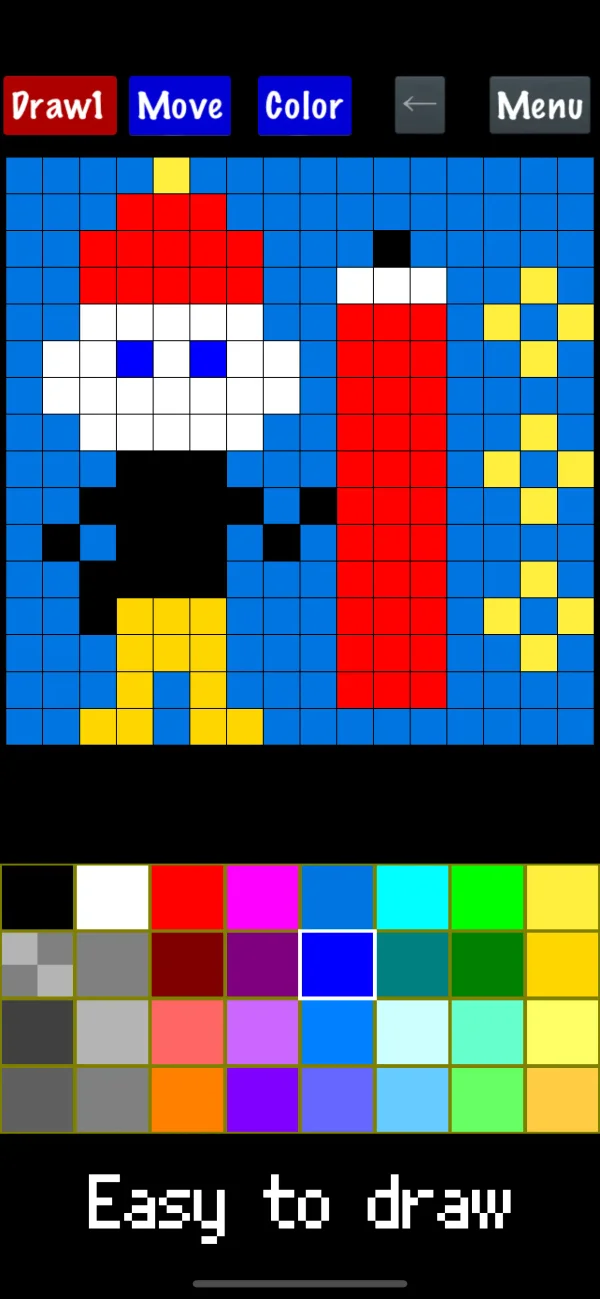
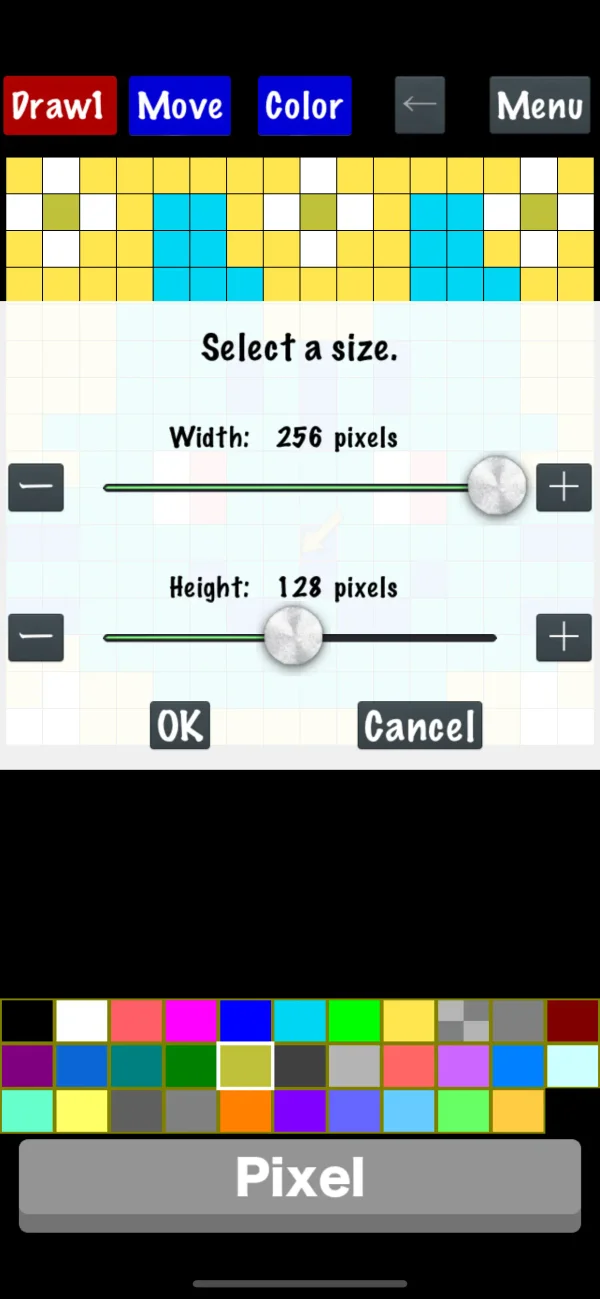
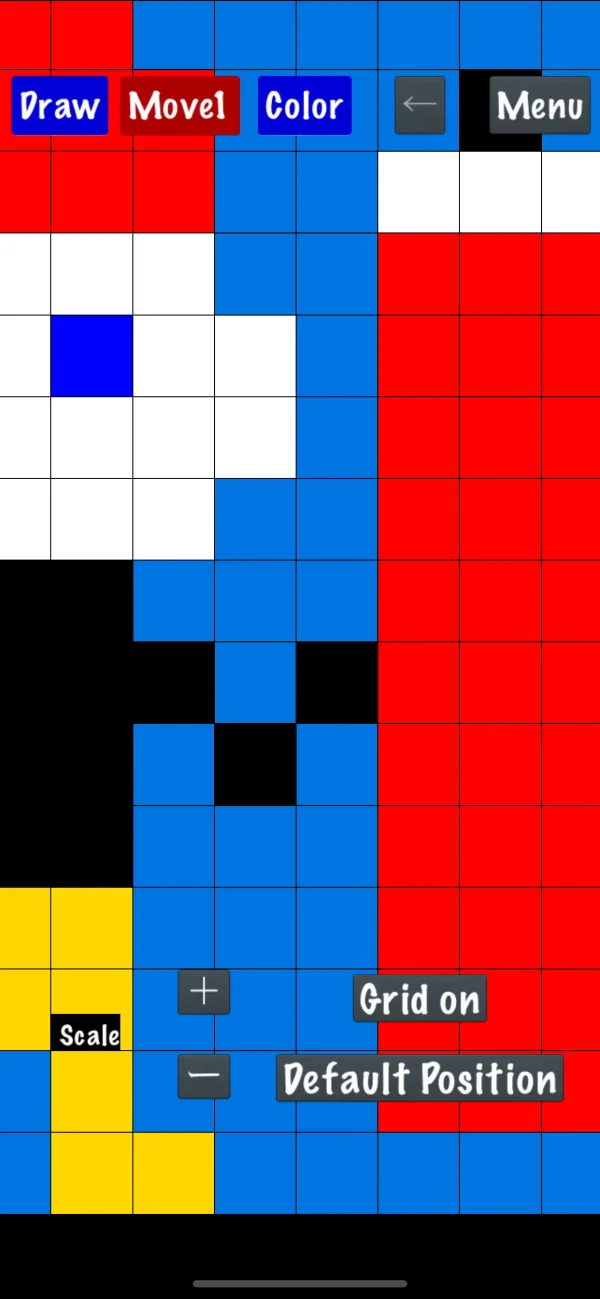
"Pixel Art Maker" is a drawing tool for pixel art like retro games.
◇ Easy to use
You can start drawing pixel art immediately after launching the app.
The canvas can also be resized while drawing.
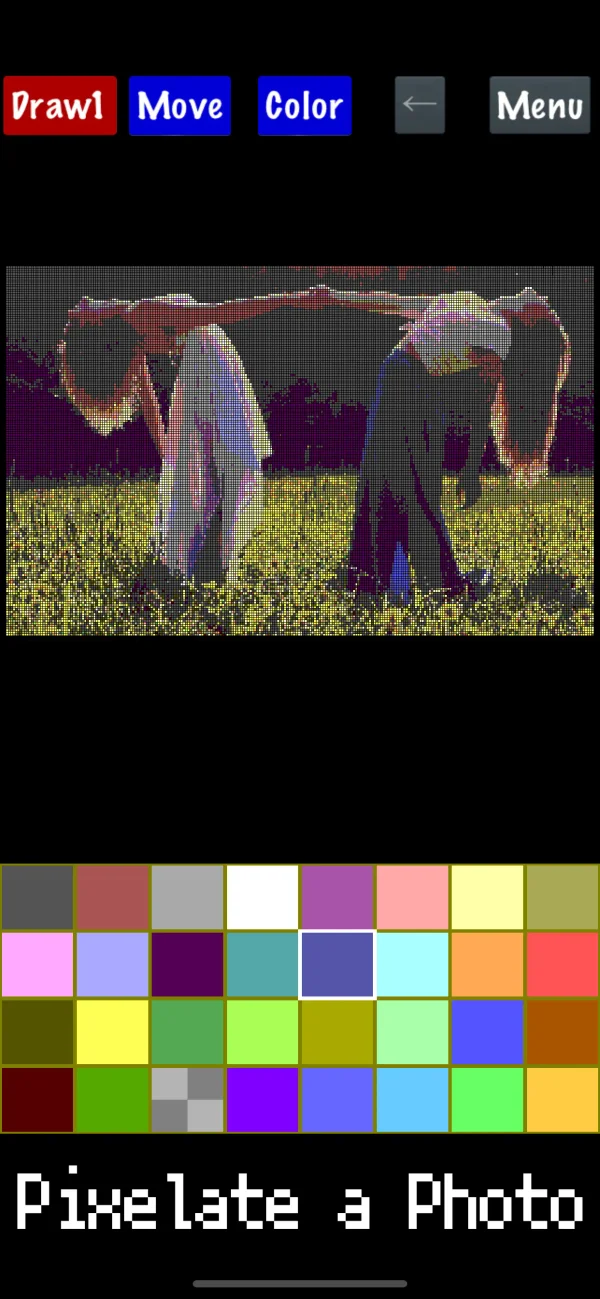
◇ Import a photo
Convert photos into pixel art.
◇ Create animated pixel art
Draw one pixel art image, duplicate it, and create animations.
Features:
- Draw pixel art on canvases from 1×1 up to 256×256 pixels.
- Change the color palette (up to 256 colors).
The basic palette includes 32 colors.
The free version supports up to 65 colors.
*Each palette color can be set to transparent or opaque.
- Save your color palettes and reuse them in other artworks or when importing photos.
- Watch an ad to temporarily unlock:
• 256-color palette
• Canvas size up to 1024×1024
- Premium
Removes ads and permanently unlocks the full 256-color palette and canvas sizes up to 1024×1024.
- Zoom in and out with two-finger pinch.
- Save, load, and delete your drawings.
- Import photos and animated GIFs.
APNG animation is not supported; only the first frame is imported.
- Import photos with built-in retro-style palettes and adjustable dithering.
Indexed PNG files keep their original palette.
- Import images from other apps via the Share sheet.
- Export with transparency.
- Scale your artwork on export from 1× to 64×, depending on canvas size, up to 4096×4096.
- Save to Photos.
- Share with other apps.
- Create and export animated GIFs.
*GIFs may not animate in Photos.
- Finger Mode
Draw directly with your finger.
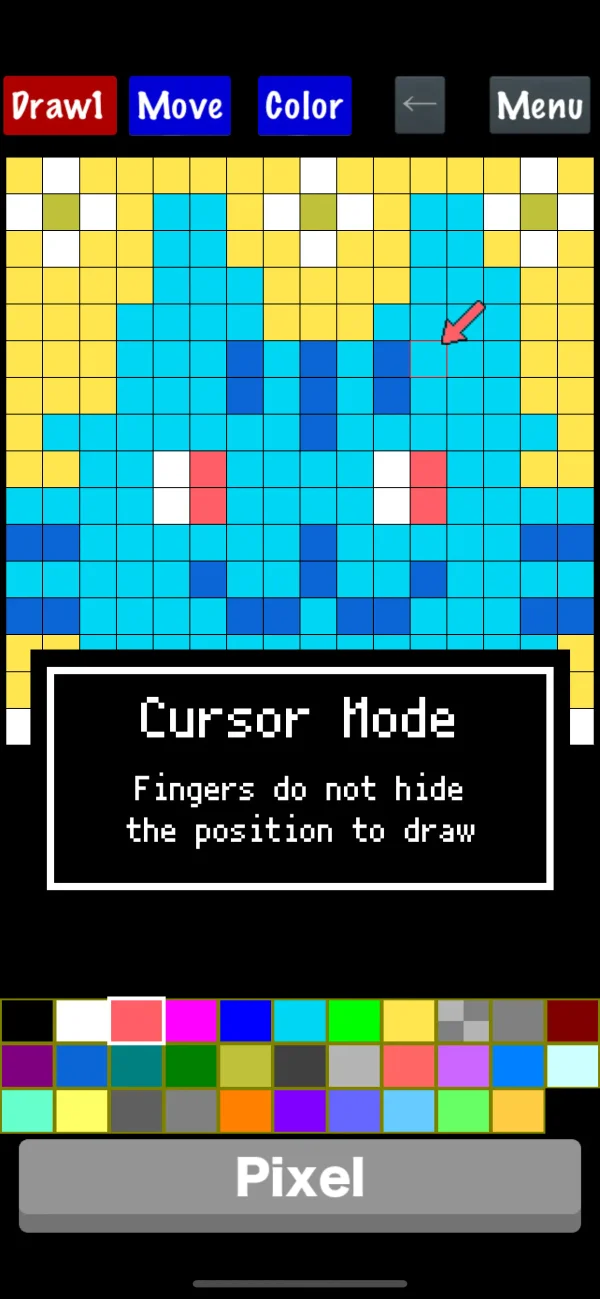
- Cursor Mode
Move a cursor and place pixels with the "PIXEL" button.
(Menu → Settings → Change Drawing Mode)
* On Apple Silicon Macs (iPad version), animated image import may be limited, and photos may be imported at reduced resolution.
Yang baru
Versi 3.0.7 · 21/10/2026
• A check mark now appears on the selected color on the Load screen.
• Fixed some messages being misplaced after rotating the screen on iPad.
• Improved privacy protections related to advertising.
In some regions, ads are now adjusted based on the age range from your Apple Account. Apple may ask you to share your age range.
• Improved stability and fixed minor issues.
Privasi aplikasi
Yang dinyatakan Nekomimimi di App Store tentang cara aplikasi ini menangani data.
-
Data yang digunakan untuk melacak Anda
Dapat digunakan untuk melacak Anda di aplikasi dan situs web milik perusahaan lain.
- Pengenal
-
Data yang ditautkan dengan Anda
Dapat dikumpulkan dan ditautkan dengan identitas Anda.
- Lokasi
- Pengenal
- Data penggunaan
-
Data yang tidak ditautkan dengan Anda
Dapat dikumpulkan, tetapi tidak ditautkan dengan identitas Anda.
- Lokasi
- Pengenal
- Data penggunaan
- Diagnostik
Praktik privasi dapat bervariasi, misalnya berdasarkan fitur yang Anda gunakan atau usia Anda.
Informasi
- Penjual
- Yoshiyuki Hirose
- Kategori
- Gaya Hidup
- Versi
- 3.0.7
- Diperbarui
- 21/10/2026
- Dirilis
- 20/7/2014
- Ukuran
- 15,4 MB
- Memerlukan
- iOS 15.5 atau yang lebih baru
- Batasan usia
- 4+
- Harga
- Gratis
- Pembelian dalam aplikasi
- Ya
- Bahasa
- Inggris, Jepang, Portugis, Rusia
- Hak cipta
- © nekomimimi
Mungkin Anda juga suka
-
 Stitchly: Cross stitchGaya Hidup
-
 Emoji & Sticker Design LabGaya Hidup
-
 Perlypop: Perler beadsGaya Hidup
-
 Loomerly: Loom, peyote & brickGaya Hidup
-
 Qwip - Ideas you can playGaya Hidup
-
 Draw Editor - Drawing On PicsGaya Hidup
-
 Ribblr - Crochet & KnittingGaya Hidup
-
 Markup R-XPGaya Hidup
-
 ICool WallpapersGaya Hidup
-
 YarnBuddy – Knit and CrochetGaya Hidup