Pixel Art Maker
Pixel Editor & Animator
Designed for iPhone, iPad, iPod touch
Free · In-app purchases
- Age rating4+
- CategoryLifestyle
- DeveloperNekomimimi
- LanguagesEnglish+ 3 more
- Size15.4 MB
Links to the official App Store page
Download.org hosts no file of Pixel Art Maker. The button opens its official App Store page, published by Nekomimimi. Listing last checked on Nov 22, 2026.
Screenshots

About
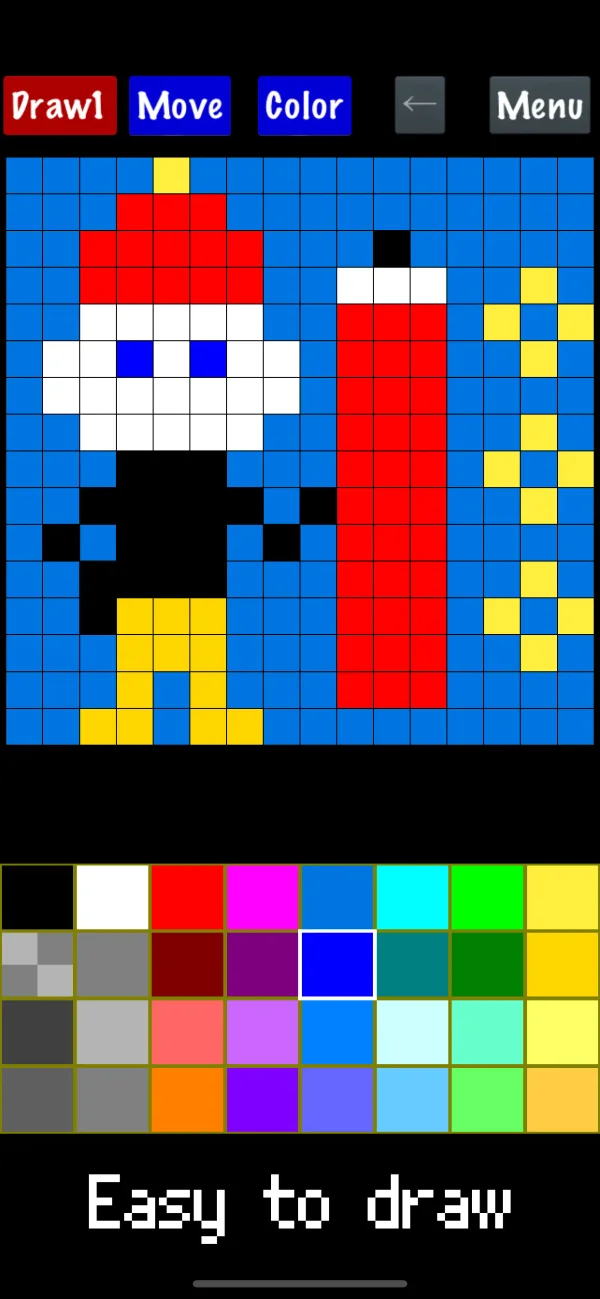
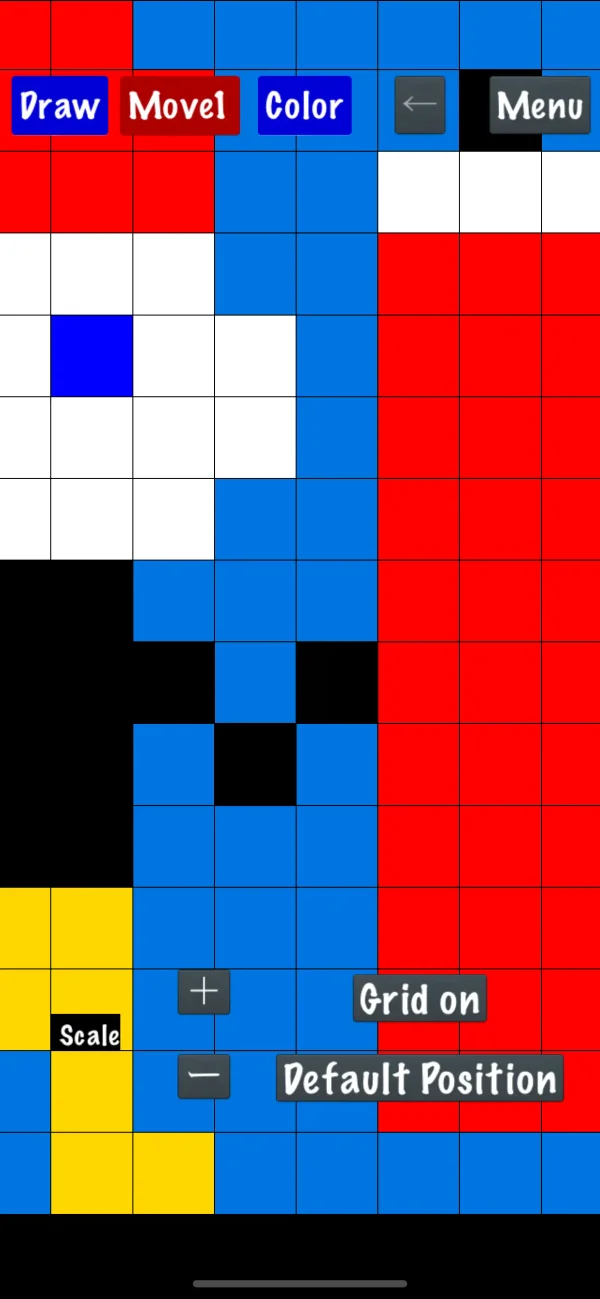
"Pixel Art Maker" is a drawing tool for pixel art like retro games.
◇ Easy to use
You can start drawing pixel art immediately after launching the app.
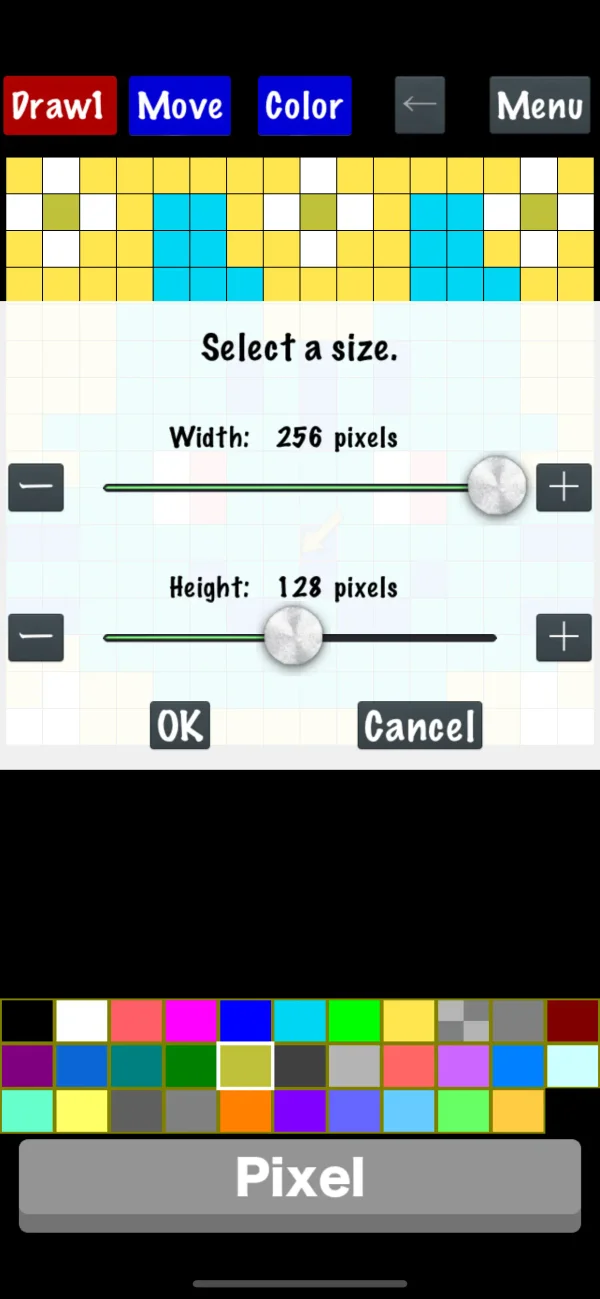
The canvas can also be resized while drawing.
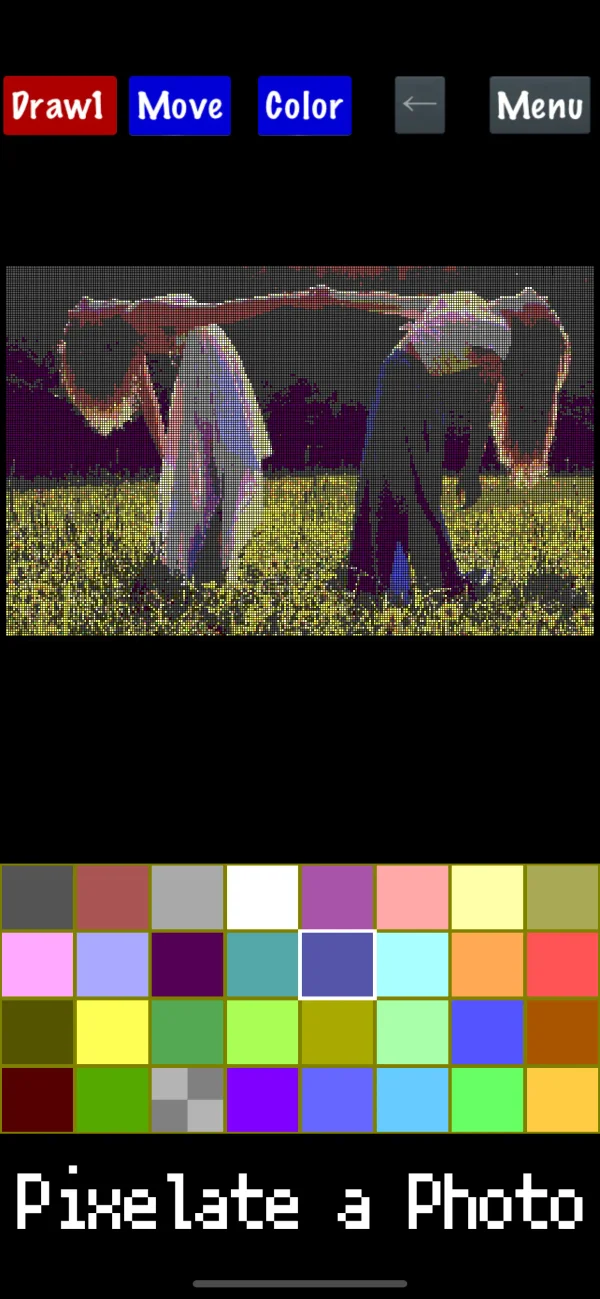
◇ Import a photo
Convert photos into pixel art.
◇ Create animated pixel art
Draw one pixel art image, duplicate it, and create animations.
Features:
- Draw pixel art on canvases from 1×1 up to 256×256 pixels.
- Change the color palette (up to 256 colors).
The basic palette includes 32 colors.
The free version supports up to 65 colors.
*Each palette color can be set to transparent or opaque.
- Save your color palettes and reuse them in other artworks or when importing photos.
- Watch an ad to temporarily unlock:
• 256-color palette
• Canvas size up to 1024×1024
- Premium
Removes ads and permanently unlocks the full 256-color palette and canvas sizes up to 1024×1024.
- Zoom in and out with two-finger pinch.
- Save, load, and delete your drawings.
- Import photos and animated GIFs.
APNG animation is not supported; only the first frame is imported.
- Import photos with built-in retro-style palettes and adjustable dithering.
Indexed PNG files keep their original palette.
- Import images from other apps via the Share sheet.
- Export with transparency.
- Scale your artwork on export from 1× to 64×, depending on canvas size, up to 4096×4096.
- Save to Photos.
- Share with other apps.
- Create and export animated GIFs.
*GIFs may not animate in Photos.
- Finger Mode
Draw directly with your finger.
- Cursor Mode
Move a cursor and place pixels with the "PIXEL" button.
(Menu → Settings → Change Drawing Mode)
* On Apple Silicon Macs (iPad version), animated image import may be limited, and photos may be imported at reduced resolution.
What’s new
Version 3.0.7 · Oct 21, 2026
• A check mark now appears on the selected color on the Load screen.
• Fixed some messages being misplaced after rotating the screen on iPad.
• Improved privacy protections related to advertising.
In some regions, ads are now adjusted based on the age range from your Apple Account. Apple may ask you to share your age range.
• Improved stability and fixed minor issues.
App privacy
What Nekomimimi declares on the App Store about how this app handles data.
-
Data used to track you
May be used to track you across apps and websites owned by other companies.
- Identifiers
-
Data linked to you
May be collected and linked to your identity.
- Location
- Identifiers
- Usage data
-
Data not linked to you
May be collected but is not linked to your identity.
- Location
- Identifiers
- Usage data
- Diagnostics
Privacy practices may vary, for example with the features you use or your age.
Information
- Seller
- Yoshiyuki Hirose
- Category
- Lifestyle
- Version
- 3.0.7
- Updated
- Oct 21, 2026
- Released
- Jul 20, 2014
- Size
- 15.4 MB
- Requires
- iOS 15.5 or later
- Age rating
- 4+
- Price
- Free
- In-app purchases
- Yes
- Languages
- English, Japanese, Portuguese, Russian
- Copyright
- © nekomimimi
You might also like
-
 Stitchly: Cross stitchCross-stitch pattern maker
-
 Emoji & Sticker Design LabDesign unique emojis, stickers
-
 Perlypop: Perler beadsFuse bead pattern maker
-
 Loomerly: Loom, peyote & brickSeed bead pattern maker
-
 Qwip - Ideas you can playCreate & play in seconds!
-
 Draw Editor - Drawing On PicsEditing Photos & Pictures Live
-
 Ribblr - Crochet & KnittingReal makers. Zero slop.
-
 Markup R-XPMark up counted stitch charts
-
 ICool WallpapersLifestyle
-
 YarnBuddy – Knit and CrochetRow counter & stash tracker