Pixel Art Maker
Pixel Editor & Animator
iPhone, iPad, iPod touch için tasarlandı
Ücretsiz · Uygulama içi satın alma
- Yaş sınırı4+
- KategoriYaşam Tarzı
- GeliştiriciNekomimimi
- Dillerİngilizce+ 3 dil daha
- Boyut15,4 MB
Resmi App Store sayfasına bağlanır
Download.org, Pixel Art Maker için hiçbir dosya barındırmaz. Düğme, uygulamanın App Store üzerindeki sayfasını açar; uygulamayı orada Nekomimimi yayınlar. Sayfanın son kontrolü: 22.11.2026.
Ekran görüntüleri
Hakkında
Geliştirici bu metni dilinizde sunmamış.
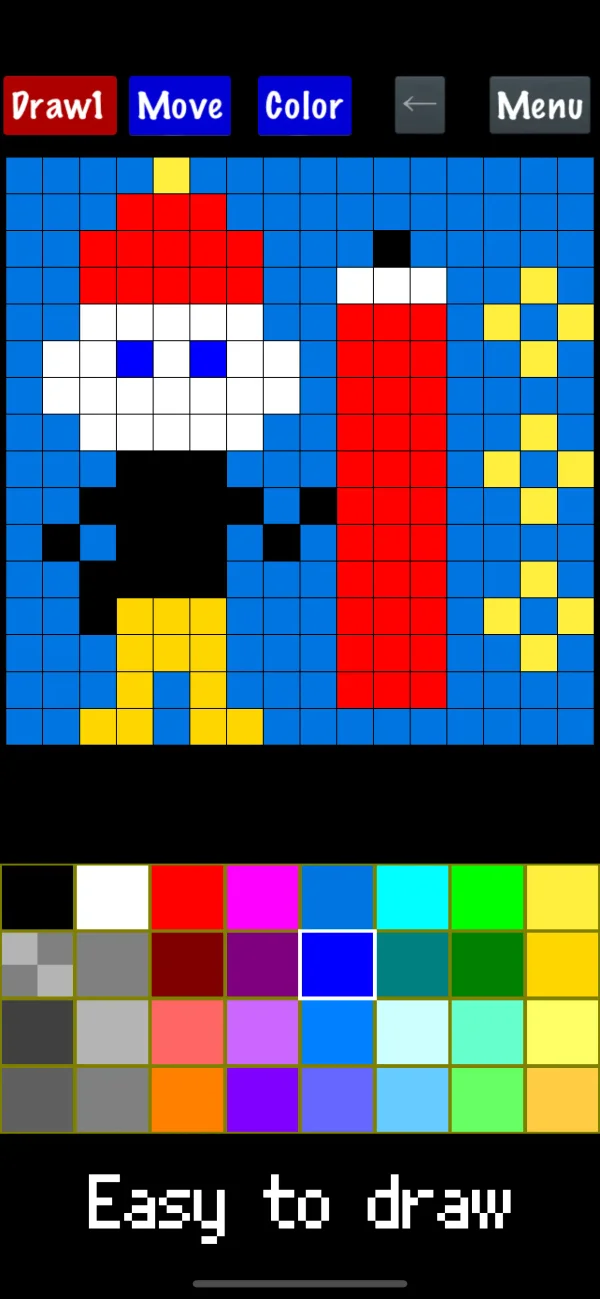
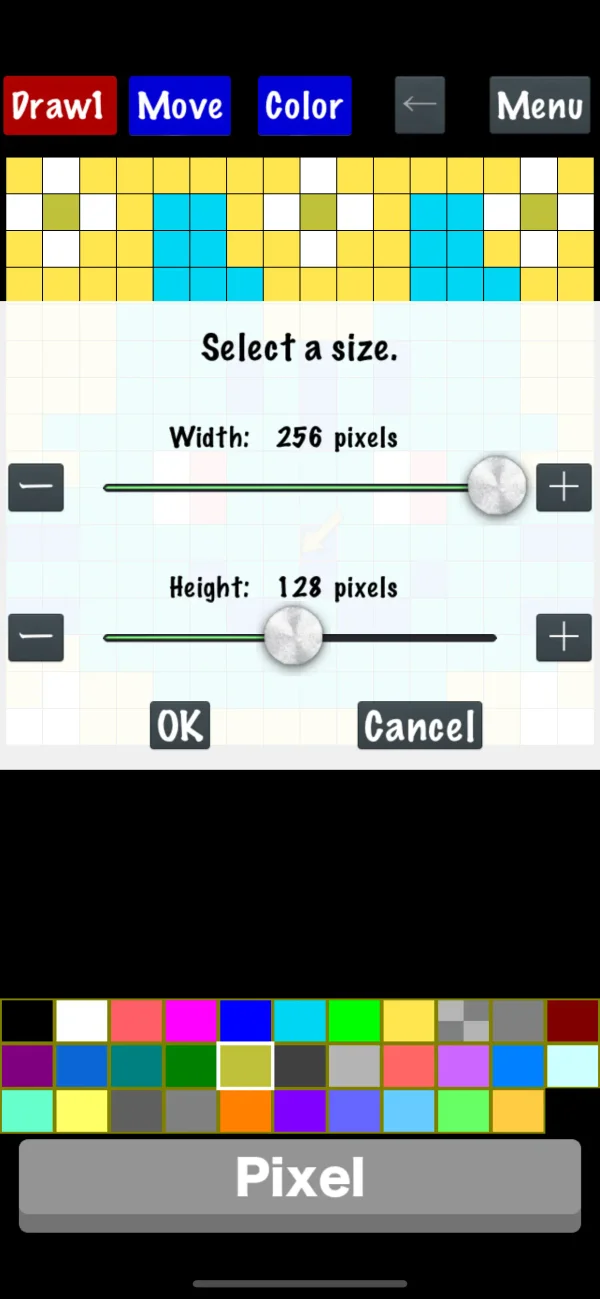
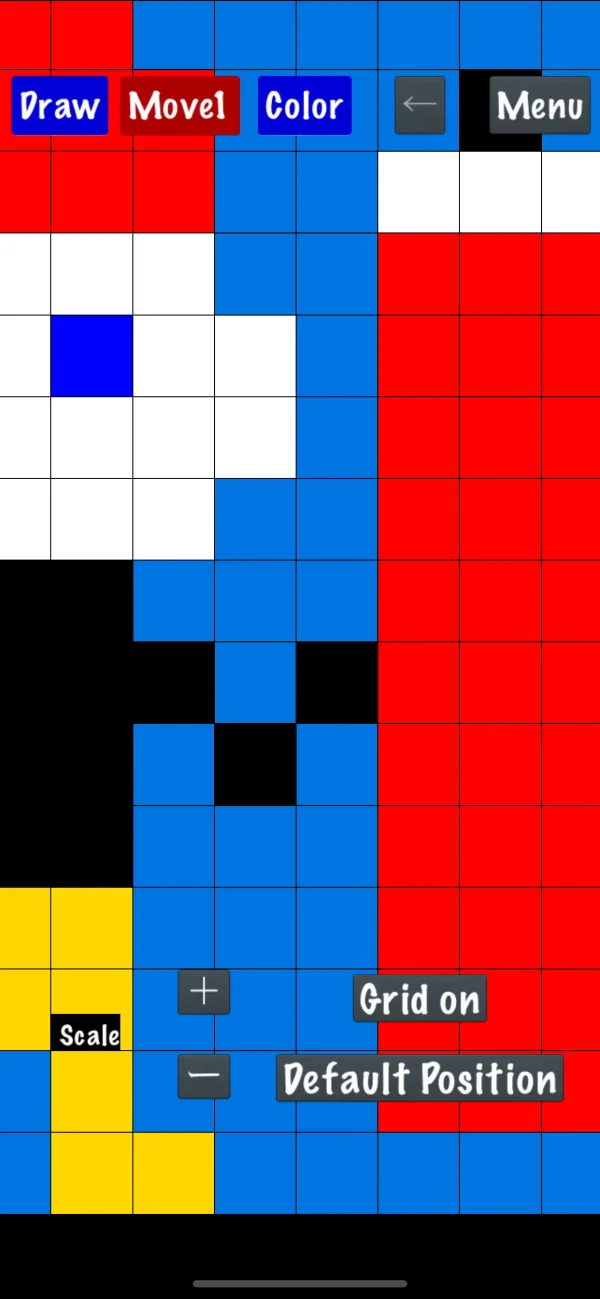
"Pixel Art Maker" is a drawing tool for pixel art like retro games.
◇ Easy to use
You can start drawing pixel art immediately after launching the app.
The canvas can also be resized while drawing.
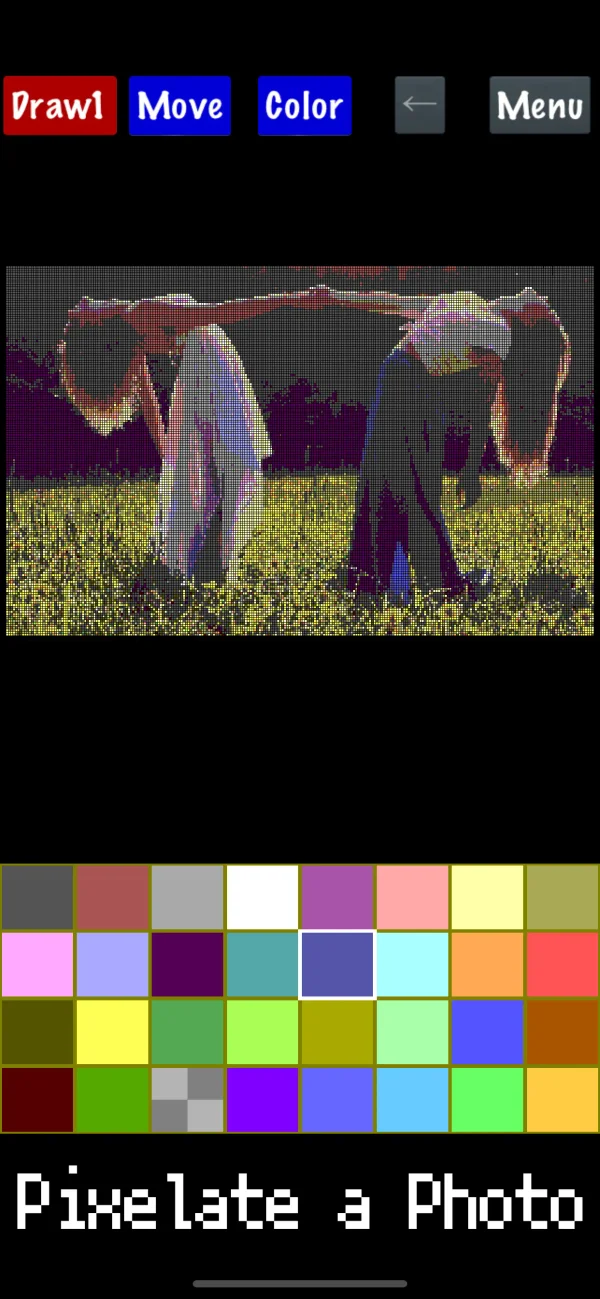
◇ Import a photo
Convert photos into pixel art.
◇ Create animated pixel art
Draw one pixel art image, duplicate it, and create animations.
Features:
- Draw pixel art on canvases from 1×1 up to 256×256 pixels.
- Change the color palette (up to 256 colors).
The basic palette includes 32 colors.
The free version supports up to 65 colors.
*Each palette color can be set to transparent or opaque.
- Save your color palettes and reuse them in other artworks or when importing photos.
- Watch an ad to temporarily unlock:
• 256-color palette
• Canvas size up to 1024×1024
- Premium
Removes ads and permanently unlocks the full 256-color palette and canvas sizes up to 1024×1024.
- Zoom in and out with two-finger pinch.
- Save, load, and delete your drawings.
- Import photos and animated GIFs.
APNG animation is not supported; only the first frame is imported.
- Import photos with built-in retro-style palettes and adjustable dithering.
Indexed PNG files keep their original palette.
- Import images from other apps via the Share sheet.
- Export with transparency.
- Scale your artwork on export from 1× to 64×, depending on canvas size, up to 4096×4096.
- Save to Photos.
- Share with other apps.
- Create and export animated GIFs.
*GIFs may not animate in Photos.
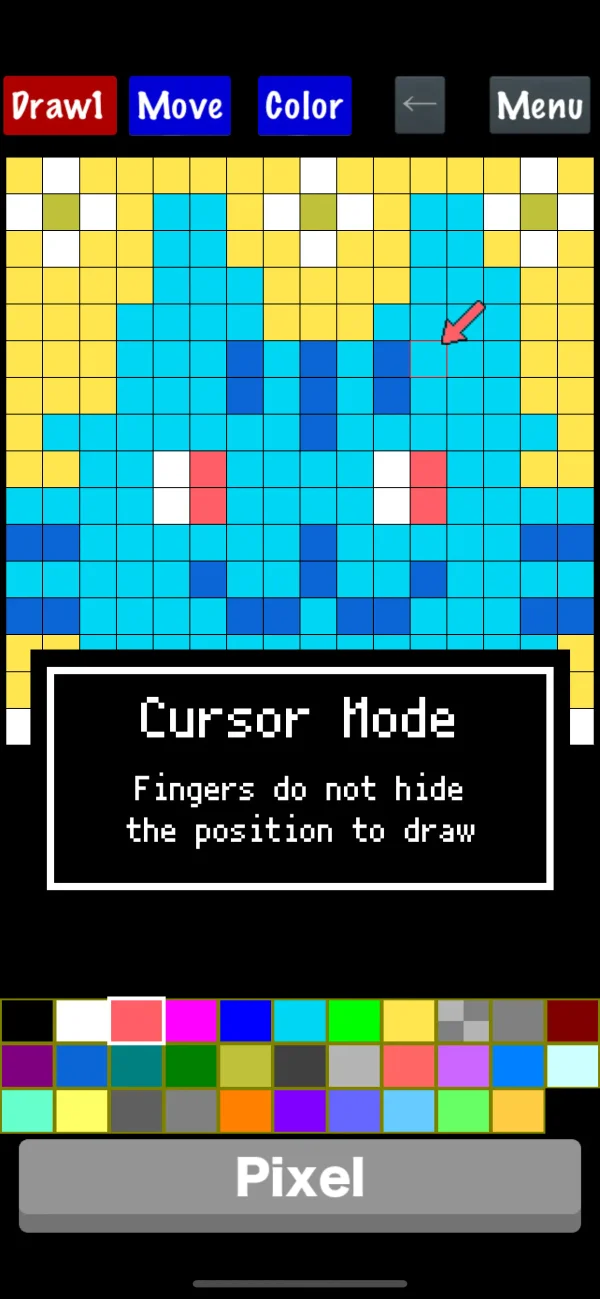
- Finger Mode
Draw directly with your finger.
- Cursor Mode
Move a cursor and place pixels with the "PIXEL" button.
(Menu → Settings → Change Drawing Mode)
* On Apple Silicon Macs (iPad version), animated image import may be limited, and photos may be imported at reduced resolution.
Yenilikler
Sürüm 3.0.7 · 21.10.2026
• A check mark now appears on the selected color on the Load screen.
• Fixed some messages being misplaced after rotating the screen on iPad.
• Improved privacy protections related to advertising.
In some regions, ads are now adjusted based on the age range from your Apple Account. Apple may ask you to share your age range.
• Improved stability and fixed minor issues.
Uygulama gizliliği
Bu uygulamanın verileri nasıl işlediği hakkında Nekomimimi tarafından App Store üzerinde yapılan beyan.
-
Sizi izlemek için kullanılan veriler
Başka şirketlere ait uygulamalarda ve web sitelerinde sizi izlemek için kullanılabilir.
- Tanımlayıcılar
-
Sizinle ilişkilendirilen veriler
Toplanabilir ve kimliğinizle ilişkilendirilebilir.
- Konum
- Tanımlayıcılar
- Kullanım verileri
-
Sizinle ilişkilendirilmeyen veriler
Toplanabilir ancak kimliğinizle ilişkilendirilmez.
- Konum
- Tanımlayıcılar
- Kullanım verileri
- Tanılama
Gizlilik uygulamaları, örneğin kullandığınız özelliklere veya yaşınıza göre değişiklik gösterebilir.
Bilgiler
- Satıcı
- Yoshiyuki Hirose
- Kategori
- Yaşam Tarzı
- Sürüm
- 3.0.7
- Güncellendi
- 21.10.2026
- Yayın tarihi
- 20.07.2014
- Boyut
- 15,4 MB
- Gereksinim
- iOS 15.5 veya sonrası
- Yaş sınırı
- 4+
- Fiyat
- Ücretsiz
- Uygulama içi satın alma
- Evet
- Diller
- İngilizce, Japonca, Portekizce, Rusça
- Telif hakkı
- © nekomimimi
Bunları da beğenebilirsiniz
-
 Stitchly: Cross stitchYaşam Tarzı
-
 Emoji & Sticker Design LabYaşam Tarzı
-
 Perlypop: Perler beadsYaşam Tarzı
-
 Loomerly: Loom, peyote & brickYaşam Tarzı
-
 Qwip - Ideas you can playYaşam Tarzı
-
 Draw Editor - Drawing On PicsYaşam Tarzı
-
 Ribblr - Crochet & KnittingYaşam Tarzı
-
 Markup R-XPYaşam Tarzı
-
 ICool WallpapersYaşam Tarzı
-
 YarnBuddy – Knit and CrochetYaşam Tarzı