
QuikPDF Pro
Create & Export PDFs Instantly
Entwickelt für iPhone, iPad, iPod touch
Kostenlos
- Altersfreigabe4+
- KategorieProduktivität
- EntwicklerSouriya Vongchanh
- SprachenEnglisch
- Größe5,1 MB
Verlinkt auf die offizielle App Store-Seite
Download.org hostet keine Datei von QuikPDF Pro. Die Schaltfläche öffnet die App-Seite bei App Store, wo Souriya Vongchanh die App veröffentlicht. Eintrag zuletzt geprüft am 16.11.2026.
Screenshots


Info
Der Entwickler hat diesen Text nicht in Ihrer Sprache bereitgestellt.
QuikPDF Pro is the fastest way to create, format, and export professional PDF documents on your iPhone or iPad — no account, no cloud, no subscription required.
WHAT YOU CAN DO
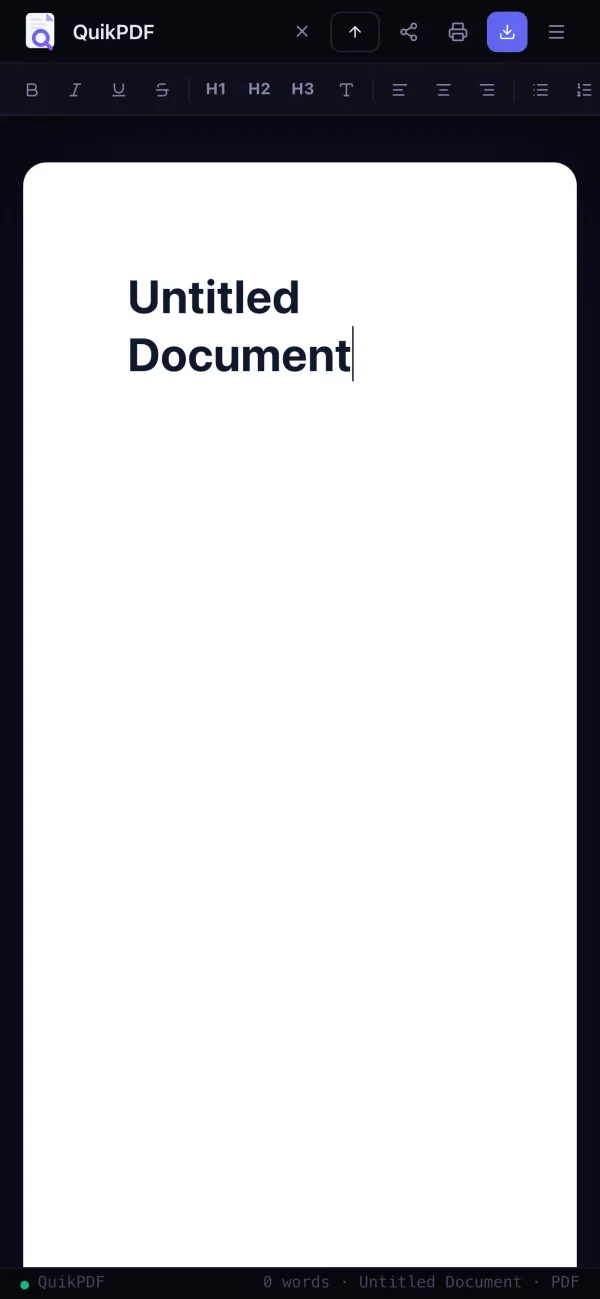
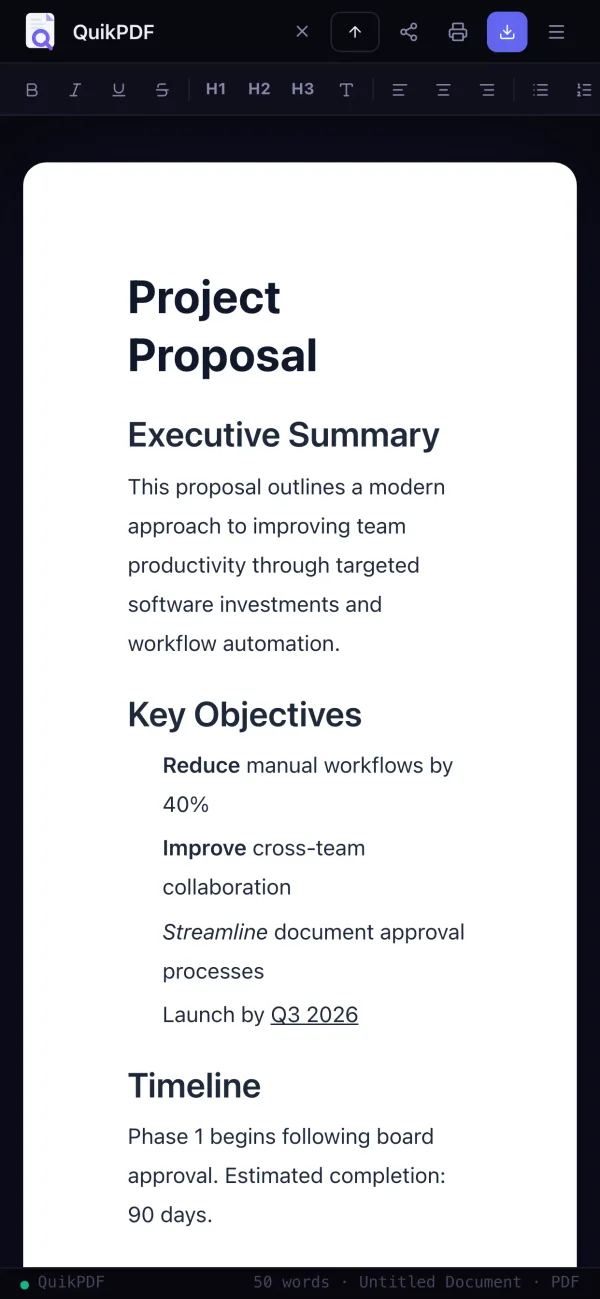
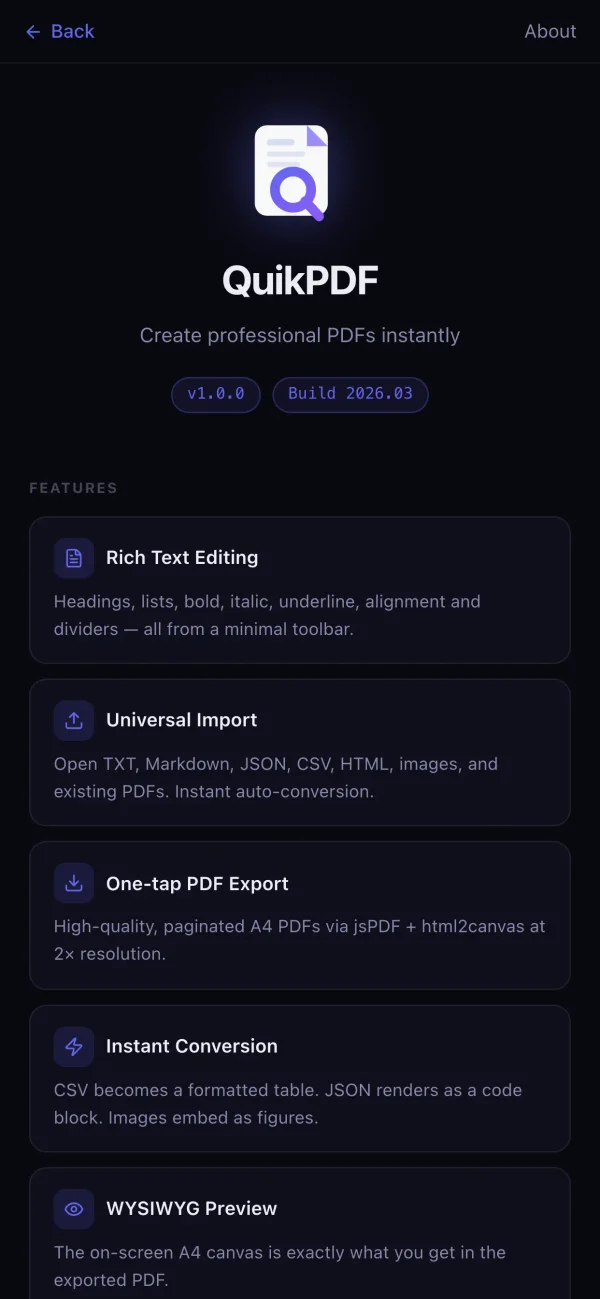
• Write rich documents with headings (H1–H3), bold, italic, underline, lists, and dividers
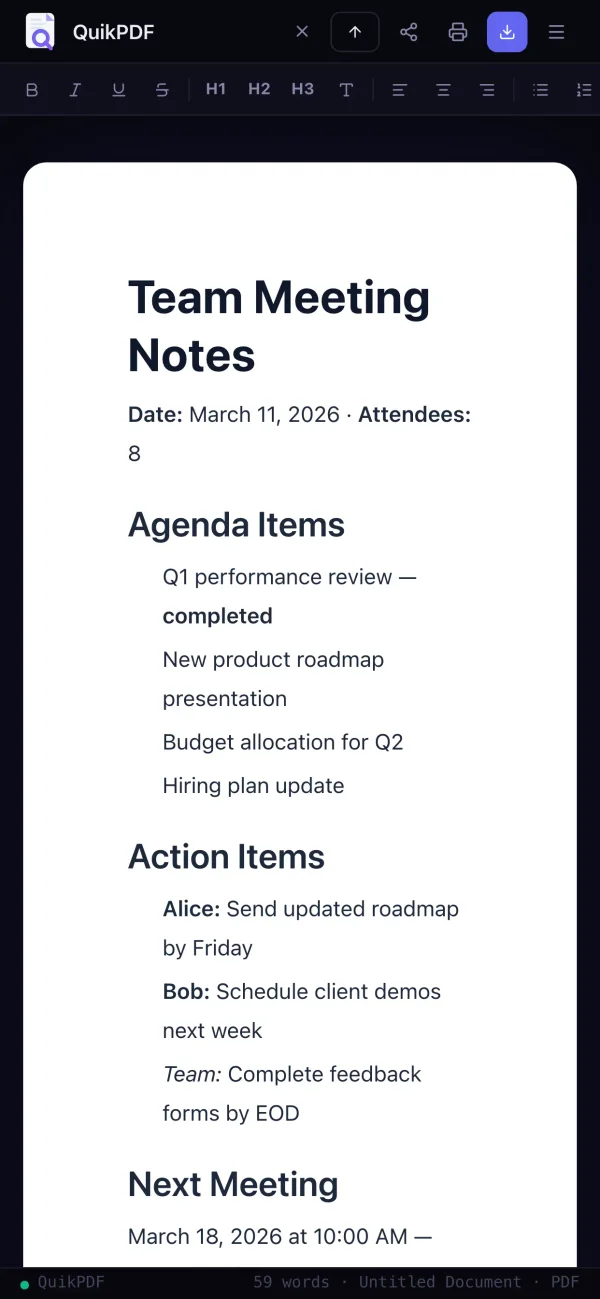
• Start from a template: invoice, formal letter, meeting notes, or a blank page
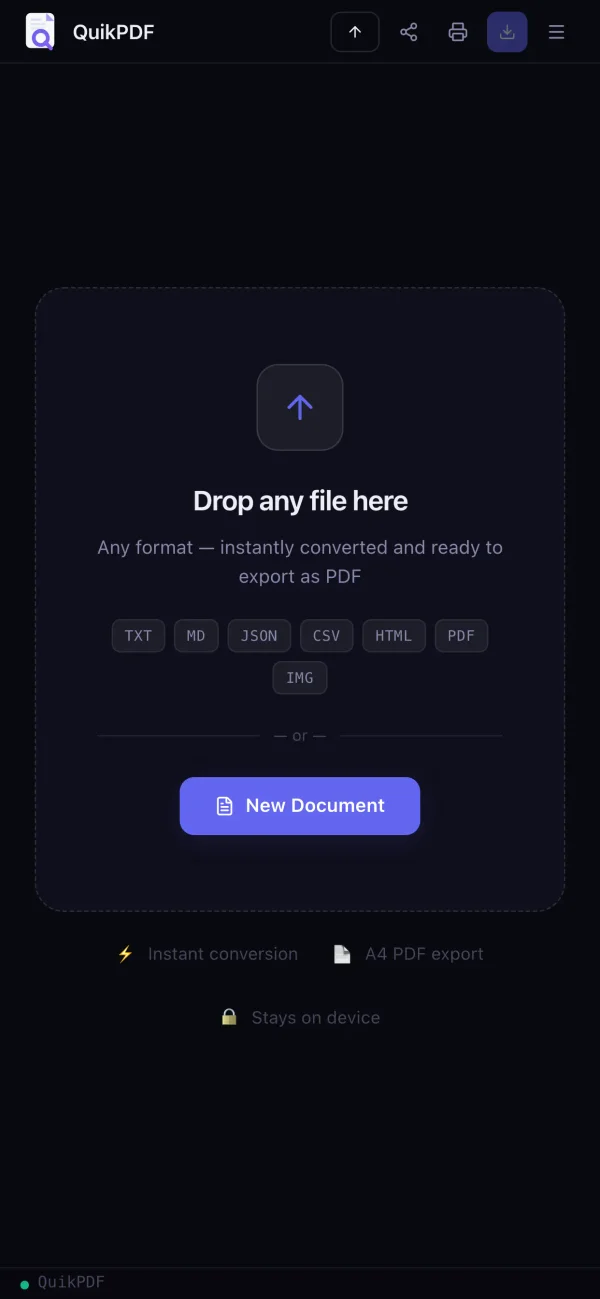
• Import text, Markdown, JSON, CSV, HTML, images, and existing PDFs — every PDF page comes in, in order
• Draw your signature once and add it to any document
• Export sharp PDFs with real, selectable text in A4, Letter, or Legal size
UNIVERSAL IMPORT
• CSV → styled table with headers
• JSON → formatted code block
• Text and Markdown → editable text
• HTML → formatted content
• Images → from your photo library, the camera, or Files
• PDF → every page added to your document, ready to type around
PROFESSIONAL PDF EXPORT
Text stays crisp and selectable, and long documents break cleanly between lines. Share your PDF to Mail, Messages, AirDrop, or any app, or save it straight to the Files app.
YOUR DOCUMENTS, ON YOUR DEVICE
Documents save automatically as you type and appear in the Files app under QuikPDF Pro. Signatures you draw stay on your device.
PRIVACY FIRST
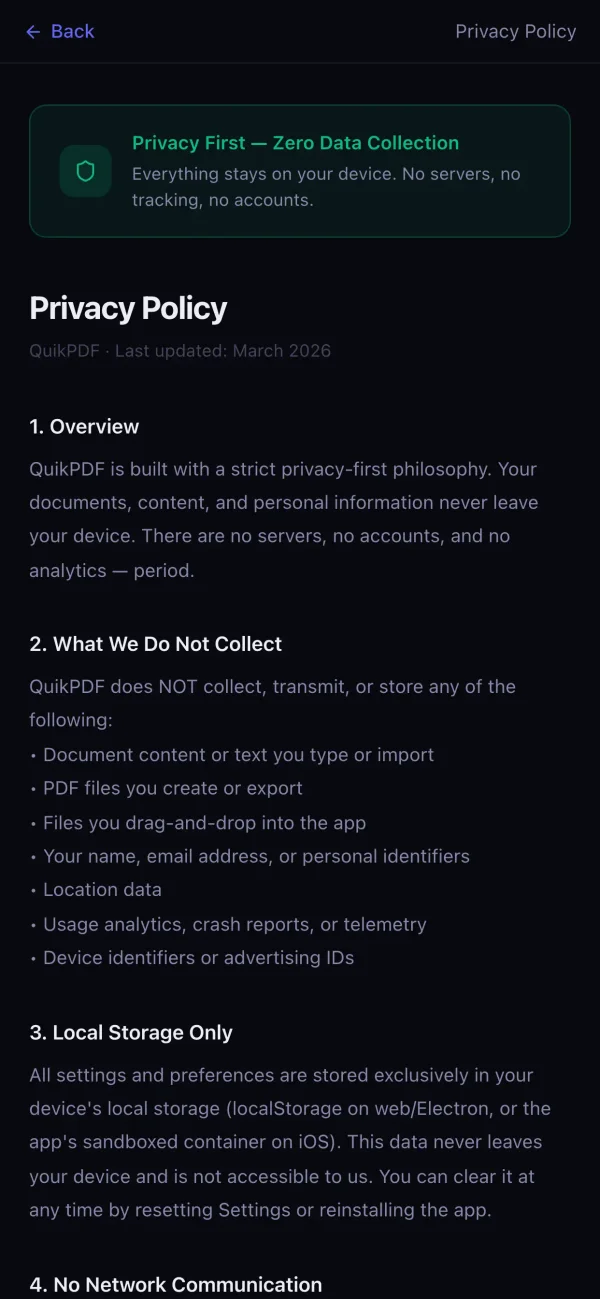
QuikPDF Pro collects zero data. No analytics, no tracking, no servers. Everything happens on your device, and no internet connection is required.
SETTINGS & CUSTOMIZATION
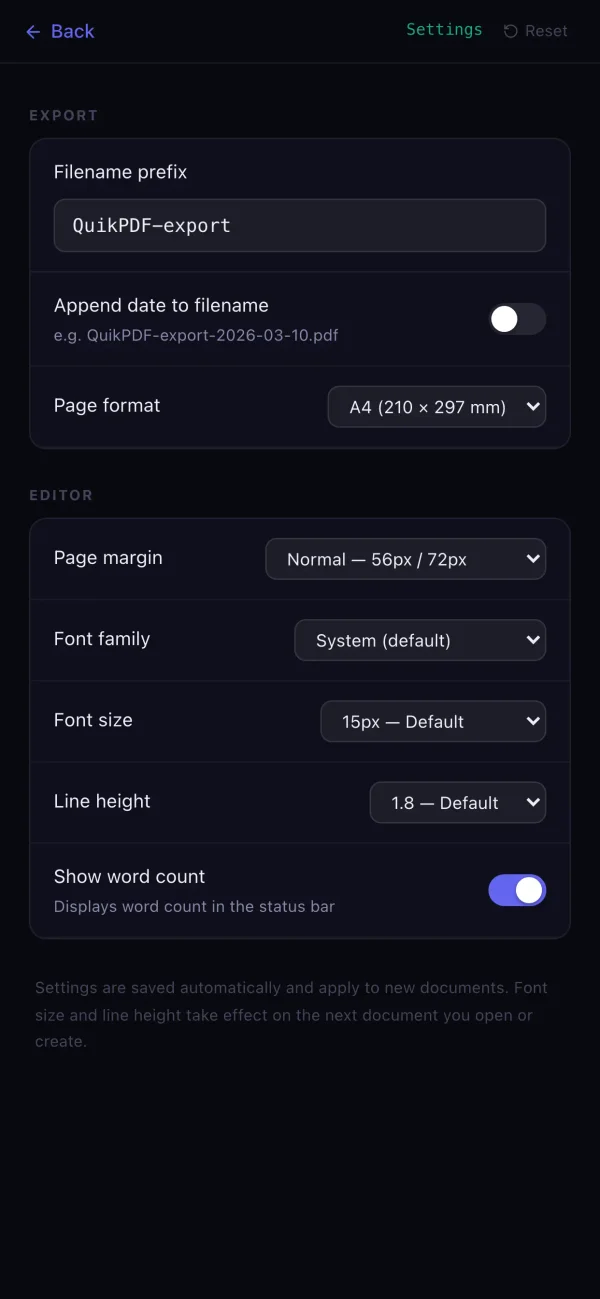
• Choose from 5 page margin presets (None to Extra Wide)
• Pick your editor font, size, and line spacing
• Set a filename prefix with an optional date stamp
QuikPDF Pro works on all iPhone and iPad screen sizes.
Neue Funktionen
Version 2.1.0 · 23.10.2026
• PDFs now keep real text, so it stays sharp, selectable and searchable
• Import every page of a PDF, not just the first
• Draw your signature once and add it to any document
• Your documents are saved as files and appear in the Files app
• Simpler Home: New Doc, Import, Signature and Templates
App-Datenschutz
Was Souriya Vongchanh im App Store zum Umgang dieser App mit Daten angibt.
-
Keine Daten erfasst
Der Entwickler erfasst keine Daten von dieser App.
Die Datenschutzpraktiken können variieren, zum Beispiel je nach den von Ihnen verwendeten Funktionen oder Ihrem Alter.
Informationen
- Anbieter
- Souriya Vongchanh
- Kategorie
- Produktivität
- Version
- 2.1.0
- Aktualisiert
- 23.10.2026
- Veröffentlicht
- 19.03.2026
- Größe
- 5,1 MB
- Erfordert
- iOS 15.0 oder neuer
- Altersfreigabe
- 4+
- Preis
- Kostenlos
- Sprachen
- Englisch
- Copyright
- © 2026 Souriya Bobby Vongchanh
Das könnte Ihnen auch gefallen
-
 SumDoc — DOCX Document EditorProduktivität
-
 Open Chat InferenceProduktivität
-
 SomenotesProduktivität
-
 Local LLM runnerProduktivität
-
 SoftExpert DocumentProduktivität
-
 MobileSafe: Malware ProtectionProduktivität
-
 PDF CabinetLesen und kommentieren
-
 PebblebeeProduktivität
-
 PDF Editor: PDF bearbeitenSignieren, Ausfüllen & Text
-
 Zoho Writer - Document EditorEasy to use word processing