- 対象年齢4+
- カテゴリ仕事効率化
- 開発元Souriya Vongchanh
- 言語英語
- サイズ5.1 MB
App Storeの公式ページにリンクしています
Download.orgはQuikPDF Proのファイルを一切ホストしていません。ボタンを押すと、Souriya Vongchanhが公開しているApp Storeのアプリページが開きます。ページの最終確認:2026/11/16。
スクリーンショット


概要
開発元はこのテキストをお使いの言語で提供していません。
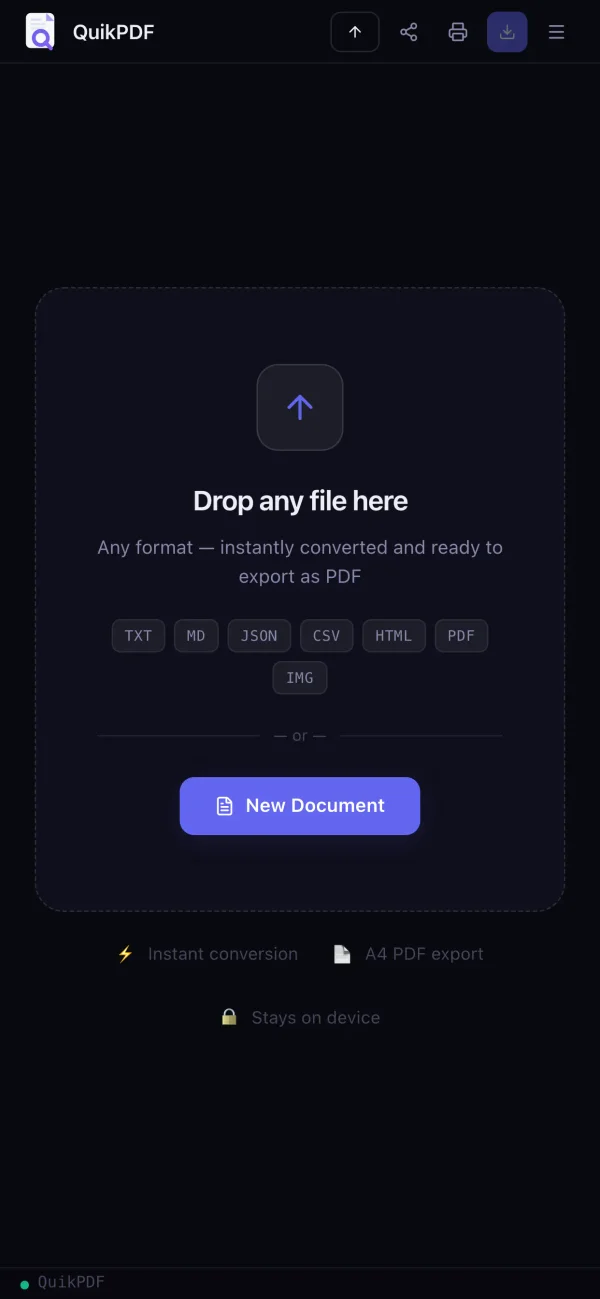
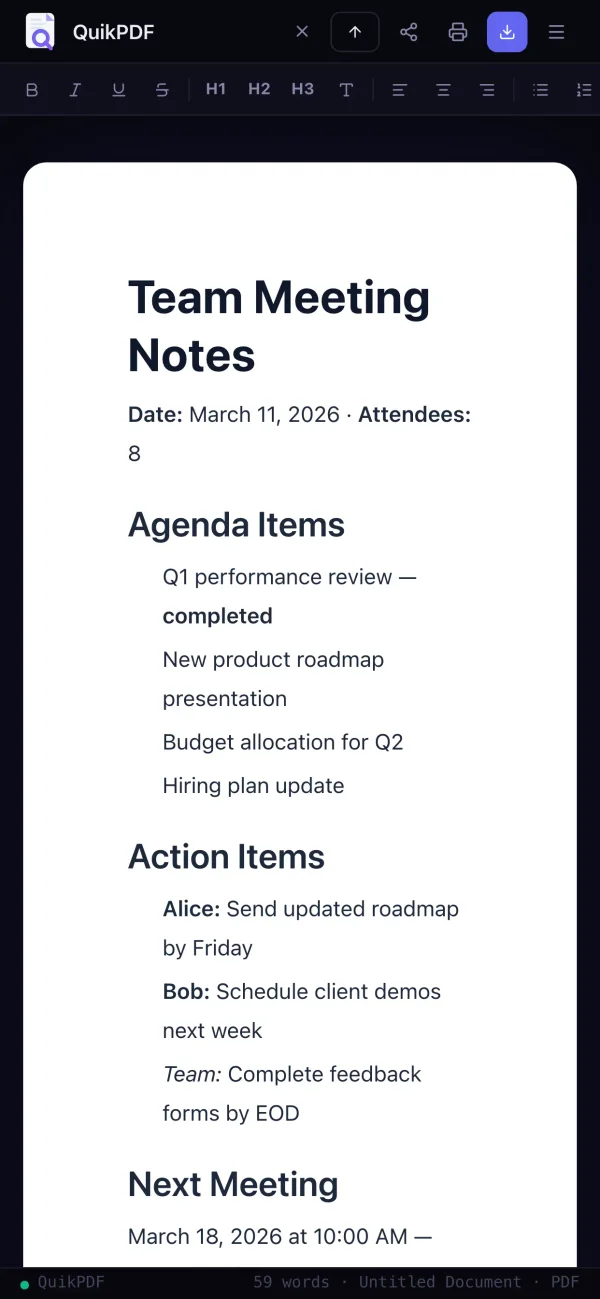
QuikPDF Pro is the fastest way to create, format, and export professional PDF documents on your iPhone or iPad — no account, no cloud, no subscription required.
WHAT YOU CAN DO
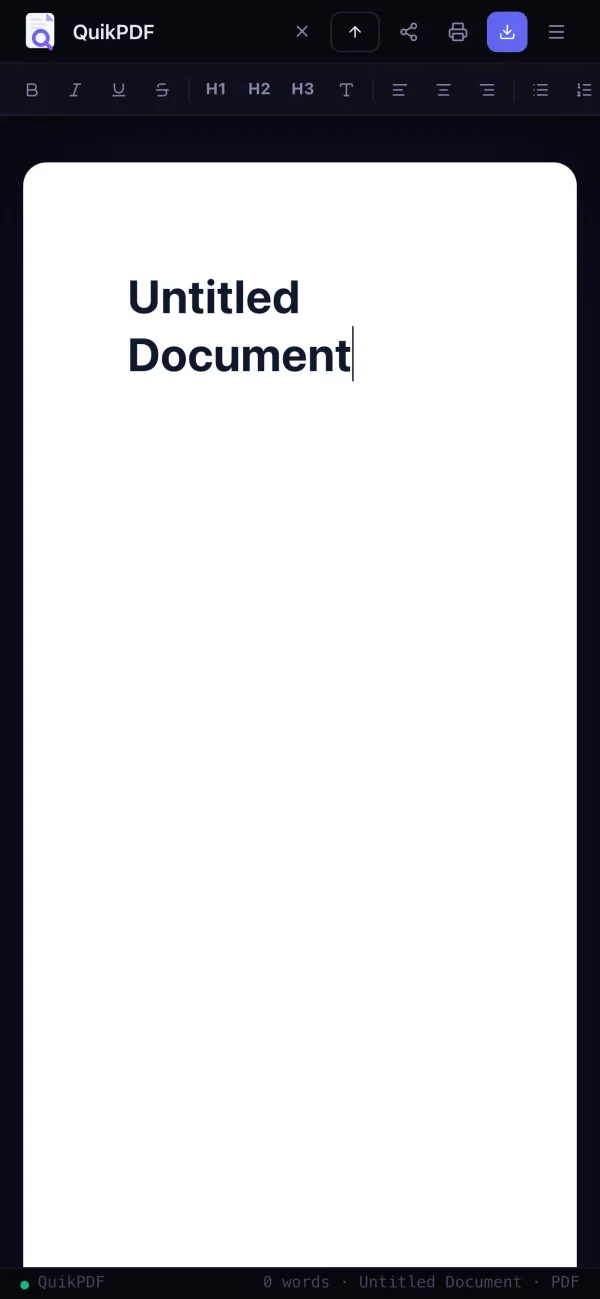
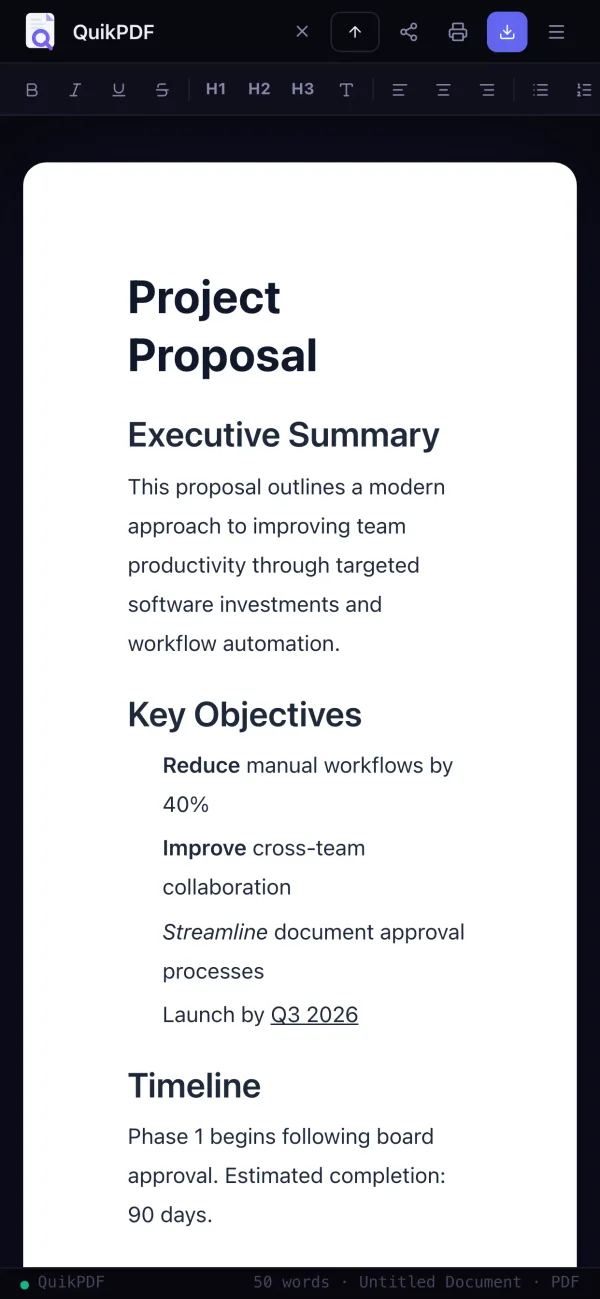
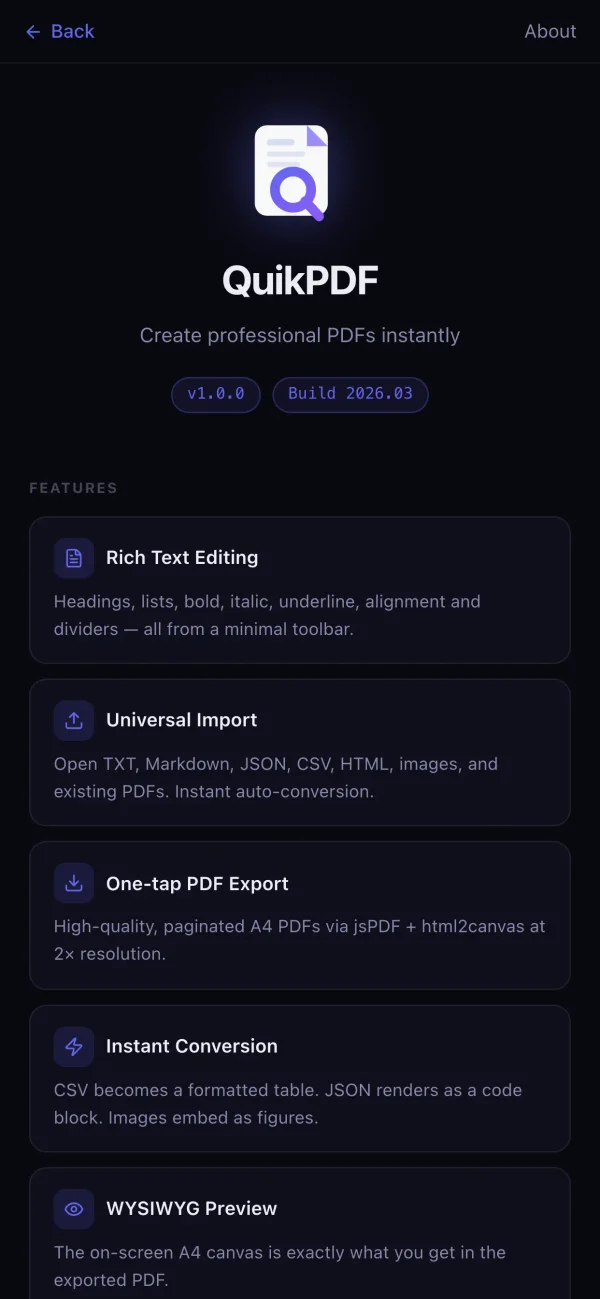
• Write rich documents with headings (H1–H3), bold, italic, underline, lists, and dividers
• Start from a template: invoice, formal letter, meeting notes, or a blank page
• Import text, Markdown, JSON, CSV, HTML, images, and existing PDFs — every PDF page comes in, in order
• Draw your signature once and add it to any document
• Export sharp PDFs with real, selectable text in A4, Letter, or Legal size
UNIVERSAL IMPORT
• CSV → styled table with headers
• JSON → formatted code block
• Text and Markdown → editable text
• HTML → formatted content
• Images → from your photo library, the camera, or Files
• PDF → every page added to your document, ready to type around
PROFESSIONAL PDF EXPORT
Text stays crisp and selectable, and long documents break cleanly between lines. Share your PDF to Mail, Messages, AirDrop, or any app, or save it straight to the Files app.
YOUR DOCUMENTS, ON YOUR DEVICE
Documents save automatically as you type and appear in the Files app under QuikPDF Pro. Signatures you draw stay on your device.
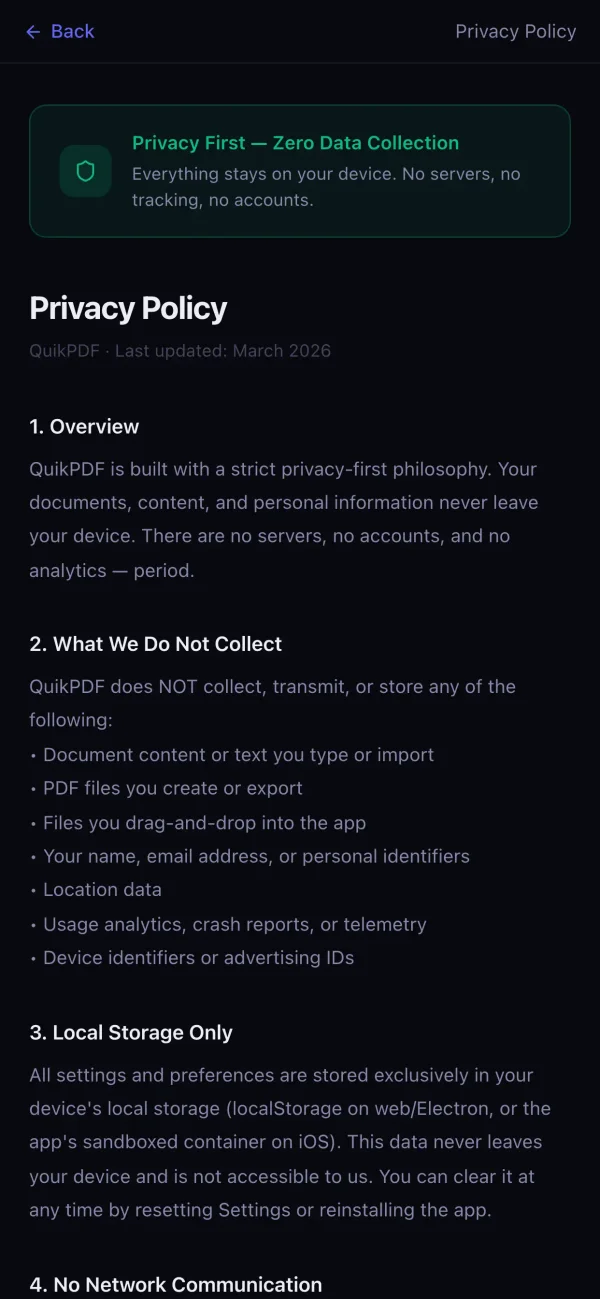
PRIVACY FIRST
QuikPDF Pro collects zero data. No analytics, no tracking, no servers. Everything happens on your device, and no internet connection is required.
SETTINGS & CUSTOMIZATION
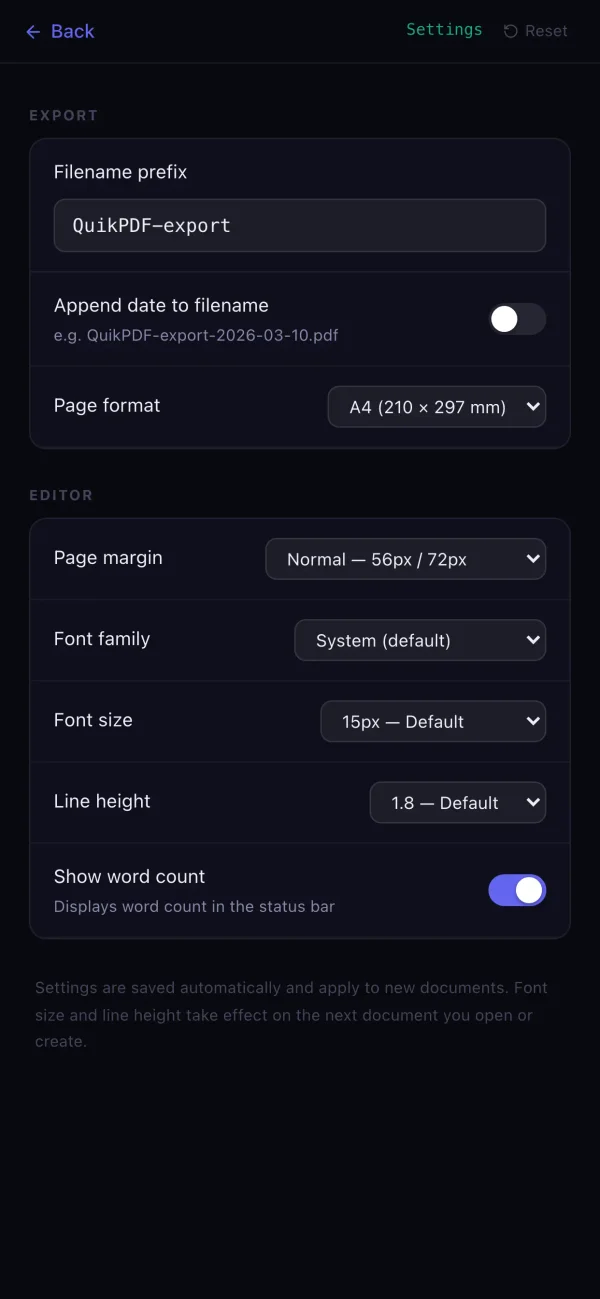
• Choose from 5 page margin presets (None to Extra Wide)
• Pick your editor font, size, and line spacing
• Set a filename prefix with an optional date stamp
QuikPDF Pro works on all iPhone and iPad screen sizes.
新機能
バージョン 2.1.0 · 2026/10/23
• PDFs now keep real text, so it stays sharp, selectable and searchable
• Import every page of a PDF, not just the first
• Draw your signature once and add it to any document
• Your documents are saved as files and appear in the Files app
• Simpler Home: New Doc, Import, Signature and Templates
アプリのプライバシー
このアプリのデータの取り扱いについて、Souriya VongchanhがApp Storeで申告している内容です。
-
データの収集なし
開発元はこのアプリからデータを収集しません。
プライバシーの取り扱いは、ご利用の機能やお客様の年齢などに応じて異なる場合があります。
情報
- 販売元
- Souriya Vongchanh
- カテゴリ
- 仕事効率化
- バージョン
- 2.1.0
- 更新日
- 2026/10/23
- リリース
- 2026/3/19
- サイズ
- 5.1 MB
- 必要条件
- iOS 15.0以降
- 対象年齢
- 4+
- 価格
- 無料
- 言語
- 英語
- 著作権
- © 2026 Souriya Bobby Vongchanh