
QuikPDF Pro
Create & Export PDFs Instantly
Dirancang untuk iPhone, iPad, iPod touch
Gratis
- Batasan usia4+
- KategoriProduktivitas
- PengembangSouriya Vongchanh
- BahasaInggris
- Ukuran5,1 MB
Tertaut ke halaman resmi App Store
Download.org tidak menyimpan file QuikPDF Pro apa pun. Tombol ini membuka halaman aplikasi di App Store, tempat Souriya Vongchanh menerbitkannya. Halaman terakhir diperiksa pada 16/11/2026.
Tangkapan layar


Tentang
Pengembang belum menyediakan teks ini dalam bahasa Anda.
QuikPDF Pro is the fastest way to create, format, and export professional PDF documents on your iPhone or iPad — no account, no cloud, no subscription required.
WHAT YOU CAN DO
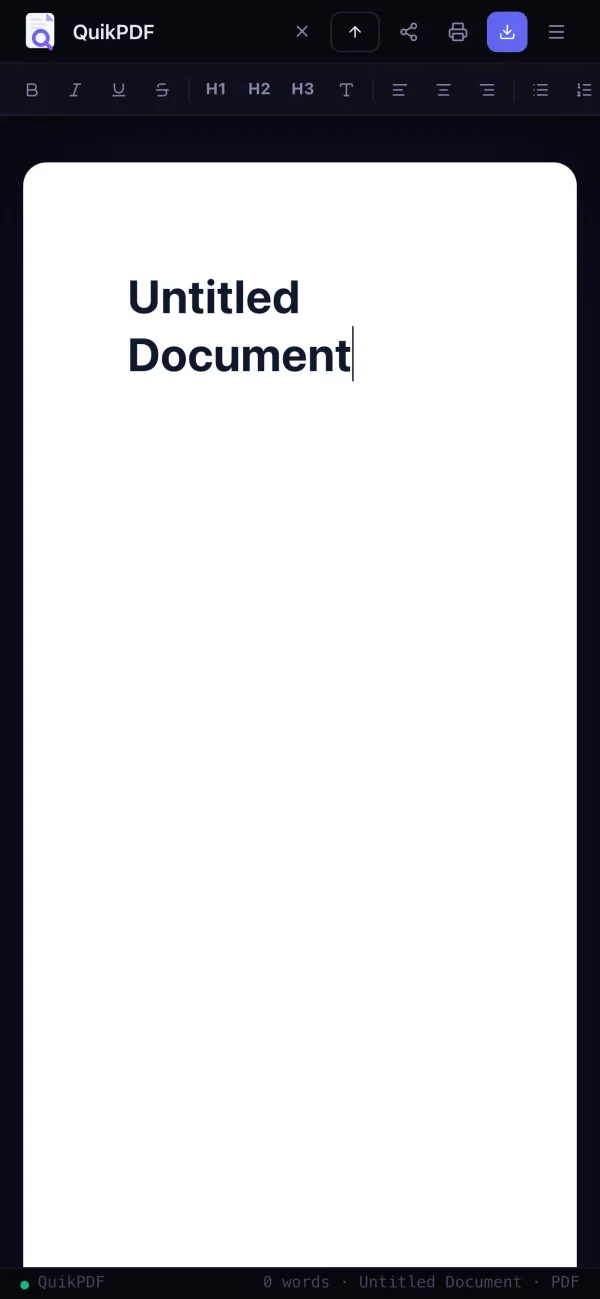
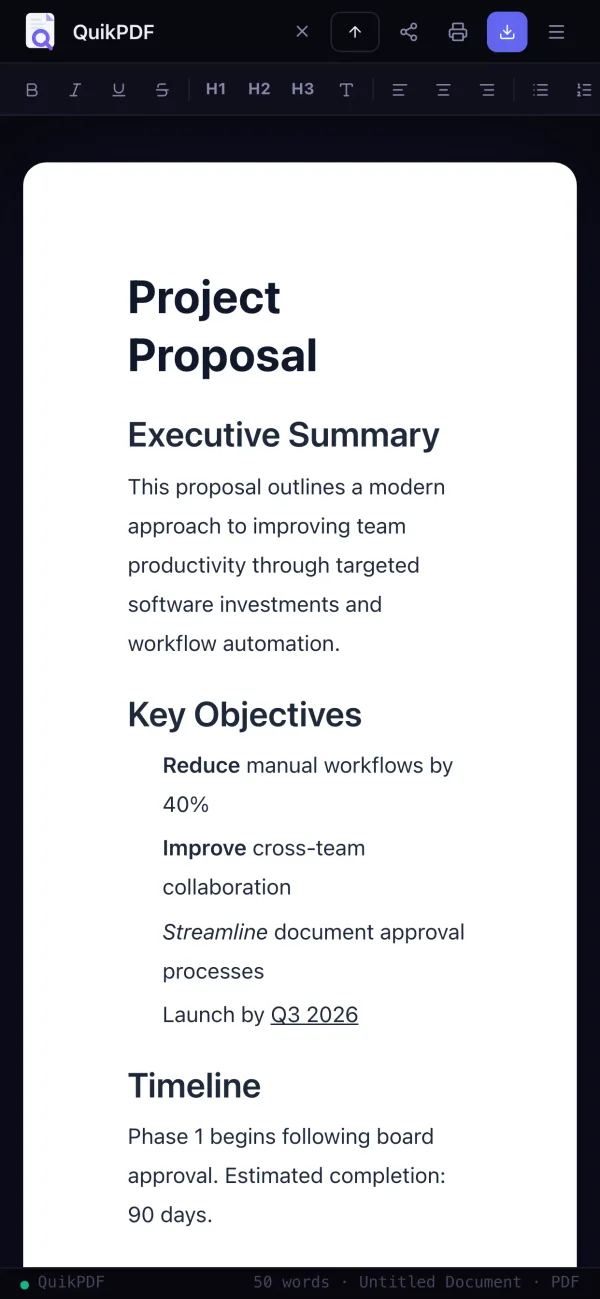
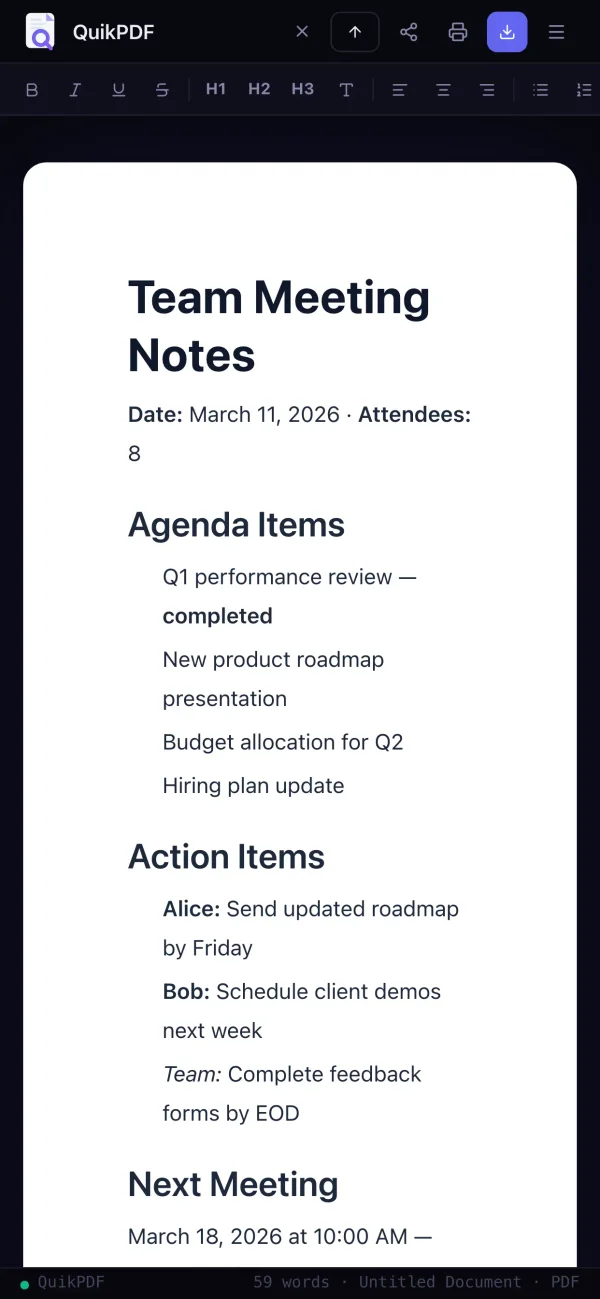
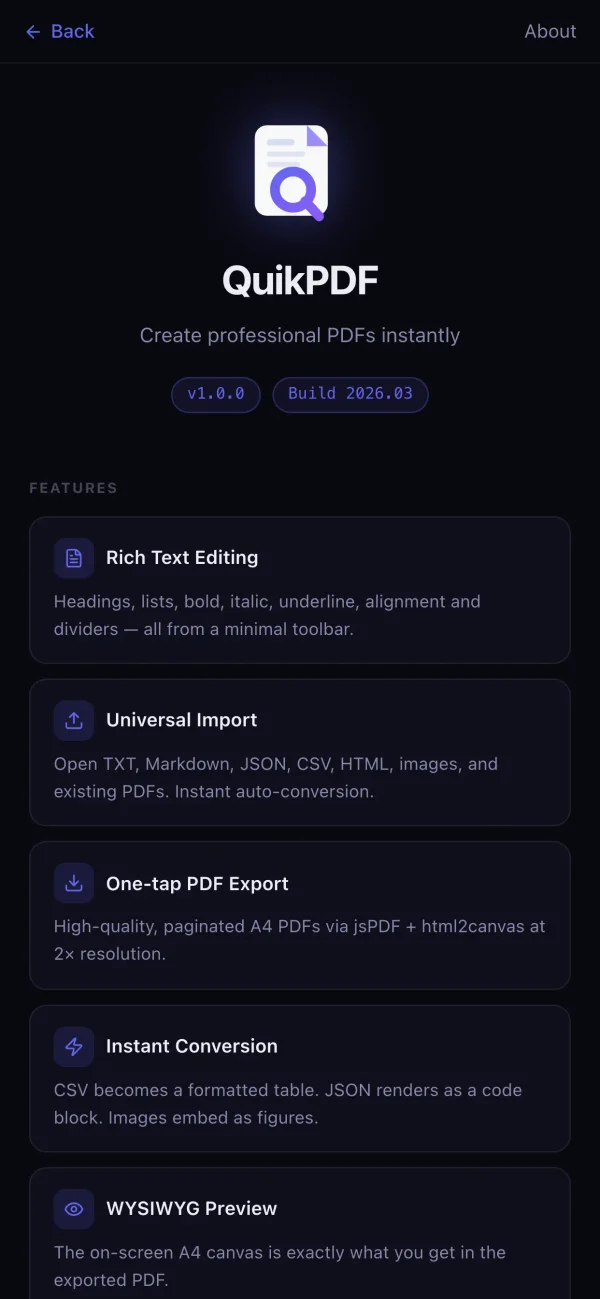
• Write rich documents with headings (H1–H3), bold, italic, underline, lists, and dividers
• Start from a template: invoice, formal letter, meeting notes, or a blank page
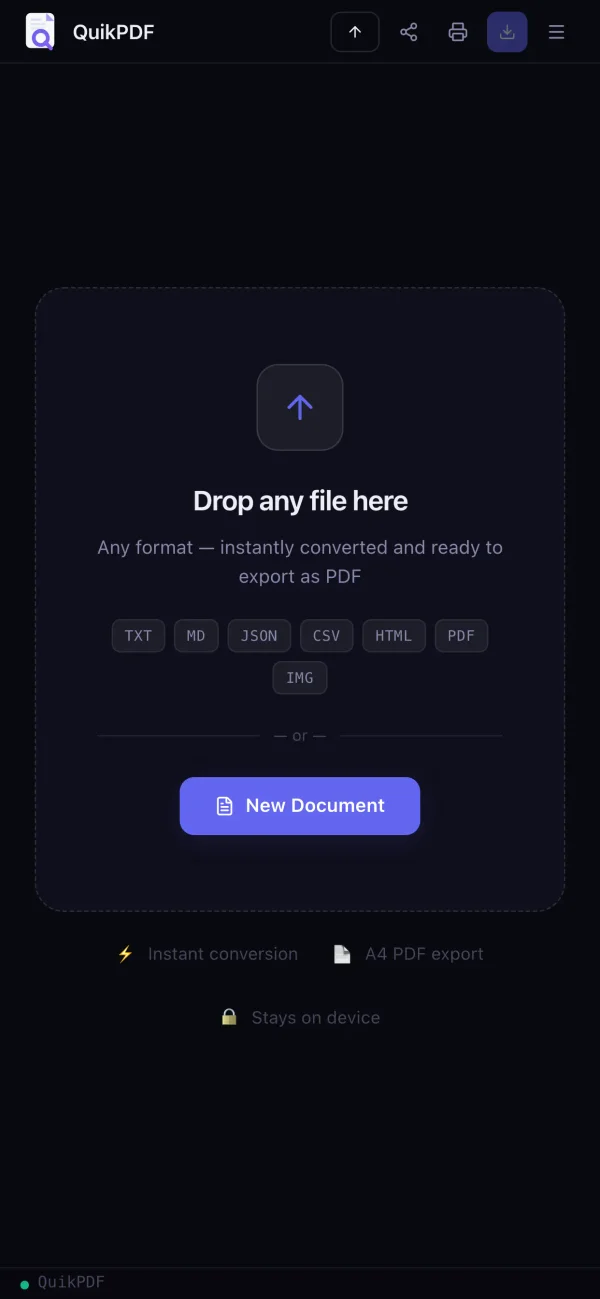
• Import text, Markdown, JSON, CSV, HTML, images, and existing PDFs — every PDF page comes in, in order
• Draw your signature once and add it to any document
• Export sharp PDFs with real, selectable text in A4, Letter, or Legal size
UNIVERSAL IMPORT
• CSV → styled table with headers
• JSON → formatted code block
• Text and Markdown → editable text
• HTML → formatted content
• Images → from your photo library, the camera, or Files
• PDF → every page added to your document, ready to type around
PROFESSIONAL PDF EXPORT
Text stays crisp and selectable, and long documents break cleanly between lines. Share your PDF to Mail, Messages, AirDrop, or any app, or save it straight to the Files app.
YOUR DOCUMENTS, ON YOUR DEVICE
Documents save automatically as you type and appear in the Files app under QuikPDF Pro. Signatures you draw stay on your device.
PRIVACY FIRST
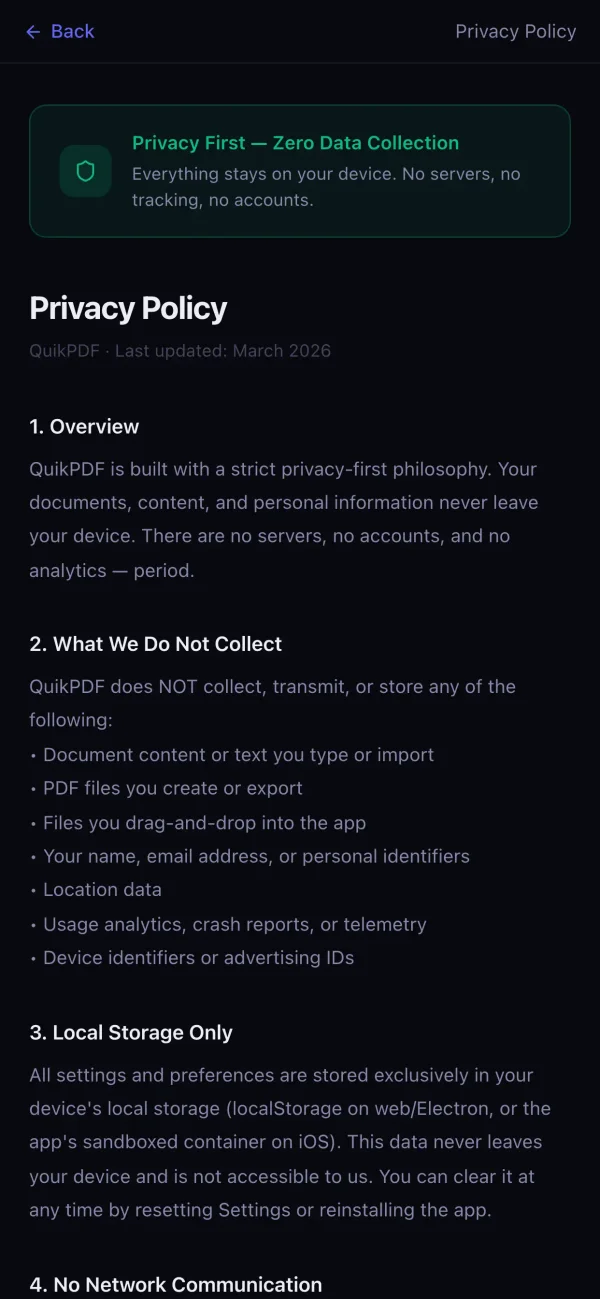
QuikPDF Pro collects zero data. No analytics, no tracking, no servers. Everything happens on your device, and no internet connection is required.
SETTINGS & CUSTOMIZATION
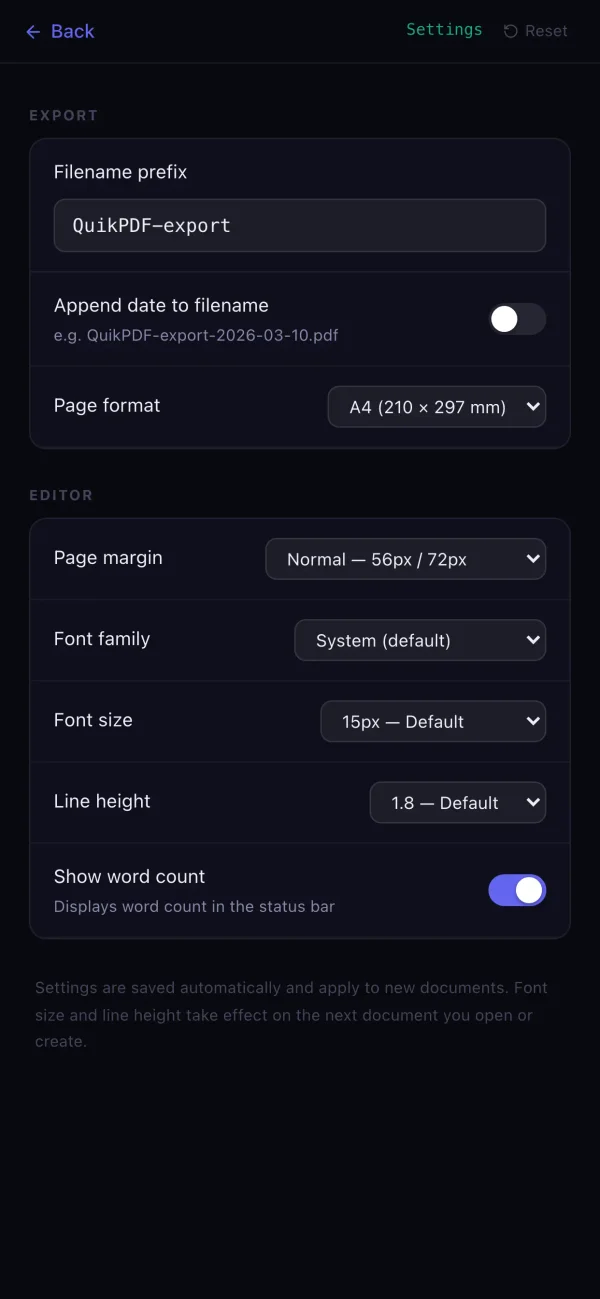
• Choose from 5 page margin presets (None to Extra Wide)
• Pick your editor font, size, and line spacing
• Set a filename prefix with an optional date stamp
QuikPDF Pro works on all iPhone and iPad screen sizes.
Yang baru
Versi 2.1.0 · 23/10/2026
• PDFs now keep real text, so it stays sharp, selectable and searchable
• Import every page of a PDF, not just the first
• Draw your signature once and add it to any document
• Your documents are saved as files and appear in the Files app
• Simpler Home: New Doc, Import, Signature and Templates
Privasi aplikasi
Yang dinyatakan Souriya Vongchanh di App Store tentang cara aplikasi ini menangani data.
-
Data tidak dikumpulkan
Pengembang tidak mengumpulkan data apa pun dari aplikasi ini.
Praktik privasi dapat bervariasi, misalnya berdasarkan fitur yang Anda gunakan atau usia Anda.
Informasi
- Penjual
- Souriya Vongchanh
- Kategori
- Produktivitas
- Versi
- 2.1.0
- Diperbarui
- 23/10/2026
- Dirilis
- 19/3/2026
- Ukuran
- 5,1 MB
- Memerlukan
- iOS 15.0 atau yang lebih baru
- Batasan usia
- 4+
- Harga
- Gratis
- Bahasa
- Inggris
- Hak cipta
- © 2026 Souriya Bobby Vongchanh
Mungkin Anda juga suka
-
 SumDoc — DOCX Document EditorProduktivitas
-
 Open Chat InferenceProduktivitas
-
 SomenotesProduktivitas
-
 Local LLM runnerProduktivitas
-
 SoftExpert DocumentProduktivitas
-
 MobileSafe: Malware ProtectionProduktivitas
-
 PDF CabinetProduktivitas
-
 PebblebeeProduktivitas
-
 PDF Editor - Edit PDF & SignProduktivitas
-
 Zoho Writer - Document EditorProduktivitas